
求职资料准备与投递跟进
整理简历与申请附件,并跟踪职位信息和投递进展。收录JobOps、PDF4QT、Stirling PDF等站内已有工具,按实际用途选择适合自己的应用。

WPS Office 国内 Windows 版官方入口指南,分别核对 32 位、64 位和 ARM 版本,介绍安装、文档副本检查、更新记录及常见问题。 / WPS Office Chinese Windows download and setup guide.
Aliases: WPS Office 国内 Windows 版、WPS Office China Windows、WPS 电脑版、金山办公 WPS
Author: RJ.tools Editorial
AI-assisted content
Learn about the software and its sources
Use is subject to the applicable official agreement. A specific license identifier and complete feature rights were not established by the reviewed download listing.
WPS Office 国内 Windows 版官方入口指南,分别核对 32 位、64 位和 ARM 版本,介绍安装、文档副本检查、更新记录及常见问题。 / WPS Office Chinese Windows download and setup guide.
WPS 下载与安装指南:国内 Windows 版官方入口、32 位、64 位与 ARM 选择,核对当前版本及常见问题。 WPS download guide: Chinese Windows edition, architecture choice, setup, version listings and FAQ.
WPS Office 国内 Windows 版由金山办公提供,本文整理 WPS 下载的官方入口、架构选择及安装步骤,帮助你区分 32 位、64 位和 ARM 安装项。通过版本记录、安装排查与常见问题,了解如何核对官方页面列出的版本、保留文档副本,并在使用前确认订阅及增值服务的具体范围,避免将旧榜单版本当作最新版。
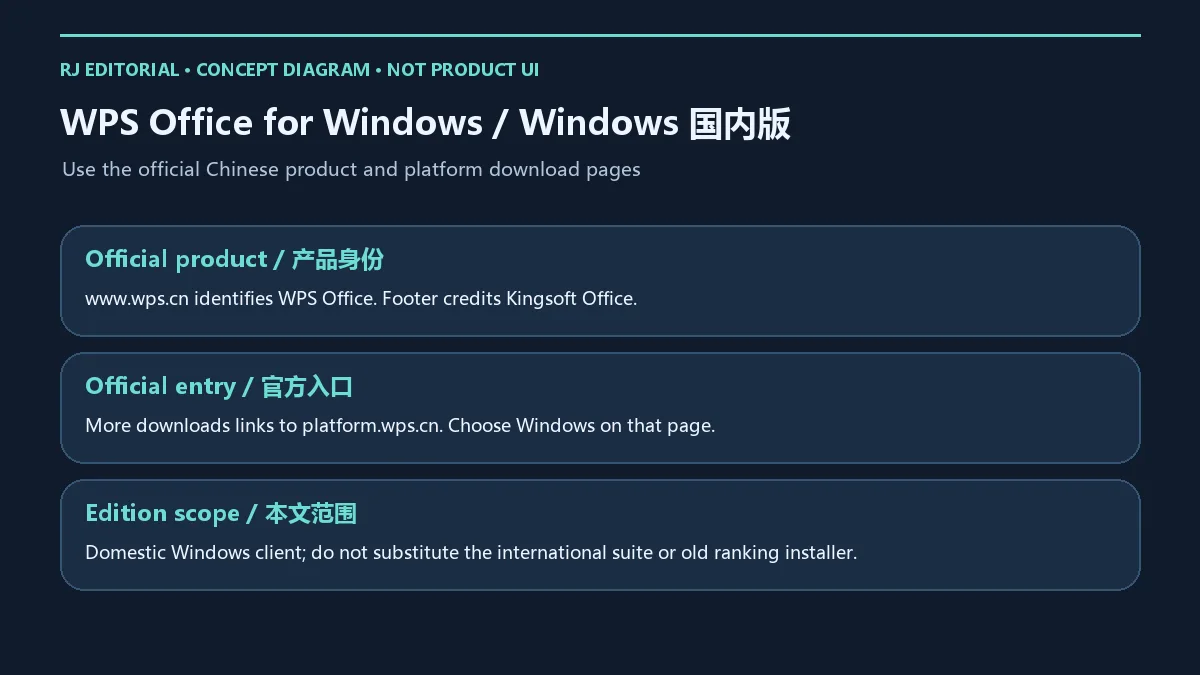
本文对应中国官网的 WPS Office Windows 客户端。2026 年 10 月 18 日核验时,WPS 官网标识产品为 WPS Office,页脚标注 Kingsoft Office;其“更多下载”链接进入 官方平台下载页。官网介绍 Word、Excel、PPT 文档的在线协作编辑,平台页还展示智能文档、表格、表单,以及多设备云同步与协同。对需要在电脑上继续处理文档的用户,先准备常用文件副本,再核对本机编辑与协同流程更容易判断是否适合自己的工作。
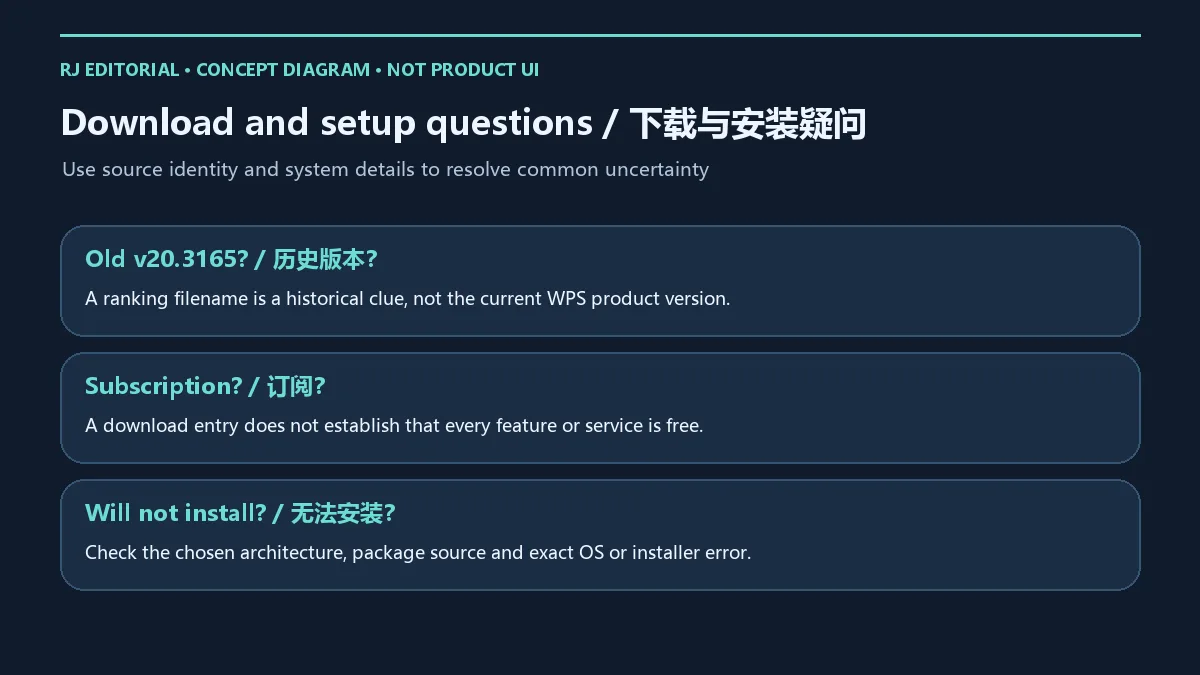
平台页展示 AI 写作、PPT、数据和阅读助手,但账户、地区、客户端支持与功能权益仍须以当前说明为准,不能由页面展示推定某项能力在所有设备上均免费可用。本站旧榜单条目名为“WPS(广告)v20.3165”,只用于定位历史候选;该字符串不能证明当前产品版本。本文不将国际版与国内版混用,组织设备还应遵循已有部署安排。
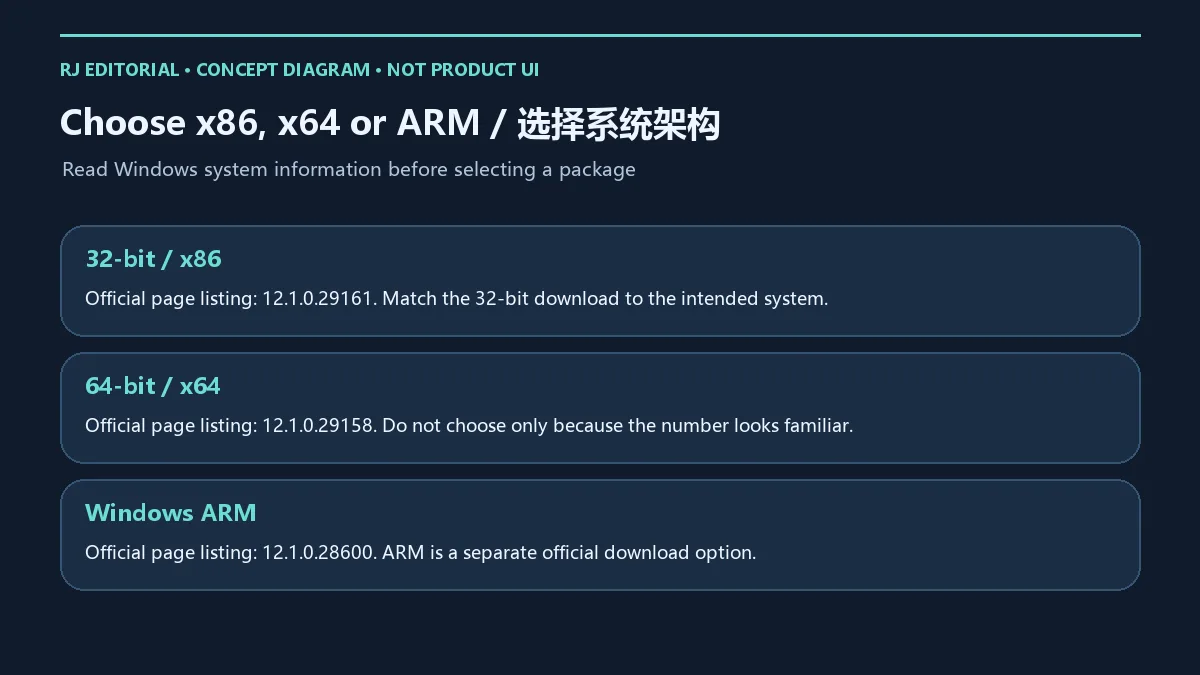
先打开 Windows 设置中的系统信息,查看操作系统位数及处理器架构,再回到官方下载页选择对应项目。x86、x64 与 ARM 不是同一个安装项,版本号也不能代替架构判断。若不确定设备类型,可记录系统信息后向设备管理员核对,不要只按下载按钮的排列顺序选择。
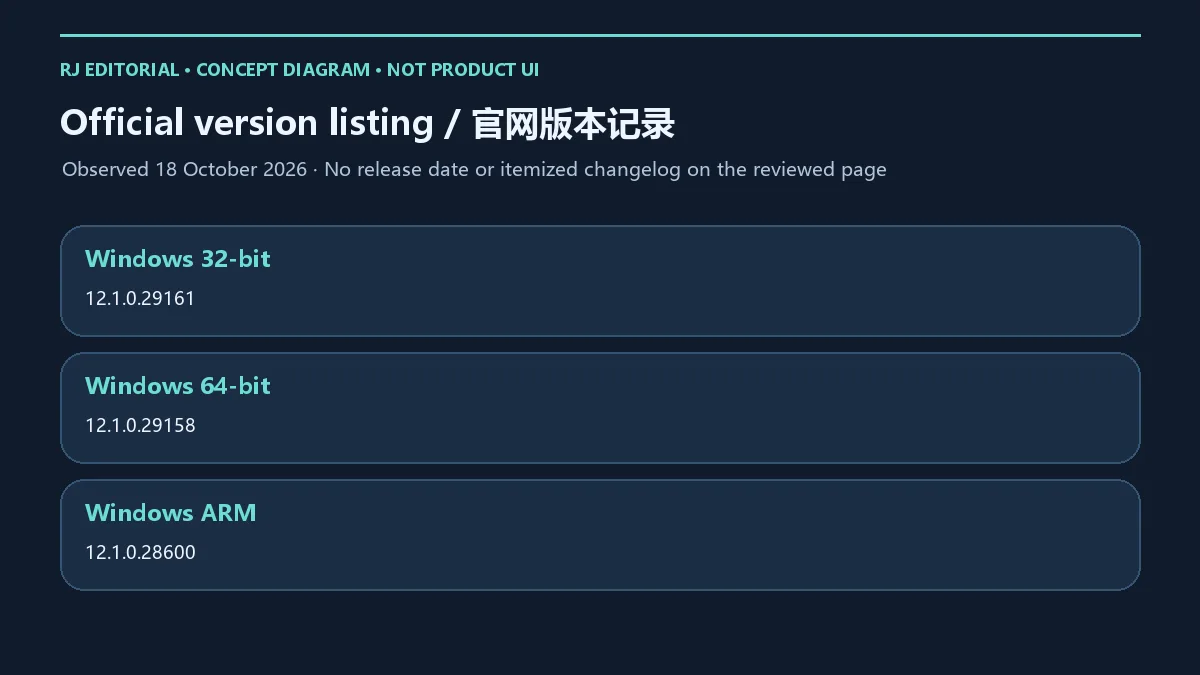
官方平台页在复核日分别列出:Windows 32 位 12.1.0.29161、Windows 64 位 12.1.0.29158、Windows ARM 12.1.0.28600。这些数值属于不同下载项,不能因为数字较大就把 32 位版称为所有 Windows 用户的最新版。已核验页面没有给出可用于本文的完整最低系统要求;安装前以当前下载页、所选安装包提示及组织要求为准。
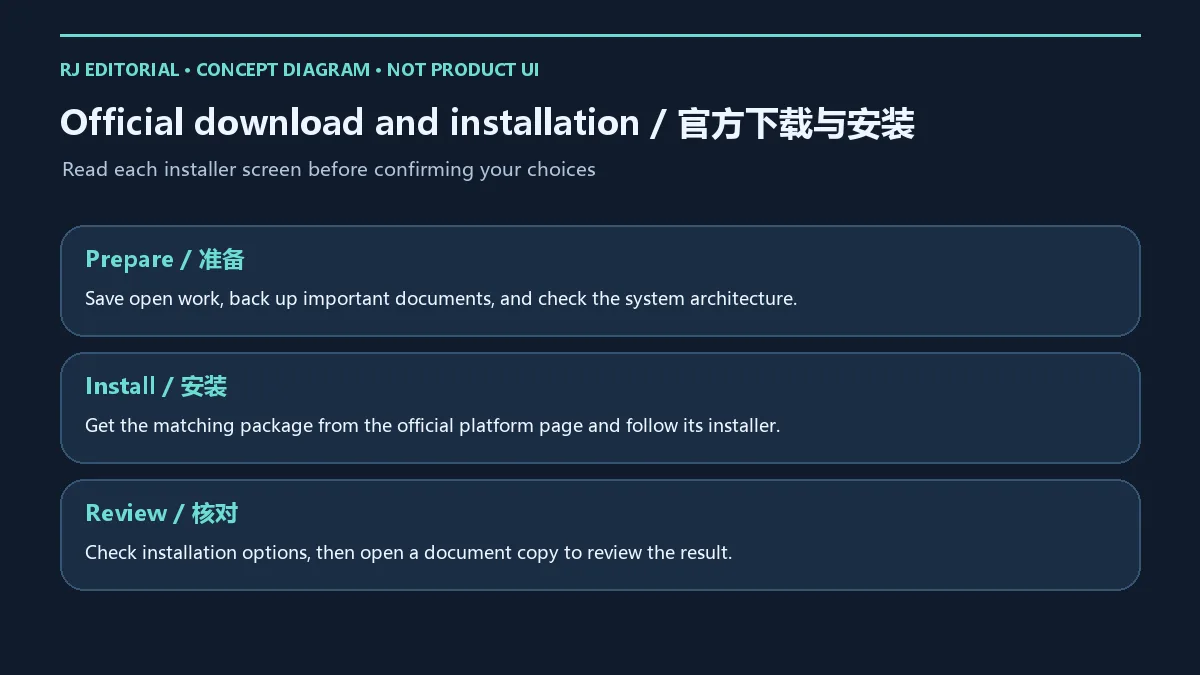
安装前保存正在编辑的工作,并给重要文档保留独立副本。官方平台页写有“全平台免费下载”,这说明客户端下载入口标为免费下载;看到下载按钮不能据此认定每项功能、云服务或 AI 能力均可免费使用。涉及会员、订阅或增值功能时,应阅读当时显示的权益及价格信息,再决定是否启用。
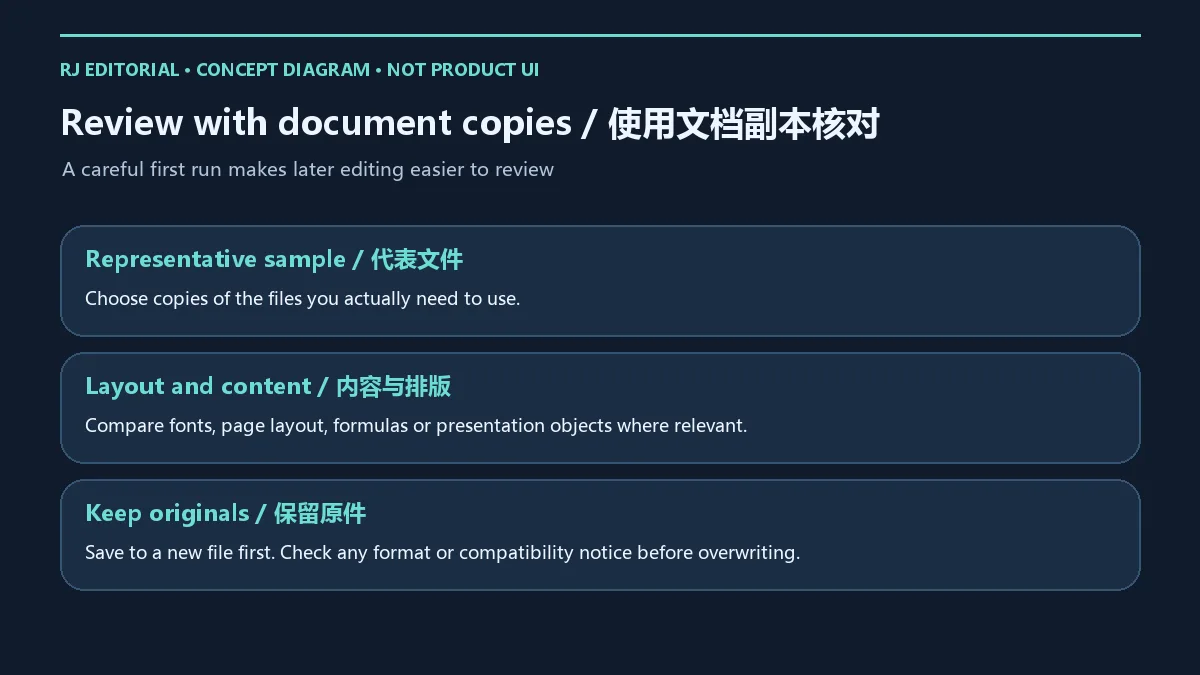
选择与你日常工作相关的文件副本作为样本,先比较内容和排版,再另存为新文件。检查项目可包括字体替换、页边距、分页、表格公式或演示对象,具体取决于文件类型;这些是使用前的核对建议,不代表所有格式、插件或复杂文档均已保证兼容。遇到格式转换提示时,先保留原文件,再决定输出格式。
无法安装时,先记录准确错误信息,检查所选安装项与系统架构是否一致,以及文件是否来自当前官方页面。无法打开某份文件时,先区分是程序无法启动,还是单个文件打不开;在备份副本上排查文件损坏、访问权限或关联程序设置。不要为了尝试安装而关闭设备保护,或从来历不明的站点替换程序文件。组织设备上的权限问题应由管理员按既有流程处理。
2026 年 10 月 18 日官方平台页显示 Windows 32 位 12.1.0.29161、Windows 64 位 12.1.0.29158、Windows ARM 12.1.0.28600。这里记录的是网页在复核日列出的下载项版本,不将复核日期写成发布日期,也不把某一架构的数值套用到其他安装包。
该官方页面没有公开可据以撰写本文的发布日期或逐项更新日志,因此本页不编造“修复了什么”或“新增了什么”。需要了解后续版本时,重新打开官方平台页核对对应架构;若安装程序或官方通知展示更多更新说明,按其适用版本阅读。旧候选 v20.3165 不用于当前版本记录。升级前保存工作并保留文档副本,升级后再核对常用文件和必要的工作流程。
WPS 下载用哪个官网? 国内版可从 www.wps.cn 的“更多下载”进入 platform.wps.cn,按 Windows 架构选择;本页提供的入口是官方落地页,不是安装包直链。
旧榜单 v20.3165 就是当前最新版吗? 不能这样判断。它是历史候选名称中的字符串;当前版本须按官方平台页的 32 位、64 位或 ARM 项分别核对。
为什么三种 Windows 版本号不同? 官网分别列出不同架构的安装项。选择依据应是设备架构,而不是把不同安装项的数值大小直接比较。
下载安装后所有功能都免费吗? 下载入口本身不能证明完整授权范围;涉及会员、订阅或增值能力时,以当前官方权益说明和应用内提示为准。
WPS 安全吗? 本文核对了官方页面和下载导航关系;本站未下载、运行或扫描安装包,不能据此给出无风险保证。获取文件后遵循设备安全策略。
通过 WPS 下载入口选择正确架构,安装后先核对文档副本,并在升级时重新查看官方版本记录,可让日常办公的准备步骤更清楚。
WPS download guide for the Chinese Windows edition: choose x86, x64 or ARM, follow installation steps, review listed versions, and check document copies.
This guide covers the WPS Office Windows client on the Chinese official site. On 18 October 2026, www.wps.cn identified WPS Office and credited Kingsoft Office in its footer. Its “more downloads” link led to the official platform download page. The site describes online collaborative editing of Word, Excel and PPT documents. The platform page also presents smart documents, spreadsheets, forms, and multi-device cloud synchronization and collaboration. Use copies of typical working files to review the local and collaborative workflows you need.
The platform page presents AI writing, PPT, data and reading assistants. Account, region, client support and feature rights remain subject to current information; a feature shown on the website is not necessarily free on every device. The historical candidate name WPS advertising v20.3165 identifies an old ranking record, not the current product build. This page covers the domestic edition; managed work or school devices should follow their existing deployment arrangements.
Read the operating-system bitness and processor architecture in Windows system information before choosing a package. x86, x64 and ARM are separate options; a version number does not identify the architecture you need. If the device type is uncertain, record the system information and ask the device administrator rather than choosing by button order.
At review time the official page listed Windows 32-bit 12.1.0.29161, Windows 64-bit 12.1.0.29158 and Windows ARM 12.1.0.28600. These belong to different download options. A larger number does not make the 32-bit package the latest choice for every Windows user. The reviewed evidence did not establish complete minimum system requirements, so read current download information, the selected installer prompts and any organizational requirements.
Save open work and keep independent copies of important documents before installation. The official platform page labels client downloads free across platforms. This does not establish that every feature, cloud service or AI capability is free. Review the current rights, prices and prompts for membership, subscriptions or additional services before deciding to use them.
Use copies of representative working files for a first review, compare content and layout, and save to a new file. Depending on the file type, useful checks include font substitution, margins, page breaks, spreadsheet formulas or presentation objects. These are practical review suggestions, not a guarantee that every format, plugin or complex document is compatible. Keep the original before responding to a format-conversion notice.
For an installation error, record its exact wording, compare the package architecture with the system, and confirm that the file came from the current official page. For an opening problem, distinguish a failure to launch the application from a failure affecting only one file. Investigate file damage, access permissions or file associations using a backup copy. Keep device protections in place and avoid replacing application files from unknown sites; managed-device permission issues should follow the administrator process.
On 18 October 2026, the official platform page listed Windows 32-bit 12.1.0.29161, Windows 64-bit 12.1.0.29158 and Windows ARM 12.1.0.28600. These are observed page listings, not publication dates. Do not apply the number for one architecture to another installer.
The reviewed official page did not provide release dates or an itemized changelog. This guide therefore records the available version information without inventing fixes or features. Revisit the platform page for later listings, and read any additional official notice or installer update information for its applicable version. Historical v20.3165 is not used as a current build. Save work and keep document copies before an upgrade, then review common files and required workflows afterward.
Which official site should I use? For the domestic edition, follow “more downloads” from www.wps.cn to platform.wps.cn and choose the relevant Windows architecture. These are landing pages rather than direct installer links.
Is historical v20.3165 the current version? The old candidate name cannot establish that. Check the current 32-bit, 64-bit or ARM entry on the official platform page.
Why are the three Windows version numbers different? The page lists distinct architecture downloads. Select by device architecture rather than comparing the numbers across packages.
Does downloading provide every feature free? A download entry is insufficient to establish complete licensing rights. Read current official membership or subscription details and application prompts for additional capabilities.
Is the download safe? The official pages and navigation were reviewed. No installer was downloaded, run or scanned here, so no risk-free claim follows. Apply the security policy for your device after obtaining a file.
Use the official WPS download entry, match the architecture, review document copies after setup and recheck the corresponding version listing when upgrading.
Information verified: Oct 18, 2026
First published: Oct 18, 2026· Editorial revision: Oct 18, 2026
从 www.wps.cn 的“更多下载”进入 platform.wps.cn,并核对架构。 / Follow more downloads on www.wps.cn to platform.wps.cn and match the architecture.
2026-10-18:32 位 12.1.0.29161;64 位 12.1.0.29158;ARM 12.1.0.28600。页面未给出发布日期或详细日志。 / These are observed official listings, not release dates.
下载入口不能证明完整授权;会员、订阅或增值服务以当前官方权益说明为准。 / A download entry does not establish full rights. Check current official terms for membership, subscriptions and additional services.

抖音安卓版提供短视频浏览、拍摄编辑、直播和短剧内容。本页说明官方安装入口、包名、Android 6.0+、40.8.0版本记录及安装排查。 | Douyin for Android offers short-video viewing and creation, livestreams and mini dramas. This guide covers the official install route, package, Android 6.0+, v40.8.0 and setup checks.

Android 位置与路线开发调试工具,区分 NO ROOT 和 ROOT 模式;应在授权测试环境中使用。 / Android location and route debugging tool with NO ROOT and ROOT modes, for authorized testing.

Windows 虚拟光驱与光盘映像目录工具;免费许可限非商业用途,高级功能另购。 | Windows virtual drive and disc-image catalog tool; Free License is non-commercial, with paid advanced options.

网易生存射击手游,结合搜集物资、战斗撤离、枪械改装与游戏内交易。 / NetEase survival shooter combining supply collection, combat, extraction, weapon customization and in-game trading.

Android 双窗口文件管理工具,提供文件整理、压缩包操作与文本编辑;部分高级功能需要 VIP。 | Android file manager with two panes, archive operations and text editing; some advanced features require VIP.

面向受支持 PC 游戏的免费开源模组管理器,可下载、安装、启用及整理模组。 | Free, open source mod manager for supported PC games, with mod download, installation and activation workflows.
PDF阅读、打印、批注、表单填写和签名工具;高级编辑/转换与付费Acrobat功能分开。

Zoom Workplace 安卓版整合视频会议、聊天、电话和文档,介绍官方身份核对、安装步骤、会议准备与问题排查。 / Zoom Workplace for Android combines meetings, chat, phone and docs, with identity checks, setup steps, meeting preparation and troubleshooting.

OpenCloud Desktop 是 OpenCloud 文件服务的桌面同步客户端,可将服务器上的文件同步到 Windows、macOS 或 Linux 电脑。本页整理 v4.0.0 更新、官方安装渠道、兼容性提示与 GPL 许可信息。