
键鼠快捷操作与重复任务自动化
把重复点击、按键序列和常用鼠标动作设置为便于执行的操作。收录AutoHotkey、KeymouseGo、X-Mouse Button Control等站内已有工具,按实际用途选择适合自己的应用。

鼠大侠电脑端与安卓端官方入口指南,说明 Windows 安装、Android 无障碍权限、版本来源差异、更新记录与 FAQ。 / Shudaxia Windows and Android download, installation, permission and update guide.
Aliasse: 鼠大侠、鼠大侠连点器、Shudaxia、Mouse Hero、鼠大侠手机版
Autor: RJ.tools Editorial
KI-gestützte Inhalte
Erfahre mehr über die Software und ihre Quellen
Proprietary terms. Reviewed PC EULA grants nonexclusive use within mainland China; check current applicable terms. Follow target-application and platform rules.
com.shumai.shudaxia鼠大侠电脑端与安卓端官方入口指南,说明 Windows 安装、Android 无障碍权限、版本来源差异、更新记录与 FAQ。 / Shudaxia Windows and Android download, installation, permission and update guide.
鼠大侠下载与安装指南:核对 Windows 连点器、Android 应用版本及无障碍权限,了解官方入口、更新记录和常见问题。 Shudaxia download guide for Windows and Android, installation, permissions, updates and FAQ.
鼠大侠下载指南汇总 Windows 连点器与 Android 应用的官方入口、安装步骤和版本差异,帮助你先核对设备与软件身份,再设置重复操作。本文说明安卓无障碍权限、电脑端协议范围及常见故障排查,并区分应用宝新记录与官网旧移动页,方便在遵守目标应用规则的前提下,选择渠道、检查更新与安排可随时停止的任务。
鼠大侠是面向重复操作场景的工具品牌,本文将电脑端与安卓端放在同一产品页,并在下载区域按平台提供独立入口。2026 年 10 月 18 日核验的鼠大侠官网标识运营主体为天门数迈科技有限公司;应用宝详情所列 Android 应用包名为 com.shumai.shudaxia,开发者与运营者也显示为该公司。核对名称之外的这些身份信息,有助于减少与同名工具混淆。
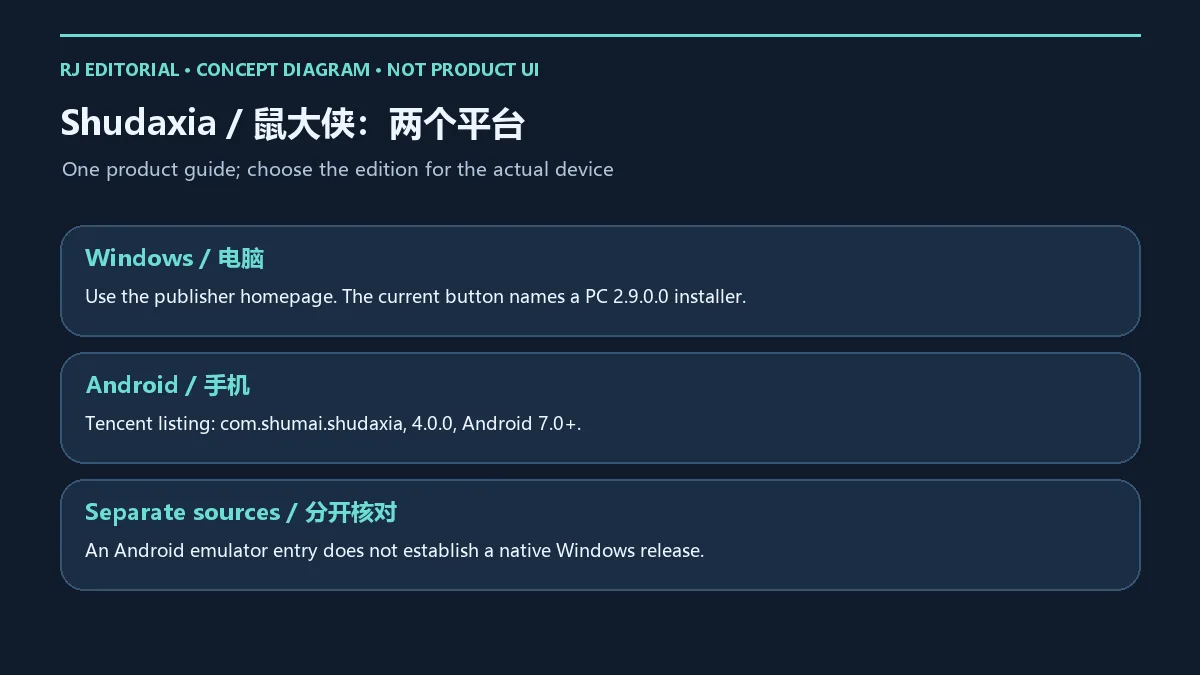
Windows 软件从开发者官网进入,Android 应用从应用宝详情核对;应用宝页面的“在电脑上使用”等模拟器入口不能证明该安卓包是原生 Windows 软件。本文的英文部分使用 Shudaxia,并以 Mouse Hero 作为中文名称的辅助英文表达。是否适合某项任务,应结合目标程序、设备权限和平台规则判断,不能由“连点器”名称推定所有场景都可用。
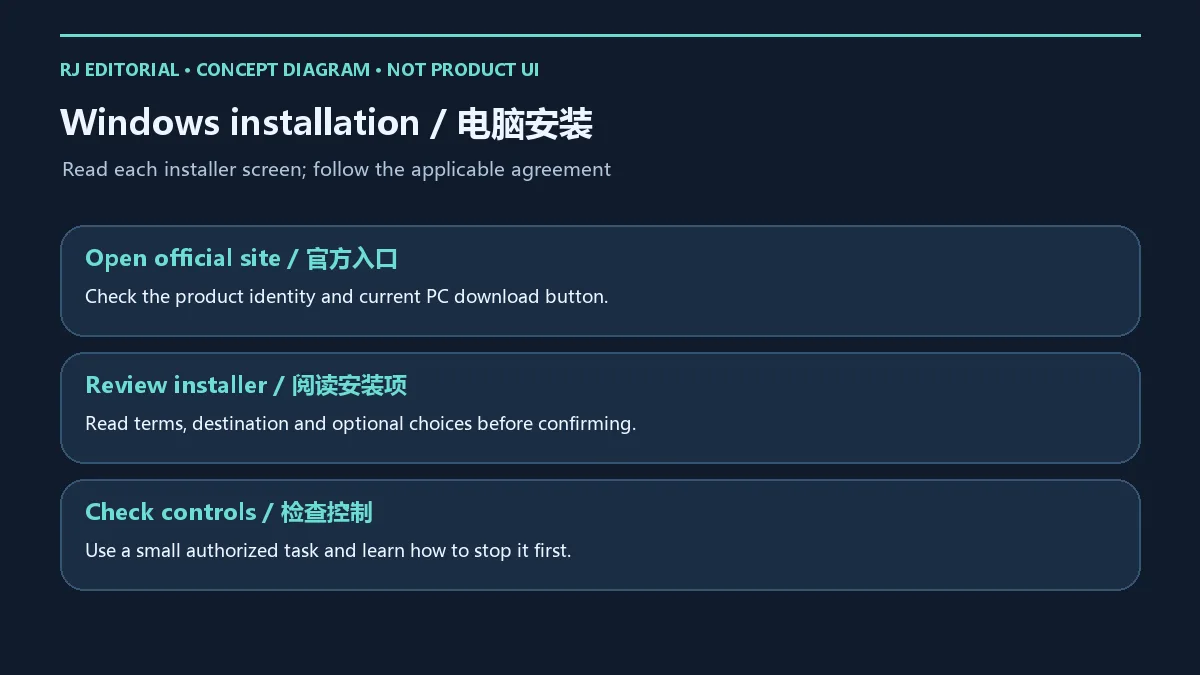
电脑端的官方下载教程引导用户从主页获取程序。核验时,主页 PC 按钮指向文件名包含 ShuDaXia_PC_OFFICES_Setup_v2.9.0.0.exe 的官方地址;这里只据此记录下载按钮的版本线索,没有把它当作已经运行核实的程序信息。已核验资料没有给出完整的 Windows 最低系统要求,应以当前官方安装说明及设备提示为准。
设备受到组织管理时,应按管理员要求部署。出现拦截或安装失败,应记录具体提示并核对来源与兼容条件,不要用关闭设备防护作为常规安装步骤。
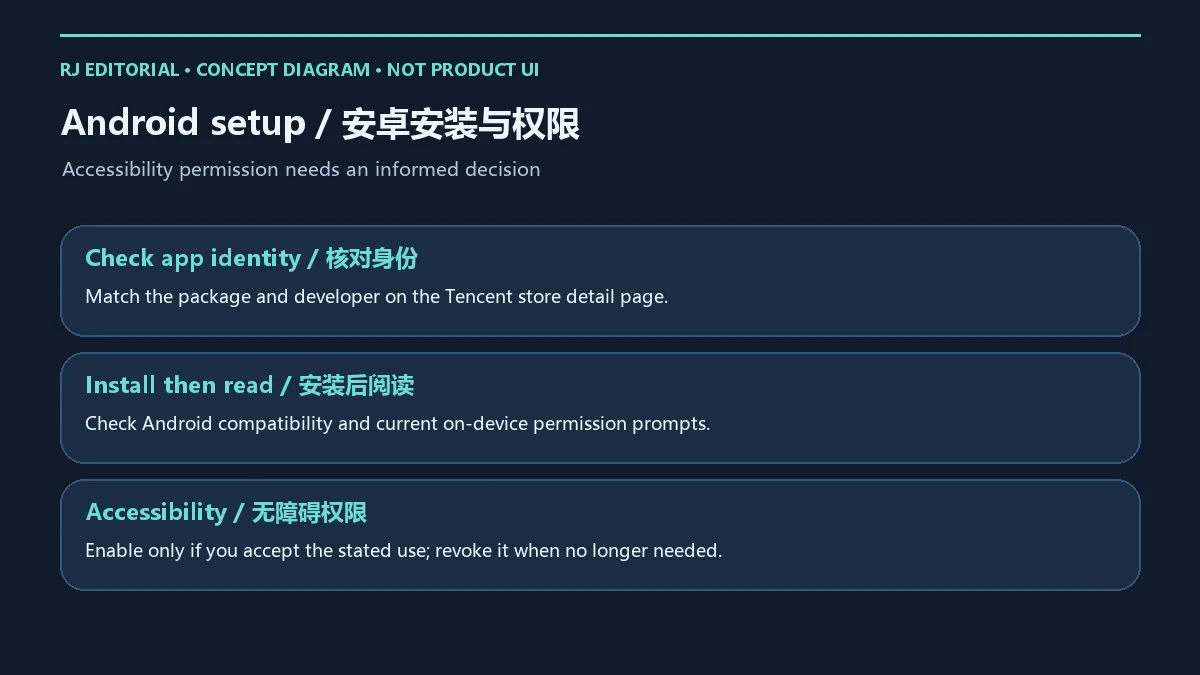
应用宝记录将该应用标为 Android 软件,核验时显示版本 4.0.0、更新日期 2026 年 1 月 3 日、Android 7.0 及以上。它与官网移动页的 3.5.6、2022 年 11 月 23 日记录不同,本页采用应用宝详情作为安卓渠道,并在更新部分保留差异,避免把旧 APK 当作新版本。
com.shumai.shudaxia 与天门数迈科技有限公司。无障碍服务可能影响其他应用中的交互。不要为了完成安装而给无关应用开启权限;授权范围、个人资料和账户信息均应按自己的设备与使用场景审慎处理。
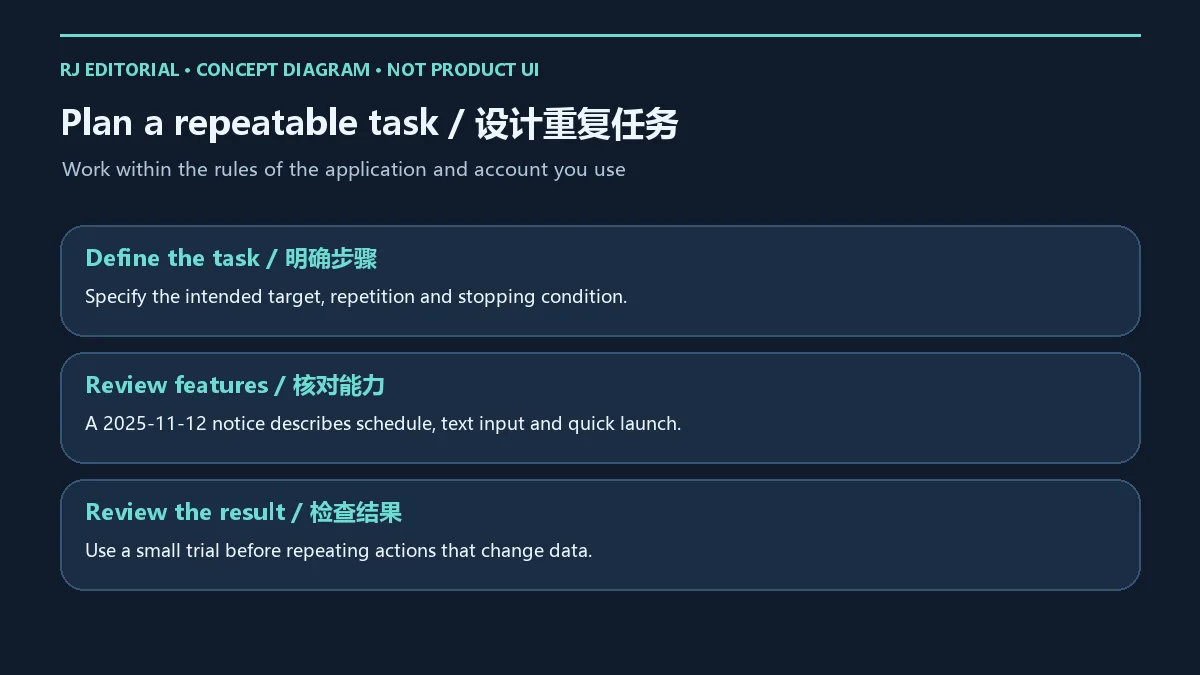
开发者2025 年 11 月 12 日功能公告介绍了定时任务、文本输入宏,以及快速启动应用、网页和文件夹。这是带日期的官网功能说明;已核验资料没有把所有项目明确对应到 PC 2.9.0.0 或 Android 4.0.0,因此不能把公告内容直接写成这两个版本的专属新增功能。下载后仍需检查所用平台及版本实际提供的选项。
安排任务时,先写清楚“对哪个窗口做什么、重复到何时、如何停止”。例如自己有权处理的表单录入,可先在空白副本上观察文本顺序、焦点变化及一次执行的结果;涉及删除、提交、付款或对外发送时,应保留人工确认。定时任务还需检查电脑或手机的锁屏、睡眠及后台状态是否影响运行,这些是排查因素,不是保证后台持续执行的承诺。
在游戏、网站和工作系统中使用自动操作前,应阅读相应条款与管理员规则。本文不承诺游戏账户不会受限,也不将自动操作描述为绕过平台限制的方法;工具能力与允许使用的范围需要分别核对。
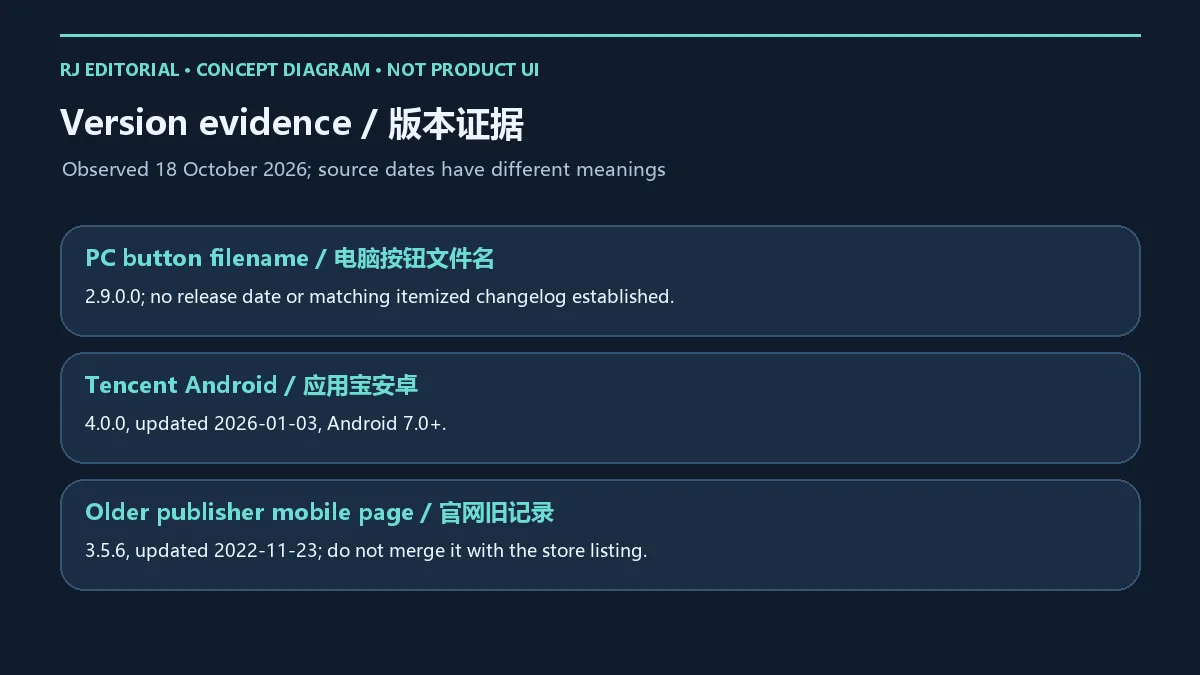
**Windows 下载项:**2026 年 10 月 18 日官网 PC 按钮的目标文件名包含 2.9.0.0。已核验页面未提供可与该文件一一对应的发布日期或逐项更新日志,因此这里保留文件名依据,不编造修复项目,也不将核验日写成发布日期。历史下载榜单中的 2.8.0.8 属于旧候选身份,不能代替当前按钮记录。
**Android 应用宝:**详情显示 4.0.0,更新日期为 2026 年 1 月 3 日,Android 7.0 及以上;本次证据没有提供可逐项归入 4.0.0 的更新内容。**官网移动页:**仍显示 3.5.6、2022 年 11 月 23 日,两条来源应保留各自语境,不能把旧页面日期与商店版本拼在一起。
可核对的官网公告:2025 年 11 月 12 日公告列出定时任务、文本输入宏和快速启动能力;版本列表还含 2025 年 12 月 1 日的一般更新文章与 2026 年 8 月 31 日的标志通知。文章或品牌通知的日期不能直接充当安装包发布日期。升级前保存配置与工作,升级后重新核对任务位置、权限及停止控制。
先分清程序无法启动、任务没有触发,还是任务已经运行但作用于错误位置。电脑端可记录准确报错、当前窗口与焦点状态;安卓端先查看应用及无障碍服务是否仍按当前系统提示处于预期状态,再检查锁屏、后台限制和屏幕布局变化。一次只修改一个设置,用少量动作观察结果,较容易判断是哪项条件造成差异。官方资料未证明该工具能适配所有设备或目标应用。
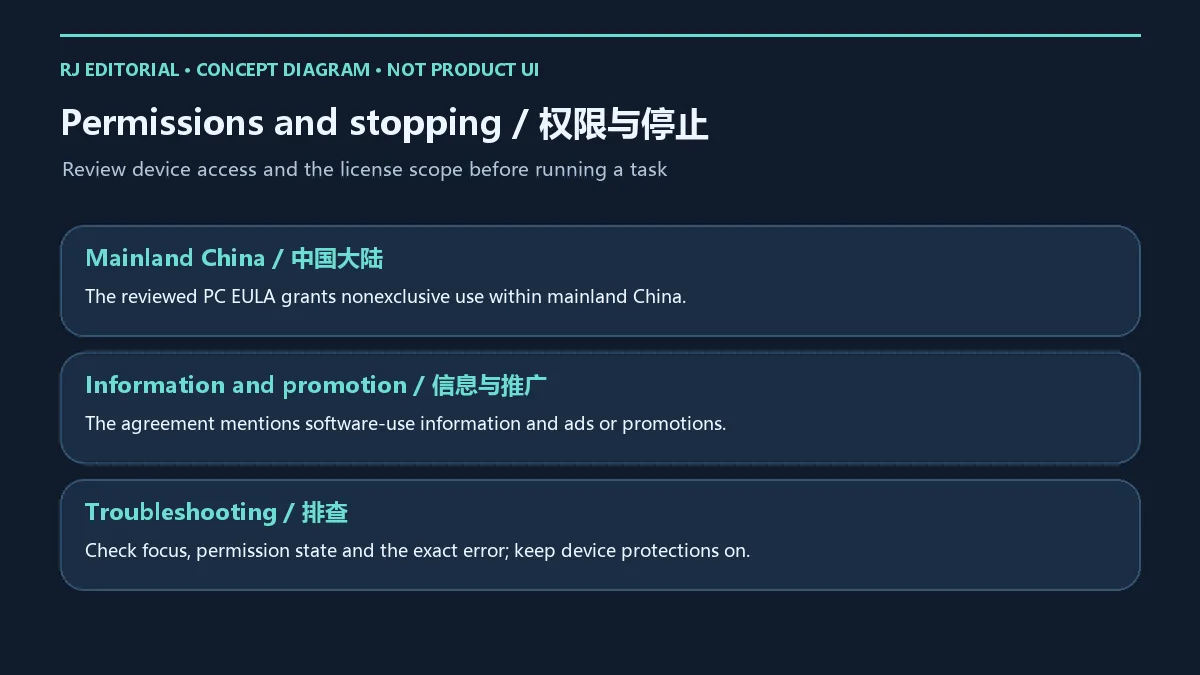
使用前也要阅读电脑端许可协议:已核验条款授予中国大陆范围内的非独占使用许可,并提到可能收集软件使用信息,以及广告或推广内容。具体适用范围与后续条款以官方当前协议为准。本文不沿用无广告、绝对安全或不会封号之类保证;看到推广或权限提示时,应先阅读信息再作决定。涉及组织设备、敏感资料或受限制业务时,按已有管理规则处理。
鼠大侠电脑版和手机版从哪里下载? 电脑端从 shudaxia.com 主页进入;安卓端使用本文提供的应用宝详情页,核对包名和开发者后再选择渠道。本站提供落地页,没有托管或检测安装包。
为什么官网手机版还是 3.5.6? 本次核验确实看到官网旧移动页与应用宝 4.0.0 不一致。这里保留两个来源的版本和日期,Android 渠道采用应用宝详情,下载时还应重新查看当前记录。
Android 为什么要开启无障碍? 官方教程要求相关设置;它与自动交互有关。应先阅读系统和应用的用途说明,再决定是否启用,用完可关闭,不要为无关应用授权。
鼠大侠安全或不会封号吗? 官方身份核验不能证明安装包无风险或目标平台允许自动操作。本站未下载安装包、运行程序或扫描文件;使用时保持设备防护,并遵守游戏、网站和账户规则。
鼠大侠是完全免费且无广告吗? 本次证据没有确立全部平台、功能的收费范围,电脑协议允许广告或推广。应以当前官方收费、功能及协议提示为准。
选择鼠大侠下载入口后,先确认平台和来源,再阅读权限及协议,用能及时停止的小任务检查效果,更新时重新核对版本与配置。
Shudaxia download guide for Windows and Android: check installation steps, accessibility access, version differences, official channels and setup questions.
Shudaxia is a tool brand for repeated interactions. This unified product page keeps separate download entries for Windows and Android. On 18 October 2026, the publisher website identified the operator as 天门数迈科技有限公司. The Tencent store detail listed the Android package com.shumai.shudaxia and the same company as developer and operator. These identity fields help distinguish similarly named tools.
Use the publisher site for the Windows product and the Tencent detail page for the Android app. A store emulator or “use on PC” option does not establish a native Windows build of the Android package. This English guide uses Shudaxia, with Mouse Hero as an explanatory rendering of the Chinese name. Decide whether a task is appropriate by checking the target application, device permissions and platform rules; a click-automation label alone does not establish suitability.
The official installation tutorial directs PC users to the homepage. At review time its PC button targeted an official URL whose filename contained ShuDaXia_PC_OFFICES_Setup_v2.9.0.0.exe. That is evidence from the download button, not a version read from an executed application. Complete minimum Windows requirements were not established in the reviewed material; check current publisher information and device prompts.
Follow administrator deployment rules on managed devices. For a blocked or failed installation, record the exact message and check source and compatibility; keep device protections enabled.
The Tencent store listing identifies an Android app and displayed 4.0.0, updated 3 January 2026, requiring Android 7.0 or later. The publisher mobile page displayed 3.5.6 with a 23 November 2022 update date. This guide uses the Tencent detail page as its Android channel and retains the discrepancy in the update section rather than treating the old APK as current.
com.shumai.shudaxia and 天门数迈科技有限公司.Accessibility access can affect interaction with other apps. Do not grant unrelated apps access merely to complete setup. Consider the scope of permissions, personal information and account details in the context of your own device and task.
A publisher notice dated 12 November 2025 describes scheduled tasks, text-input macros and quick launch of applications, websites and folders. This is a dated feature notice. The reviewed evidence did not assign every item to PC 2.9.0.0 or Android 4.0.0, so it is not presented as a build-specific changelog for either edition. Check which options the installed platform and version actually provide.
Define the target window, intended actions, repetition limit and stopping method before running a task. For an authorized form-entry workflow, use a blank copy first and inspect text order, focus changes and the result of one run. Keep human confirmation for deletion, submission, payments or messages sent to others. For scheduled work, consider whether lock, sleep or background state affects execution; these are diagnostic factors, not a promise of uninterrupted operation.
Read the applicable rules before automating a game, website or workplace system. This guide provides no account-restriction guarantee and no instructions to evade platform controls. Check both the tool capability and the permitted scope of use.
Windows download entry: on 18 October 2026, the publisher PC button targeted a filename containing 2.9.0.0. The reviewed pages did not establish a release date or itemized changelog tied to that file. This guide retains the filename evidence without inventing fixes or treating the review date as the release date. Historical ranking version 2.8.0.8 does not replace the current button record.
Tencent Android listing: 4.0.0, updated 3 January 2026, Android 7.0 or later. The evidence did not supply itemized changes attributable to 4.0.0. Publisher mobile page: 3.5.6, updated 23 November 2022. Keep the context of each record rather than combining the older page date with the newer store version.
Dated publisher information: the 12 November 2025 notice describes scheduling, text-input macros and quick launch. The version index also contains a general update article dated 1 December 2025 and a logo notice dated 31 August 2026. Article and brand-notice dates do not establish installer release dates. Save work and configuration before upgrading, then review target positions, access and stopping controls again.
Distinguish a failure to launch from an untriggered task or actions affecting the wrong position. On Windows, record the exact error, target window and focus state. On Android, check whether the app and relevant Accessibility service remain in the expected state under current system prompts, then consider locking, background restrictions and layout changes. Change one setting at a time and observe a few actions to identify the cause. The reviewed official material does not establish compatibility with every device or target application.
Read the PC end-user agreement before use. Its reviewed terms grant nonexclusive use within mainland China and mention possible collection of software-use information and advertising or promotional content. Current official terms govern the applicable scope. This article does not repeat absolute safety, no-advertising or account-protection promises. Read promotions and permission notices before deciding. Follow existing management rules for organizational devices, sensitive information and restricted workflows.
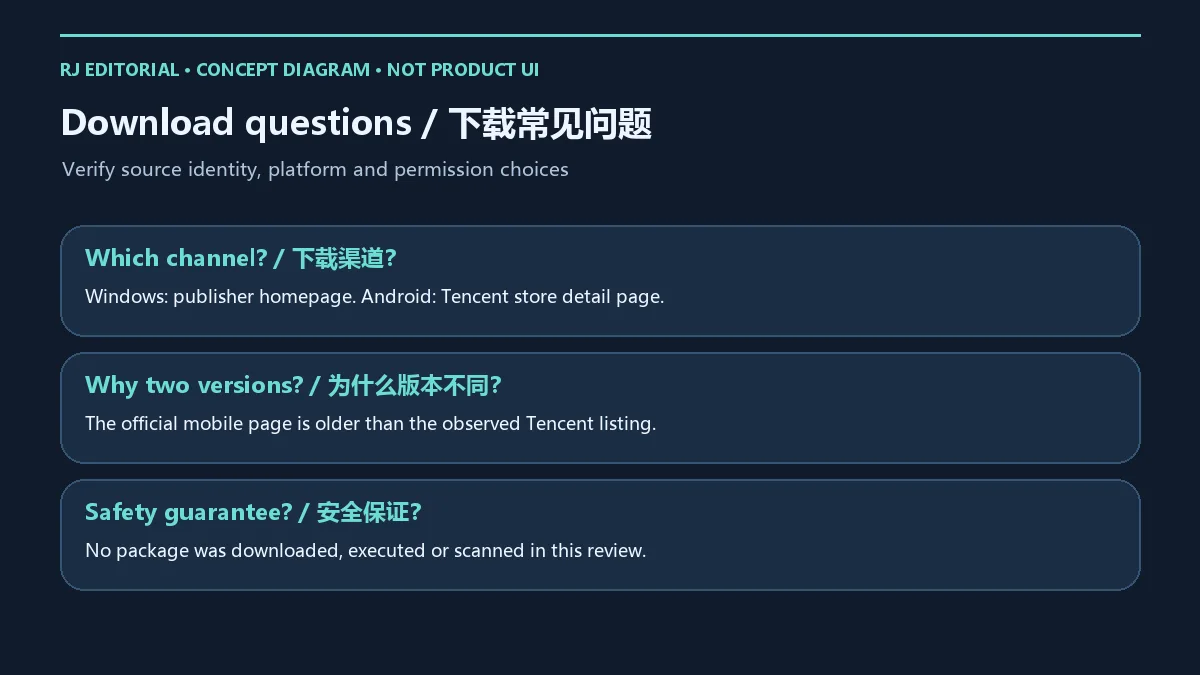
Where are the Windows and Android downloads? Use the shudaxia.com homepage for Windows and the linked Tencent detail page for Android. Match the package and developer before choosing a channel. This site provides landing pages and does not host or inspect the installers.
Why does the publisher mobile page still show 3.5.6? The reviewed publisher page and Tencent 4.0.0 record differed. Both versions and dates are retained here; the Android channel uses Tencent. Check its current listing again when downloading.
Why does Android setup request Accessibility? The official tutorial requires that setup for automated interaction. Read the current system and app explanation before enabling it, disable it when no longer needed and avoid authorizing unrelated apps.
Is Shudaxia safe, or guaranteed to avoid account restrictions? Publisher identity is not a risk-free file guarantee or permission from a target platform. No package was downloaded, executed or scanned in this review. Keep device protections enabled and follow game, website and account rules.
Is it entirely free and without advertising? The evidence did not establish pricing for every platform and feature, and the PC agreement permits ads or promotions. Read current official pricing, feature and agreement prompts.
Use the appropriate Shudaxia download entry, check its identity and platform, read permissions and terms, and review a small task that you can stop promptly. Recheck versions and configuration when updating.
Informationen geprüft am: 18. Okt. 2026
Erstmals veröffentlicht: 18. Okt. 2026· Redaktionelle Überarbeitung: 18. Okt. 2026
Windows 从官网主页进入;Android 使用应用宝详情,并核对 com.shumai.shudaxia 与开发者。 / Use the publisher homepage for Windows and the Tencent detail page for Android; match package and developer.
应用宝显示 4.0.0 / 2026-01-03;官网旧移动页显示 3.5.6 / 2022-11-23。保留各自来源语境。 / Tencent and the older publisher mobile page have different dated records; do not merge them.
先阅读用途再决定是否授权,不再需要时关闭。本站没有下载安装包、运行或扫描,且不保证目标平台允许自动操作。 / Review the purpose before granting access. No package was downloaded, run or scanned, and target-platform permission is not guaranteed.

抖音安卓版提供短视频浏览、拍摄编辑、直播和短剧内容。本页说明官方安装入口、包名、Android 6.0+、40.8.0版本记录及安装排查。 | Douyin for Android offers short-video viewing and creation, livestreams and mini dramas. This guide covers the official install route, package, Android 6.0+, v40.8.0 and setup checks.

Android 位置与路线开发调试工具,区分 NO ROOT 和 ROOT 模式;应在授权测试环境中使用。 / Android location and route debugging tool with NO ROOT and ROOT modes, for authorized testing.

Windows 虚拟光驱与光盘映像目录工具;免费许可限非商业用途,高级功能另购。 | Windows virtual drive and disc-image catalog tool; Free License is non-commercial, with paid advanced options.

网易生存射击手游,结合搜集物资、战斗撤离、枪械改装与游戏内交易。 / NetEase survival shooter combining supply collection, combat, extraction, weapon customization and in-game trading.

Android 双窗口文件管理工具,提供文件整理、压缩包操作与文本编辑;部分高级功能需要 VIP。 | Android file manager with two panes, archive operations and text editing; some advanced features require VIP.

面向受支持 PC 游戏的免费开源模组管理器,可下载、安装、启用及整理模组。 | Free, open source mod manager for supported PC games, with mod download, installation and activation workflows.

Ant Renamer 经典版:Windows 批量改名、规则预览、2.13 更新与日期区别、高DPI设置及格式排查。 / Classic Windows batch renamer with rule previews, v2.13 notes, distinct program/package dates and display troubleshooting.

DeepSeek 安卓版是 DeepSeek 官方 AI 助手,支持文字对话、联网搜索与推理等商店展示功能。本文整理包名、Android 安装步骤、2.6.3 更新提示和连接排查;功能开放、响应速度与可用性可能受地区、网络、账号和服务状态影响,敏感资料提交前请先确认你的隐私需求。请以当前商店显示为准。 / DeepSeek for Android is an official AI assistant. Check its package, 2.6.3 update and setup; search and reasoning access vary by region and service status.
搜狗五笔输入法提供五笔输入、词库同步和皮肤与配置定制。官网页面列出 V5.5(更新日 2025-12-31),兼容范围列为 XP/7/8/10;安装包构建未核验。
Pointofix 是屏幕虚拟荧光笔/标注工具。官方页面列出的版本为 1.8.0,日期为 2018-05-11,并提供安装版和免安装版;该官方列表较旧。

KeymouseGo 开源鼠标键盘录制工具:Windows 5.2.1 发行文件、有限次数重放、更新说明与脚本兼容排查。 / Open-source input recorder with packaged Windows setup, finite replay counts, release notes and script compatibility guidance.
开间小店面向线下小店经营者,提供商品、库存和日常经营管理工具。