中文
吉里吉里2模拟器下载可从 Kirikiroid2 上游发布页核对工具本体。本文介绍 Kirikiri2 与 KirikiriZ 项目的运行定位、Android 安装步骤、1.3.9更新记录及常见报错,帮助你区分运行程序与游戏数据,保留项目目录,检查读取权限和兼容条件,并了解历史版本来源,再判断设备与项目是否适用。
吉里吉里2模拟器的作用与兼容边界
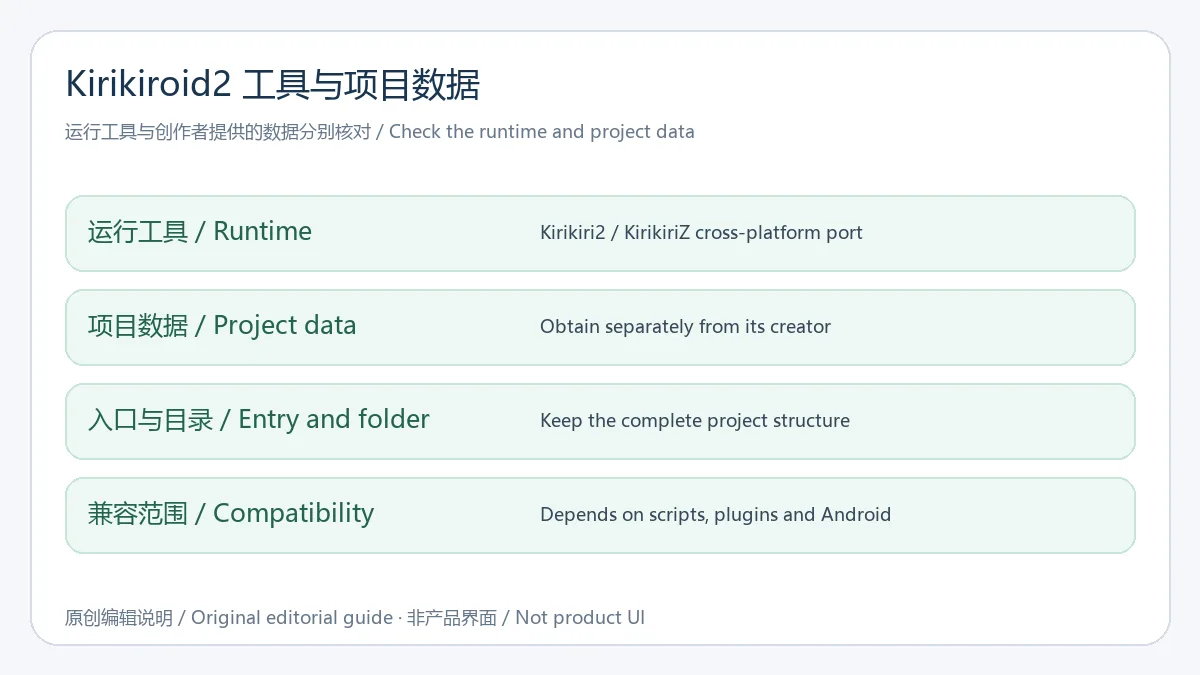
Kirikiroid2 上游仓库将项目说明为 Kirikiri2/KirikiriZ 的跨平台移植。本页介绍其 Android 运行工具,不附游戏、剧本或素材;创作者提供的项目数据与运行程序需要分别获取。它也不是通用 Windows 系统模拟器,不能仅凭一个 EXE 文件就判断任意电脑软件能够运行。
准备数据时保留创作者原有的目录、脚本、图片与音频文件,并先阅读项目针对运行环境的说明。是否能打开取决于引擎版本、脚本、扩展插件和设备环境;不能把“使用吉里吉里引擎”当作全部兼容的保证。对自有或取得许可的非成人项目,先用备份副本检查基础画面、声音、输入与存档,再决定是否继续使用。
Kirikiroid2 Android 下载与安装步骤
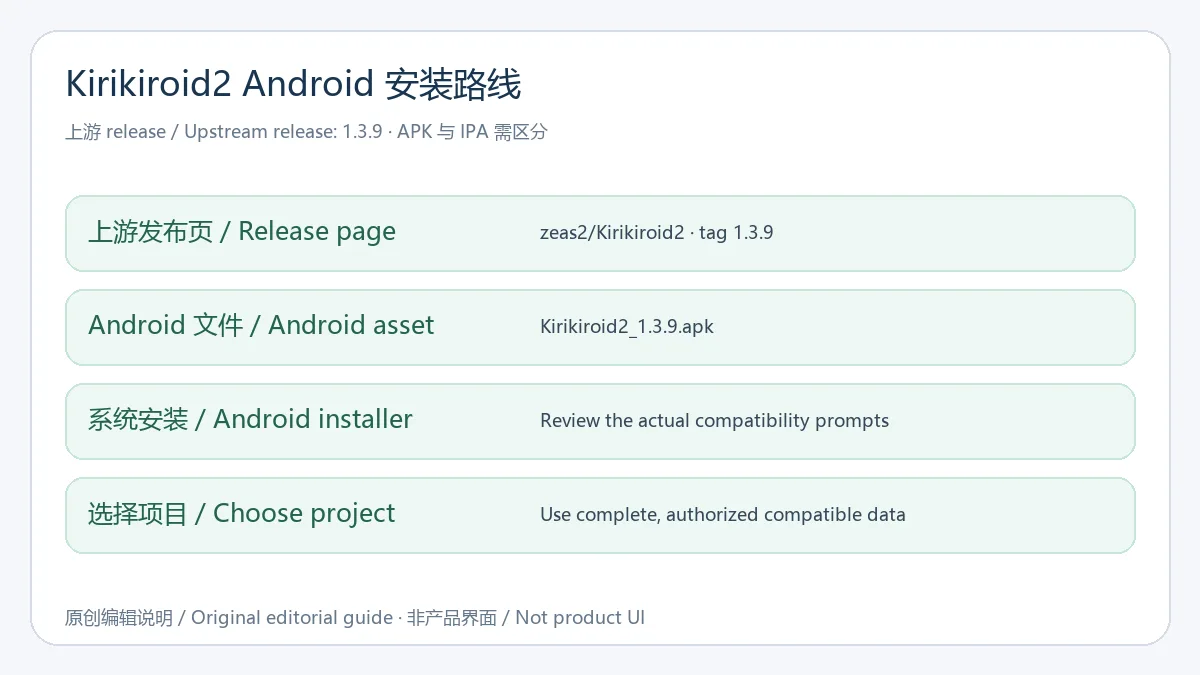
- 打开上游 zeas2/Kirikiroid2 的1.3.9发布页,核对仓库名称与版本标签。该 release 同时有 Android APK 与 iOS IPA,应选择 Kirikiroid2_1.3.9.apk;GitHub 自动生成的源码压缩包不是 Android 安装器。
- 下载前确认文件来自该 release 的附件列表,再按手机实际安装提示检查来源、空间与兼容条件。本次没有下载或运行 APK;仓库中的 Android manifest 仍写着较早的1.3.4,不能用它替1.3.9附件保证最低系统、包名或架构。
- 从项目创作者获取你有权使用的完整非成人数据,保留文件名和目录关系,放在当前 Android 允许应用读取的位置。不要只复制一个启动文件后就删除原项目;需要保留存档时先单独备份。
- 打开工具,按文件浏览入口定位项目目录或可识别的归档,再查看实际启动结果。若出现读取或权限提示,先检查系统文件访问范围;如果是脚本、插件或编码错误,向项目作者核对要求,不要用来源不明的补丁覆盖原始文件。
上游1.3.9更新日志:2018年发布记录
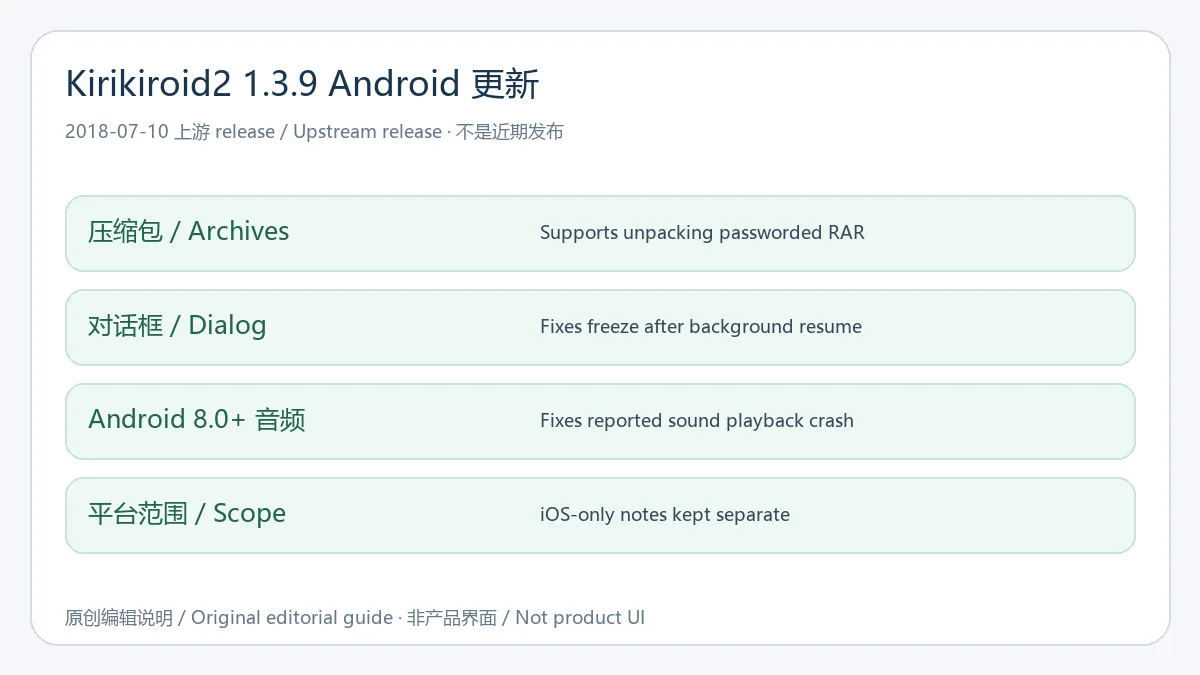
本次核对的 zeas2/Kirikiroid2 公开 release 列表将 1.3.9 列为最近发布的稳定记录,发布时间为 2018年7月10日。它是历史版本记录,并不表示2026年新发布或已验证兼容当前所有 Android 设备。来源发布说明的通用与 Android 相关改动包括:支持解压带密码的 RAR;修复从后台恢复后的对话框冻结问题(#42);修复 Android 8.0及以上的声音播放崩溃问题(#44)。
同一发布说明另列 iOS 的网页文件传输和 iPhone X 屏幕适配,两项仅属 iOS,本页没有把它们写成 Android 新功能。若看到其他维护者发布更高版本,应分别核对仓库、维护者和改动,不把第三方构建的版本号混入 zeas2 的这条 release。遇到问题时注明实际安装文件来源、Android 版本和项目情况,更有助于定位原因。
常见问题 FAQ:项目打不开、存档与安全核对
吉里吉里2模拟器下载安装后为什么没有游戏? 这里提供的是引擎运行工具入口,项目数据需要由创作者单独提供。运行程序不包含你想打开的剧本、图片或音频,也不赋予使用其他作品素材的许可。
目录看不到、读取失败怎么办? 检查文件是否在当前 Android 允许访问的位置,确认项目文件完整并保留目录结构。存储权限、系统文件访问方式和旧版本应用的兼容都可能影响读取,应依据具体提示排查;不要为了尝试而删除原始项目或存档。
出现脚本或画面异常是否一定缺少补丁? 不能直接这样判断。记录错误原文、项目版本、Android 版本及当前设置,先查项目作者说明。插件、编码、损坏数据或渲染兼容都可能导致不同问题,不应把陌生文件当作通用修复。
上游附件能否作为已安全检测的 APK? 发布者上传的附件说明来源,不等于独立文件审计。本次没有下载、扫描、安装或运行它,仓库隐私声明也不代替对实际文件与权限的检查。
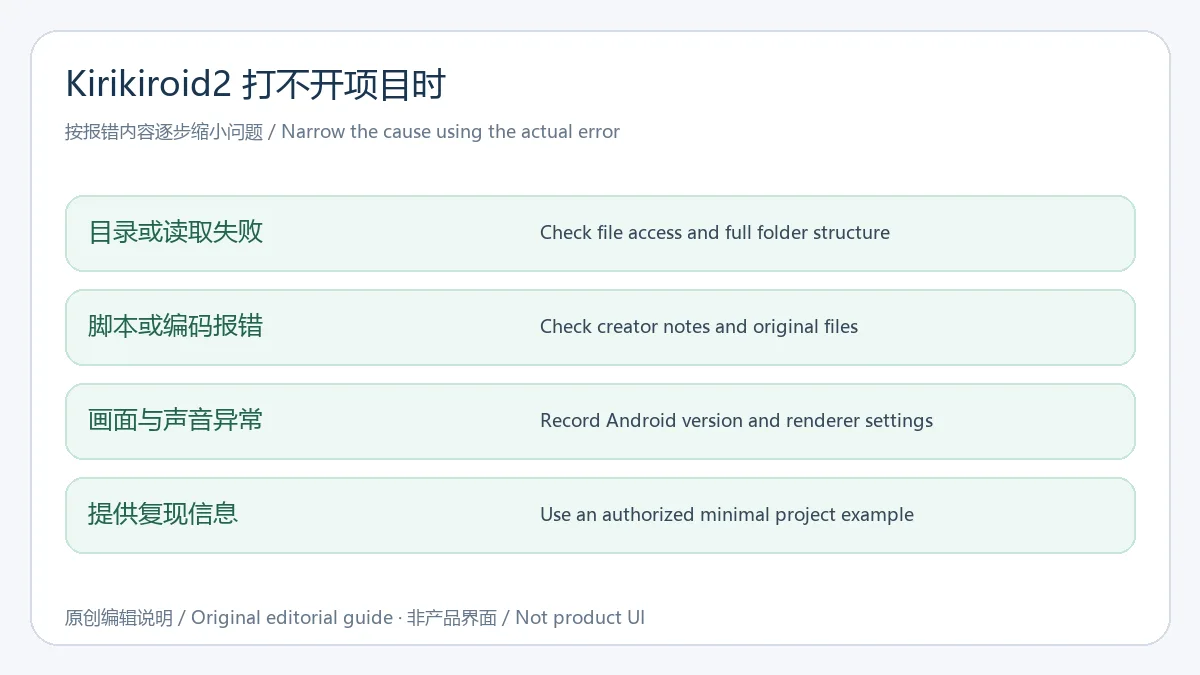
获取吉里吉里2模拟器下载与安装帮助时,先核对 Kirikiroid2 上游 release 和 Android 附件,再确认完整项目数据与设备兼容;使用历史版本时保留存档备份并参考创作者说明。
English
Kirikiroid2 Android download guide: verify the upstream 1.3.9 APK, read setup steps and release fixes, and check project files, permissions, and compatibility.
What Kirikiroid2 runs and where compatibility ends
The upstream repository describes Kirikiroid2 as a cross-platform port of Kirikiri2 and KirikiriZ. This page covers its Android runtime and includes no games, scripts, or creative assets. Obtain the runtime and the creator's project data separately. It is not a general Windows operating-system emulator, and an EXE filename cannot establish that arbitrary PC software will run.
Keep the creator's original folders, scripts, images, and audio together and read the project's runtime instructions. Compatibility depends on engine versions, scripts, extension plugins, and the device environment; the engine name alone does not guarantee support. For your own or properly licensed non-adult projects, use a backup copy to check graphics, sound, input, and saving before relying on it.
How to download and install Kirikiroid2 on Android
- Open the upstream zeas2/Kirikiroid2 1.3.9 release and verify the repository and tag. It has both Android APK and iOS IPA assets; choose Kirikiroid2_1.3.9.apk for Android. GitHub's generated source archives are not Android installers.
- Check that the file is listed in that release, then review the actual Android installation, source, storage, and compatibility prompts. No APK was downloaded or run here. The repository's Android manifest still labels an earlier 1.3.4 build, so it cannot establish this 1.3.9 asset's minimum OS, binary package, or architecture.
- Obtain complete non-adult project data that you own or are licensed to use. Preserve names and directory relationships and choose a location the app can access on your Android version. Keep the original project and back up existing saves separately.
- In the runtime's file browser, locate the project folder or a recognized archive and inspect the actual result. For access errors, check Android's file-access scope first. For script, plugin, or encoding errors, consult the creator's requirements rather than overwriting original data with an unidentified patch.
Upstream 1.3.9 changelog: a release from 2018
The checked public zeas2/Kirikiroid2 release list identifies 1.3.9, published July 10, 2018, as its most recent stable release record. This is a historical release, not a new 2026 build or proof of compatibility with every current Android device. Its general and Android-relevant notes add unpacking of password-protected RAR archives, fix a dialog freezing after resuming from the background (#42), and fix a sound-playback crash on Android 8.0 and later (#44).
The same notes separately add a file-transfer web server and iPhone X screen adaptation for iOS. Those are not described as Android additions here. If another maintainer publishes a higher version, compare the repository, maintainer, and changes separately instead of merging its version into zeas2's release. Include the actual file source, Android version, and project context when reporting problems.
FAQ: opening projects, saves, and source checks
Why are there no games after installation? The linked product is an engine runtime. Creators supply project scripts, images, and audio separately. Installing it does not include those works or grant permission to use their assets.
Why is a folder invisible or unreadable? Check Android's current file-access scope and whether the full folder structure was preserved. Storage permissions, system file access, and compatibility with an old app can affect reading. Use the actual error and keep original project data and saves intact.
Does a script or graphics error always mean a patch is missing? No. Record the exact error, project version, Android version, and settings, then consult the creator. Plugins, encoding, damaged files, or rendering compatibility can cause different issues. An unidentified patch is not a universal fix.
Is an upstream APK asset independently security-tested? Its uploader establishes the source, not an independent file audit. No APK was downloaded, scanned, installed, or run for this guide. A repository privacy statement does not replace checking the actual file and permissions.
For Kirikiroid2 Android download and setup, verify the upstream release and APK asset, then check complete project data and device compatibility. Preserve saves and follow the creator's guidance when using this historical build.