Roblox 是 Roblox Corporation 提供的 Android 用户创作游戏平台。本页整理 Google Play 官方入口、安装步骤、家庭与账号检查、商店更新信息及登录和连接故障排查。 / Roblox is Roblox Corporation's Android platform for user-created experiences. This guide covers the official store, setup, family checks, updates, and login or connection troubleshooting.
Roblox 安卓版下载与安装指南:官方商店、家长控制、更新说明、打不开排查、评级与设备兼容信息。 | Roblox Android setup, family checks, updates, login help, and device compatibility before you play.
中文
Roblox 安卓版下载适合想在手机上体验用户创作游戏的玩家。本指南整理官方商店入口、安装步骤、账号与家长控制提示、更新说明和 Roblox 打不开时的排查方法,并提醒核对应用评级、内购与设备兼容信息,帮助你从可信来源开始。此外,页面列出 12+ 评级、用户互动和含随机物品的内购提示,适合安装前逐项确认。
Roblox Android:用户创作体验概览
Roblox Corporation 的 Google Play 页面将 Roblox 描述为可探索多种类型体验的平台,并列出 Simulation、Sandbox、Casual、Multiplayer 等类别。用户会进入由创作者制作的不同体验,内容、玩法、互动方式与系统负载会因具体项目而变化;不要把单个体验的说明当作整个 Roblox 平台的统一承诺。Google Play 页面还列出 12+ 内容评级、用户互动和含随机物品的应用内购买提示。打开前可以先查看体验介绍、设备要求及购买说明。
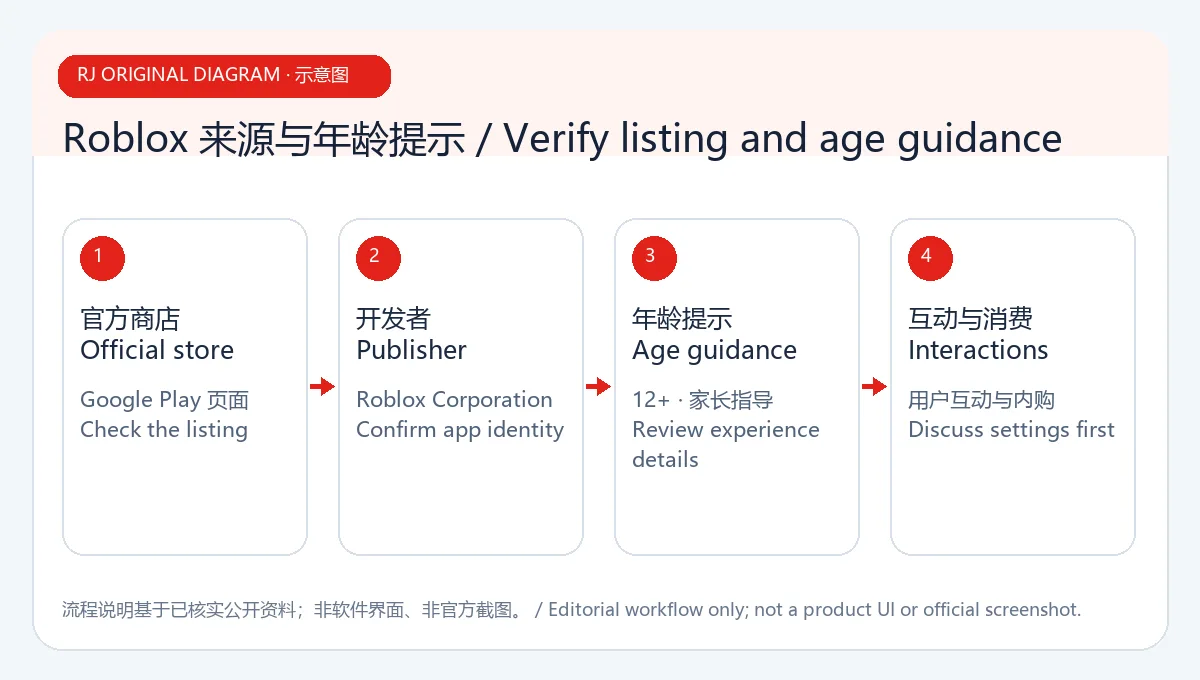
原创示意图:通过官方商店了解平台与用户创作体验的入口,不展示真实游戏画面。
Roblox 安卓版下载与安装步骤
- 在 Android 手机上打开 Google Play 官方 Roblox 页面,确认开发者显示为 Roblox Corporation。
- 点击安装并等待 Google Play 完成下载;如果商店显示设备或地区不可用,请按页面提示处理,不要改用来历不明的 APK。
- 首次启动时按应用指引注册或登录。输入密码、验证码前检查应用名称和商店来源,不要把账号凭据发给其他玩家。
- 如果由家长或监护人协助未成年人使用,请先阅读当前内容评级、购买提示和 Roblox 官方提供的家庭安全设置,再决定是否允许登录和消费。
- 若 Play 商店提示系统不兼容,先查看 Android 版本、可用存储空间和商店要求;本次页面未显示可供核对的最低 Android 版本号。
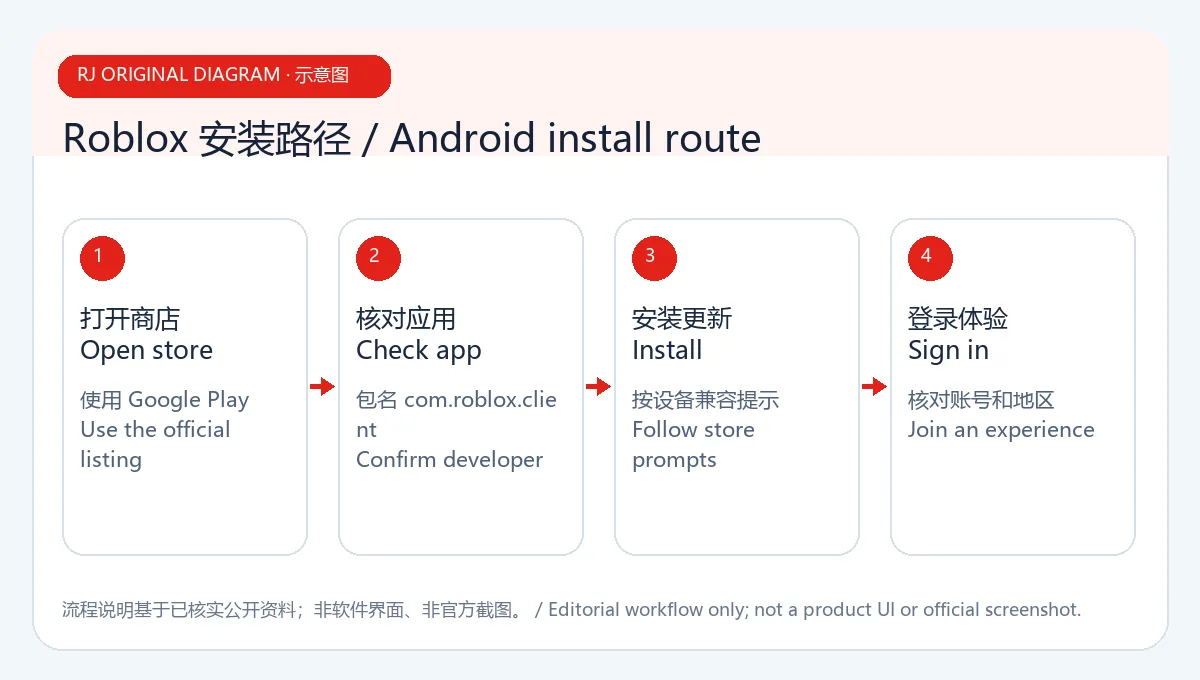
原创示意图:把官方来源核对和设备提示放在安装流程中,不模拟 Play 商店页面。
账号、隐私与家庭设置
Roblox 是多人互动和用户创作平台。Google Play 的数据安全区说明由开发者提供,并提示数据处理方式可能随地区和使用情况变化;页面显示应用可能收集或分享若干数据类型,且数据在传输过程中加密。此处只是商店披露内容,不是第三方隐私审计,也不代表每个账号都会经历相同的数据处理。登录前阅读当前隐私说明;避免公开真实姓名、联系方式、密码或验证码,并在遇到陌生人索取资料、骚扰或异常购买请求时退出互动。
未成年人可由家长查看当前 Roblox 家庭与隐私选项,限制不适合的互动或购买,并与孩子讨论用户创作内容的差异。若忘记密码,使用 Roblox 官方账号恢复流程;不要把一次性验证码交给他人。网络断开时先检查 Wi-Fi 或移动数据、切换网络后重试,再查看设备是否有足够空间。若只在某一个体验内闪退或卡顿,记录体验名称和错误提示,以便区分应用登录问题与单个体验的问题。
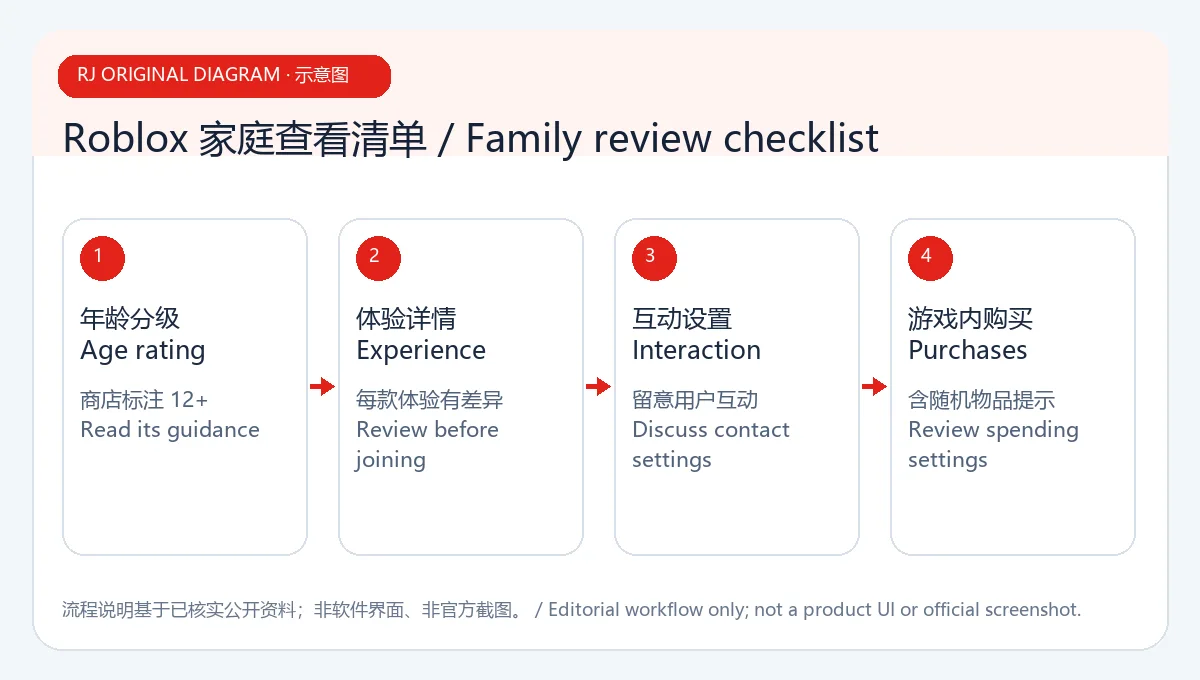
原创示意图:提示在启动前查看内容、账号和购买设置;不是 Roblox 家长控制界面截图。
Roblox 更新说明、打不开排查与常见问题 FAQ
Google Play 页面显示最近更新日期为 2026 年 10 月 16 日;“What's new”只说明更新会定期带来错误修复,以及速度和可靠性改进,没有展示具体版本号或逐项变更。本页不把这段通用说明扩写为特定功能更新。需要确认更新时,重新打开官方商店页查看当前版本记录;商店页面也会根据账号地区和设备状态变化。
Roblox 安卓版是否免费? Google Play 页面提供安装入口,并标出应用内购买,包含随机物品提示。具体商品、价格和可用选项以应用内及商店当前展示为准。
Roblox 适合所有年龄的孩子吗? 商店显示 12+ 评级和用户互动说明。监护人应先阅读当地评级、体验内容和家庭安全设置,再决定是否适合具体使用者。
Roblox 打不开或登录失败怎么办? 先检查网络、商店更新和设备剩余空间,关闭后重启应用并确认账号恢复信息可用。若问题只出现在单个体验,记录名称和错误提示;不要通过非官方工具索取账号验证码。
这个页面验证过 APK 安全性吗? 没有下载或扫描二进制文件。本页只核对 Google Play 官方商店资料;官方来源核对不等于独立安全审计。
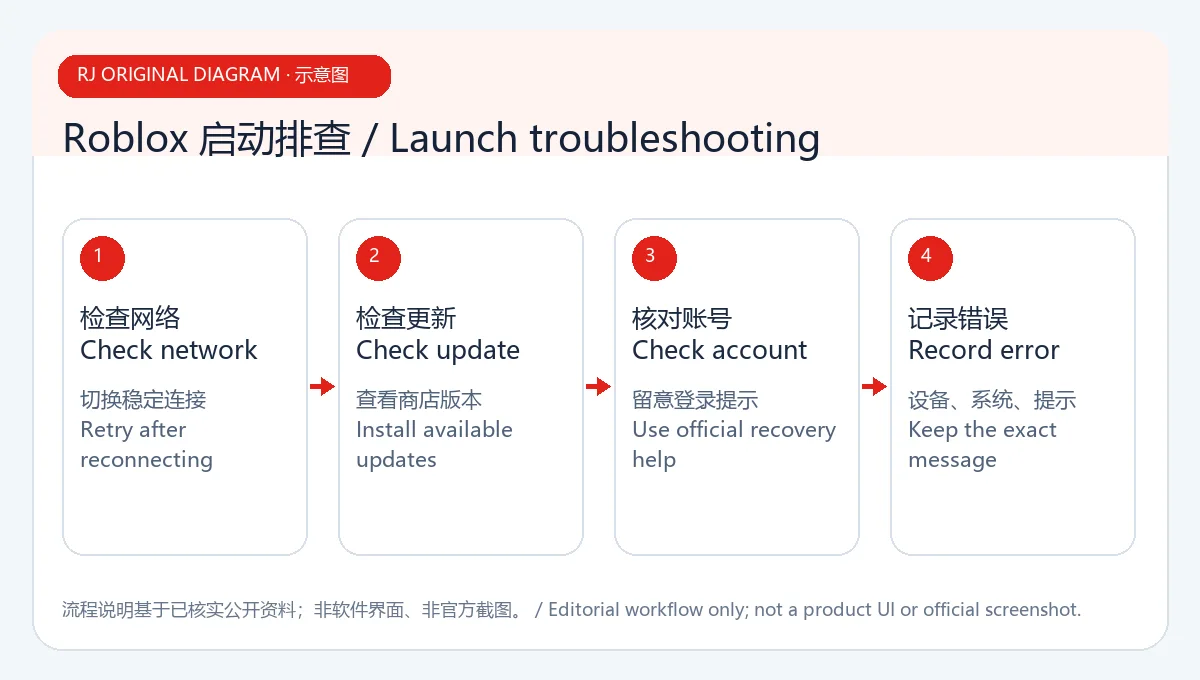
原创示意图:依次检查网络、应用更新、存储与登录状态,不代表官方诊断流程。
使用 Roblox Android 下载页时,请确认 Google Play 开发者为 Roblox Corporation,并在安装前核对年龄评级、互动和应用内购买提示。更新与兼容信息会变化;遇到打不开、登录或连接问题,先检查官方商店状态、网络和设备提示,再联系官方支持。
English
Install Roblox for Android through Google Play. Review family and account settings, update notes, and fixes for sign-in or launch trouble before playing.
Roblox on Android: a platform for user-created experiences
Roblox Corporation's Google Play listing describes a platform with experiences across categories such as simulation, sandbox, casual, and multiplayer. Each experience is made by creators, so its content, controls, interactions, and device load can differ. A description for one experience should not be treated as a promise about the whole platform. Google Play also displays a 12+ rating, user interaction, and in-app purchases that include random items. Read the specific experience description, device prompts, and purchase details before starting.
Original illustration: an overview of checking the official listing and creator experiences; no game screen is shown.
How to download and install Roblox on Android
- Open the official Roblox Google Play listing on Android and confirm that the developer is Roblox Corporation.
- Tap Install and let Google Play complete the download. If the store reports that the app is unavailable for your device or region, follow its guidance instead of switching to an unknown APK.
- On first launch, follow the app's sign-up or sign-in prompts. Check the app name and source before entering credentials, and never send a password or verification code to another player.
- If a child will use the app, review the current rating, purchase notice, and Roblox family safety options with a parent or guardian before enabling sign-in or spending.
- If Google Play reports incompatibility, check the Android version, free storage, and store requirements. The reviewed page did not show a minimum Android version number for this guide to verify.
Original illustration: source and device checks in the installation flow; it does not imitate Google Play.
Accounts, privacy, and family settings
Roblox is a multiplayer platform with user-created experiences. Google Play says its Data safety information is provided by the developer and that practices can vary by region and use. The listing indicates that the app may collect or share several data types and that data is encrypted in transit. This is a store disclosure, not an independent privacy audit, and it does not establish the exact handling for every account. Read the current privacy notice, avoid sharing your real name, contact details, password, or verification code, and leave an interaction that requests sensitive information or an unexpected purchase.
Parents and guardians can review Roblox's current family and privacy options, set boundaries for interactions or purchases, and discuss how creator-made experiences differ. For a forgotten password, use the official account recovery route; do not give anyone a one-time code. If the app will not connect, check Wi-Fi or mobile data, retry on another connection, and review available storage. If only one experience crashes or lags, note its name and the displayed error so you can distinguish an experience-specific issue from an app sign-in problem.
Original illustration: prompts a review of content, account, and purchase settings; not a Roblox parental-controls screen.
Roblox update notes, troubleshooting, and FAQ
The Google Play listing showed an update date of 16 October 2026. Its What's new text only says that updates are delivered regularly with bug fixes and improvements to speed and reliability; it did not show a version number or itemized changes. This guide does not turn that general note into a claim about a particular feature. Reopen the official listing for the current release record, which can vary by account region and device.
Is Roblox for Android free? Google Play offers an install action and flags in-app purchases, including random items. Check the current in-app and store display for specific products, prices, and availability.
Is Roblox suitable for every child? The store lists a 12+ rating and user interaction. A parent or guardian should review local ratings, experience content, and current family safety options for the individual user.
What can I try if Roblox will not open or sign in? Check the connection, store updates, and free storage, then close and reopen the app and confirm that account recovery details are available. If only one experience fails, record its name and the error. Do not use unofficial tools that ask for account codes.
Was an APK security-tested for this page? No binary was downloaded or scanned. This guide checked the official Google Play listing only; source verification is not an independent security audit.
Original illustration: check network, app updates, storage, and sign-in in order; it is not an official diagnostic flow.
For a Roblox Android download, confirm Roblox Corporation on the Google Play listing and review the age rating, interaction, and in-app purchase notices. Update and compatibility details can change. For launch, login, or connection trouble, check the official store, network, and device messages before contacting Roblox support.