抖音安卓版提供短视频浏览、拍摄编辑、直播和短剧内容。本页说明官方安装入口、包名、Android 6.0+、40.8.0版本记录及安装排查。 | Douyin for Android offers short-video viewing and creation, livestreams and mini dramas. This guide covers the official install route, package, Android 6.0+, v40.8.0 and setup checks.
中文
抖音安卓版下载指南汇总官方安装入口、Android 6.0+ 要求与 40.8.0 版本记录,介绍短视频创作、直播、短剧和精选内容,并说明版本页面未公开逐项更新日志;下文提供安装步骤、权限核对建议与常见故障排查,帮助你确认应用来源和设备提示后再安装。发布方与包名以来源页面为准,功能可能随地区和账号变化。
抖音能做什么:浏览、创作与互动
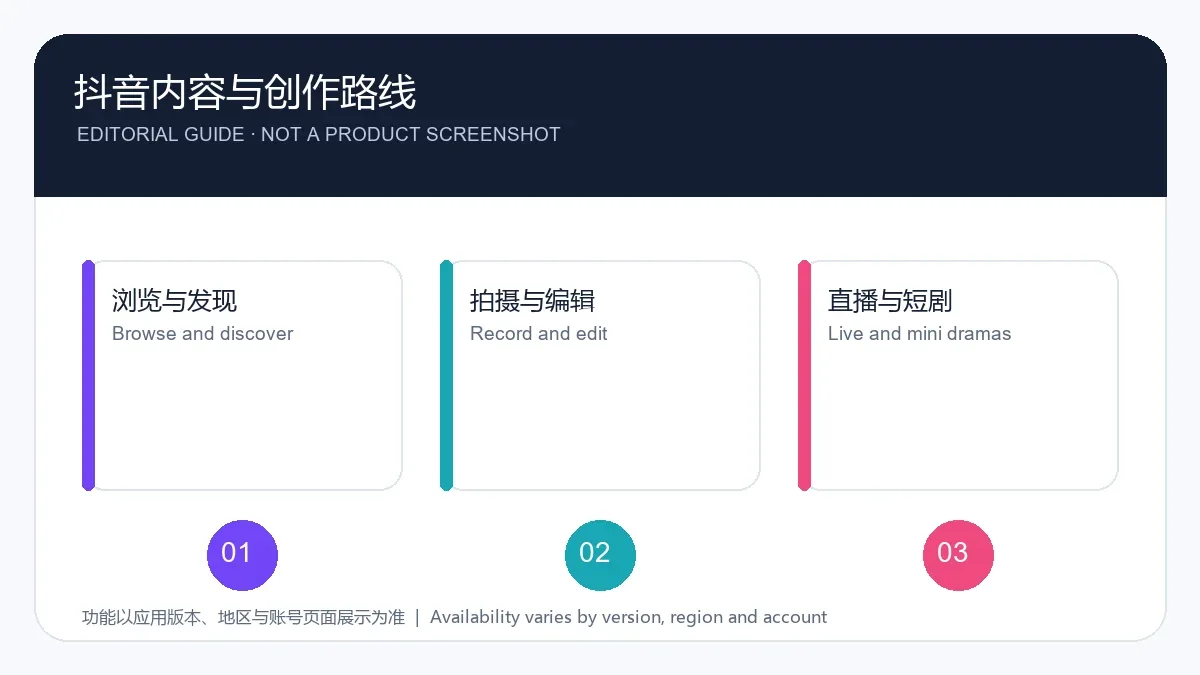
应用宝详情页把抖音列为手机应用,并介绍短视频、直播、短剧、特效、精选视频和长辈模式。用户可以浏览内容,也可使用剪辑、滤镜和文字等创作工具;功能是否显示可能受版本、地区、账号状态和平台规则影响。
如果主要想看某类内容,可先使用应用内搜索、关注和收藏等入口整理浏览路径。推荐流不等于完整目录;活动、直播权限和账号规则应以应用内说明为准。
抖音安卓版下载与安装步骤
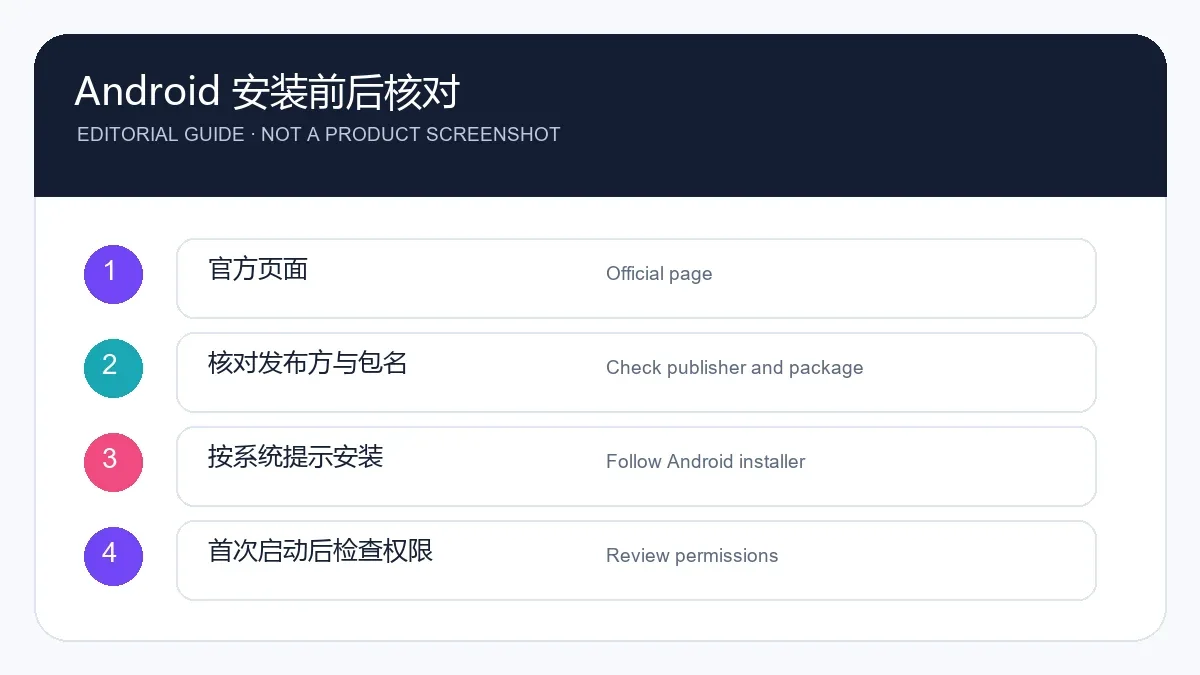
- 从抖音官方安装页面进入 Android 下载入口,不要根据搜索广告或陌生网盘页面判断安装包来源。
- 下载前核对页面域名、应用名称和发布方。应用宝详情页记录包名 com.ss.android.ugc.aweme,开发商与运营商均标注为北京抖音科技有限公司。
- 打开系统下载记录并启动安装器。若 Android 要求允许浏览器安装应用,只为本次明确发起的官方安装操作临时开启;完成后按系统设置关闭该来源权限。
- 安装后检查相机、麦克风、照片等权限是否符合用途,再决定是否登录和开启通知。Android 设置菜单名称会因厂商略有不同。
官方安装页面标注 Android 6.0+。如果设备低于该版本或系统显示不兼容,不要用来历不明的旧包绕过提示。
版本更新:40.8.0 与公开记录
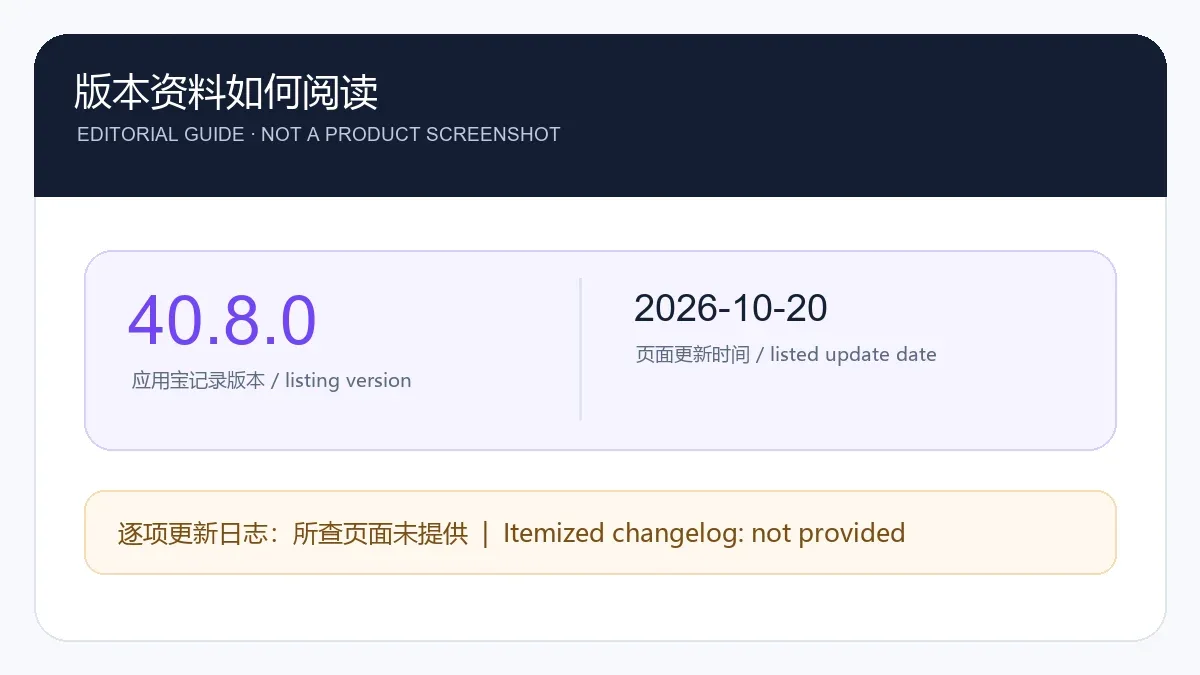
截至 2026 年 10 月 20 日,应用宝详情页记录抖音版本为 40.8.0、页面更新时间为 2026.10.20,包名为 com.ss.android.ugc.aweme。该日期是应用宝页面列出的更新时间,不等同于开发者逐项发布说明。
本次核对的应用宝详情页和抖音官方安装页没有展示 40.8.0 的逐项更新日志,因此本页不推测修复内容或新功能。更新前可在详情页或官方安装入口重新核对当前版本;若应用内版本号不同,应以所在地区可用的官方页面为准。
常见问题 FAQ:下载、权限与故障
抖音安卓版从哪里下载? 建议从抖音官方安装页面进入 Android 安装入口,并在安装器中核对应用名称与来源。
应用宝的安全检测能否代替独立验证? 不能。详情页显示的扫描或审核信息属于应用宝平台声明,不是本页进行的独立安全审计;本次没有下载、验签或运行 APK。
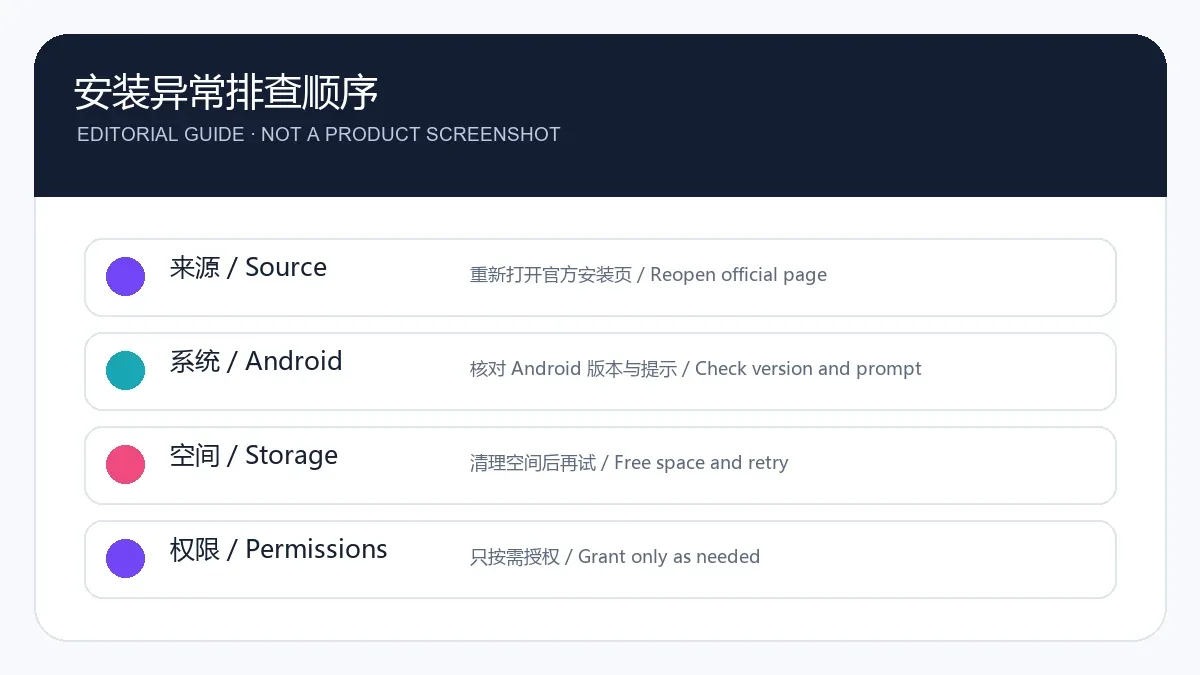
安装失败或提示版本不兼容怎么办? 先核对 Android 版本、下载来源和剩余空间,再重新打开官方页面获取当前安装项。若提示仍存在,保留系统提示并联系官方帮助渠道,不要安装改包或关闭系统保护。
来源:抖音官方安装页面;腾讯应用宝抖音详情页。
English
Douyin Android download guide: official page, Android 6.0+, v40.8.0 (listed 20 Oct 2026), setup steps, video features, no itemized changelog, for new users.
What Douyin offers: viewing, creation and interaction
Tencent App Store lists Douyin as a mobile app and describes short videos, livestreams, mini dramas, effects, selected longer videos and an elder-friendly mode. The app supports viewing and basic creation tools such as trimming, filters and text. Availability can vary by app version, region, account state and platform rules.
Search, follows and saves can help organize how you find material, but a recommendation feed is not a complete catalog. Check in-app notices for current event, livestream and account rules.
Douyin Android download and installation
- Open the official Douyin installation page and choose its Android route. Avoid search ads or unfamiliar file-sharing pages.
- Check the domain, app name and publisher before downloading. Tencent App Store lists package com.ss.android.ugc.aweme and Beijing Douyin Technology Co., Ltd. as both developer and operator.
- Open the system download history and start the installer. If Android asks to allow installs from the browser, enable that source only for the download you initiated, then turn the permission off after setup.
- After installation, review camera, microphone, photo and notification permissions against your needs before signing in or enabling alerts. Android menu labels vary by device maker.
The official installation page states Android 6.0+. If your device is below that version or Android reports incompatibility, do not bypass the warning with an unknown older package.
Update information: version 40.8.0
As checked on 20 October 2026, the Tencent App Store detail page lists Douyin version 40.8.0, page update date 2026.10.20 and package com.ss.android.ugc.aweme. That date is the store's listed update date, not an itemized developer release note.
The reviewed app-store detail and official Douyin install page do not show a change-by-change log for 40.8.0, so this guide does not invent fixes or features. Recheck the current official route before updating. If the version shown in your app differs, follow the official page available in your region.
FAQ: download, permissions and installation issues
Where should I download Douyin for Android? Use the official Douyin installation page to reach its Android entry, then verify the app name and source in Android's installer.
Does the app-store scan badge prove the APK is independently safe? No. Any scan or review label on the store page is the platform's own statement, not an independent audit by this guide. This review did not download, verify or run the APK.
What if installation fails or Android reports incompatibility? Check the Android version, source page and available storage, then reopen the official page for the current installer. If the warning remains, keep it and ask the publisher for help; avoid modified packages or disabling system protection.
Sources: official Douyin installation page; Tencent App Store Douyin listing.