WiFi万能钥匙 Android 版下载入口、5.2.39 版本、权限和热点连接排查。 / WiFi Master Key for Android: store listing, setup, privacy permissions, and connection help.
WiFi万能钥匙 Android 版可查找附近 Wi-Fi 热点并管理连接;本文整理 WiFi万能钥匙下载入口、安装步骤、5.2.39 版本、权限说明及连接故障排查。热点可用性取决于信号与分享设置,请确认网络授权;应用宝未显示逐项更新日志,也未提供可核验的 APK 直链;安装前请核验应用包名和来源。
中文
WiFi万能钥匙是什么:附近热点与连接管理
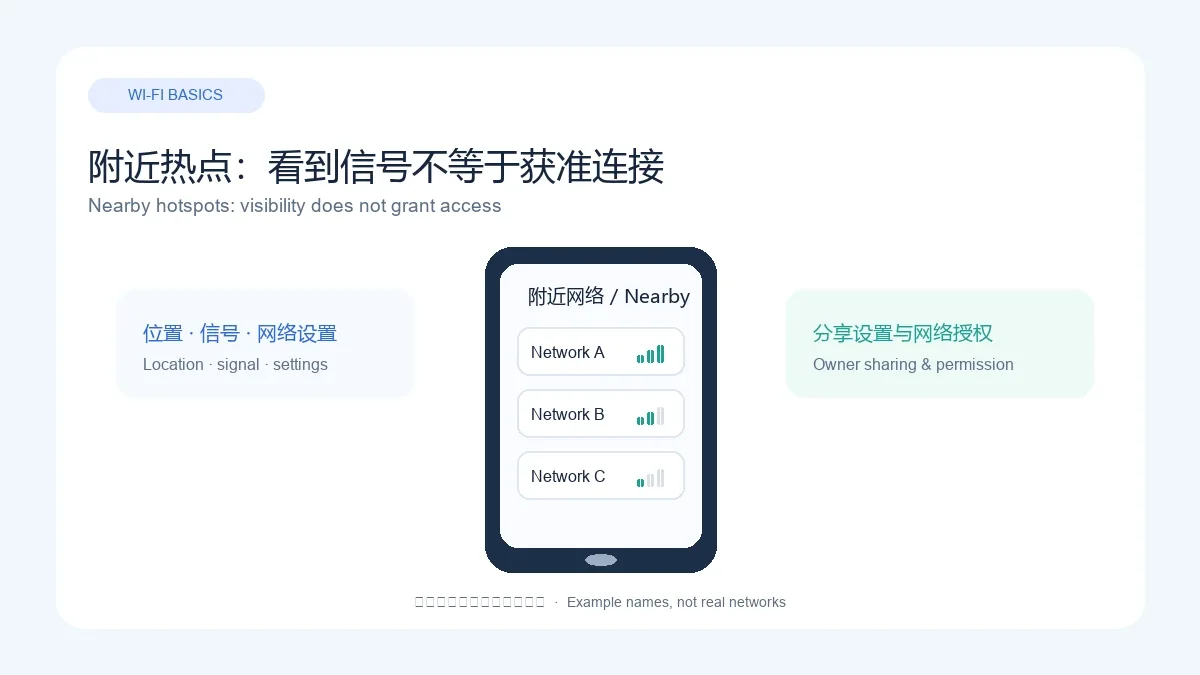
应用宝详情页将“WiFi万能钥匙”列为 Android 应用,开发商和运营商均为南京尚网网络科技有限公司。开发者官网介绍附近热点搜索和 Wi-Fi 连接服务。能否看到某个热点取决于所在位置、信号、网络状态及热点所有者的分享设置;能看到热点也不代表获准连接,请遵守网络访问授权。
WiFi万能钥匙 Android 下载与安装步骤
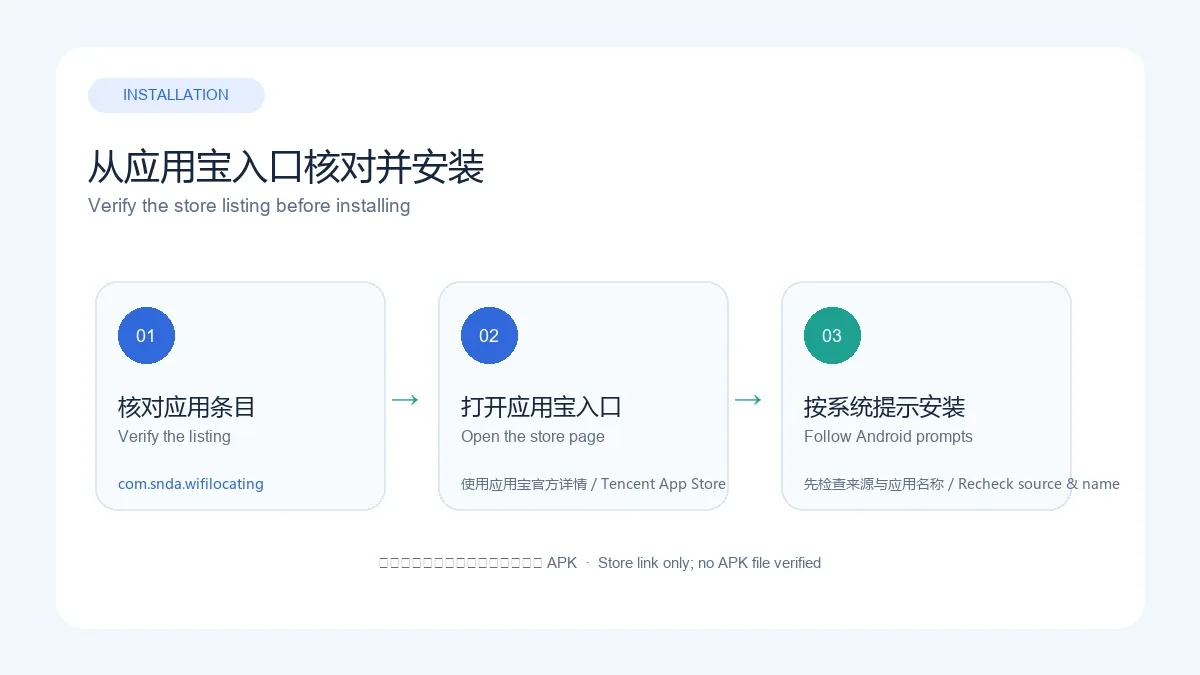
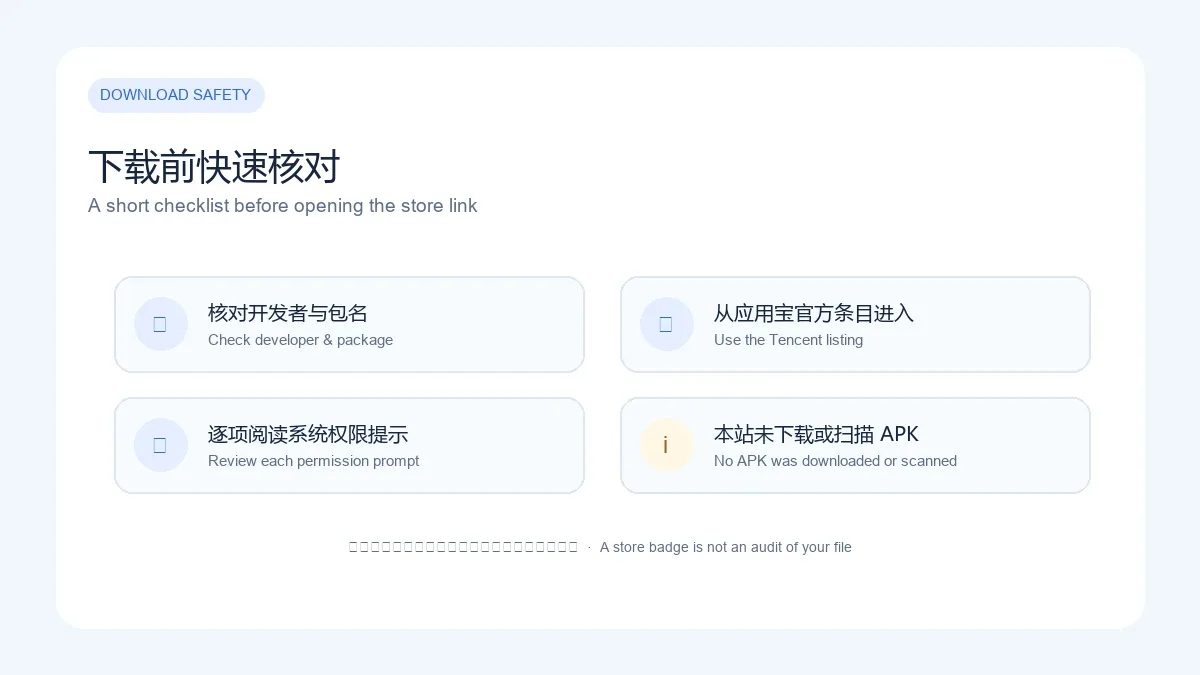
- 打开应用宝官方详情页,核对应用名称“WiFi万能钥匙”、开发商和包名 com.snda.wifilocating。
- 使用详情页显示的手机版扫码入口,或在应用宝客户端中打开同一条目;不要只凭相似图标选择第三方同名应用。
- 按应用宝和 Android 系统的提示完成下载、安装与首次打开。如果系统显示的应用名称或来源不符,取消操作并返回详情页核对。
- 首次使用热点功能前,阅读当前版本的权限提示和隐私政策,只根据计划使用的功能决定是否授权。
本次只核对了公开详情页,没有下载或运行 APK,也没有验证具体机型兼容性。Android 菜单名称可能因系统版本而异,请以设备提示为准。此处提供的是应用宝商店入口,不是直链安装包。
当前版本 5.2.39 与更新日志
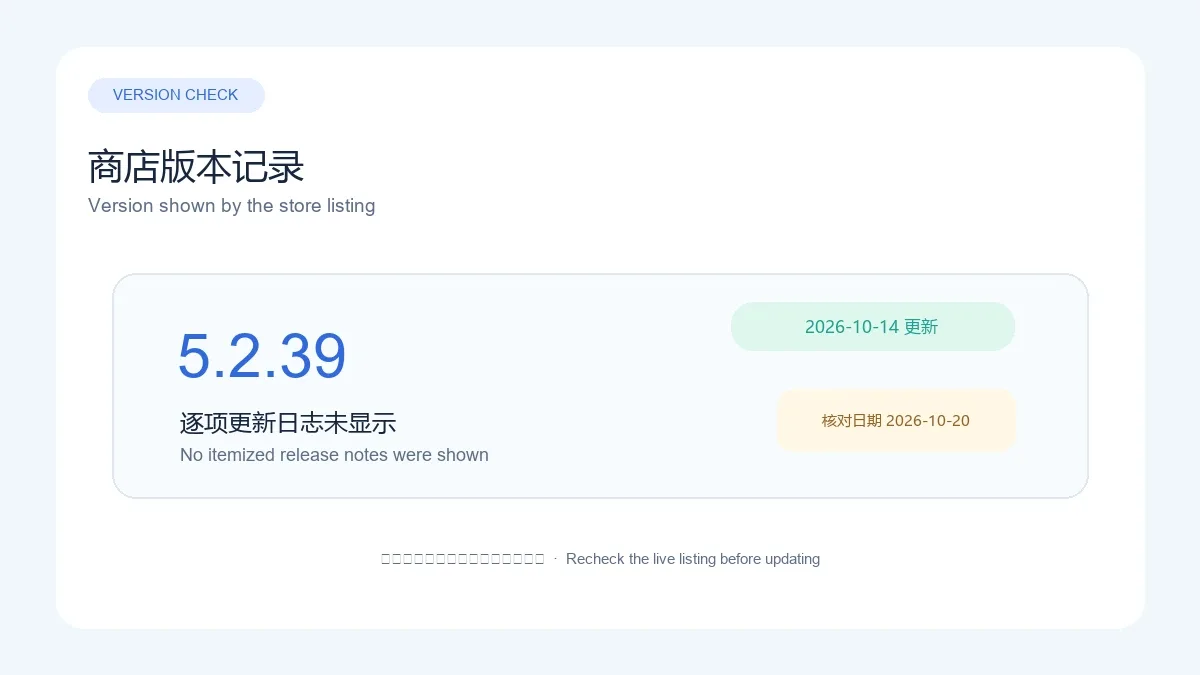
截至 2026 年 10 月 20 日,应用宝详情页显示版本 5.2.39,更新时间为 2026-10-14。页面没有列出逐项更新说明,因此不能据此推断新增功能、修复内容或最低 Android 版本。若要确认某个问题是否已修复,请查看应用内说明或应用宝后续版本详情。
这里的版本号是查询当日应用宝页面所示记录;其他渠道可能有不同更新节奏。下载或更新前再次核对包名、开发者和更新时间。更新日期不等同于已核实的独立 APK 发布日期。
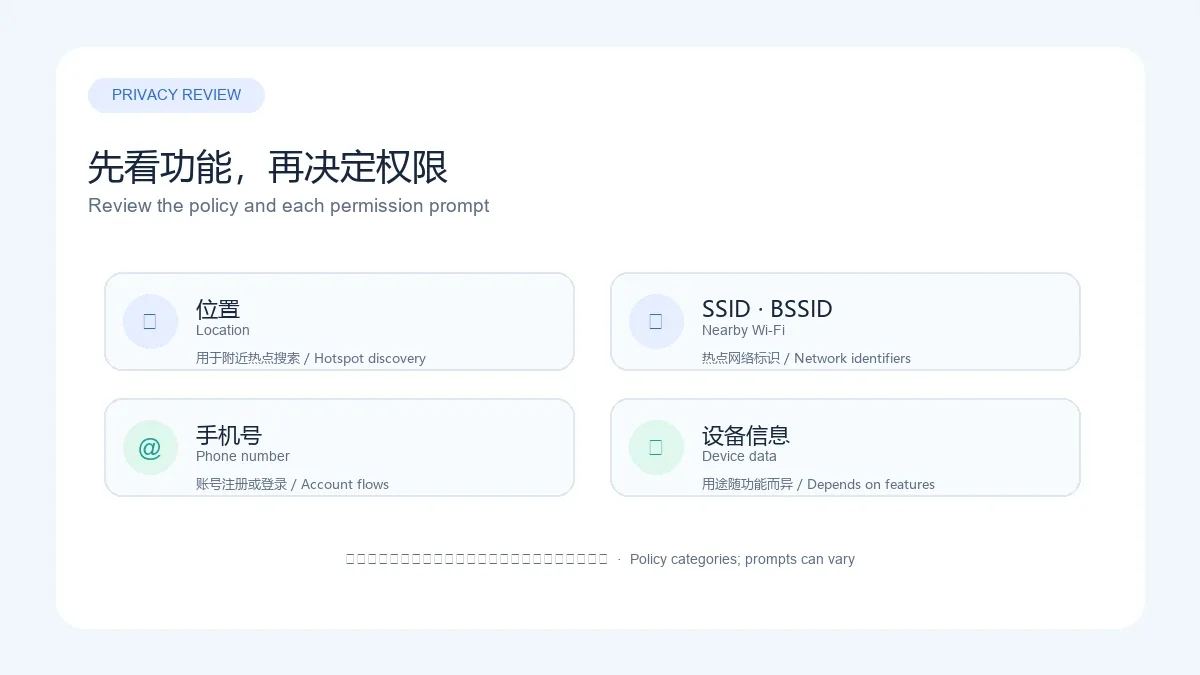
WiFi万能钥匙隐私与权限:查看政策中的数据类别
官网隐私政策标注最近更新于 2024 年 8 月 27 日。政策称,热点搜索与连接场景会使用位置信息并读取附近 Wi-Fi 的 SSID、BSSID;账号注册或登录涉及手机号,政策还列出设备标识及设备、应用列表等信息类别。涉及的数据随功能场景而异,具体权限以你安装版本的系统提示和应用内设置为准。
如果不使用某项功能,可先不授予对应权限;但政策说明,关闭位置权限可能无法使用附近热点连接。应用宝页面还展示了平台安全评估和检测标识,这是该页面呈现的声明;本站未取得评估报告,也没有下载、扫描或校验你实际安装的 APK。请阅读隐私政策并按需管理权限。
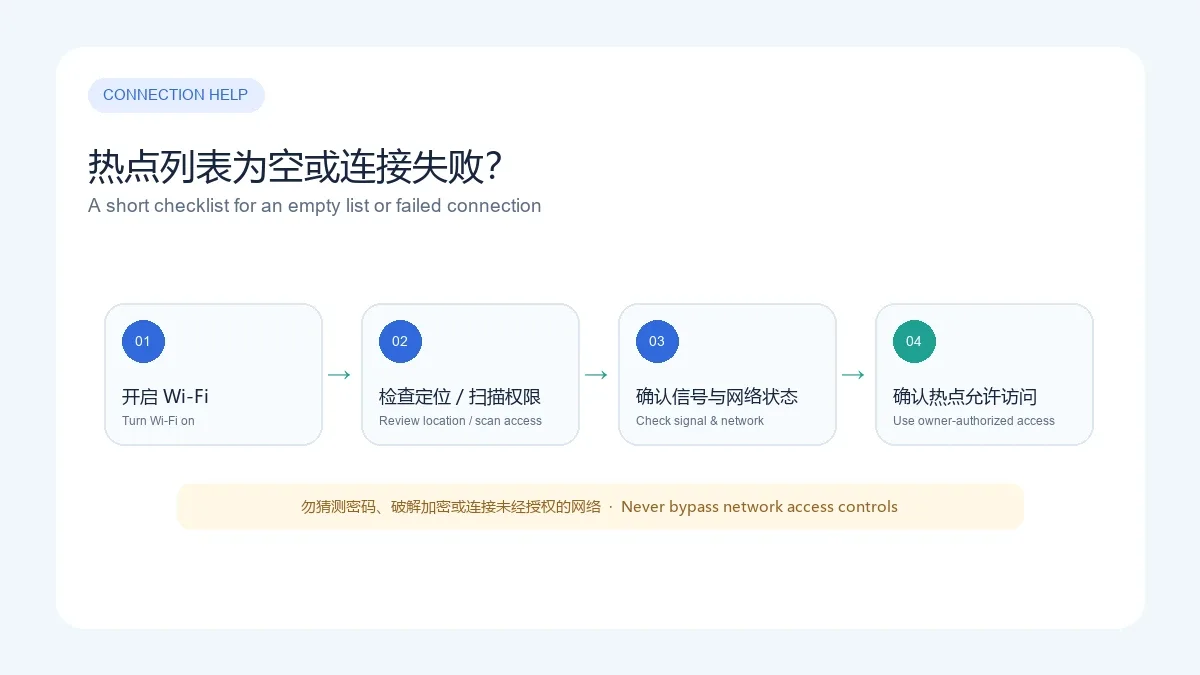
热点列表为空或连接失败怎么办
先确认手机 Wi-Fi 已开启,再检查 Android 是否允许应用使用位置或附近 Wi-Fi 扫描能力。不同 Android 版本的权限名称和设置入口可能不同。接着靠近路由器,确认信号正常,并重新打开热点列表;需要账号、验证码或所有者许可的网络,应按其正规流程操作。
如果列表仍为空,可关闭再开启 Wi-Fi、重启应用,并检查系统省电限制及周边是否有可用热点。如果只对某个网络连接失败,使用由网络所有者提供的凭据。不要猜密码、破解加密或尝试绕过访问控制;持续失败时记录手机型号、Android 版本和错误提示,再联系官方客服。
常见问题 FAQ:下载、权限与安全
WiFi万能钥匙能连接所有 Wi-Fi 吗? 不能保证。热点显示和连接取决于位置、信号、分享设置和网络状态;只能连接获准使用的网络。
5.2.39 更新了什么? 应用宝查询页没有提供逐项更新日志。没有可核实说明时,不把宣传文案或其他版本的公告写成本版本变更。
应用宝的安全标识代表我下载的 APK 已被独立检测吗? 不代表本站验证了该文件。商店页面展示平台评估或检测信息,但本站没有取得报告,也没有下载或扫描 APK;安装前仍应核对来源、包名、签名和权限。
WiFi万能钥匙 Android 版在哪里下载? 从应用宝详情页核对 com.snda.wifilocating、开发商和当前版本,再使用该页面提供的手机版入口。本站未提供 APK 直链。
要获取 WiFi万能钥匙 Android 版,请从应用宝详情页核对包名 com.snda.wifilocating、开发商和实时版本;遇到热点列表为空或连接失败时,先检查网络与权限,并只使用经所有者授权的热点。
English
WiFi Master Key for Android finds hotspots. Check the listing, setup, version 5.2.39, privacy, and connection fixes; access depends on hotspot owner settings.
What WiFi万能钥匙 does: hotspot discovery and connections
The Tencent App Store listing identifies WiFi万能钥匙 as an Android app published and operated by Nanjing Linksure Network Technology Co., Ltd. Its publisher site describes nearby hotspot discovery and Wi-Fi connection services. Whether a hotspot appears depends on location, signal, network availability, and the owner's sharing settings. Visibility does not grant access; use only networks you are authorized to access.
How to download and install WiFi万能钥匙 on Android
- Open the Tencent App Store listing and verify the app name, developer, and package com.snda.wifilocating.
- Use the mobile QR entry shown on that listing, or open the same item in the Tencent App Store app. Do not choose a third-party look-alike based only on its icon.
- Follow the store and Android prompts to download, install, and open the app. If the displayed app name or source differs from what you expect, cancel and recheck the listing.
- Before using hotspot features, read the current permission prompts and privacy policy. Decide which permissions to grant based on the features you intend to use.
This research checked public listing pages only. No APK was downloaded or run, and compatibility was not verified on a device. Android menu names vary by version. This page links to the store listing, not a direct APK file.
Version 5.2.39 and update notes
As checked on October 20, 2026, the Tencent App Store listing showed version 5.2.39, updated October 14, 2026. It did not provide itemized release notes, so this guide does not infer added features, fixes, or a minimum Android version. For a particular fix, check the app's own notes or a later store listing.
This version is the store value observed on the lookup date; other channels may update on a different schedule. Recheck the package, developer, and listing date before downloading or updating. The listing date is not a separately verified APK release date.
Privacy and Android permissions
The publisher's privacy policy, marked as updated August 27, 2024, says hotspot search and connection use location and nearby Wi-Fi details such as SSID and BSSID. It also lists a phone number for account registration or login, device identifiers, and device or app-list information in relevant functions. The categories depend on the feature; review the prompts and settings in the version you install.
The policy says disabling location can prevent nearby hotspot connection. If you do not plan to use a feature, review its permission before enabling it. The Tencent listing displays platform security assessment and checking claims; this page did not obtain an assessment report or download, scan, or verify the APK you install. Read the privacy policy and manage permissions for your use.
Wi-Fi list is empty or connections fail
Make sure Wi-Fi is on, then check whether Android allows the app to use location or nearby Wi-Fi scanning. Permission names and settings differ by Android version. Move closer to the router, confirm the signal, and reopen the hotspot list. For networks requiring an account, code, or owner approval, follow the normal access process.
If the list remains empty, toggle Wi-Fi, restart the app, review battery restrictions, and confirm that a usable hotspot is nearby. If only one network fails, use credentials provided by its owner. Do not guess passwords, crack encryption, or bypass access controls. If the problem continues, note your phone model, Android version, and error text before contacting the publisher.
FAQ: downloads, permissions, and safety
Can WiFi万能钥匙 connect to every Wi-Fi network? No. Availability depends on location, signal, sharing settings, and network status. Connect only to networks you are authorized to use.
What changed in version 5.2.39? The Tencent listing checked here did not show itemized release notes. This page does not attribute promotional claims or another build's notes to this version.
Does a store safety badge prove the APK I install was independently audited? Not by this page. The listing displays assessment or platform-check claims, but this research did not obtain a report or download and scan an APK. Check the source, package, signature, and permissions of the file you install.
Where can I download WiFi万能钥匙 for Android? Start from the Tencent App Store listing, verify com.snda.wifilocating, the developer, and the current version, then use the mobile entry provided there. This page does not provide a direct APK.
For WiFi Master Key Android downloads, verify com.snda.wifilocating, the developer, and the live version on the Tencent App Store listing. For an empty hotspot list or failed connection, check the network and permissions, and connect only to authorized hotspots.