微信 Windows 版支持电脑端聊天、文件传输、公众号文章阅读和语音视频通话。腾讯官网列出 4.1.15 64 位(Windows 7 及以上),并另列 3.9.12 32 位旧版;页面整理官方安装步骤、2026-09-15 更新内容与常见问题。 / WeChat for Windows supports desktop chat, file sharing, public-account articles, and voice or video calls. Tencent lists 4.1.15 (64-bit) for Windows 7 or later and a separate legacy 3.9.12 (32-bit) build. This guide covers setup, the 2026-09-15 update, and FAQs.
中文
微信 Windows 版(WeChat for Windows)可在电脑上收发消息与文件、阅读公众号文章,并进行语音或视频通话。腾讯官网列出 4.1.15 64 位版本,标注支持 Windows 7 及以上;本文整理安装步骤、2026 年 9 月更新和旧版 3.9.12 32 位入口,帮助核对系统位数后再下载。
微信 Windows 版功能与适用场景
微信电脑版适合在 Windows 桌面上查看和回复消息、收发文件,以及阅读公众号文章。腾讯在 4.1.15 更新说明中还列出语音或视频通话邀请功能:原本的双人通话可以邀请其他人加入。文件和公众号文章也支持“问 AI”;具体可用范围以客户端界面和腾讯服务说明为准。
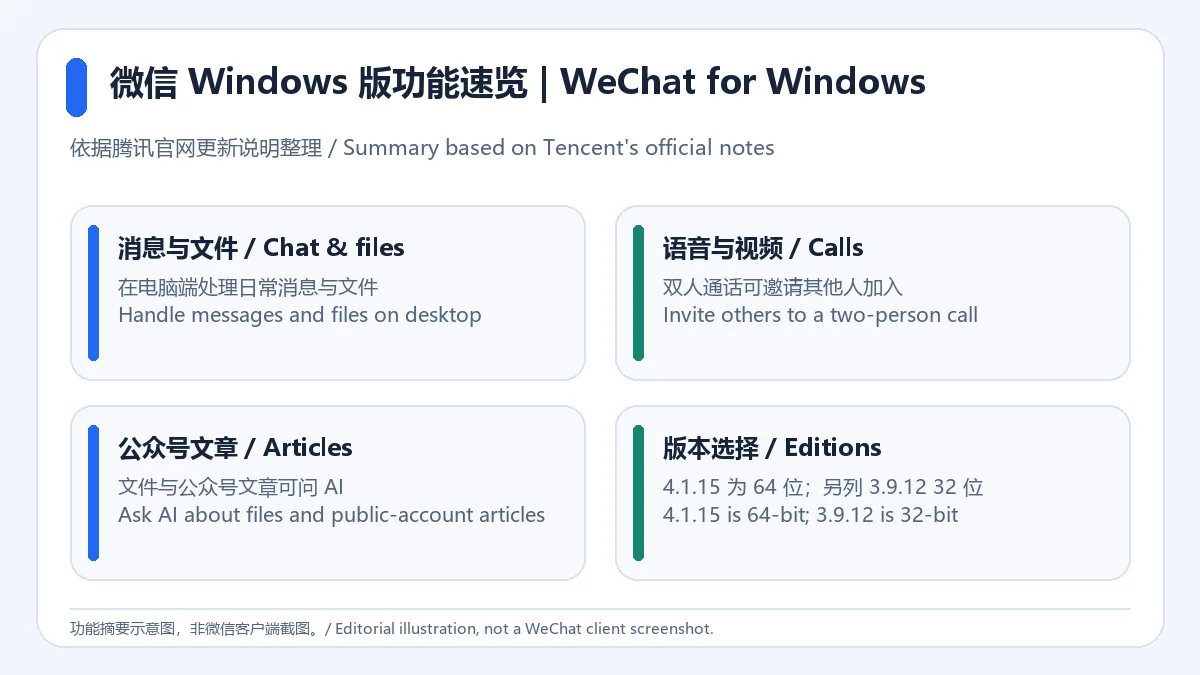
这张原创图仅概括官网列出的功能,不展示或模拟微信界面。
微信电脑版官方下载与安装步骤
- 打开腾讯微信 Windows 官方下载页,核对页面当前版本与系统要求。
- 在 Windows“设置 > 系统 > 关于”确认系统类型。官网当前列出的 4.1.15 是 64 位版本,适用于 Windows 7 及以上;若确实需要 32 位版本,页面另列旧版 3.9.12,不要把两个版本的位数混淆。
- 从官网页面选择匹配的安装程序并保存到本机,然后按 Windows 安装向导提示完成安装。本文未下载或运行安装包。
- 启动微信 Windows 客户端,依照客户端显示的官方登录流程继续;如版本、架构或安装提示与官网当前页面不符,先停止安装并重新核对来源。
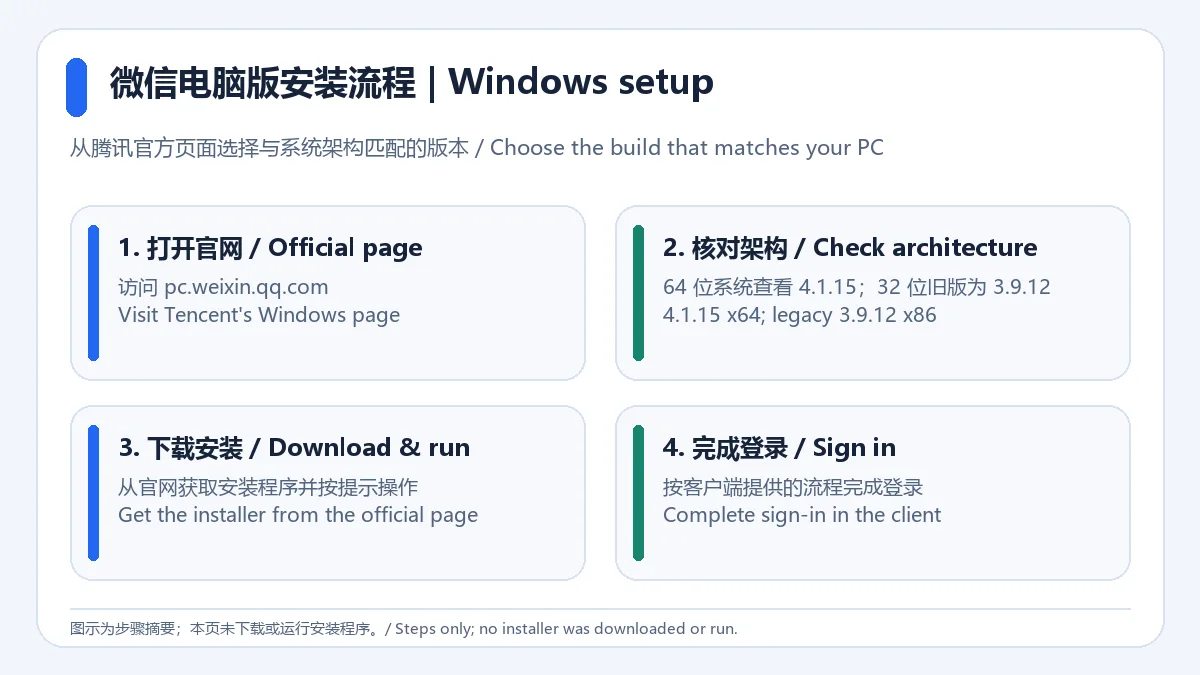
步骤图根据腾讯官网的版本入口制作,不代表安装器实拍或本站安装测试。
微信 Windows 版 4.1.15 更新日志
腾讯官方更新页把 4.1.15 的更新日期标为 2026 年 9 月 15 日。列出的变化包括:双人语音或视频通话支持邀请其他人加入;文件和公众号文章支持问 AI;以及修复已知问题。官方页面没有列出这些已知问题的逐项说明,因此本页不推测具体修复内容。
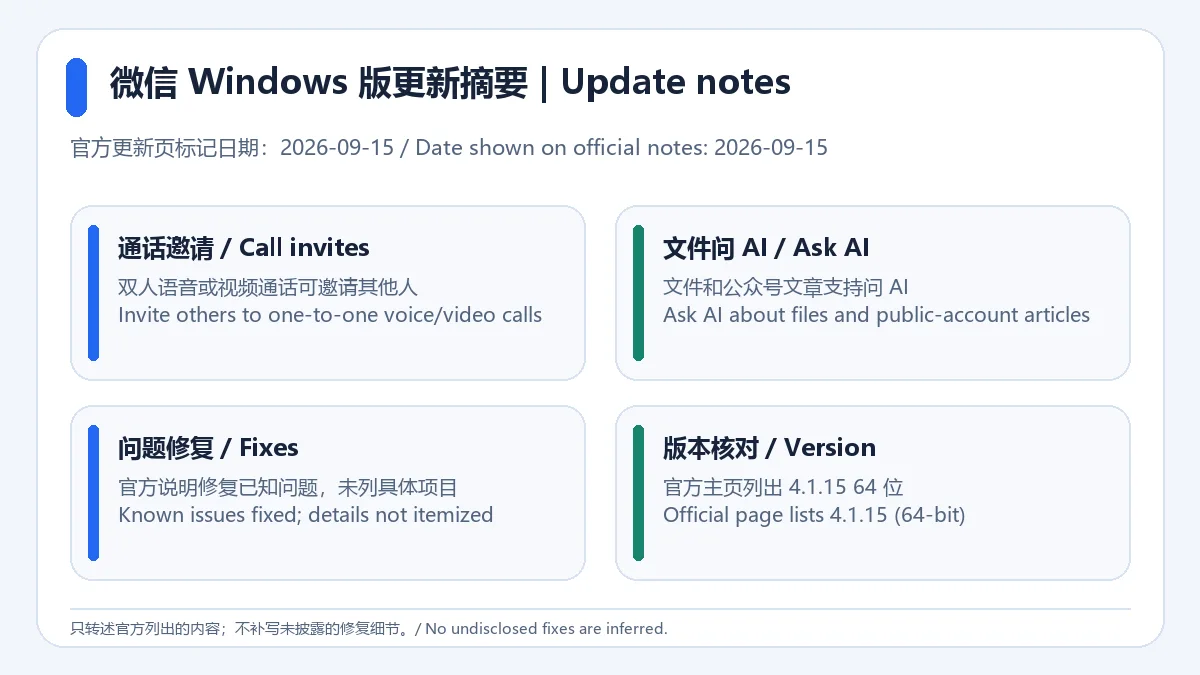
来源:微信 Windows 版官方更新记录。图中未补充官方未披露的版本细节。
微信 Windows 版系统要求与版本区别
官网当前下载页列出 Windows 7 及以上的 4.1.15 64 位版本,并另外提供 3.9.12 32 位旧版入口。下载前应先查看 Windows 系统类型,再选择相符架构;“支持 Windows 7 及以上”是官网对当前 64 位版本的标注,不代表所有旧电脑都能顺利运行每项新功能。遇到安装失败时,先复核系统架构、下载文件来源和页面上的最新要求。
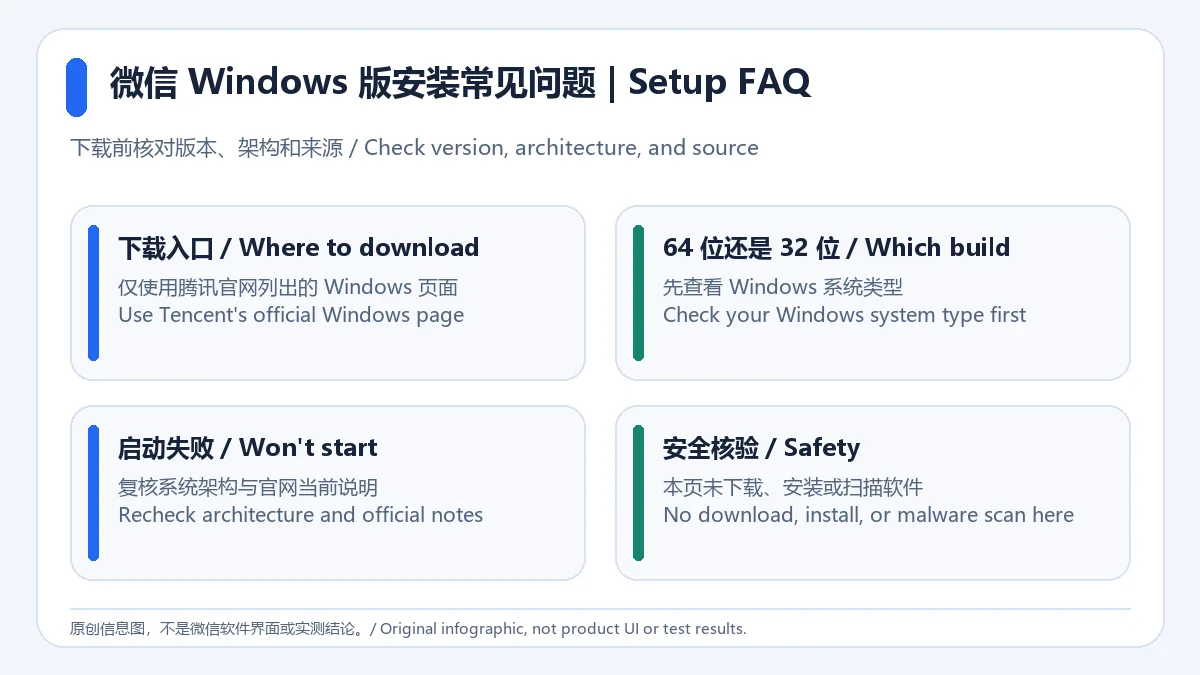
微信 Windows 版常见问题(FAQ)
微信 Windows 版从哪里下载? 请从腾讯官方 Windows 页面进入并查看当前下载选项。不要从来历不明的旧链接获取安装文件。
4.1.15 和 3.9.12 有什么区别? 官网当前列出 4.1.15 64 位版本,并另列 3.9.12 32 位旧版;先确认 Windows 系统架构,再决定是否需要旧版。
4.1.15 更新了什么? 官方记录日期为 2026-09-15,提及双人通话邀请其他人、文件和公众号文章问 AI,以及修复已知问题;没有逐项公布修复详情。
这个页面是否做过安装或安全检测? 没有。本页依据腾讯公开页面整理,未下载、安装、运行或扫描软件;使用前请核对腾讯官网的当前版本与系统要求。
编辑说明: 榜单中的旧记录为“微信4.1.1.19”,其安装文件不是本页官方下载来源。版本与更新信息依据腾讯官网;本页不作独立安全检测或性能测试。
English
WeChat for Windows supports chat, files, and calls. Tencent lists 4.1.15 (64-bit) for Windows 7+; review setup and the older 3.9.12 (32-bit) build first.
WeChat for Windows features and use cases
The desktop client lets users handle messages and files and read public-account articles on Windows. Tencent's 4.1.15 notes say that other people can be invited to a two-person voice or video call. The notes also say that files and public-account articles support Ask AI. The exact availability of these features should be checked in the client and Tencent's service information.
This original graphic summarizes listed features; it does not show or imitate the WeChat interface.
How to download and install WeChat for Windows
- Open Tencent's official WeChat for Windows page and check the current version and requirements.
- In Windows, open Settings > System > About and check the system type. Tencent lists version 4.1.15 (64-bit) for Windows 7 or later. The page also lists the older 3.9.12 (32-bit) build; do not confuse the architectures.
- Choose the matching installer on the official page, save it locally, and follow the Windows setup prompts. This guide did not download or run the installer.
- Start the client and follow its official sign-in flow. If the version, architecture, or installer prompt differs from the current official page, stop and check the source before continuing.
The diagram summarizes Tencent's download choices. It is not a photo of the installer or a hands-on test.
WeChat for Windows 4.1.15 update notes
Tencent's official update page shows September 15, 2026 for version 4.1.15. The notes list invitations for other people to join a two-person voice or video call, Ask AI support for files and public-account articles, and fixes for known issues. The page does not itemize those issues, so this guide does not infer what was fixed.
Source: Official WeChat for Windows update notes. No undisclosed release details are added to this illustration.
WeChat for Windows system requirements and editions
Tencent's page lists the 64-bit version 4.1.15 for Windows 7 or later, and separately lists the older 32-bit version 3.9.12. Check the Windows system type before choosing a build. The stated Windows 7 compatibility is the official listing for the current 64-bit version; it does not guarantee that every newer feature will work on every older PC. If setup fails, recheck the architecture, file source, and current requirements on Tencent's page.
WeChat for Windows FAQ
Where can I download WeChat for Windows? Use Tencent's official Windows page and review its current options. Avoid installers from unknown sources or obsolete links.
What is the difference between 4.1.15 and 3.9.12? Tencent lists 4.1.15 as 64-bit and separately lists 3.9.12 as an older 32-bit build. Check your Windows architecture first.
What changed in 4.1.15? The official notes are dated 2026-09-15 and mention inviting others to two-person calls, Ask AI support for files and public-account articles, and fixes for known issues. The fixes are not itemized.
Was this app installed or security-tested for this page? No. This page uses Tencent's public information; the software was not downloaded, installed, run, or scanned. Check the current official version and requirements before use.
Editorial note: The source ranking row was titled “微信4.1.1.19”; its legacy installer is not used as this page's official download source. Version and update facts come from Tencent. No independent safety or performance test was performed.