

沙威玛传奇 (Shawarma Legend)
沙威玛传奇是 Patates Games 的餐厅经营与时间管理游戏,玩家处理定制订单、准备餐点并升级店铺。Shawarma Legend is a restaurant game; this guide covers official Android installation, version 1.0.50, languages, purchases, and troubleshooting.
Riot Games 的 Android 回合制策略自走棋;本中英双语指南介绍全球版身份核验、官方商店安装、兼容检查、18.5 商店更新说明、隐私披露与常见故障。 / Riot's Android strategy auto-battler, with official-store setup, compatibility, update context, privacy disclosures, and troubleshooting.
別名:Teamfight Tactics、TFT、云顶之弈手游全球版
作者:RJ.tools Editorial
ソフトウェアの基本情報と提供元を確認できます
The checked Riot and Google Play pages do not establish an open-source license for the game. Riot retains rights to its game content and marks.
com.riotgames.league.teamfighttacticsRiot Games 的 Android 回合制策略自走棋;本中英双语指南介绍全球版身份核验、官方商店安装、兼容检查、18.5 商店更新说明、隐私披露与常见故障。 / Riot's Android strategy auto-battler, with official-store setup, compatibility, update context, privacy disclosures, and troubleshooting.
云顶之弈手游下载与安装:核对 Riot 官方 Android 版、Google Play 包名、18.5 更新说明、设备兼容、跨平台游玩和安装排障。了解如何确认 TFT 全球版来源并排查更新或启动问题。TFT Android download and setup guide. See install steps.
TFT(Teamfight Tactics,云顶之弈手游全球版)是 Riot Games 的回合制策略自走棋,可在 Android 上招募英雄、布置阵容并随对局调整。本指南整理官方 Google Play 下载、设备兼容、18.5 商店更新、跨平台组队与常见安装问题,帮助玩家核对来源、完成安装并处理故障。
Riot 官网将 Teamfight Tactics 介绍为策略自走棋:玩家选择英雄、部署队伍,在一轮轮自动战斗中观察局势并调整策略。每局环境会变化,因此本文提供的是决策思路和官方来源核对方法,不把某一套阵容包装成长期有效的“必胜攻略”。本页依据 Riot Games, Inc. 的 Google Play 条目识别 Android 全球版;相似译名或其他地区发行的游戏需按开发者与包名分别确认。
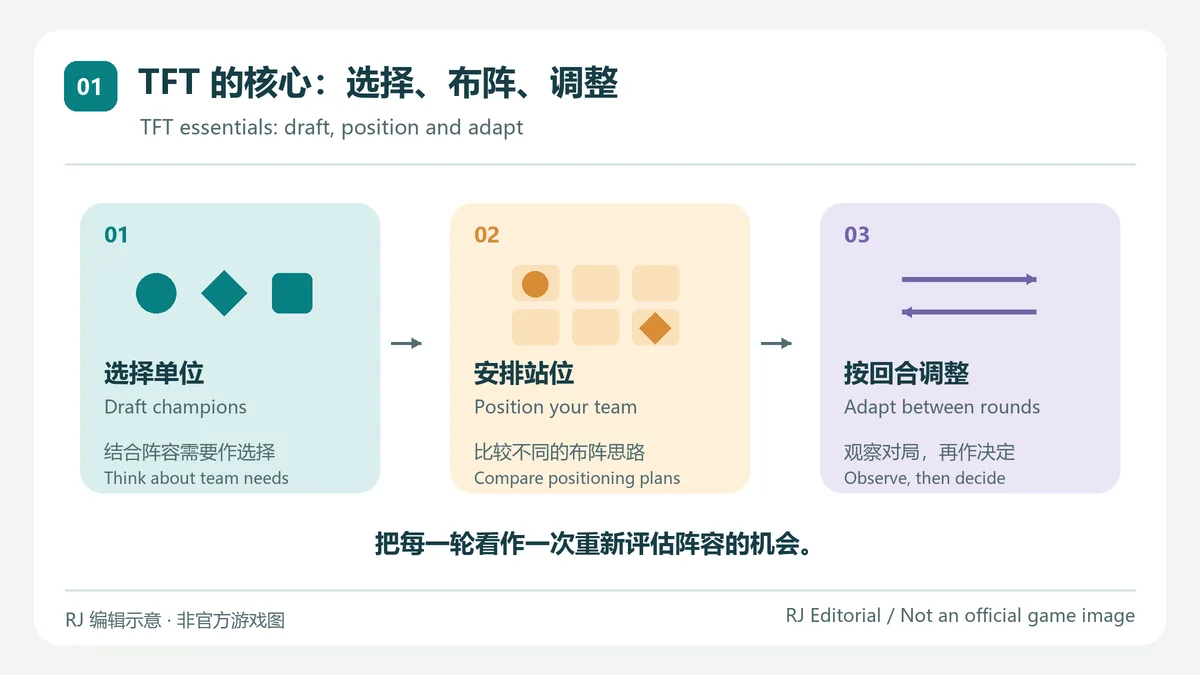
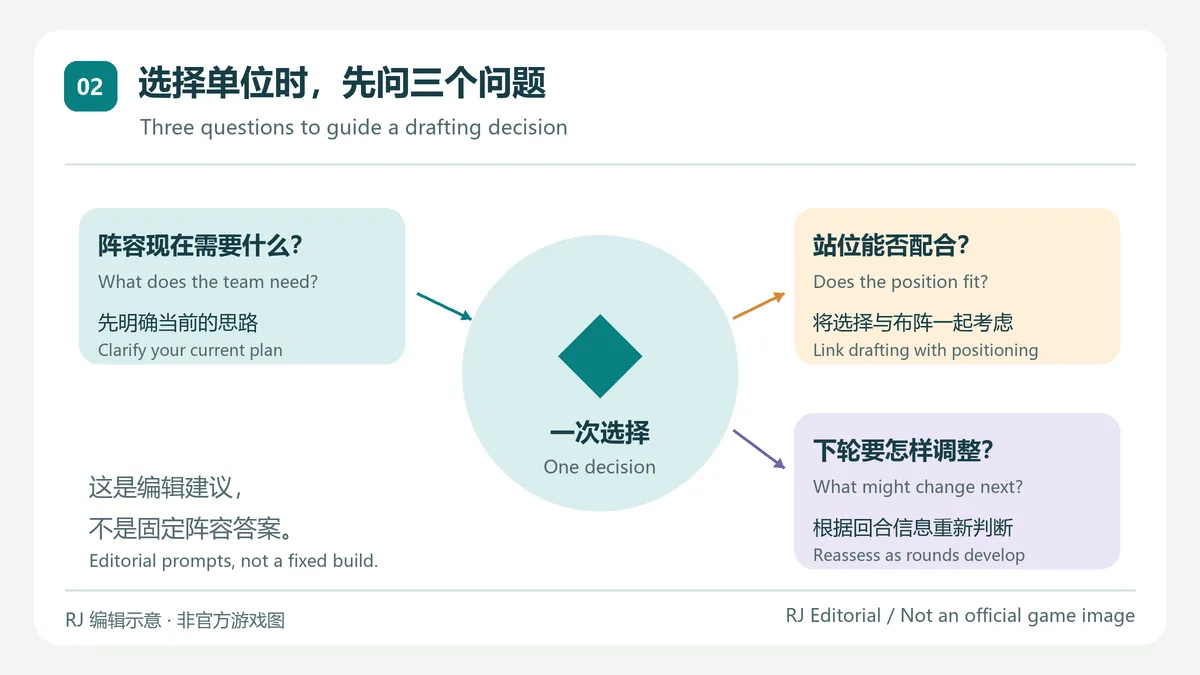
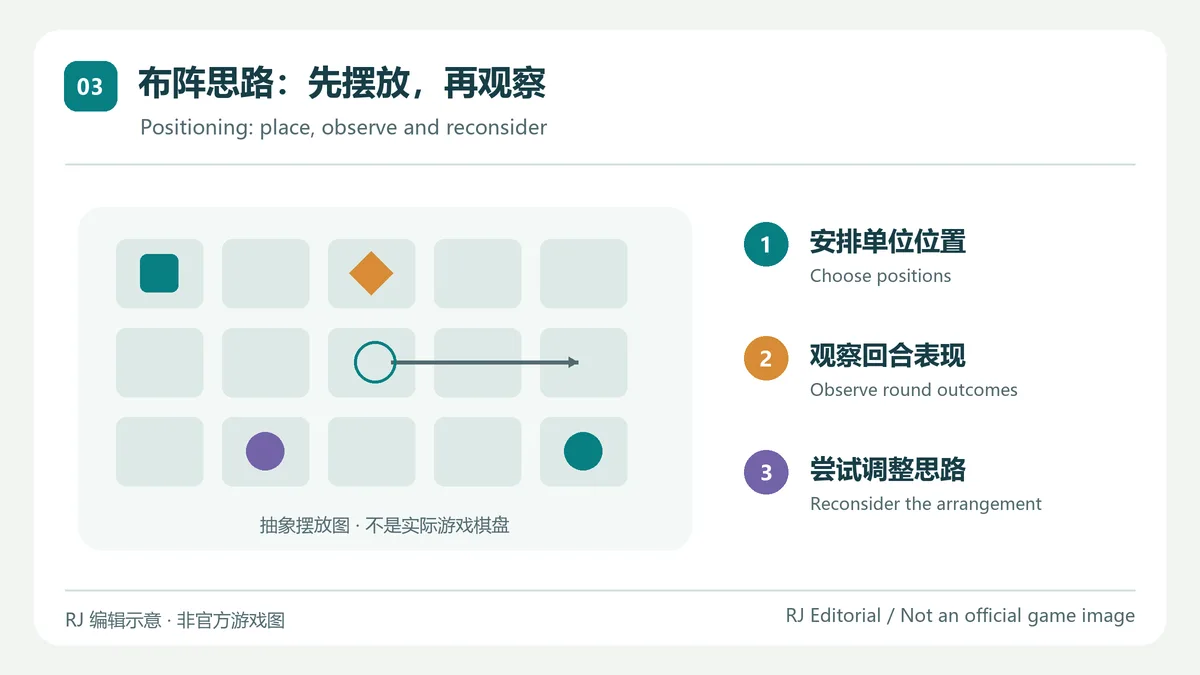
挑选单位时,先想清楚当前队伍缺少什么,再检查棋盘位置是否配合计划;战斗后根据实际结果调整。对局中的可选内容和强度会随更新变化,固定阵容、阵容强度榜或旧赛季截图可能很快过时。Riot 官网的玩法介绍强调 draft、deploy 和 adapt,实际操作以客户端当前赛季规则为准。
com.riotgames.league.teamfighttactics,避免把同名应用或来源不明的 APK 当作 Riot 全球版。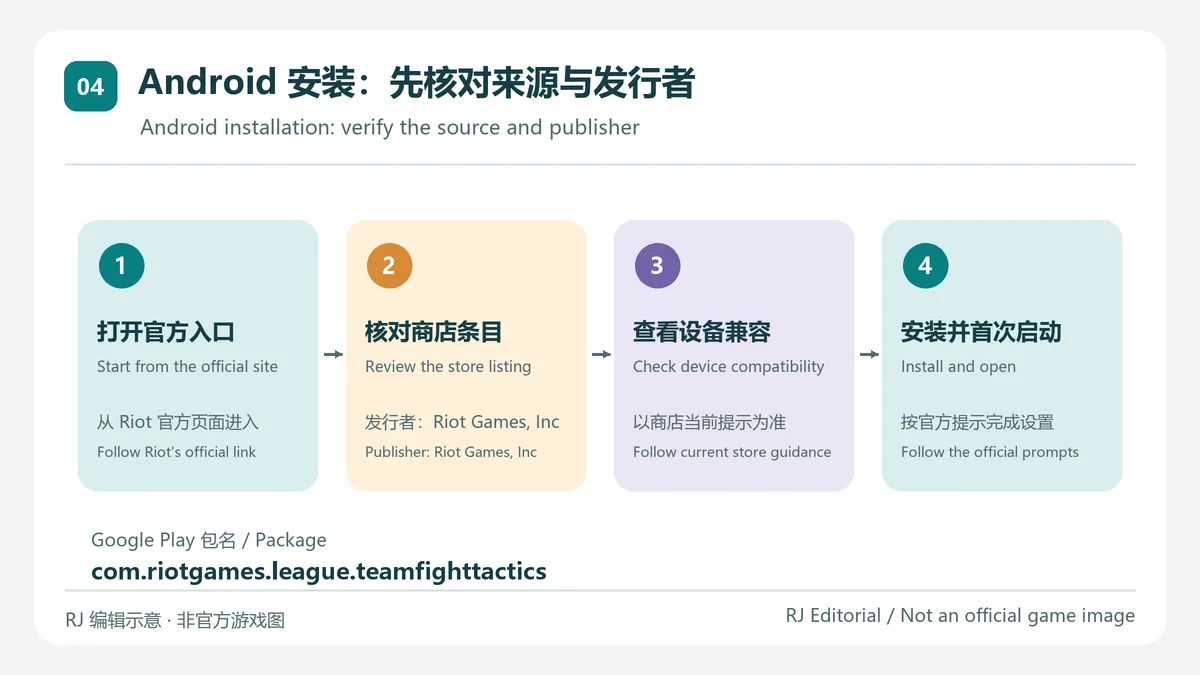
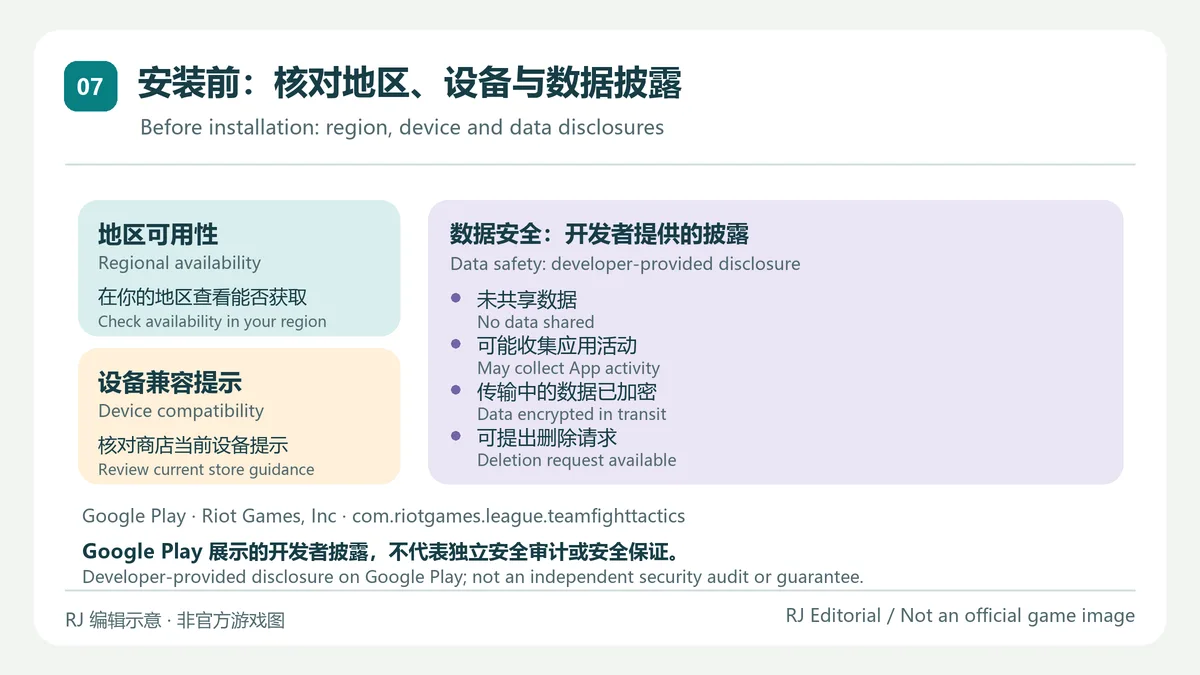
本次查看的 Play 页面没有显示可据以确认的最低 Android 版本,也不保证每个国家或设备都能取得该条目;如看不到安装按钮,先检查 Google Play 账户地区和设备兼容提示。Play 的“数据安全”栏目属于开发者提供的披露:当前页面称不会与第三方共享数据,但应用可能收集应用活动,数据传输时加密,并可提出删除请求。这是商店展示的开发者声明,不等于独立安全审计或对每个地区、功能的保证。
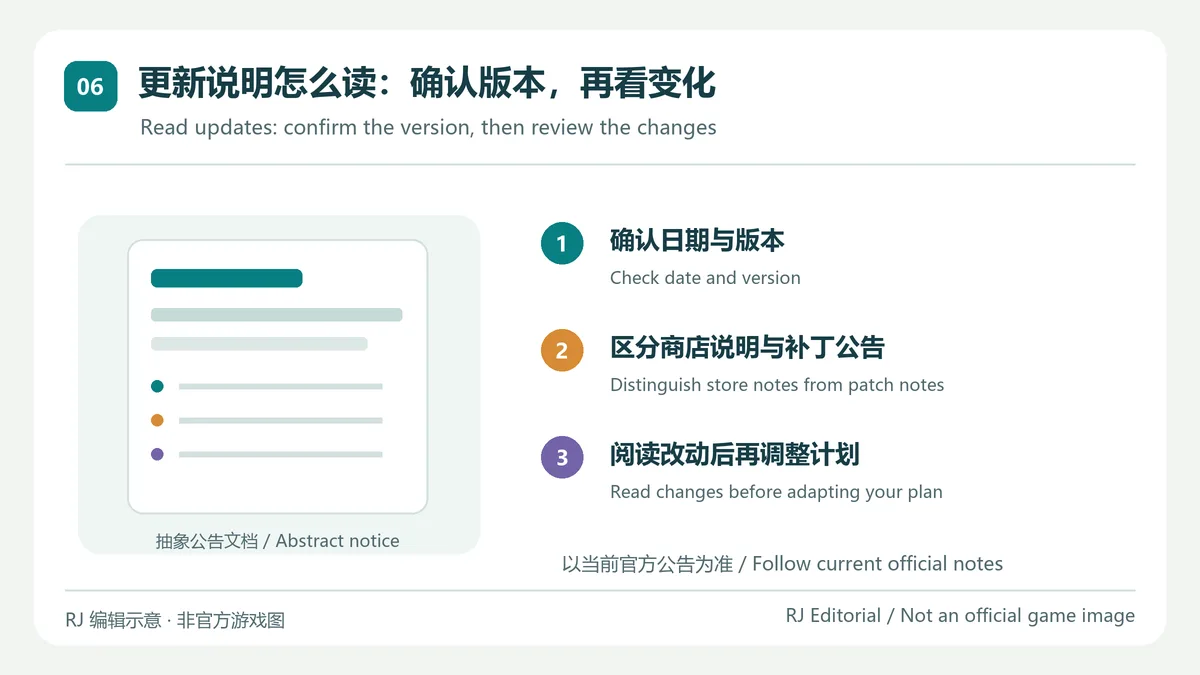
Google Play 条目显示更新日期为 2026 年 10 月 10 日;“新内容”说明称 18.5 延续 18.4 的较大改动,针对性调整并加强表现不足的英雄。这里的 18.5 是商店更新说明中提到的游戏更新标记,不是本页确认的 Android 安装包构建号;当前公开视图未显示可核实的数值应用版本。查看更新时可先比对 Play 日期,再从 Riot TFT 官网进入完整补丁或开发者说明,避免把赛季平衡调整误写成安装器版本。
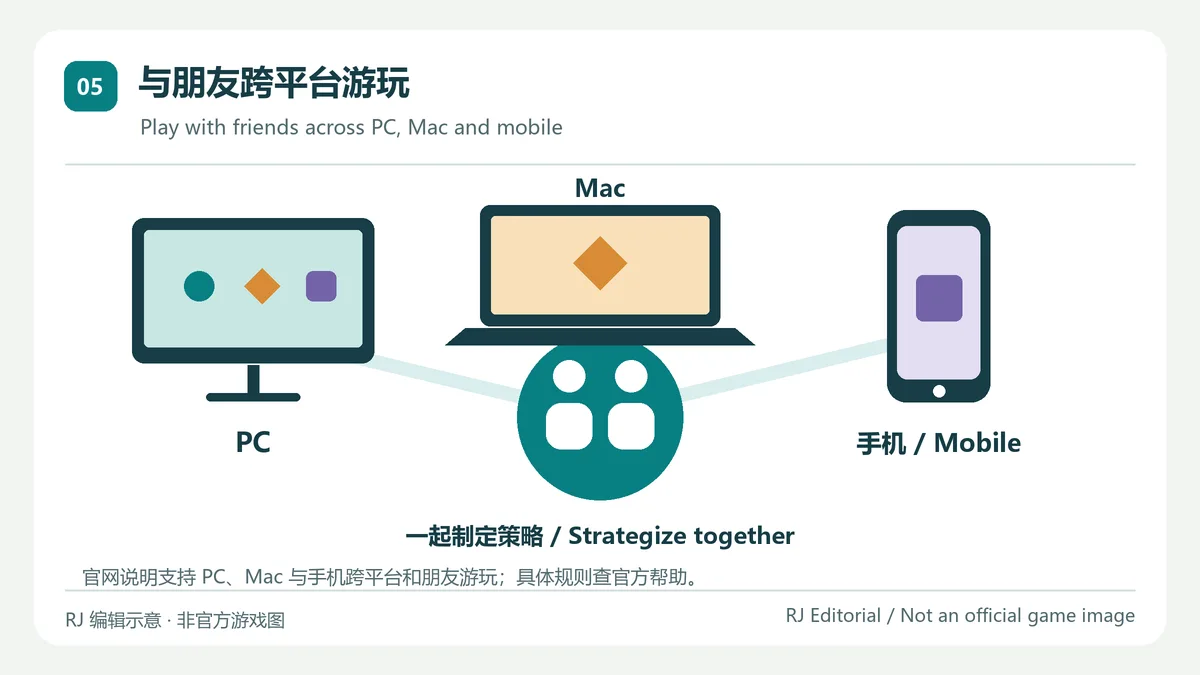
Riot 官网列出 PC、Mac 和移动端跨平台游玩,并说明玩家可与朋友一起对局。此信息不代表所有地区、账号或每个版本都拥有相同功能;排队范围、账号登录和跨区规则应查看客户端当前提示及 Riot 支持说明。手机上遇到延迟或发热时,可先检查网络稳定性、后台负载与设备温度,再判断是否与单次网络或性能状态有关。
TFT 云顶之弈手游全球版在哪里下载?
通过 Riot 官网的移动端入口进入 Google Play,并核对开发者 Riot Games, Inc. 与包名 com.riotgames.league.teamfighttactics。若商店显示地区或设备不兼容,不要用来源不明的安装包绕过提示。
Google Play 显示的 18.5 是 Android 应用版本吗?
Play 的“新内容”栏用 18.5 描述游戏更新,但当前公开页面没有给出可核实的 Android 安装包数值版本。本页按商店原意标注更新说明,没有把 18.5 补成构建号。
TFT 最低支持哪个 Android 版本?
本次公开页面没有显示可确认的最低 Android 版本。请用实际 Google Play 账户查看设备兼容提示和所需空间;不要仅根据其他地区或旧版本页面推断。
Riot 的数据安全说明代表独立安全检测吗?
不代表。Google Play 标明该数据安全资料由开发者提供。它概述可能的数据收集、加密传输与删除请求,不是对 APK 的独立扫描或本页的安全保证。
云顶之弈手游与其他同名译名版本是同一个应用吗?
不要只按中文名称判断。本页对应 Riot Games, Inc. 发布的全球 Android 条目;安装前核对发行者、Google Play 页面与包名。其他发行者或不同包名应作为独立应用核验。
TFT is Riot's Android strategy auto-battler. This guide explains Google Play setup, device checks, the 18.5 store note, cross-platform play and privacy details.
Riot describes Teamfight Tactics as a strategy auto-battler in which players draft champions, deploy a team and adapt through round-based battles. Match conditions change, so this guide focuses on decision-making and source checks rather than promising a permanently winning lineup. This page identifies Riot's global Android listing by its publisher and package; similarly translated names or regional releases should be checked as separate products.
Before choosing a unit, consider what the current team needs and whether its position supports that plan. Observe the battle and make changes as the match develops. Available choices and balance can change with updates, so fixed builds, tier lists and old-season screenshots may become outdated. Riot's overview emphasizes drafting, deploying and adapting; follow the current in-game rules for the active set.
com.riotgames.league.teamfighttactics so a similarly named app or an unknown APK is not mistaken for Riot's global release.
The Play page reviewed here did not show a verifiable minimum Android version or guarantee availability for every country and device. If Install is unavailable, check the region on your Google Play account and its compatibility message. The Play “Data safety” section is developer-provided: it currently says data is not shared with third parties, the app may collect App activity, data is encrypted in transit and deletion can be requested. This is a store disclosure, not an independent security audit or a guarantee for every feature or region.
Google Play shows an update date of October 10, 2026. Its “What’s new” text says 18.5 follows the larger 18.4 changes with more precise adjustments and buffs to underperforming champions. Here, 18.5 is the game-update label in the store note, not a verified Android package build; the reviewed public view did not show a numeric app version. Compare the store date and use Riot's TFT site for fuller patch or developer notes instead of treating a gameplay balance update as an installer version.
Riot's site lists cross-platform play across PC, Mac and mobile and says players can join friends. That statement does not establish identical features in every region, account or release. Check current client prompts and Riot Support for queue, account and regional rules. If mobile play lags or the device warms up, first check network stability, background activity and temperature; one session alone cannot identify the cause.
Where can I download the TFT Android global release?
Follow the mobile link on Riot's site to Google Play and verify Riot Games, Inc. and package com.riotgames.league.teamfighttactics. If your store reports a region or device restriction, do not bypass it with an unknown installer.
Is 18.5 the Android app version?
Google Play's “What's new” field uses 18.5 for a game update, but the reviewed public page did not expose a verifiable Android package version. This guide preserves that distinction and does not infer a build number.
What is the minimum Android version?
The reviewed public listing did not provide a confirmed minimum. Check compatibility and storage in the Google Play account you use; requirements can vary by device and region.
Is the Play data-safety section an independent security scan?
No. Google Play says that data-safety details are supplied by the developer. They describe declared data handling and do not constitute an independent APK scan or a security guarantee by this page.
Are all games translated as “TFT” the same Android app?
Do not rely on a translated name alone. This page refers to Riot Games, Inc.'s global Android listing; verify the publisher, store page and package. A different publisher or package should be checked separately.
情報確認日:2026年10月18日
初回公開:2026年10月18日· 編集部による更新:2026年10月18日
从 Riot 官方网站进入 Google Play,并核对 Riot Games, Inc. 和包名 com.riotgames.league.teamfighttactics。不要把名称相似的应用当作同一发行版本。
No numeric Android build was verifiable on the reviewed listing. Google Play uses 18.5 in its game-update note; this page keeps that distinction.
本次查看的 Play 页面没有提供可确认的最低 Android 版本。请用自己的 Google Play 账户查看具体设备兼容提示。
Check the store's compatibility notice, free storage, network connection and pending updates. If the problem continues, record the device model and error and contact Riot Support.
不是。该栏目由开发者提供,不能替代独立 APK 扫描或安全审计。
Yes. Riot's site lists PC, Mac and mobile cross-platform play with friends; check current client and account rules for region-specific details.

网易云游戏 Android 客户端提供进入云端游戏与手机串流服务的入口。核对官网和应用宝下载渠道、版本冲突、安装步骤、连接排查与常见问题;最低系统要求及逐项更新说明未公开核实。 / NetEase Cloud Gaming for Android provides a mobile route to cloud sessions and game streaming. Check publisher and store routes, conflicting version displays, setup and troubleshooting; minimum OS and itemized release notes were not verified.

samperson 的 Desktop Goose 桌面伴随鹅指南:核对 Windows v0.31 与 Mac v0.22 文件标签,了解作者获取入口、自愿支持、安装资料及历史更新索引。完整运行行为、系统最低要求及最新构建状态尚未确认。 Desktop companion guide with OS file selection, setup checks, voluntary support and attributed update evidence.

OpenSpeedy 是 Windows 开源游戏变速工具,可调整选定进程的时间倍率并设置快捷键。页面整理 3.3.17 更新、安装步骤和在线游戏反作弊风险。 / OpenSpeedy is an open-source Windows game speed controller for selected processes. This page covers v3.3.17, setup, and anti-cheat risks.

Roblox 是 Roblox Corporation 提供的 Android 用户创作游戏平台。本页整理 Google Play 官方入口、安装步骤、家庭与账号检查、商店更新信息及登录和连接故障排查。 / Roblox is Roblox Corporation's Android platform for user-created experiences. This guide covers the official store, setup, family checks, updates, and login or connection troubleshooting.

Android小说阅读应用,含听书、漫剧与兴趣推荐;整理应用宝7.4.1.32信息、安装与活动规则核对方法。 / Android reading app with listening, animated comics and recommendations; includes store version 7.4.1.32, setup and activity-term checks.

云·原神是米哈游提供的 Android 云游戏客户端,本页解释其与完整《原神》包体的区别,并整理官网安装入口、网络排查及版本信息边界。 / Genshin Impact Cloud is miHoYo’s Android cloud gaming client. This guide covers its official entry, setup, network checks and release-information limits.