Termux 为 Android 提供终端模拟器和 Linux 软件包环境。本指南核对稳定版、Beta、安装渠道、插件签名与后台运行问题。 / Termux is an Android terminal and Linux package environment. This guide covers releases, installation sources, plugin signing and background limits.
Termux Android 下载与安装:核对 Android 7+、稳定版 v0.118.3、签名冲突与更新说明。 Termux guide covers official sources, packages, setup, beta labels and plugin signing for updates.
中文
Termux 是面向 Android 的终端模拟器与 Linux 软件包环境,支持运行 shell、编辑文件、通过 SSH 连接服务器及安装开发工具。本文说明 Termux 官方下载渠道、Android 版本要求、稳定版与测试版差异,并梳理安装签名冲突、首次启动和后台进程被系统结束等常见问题,帮助你选择版本并完成安装。
Termux 是什么:Android 终端与软件包环境
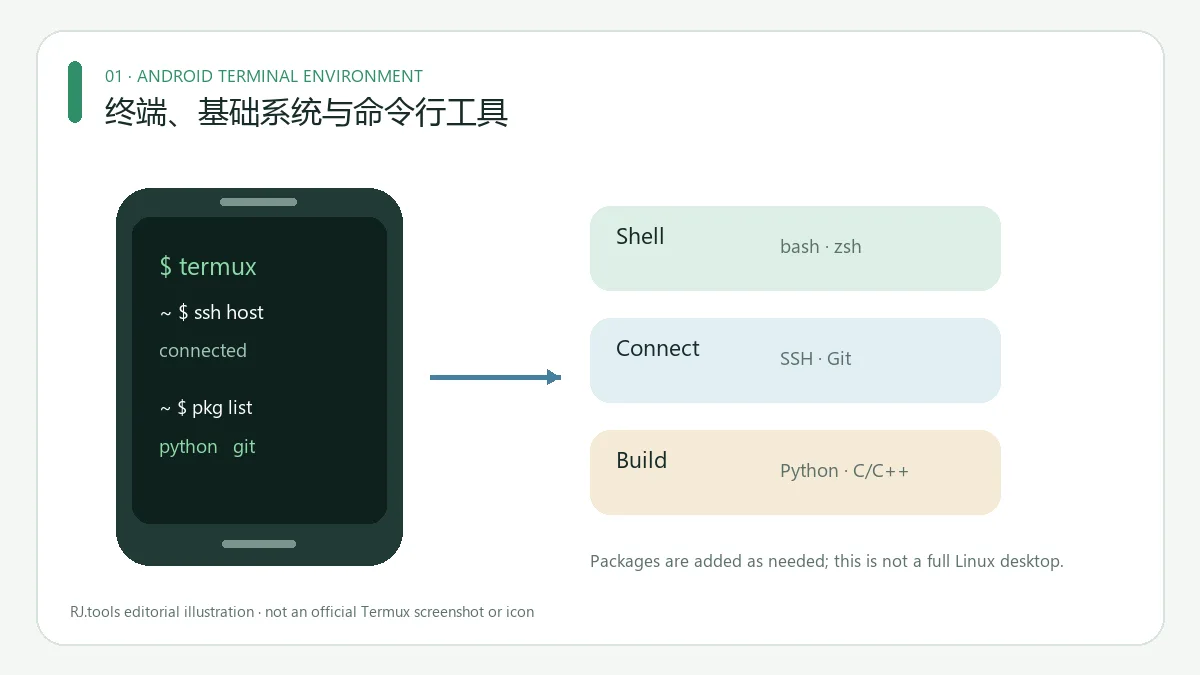
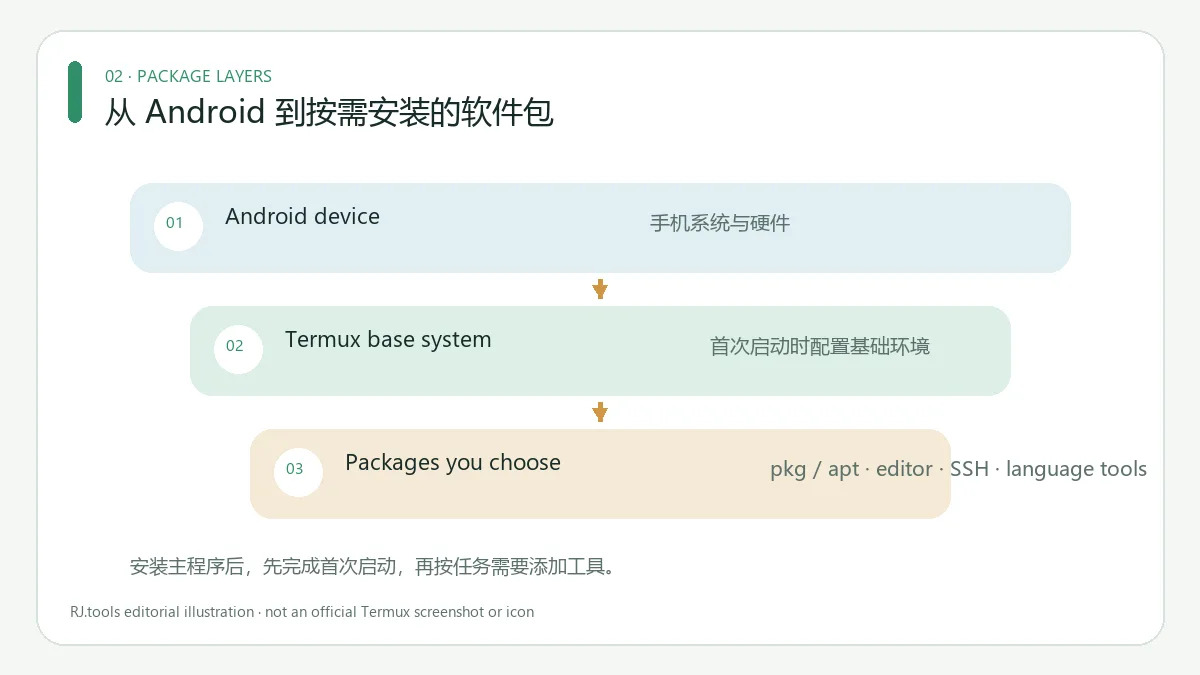
Termux 为 Android 提供终端模拟和 Linux 软件包环境,可使用 bash、zsh、nano、vim、SSH、Git、Python、gcc 和 clang。首次启动会下载基础系统,其他命令行工具需按需安装;它不是完整 Linux 桌面或 PC 模拟器。功能说明见 F-Droid 详情 和官方仓库。
F-Droid 页面将包名列为 com.termux,许可证为 GNU GPL v3.0 only,并列有捐赠入口;页面没有列出强制购买价格。联网或其他服务成本未由此确认。来源:F-Droid 详情。
稳定版与测试版:看清发行标签
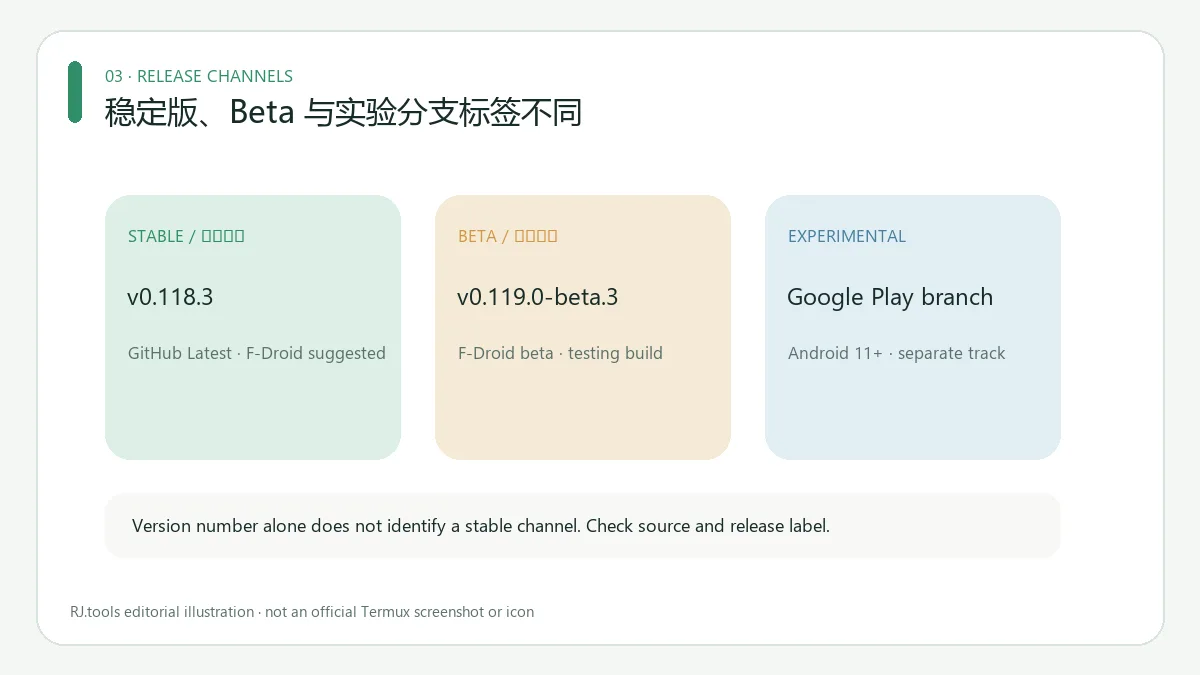
本次核对的官方页面将 v0.118.3 标为 GitHub Latest 稳定发行版,F-Droid 标为 suggested(版本代码 1002);v0.119.0-beta.3(版本代码 1022)则标为 beta。版本号较高不代表稳定版。上游 README 还列出面向 Android 11+ 的独立 Google Play 实验分支,并提醒其相较稳定版仍有功能缺项和问题;这不是本文所列的稳定版渠道。日常使用请先核对发行标签,尝试 beta 或 Play 实验版前应了解其测试状态。来源:GitHub Releases · F-Droid 版本列表 · 上游安装说明。
稳定版与 beta.3 的 GitHub 发布记录均标注 2025-05-23;F-Droid 版本列表将它们分别标为 suggested 与 beta。本次资料于 2026-10-18 在官方页面复核;发行状态可能变化。
Termux 官方安装步骤
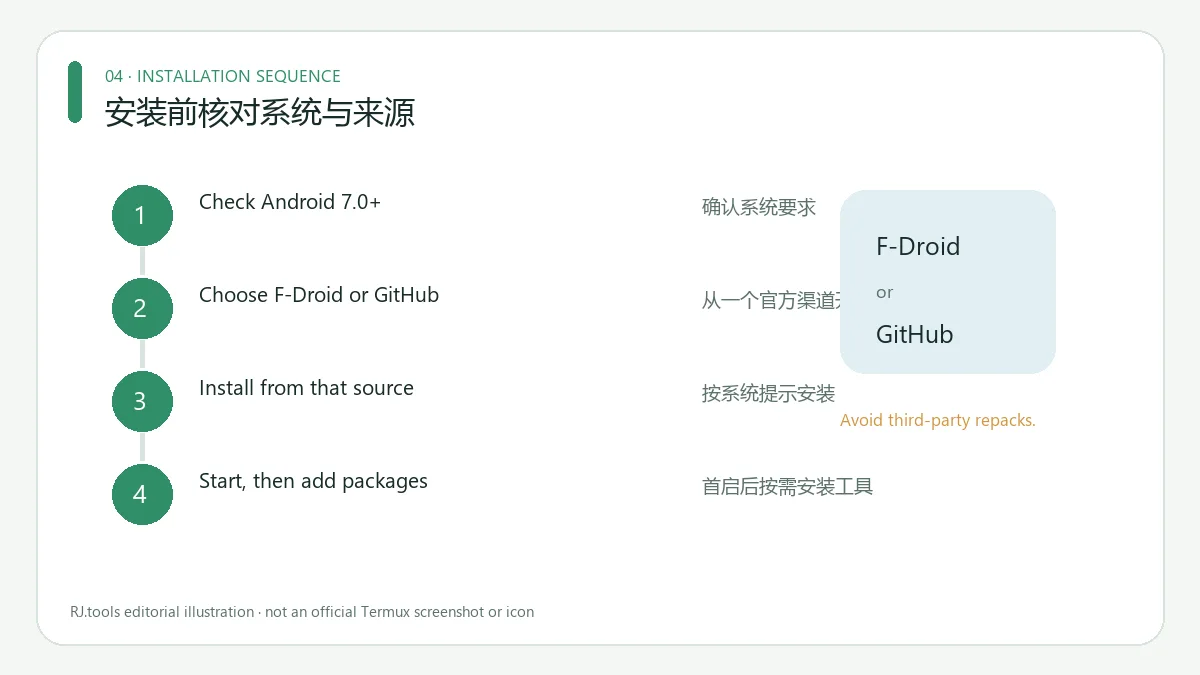
- 确认设备为 Android 7.0 或更新版本;F-Droid 对 v0.118.3 和 beta.3 都列出此要求。来源:F-Droid 版本详情。
- 选定 F-Droid 或 GitHub 其中一个来源。F-Droid 页面推荐客户端安装;直接下载 APK 不会收到客户端更新通知,且该页提示这种方式安全性较低。来源:F-Droid 安装提示。
- 若从 GitHub 安装,从官方 Releases进入,选择稳定发行并按上游说明选架构;架构不清楚时先查看其 universal variant 指引,不要按文件名猜测。
- 按 Android 系统提示安装并打开。首启会下载基础系统,再按官方软件包帮助使用 pkg/apt 添加所需工具。来源:F-Droid 功能说明 · Termux 仓库及帮助入口。
签名渠道差异:应用与插件要同源
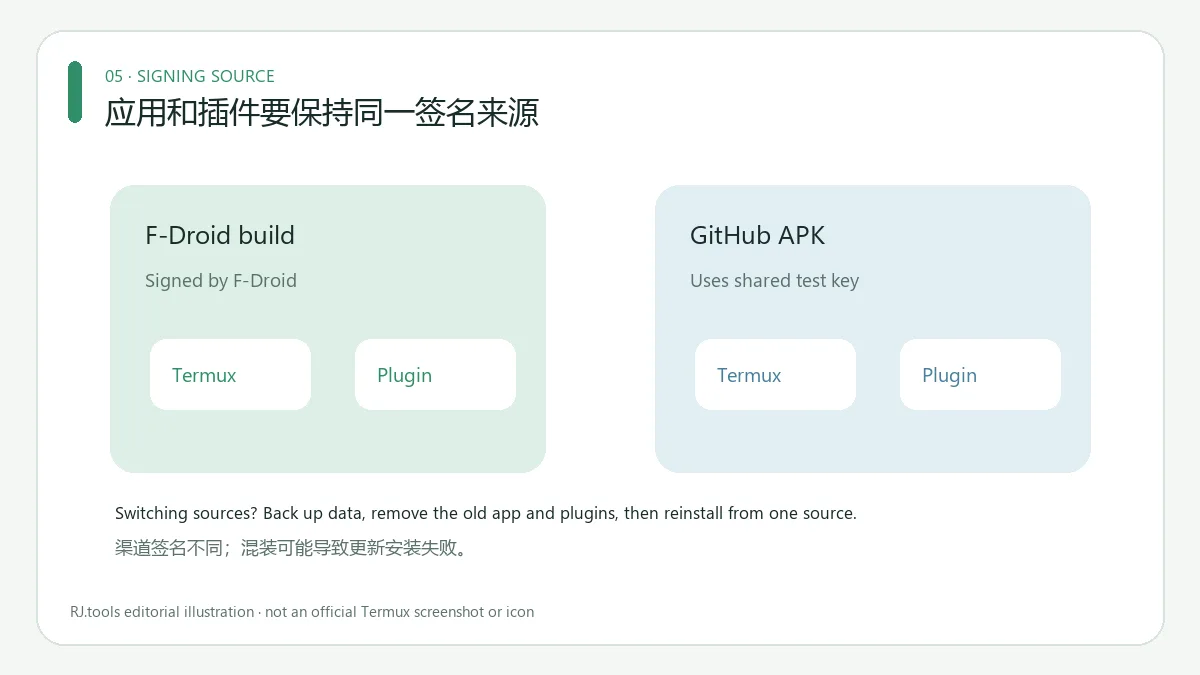
上游说明 Termux 与插件共享 com.termux 标识,必须来自同一渠道。F-Droid 构建由 F-Droid 签名并对应其列出的源代码包;GitHub APK 使用共享测试密钥,而非开发者正式密钥。混装可能导致“应用未安装”、INSTALL_FAILED_UPDATE_INCOMPATIBLE 或 INSTALL_FAILED_SHARED_USER_INCOMPATIBLE。来源:官方安装说明 · F-Droid 构建信息。
切换来源前先备份所需数据;上游要求卸载所有 Termux 和插件,再从同一个新渠道安装。上游还警告共享测试密钥下的 GitHub 构建若来自 Telegram、社交媒体或其他非官方重打包,可能被伪造;请勿把第三方镜像当官方入口。来源:Termux 安装与安全说明。
v0.118.3 更新日志
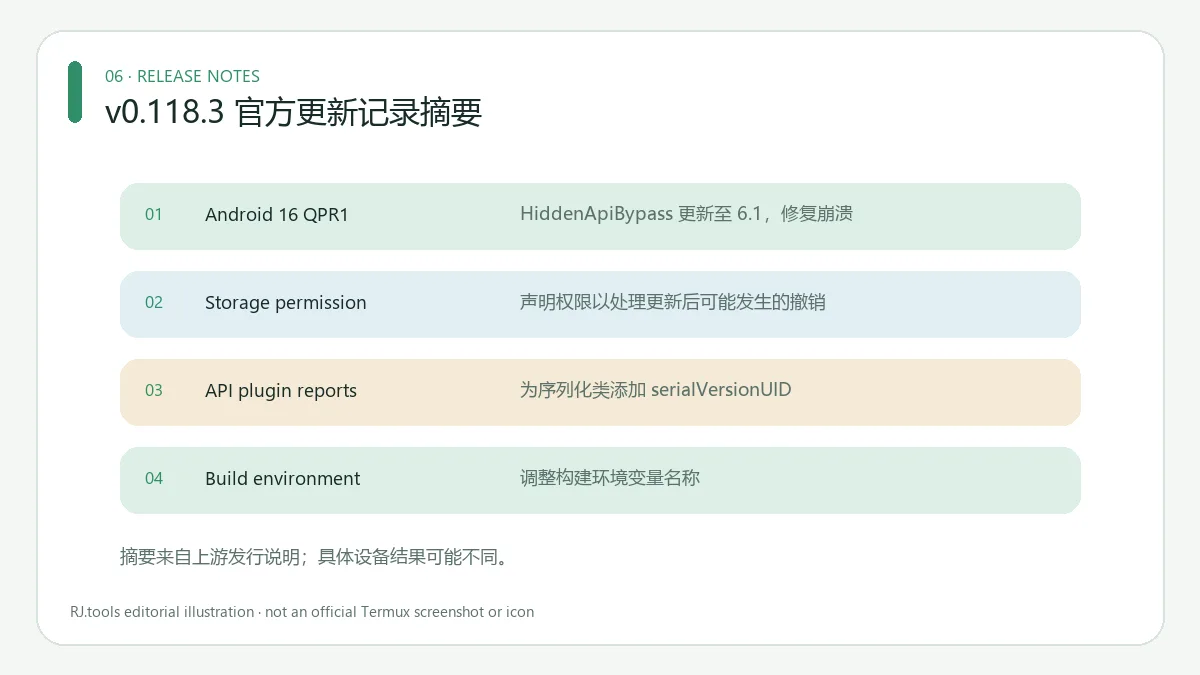
官方发行说明记录:HiddenApiBypass 更新到 6.1 以修复 Android 16 QPR1 崩溃;声明 MANAGE_EXTERNAL_STORAGE 以处理 Termux:API 0.51.0 更新后可能撤销存储权限的问题;为序列化类补充 serialVersionUID,修复 API 插件错误报告中的异常;并调整构建环境变量名称。上游记录不代表所有设备问题都已解决。来源:v0.118.3 Release notes。
常见问题 FAQ:签名与后台运行
Termux Android 版从哪里下载? 从 F-Droid 或官方 GitHub Releases进入;应用和插件保持同源,不把旧榜单中的第三方 APK 链接当官方渠道。
更新提示“应用未安装”怎么办? 先核对新旧版本的签名来源。切换渠道前备份数据;按上游说明移除所有 Termux/插件后再同源安装。来源:官方安装指南。
为什么安装后还要下载软件包? 首次启动下载的是基础系统,Git、Python 等工具需另行安装。来源:F-Droid 功能说明。
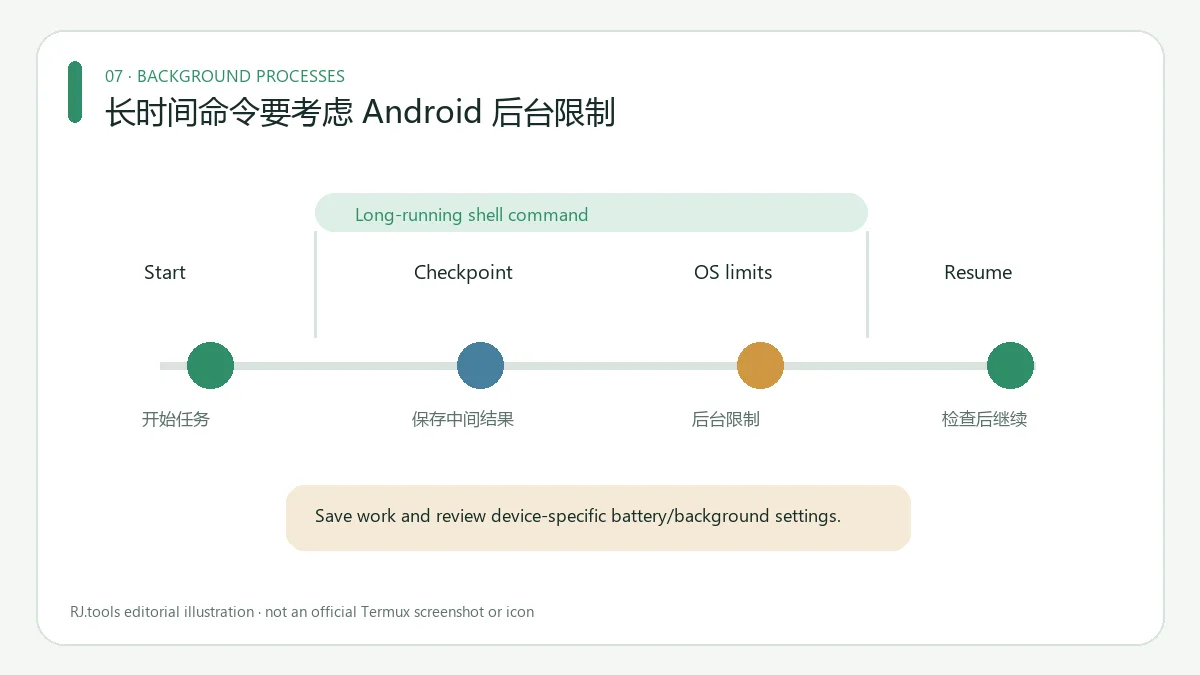
Android 12+ 上命令为什么会中断? README 提醒系统可能终止过多或 CPU 占用较高的后台进程;Process completed (signal 9) 可能表示系统结束了进程。保存重要工作并检查设备自己的后台限制;没有适用于所有机型的保证修复。来源:Termux README。
下载前的建议
搜索 Termux Android 下载或 Termux 官方版安装时,先确认 Android 7.0+ 要求,再选择稳定版或测试版,并确保应用与插件来自同一签名渠道。版本和更新内容以官方 F-Droid、GitHub 页面为准。
English
Termux is an Android terminal with Linux packages. Compare F-Droid and GitHub builds, check Android 7+ support, and avoid signature conflicts when installing.
What Termux does on Android
Termux provides an Android terminal and Linux package environment. F-Droid lists shells, editors, SSH, compilers, Python, and Git; a base system downloads on first start, while other tools are installed separately. The sources describe a terminal environment, not a full Linux desktop or PC emulator. Sources: F-Droid details · upstream repository.
F-Droid identifies package com.termux and license GNU GPL v3.0 only. Its listing includes donation links but no mandatory license price; it does not establish that network or other service costs are free. Source: F-Droid listing.
Stable and beta releases
On the official pages checked for this draft, GitHub marks v0.118.3 as Latest stable; F-Droid marks it suggested (version code 1002). F-Droid lists v0.119.0-beta.3 (version code 1022) as beta. A newer version string is not a stability guarantee. The upstream README also lists a separate Google Play experimental branch for Android 11+ and notes missing functionality and issues compared with the stable build; it is not one of the stable routes below. Check source and release status before installing. Sources: GitHub Releases · F-Droid versions · upstream installation notes.
These stable and beta releases are dated May 23, 2025 on GitHub; F-Droid labels them suggested and beta respectively. The official pages were rechecked on 2026-10-18, and release status may change.
Install Termux from an official source
- Check that the device runs Android 7.0 or newer; F-Droid lists that minimum for stable v0.118.3 and beta.3. Source: F-Droid version details.
- Choose either F-Droid or GitHub. F-Droid recommends its client; a direct APK download does not receive client update notifications, and the listing calls that route less secure. Source: F-Droid installation note.
- For GitHub, start at official Releases, choose the stable build, and follow the upstream architecture instructions. If unsure of the device architecture, read the universal variant guidance instead of guessing from a filename.
- Follow Android's install prompt and launch the app. The first start downloads a base system; use the official package help to install tools with pkg/apt. Sources: F-Droid description · upstream repository.
Keep the signing source consistent
Upstream says Termux and its plugins share the com.termux identity and must come from the same source. F-Droid builds are signed by F-Droid and tied to the listed source tarball. GitHub APKs use a shared test key, not an official developer key. Mixing sources may trigger “App not installed,” INSTALL_FAILED_UPDATE_INCOMPATIBLE, or INSTALL_FAILED_SHARED_USER_INCOMPATIBLE. Sources: installation guide · F-Droid build details.
Back up data before switching. The upstream guide says to remove all Termux and plugin APKs, then reinstall everything from one source. It warns that GitHub builds from Telegram, social media, or unofficial rehosts may be forged. Use the official release page. Source: Termux installation and security notes.
v0.118.3 release notes
The official changelog updates HiddenApiBypass to 6.1 to fix an Android 16 QPR1 crash; declares MANAGE_EXTERNAL_STORAGE to address storage-permission revocation after a Termux:API 0.51.0 update; adds serialVersionUID values to fix an API-plugin error-report exception; and renames a build environment variable. These upstream notes do not guarantee that every device-specific issue is resolved. Source: v0.118.3 release notes.
FAQ: signing and background tasks
Where can I get Termux for Android? Start from F-Droid or official GitHub Releases. Keep plugins on the same source and avoid third-party mirrors.
Why does an update say “App not installed”? Check for a signing-source mismatch. Back up first; upstream requires removing all Termux/plugin APKs before reinstalling from another source. Source: installation guide.
Why do I need to download packages after installation? The first launch fetches the base system; tools such as Git and Python are added separately. Source: F-Droid description.
Why can commands stop on Android 12+? Upstream warns that Android may kill excess or CPU-heavy background processes. “Process completed (signal 9)” can mean the OS stopped the process. Save work and check device-specific background limits; no universal fix is confirmed. Source: Termux README.
Before downloading
For a Termux Android download, verify Android 7.0+ support, choose stable or beta deliberately, and keep the app and plugins on one signing source. Use the official F-Droid or GitHub pages for release details.