
发现手游与查看玩家社区资料
通过游戏平台与社区查找手游条目、更新信息和玩家交流资料。收录233乐园、3DMGame(3DM游戏)、4399游戏盒等站内已有工具,按实际用途选择适合自己的应用。
TapTap 是手游发现与玩家社区应用,可查看游戏资料、评价、讨论及开发者动态。This Android guide explains TapTap game discovery, player reviews, community posts and official-source checks.
Aliases: TapTap 应用、TapTap Android、TapTap CN
Author: RJ.tools Editorial
Learn about the software and its sources
The official pages reviewed do not identify an open-source license or redistribution grant. Use is subject to TapTap's terms.
TapTap 是手游发现与玩家社区应用,可查看游戏资料、评价、讨论及开发者动态。This Android guide explains TapTap game discovery, player reviews, community posts and official-source checks.
TapTap 安卓版下载指南:了解手游发现、游戏评价、社区浏览与官方安装核对,并查看版本信息、地区及故障排查。 TapTap Android guide explains installation, updates, game discovery, and source checks for users.
TapTap 是面向手游玩家的游戏发现与社区应用,可浏览游戏资料、玩家评价和讨论,并关注开发者动态;本文介绍 TapTap 安卓下载与安装流程、如何核对游戏来源、理解版本信息及处理地区、设备和更新方面的常见问题,帮助你在下载前作出合适选择,并区分开发者公告与玩家经验。下载前还可核对游戏的设备适配和官方发布渠道。
TapTap 官方应用详情将产品介绍为手游推荐与玩家社区,说明用户可以查看游戏评价、参与讨论,也可以通过关注、预约或参加测试跟进游戏。官网还提到游戏页面可汇总简介、评价和论坛,并提供游戏获取或更新入口。实际游戏内容、发行地区与安装方式由各游戏发行方及设备条件决定。
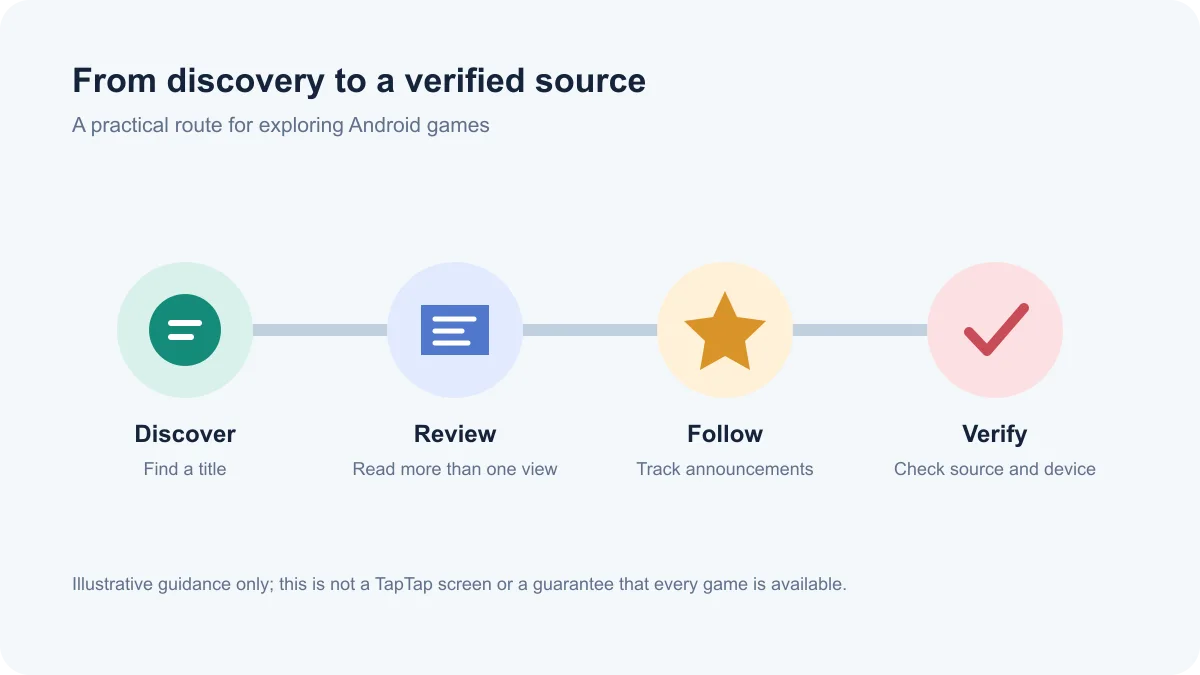
这里的“游戏发现”指浏览与比较信息,不代表 TapTap 是每款游戏的开发者或唯一发行渠道。页面出现某个游戏也不等于该游戏适用于所有国家、账户、Android 版本或设备。
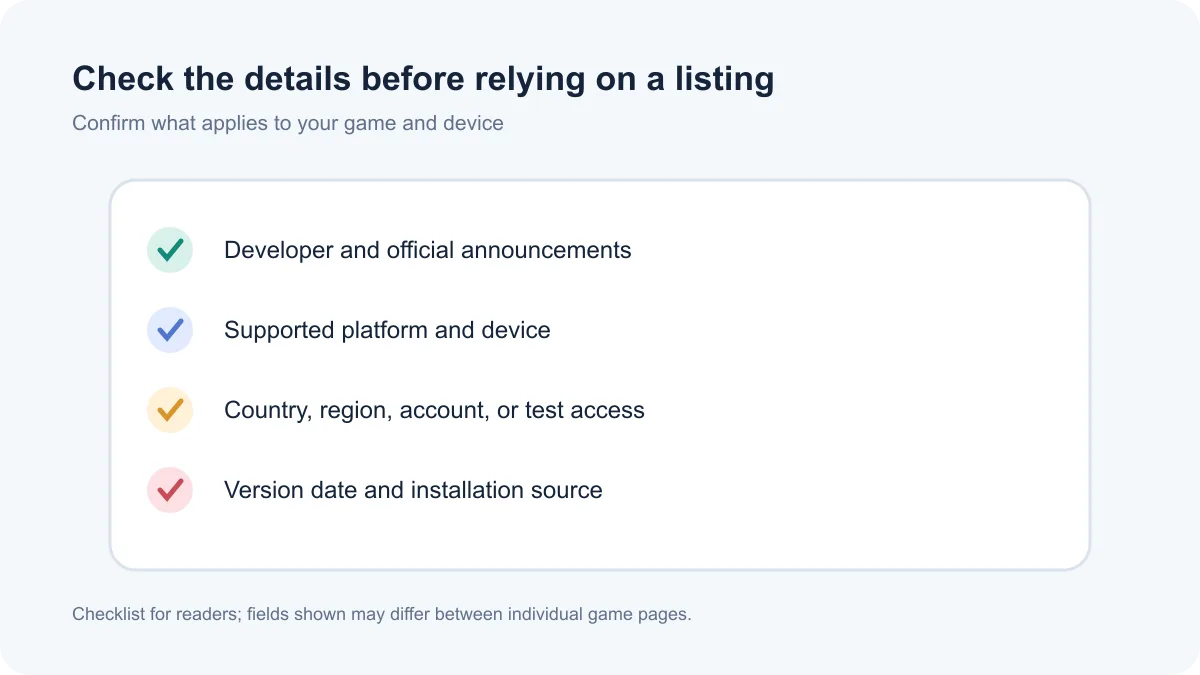
打开游戏条目时,先查看开发者名称、官方公告、支持平台、更新时间和地区提示,再结合多条评价判断是否符合自己的需求。评价和攻略适合了解玩家体验;如果它们与开发者发布的版本说明冲突,应以对应游戏的官方公告和实际版本页面为准。
检索“TapTap 游戏评价”或“TapTap 怎么找游戏”时,可先用游戏名定位,再从详情页进入讨论区。评论、攻略和社区帖可能由不同用户发布,观点和准确度不一;不要只凭单条帖子判断账号安全、游戏适龄性或安装包真伪。
官网的 Android 客户端入口可从 TapTap 官方下载页进入。开始 TapTap 安卓版下载前,检查浏览器地址仍属于 taptap.cn,并确认页面上的平台选项是 Android。本次访问的官方下载页没有显示可核实的包名、最低 Android 版本或构建编号;若设备提示不兼容,先返回官方页面查找当前说明。
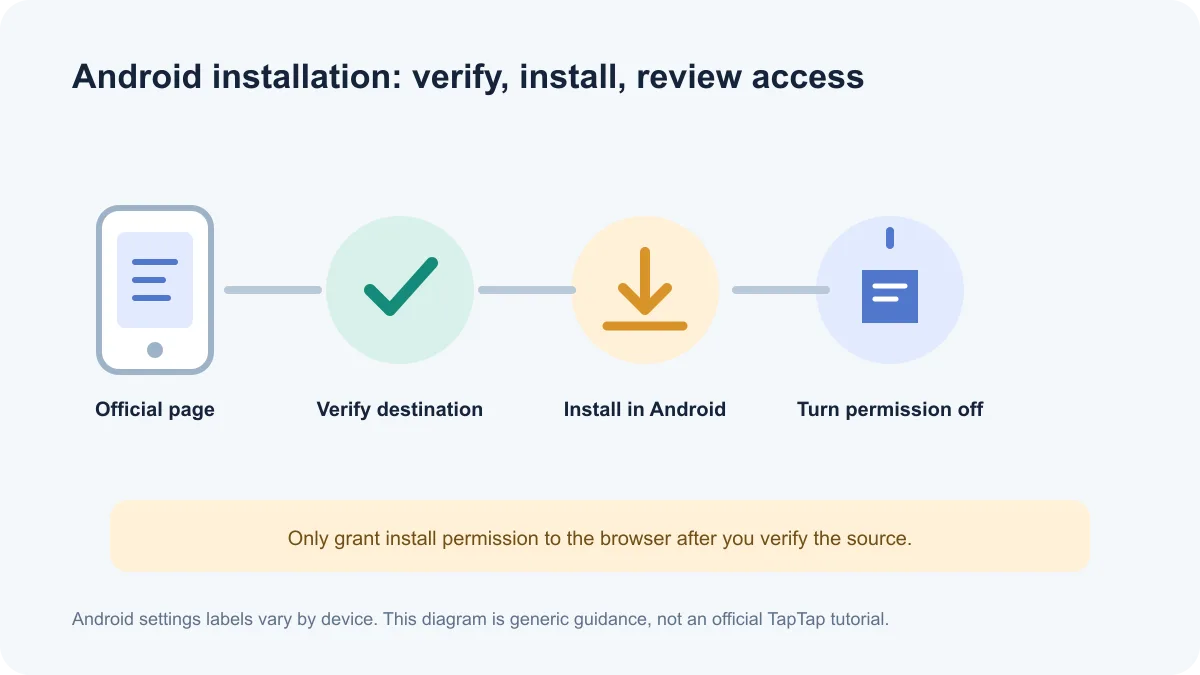
以上权限说明是通用 Android 操作建议,不是已经核验的 TapTap 官方逐屏教程。本文未下载 APK、检查签名或哈希,也不声称安装包已通过独立安全检测。
官方产品介绍提及玩家讨论与开发者交流,但社区内容并不等同于开发者公告。浏览帖子时先辨认作者身份和发布时间,涉及停服、活动、充值、账号找回或版本兼容等重要事项,应回到游戏官方公告或开发者提供的支持渠道确认。
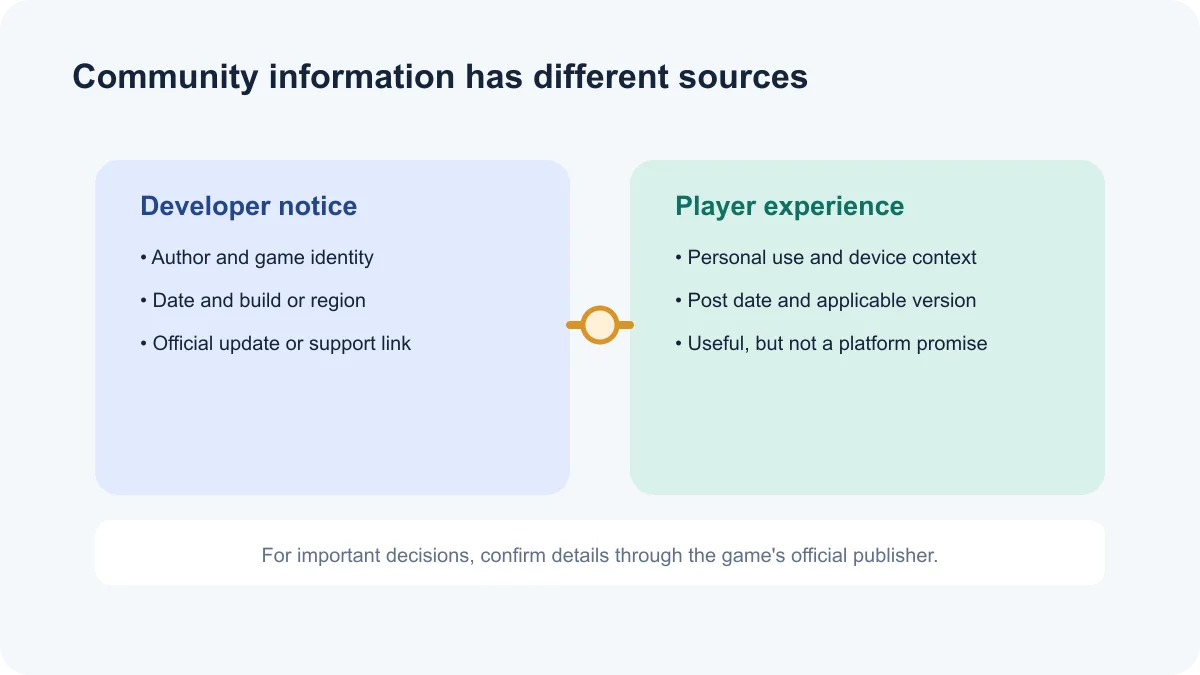
TapTap 页面包含用户评价和讨论;本次没有核验平台对每条内容的审核规则或所有年龄提示的覆盖范围,因此不能笼统保证每条用户内容均已逐条审查。家长和玩家应查看具体游戏条目中的适龄提示、平台显示的内容说明及游戏发行方规则。
截至 2026-10-18,TapTap 官方下载页列出 Android、iOS、Windows 与 macOS 入口,并注明 macOS 版本仅支持 Apple Silicon;页面没有提供可核实的 Android 构建号、最低 Android 版本或逐项更新日志。页面宣传文案提到首页设计与游戏评价推荐方式,但没有对应的版本号或发布日期,因此本文不把它写成版本更新记录。
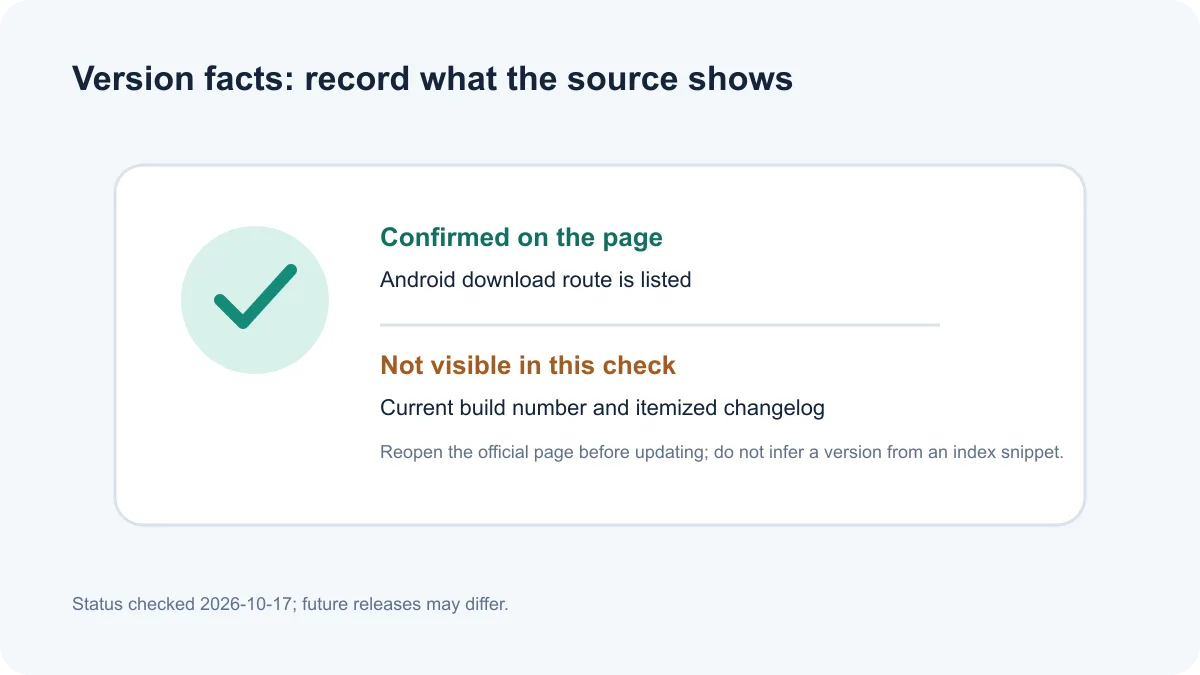
下载前和更新前,应重新打开官网检查页面显示的构建号、兼容要求与变更说明;如果没有公开逐项日志,就以“官方页面未提供可核实日志”标注,不以“修复若干问题”等泛化语句代替。如果客户端内显示版本号,也应记录对应的渠道和检查日期。
TapTap 怎么安装? 从官网下载安装页选择 Android 入口,核对跳转域名和系统安装信息;只有在确认来源后才临时授予当前浏览器安装权限,安装后关闭该权限。详细步骤见上文。
TapTap 安装包安全吗? 本文未下载或扫描 APK,也未核对签名或哈希。请从官网进入,确认最终域名、应用名称和 Android 系统提示;遇到来源不明下载器或签名冲突时停止安装。
官方下载页显示的版本就是最新版本吗? 本次页面没有显示可确认的版本号或发布日期。请在实际下载时再次查看官网;本文不把搜索摘要中的字符串当作已经确认的最新版。
TapTap 打不开或无法更新怎么办? 先检查网络、设备可用空间、系统日期和应用版本,再查看 TapTap 官方状态页是否有服务异常。若问题仍在,备份重要信息后再考虑清理缓存或联系官方支持;不要删除应用数据来尝试“修复”,除非已确认数据可恢复。
TapTap 里的每款游戏都能下载吗? 不能这样保证。游戏上架、地区、设备、账户和测试资格可能因游戏而异;打开具体条目并阅读开发者说明。
社区评价是不是官方结论? 不一定。玩家评价和帖子表达用户体验;对版本、账号、付费和兼容性的正式结论,应核对游戏发行方公告或官方支持页面。
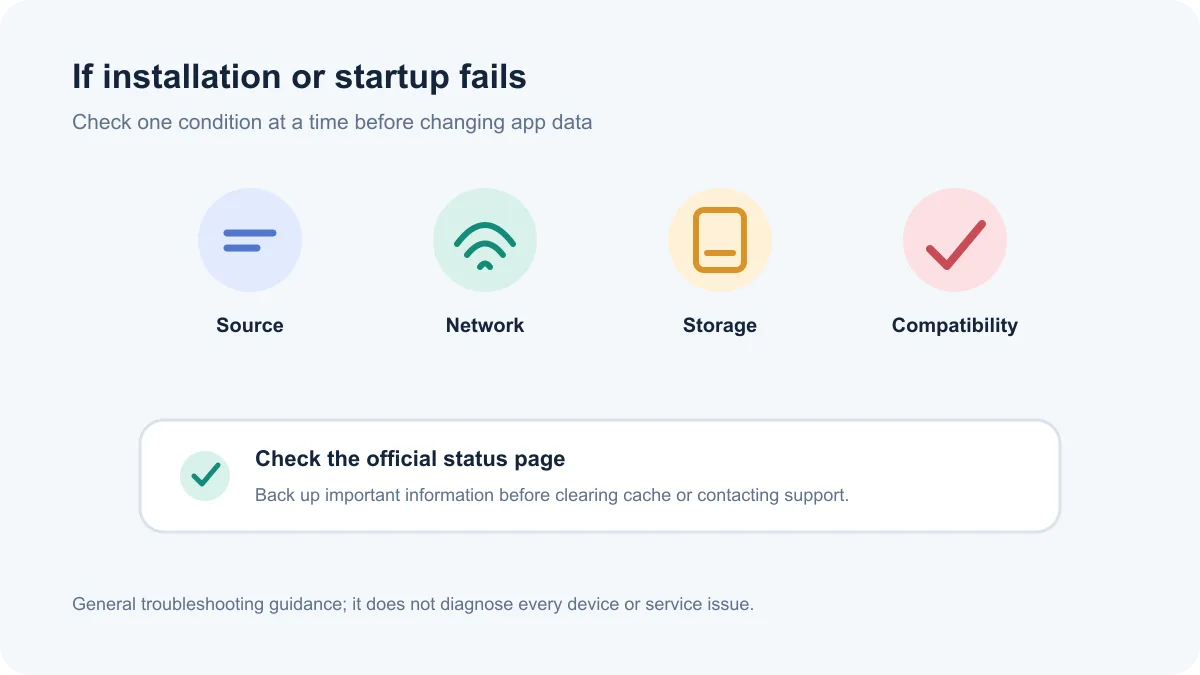
搜索 TapTap 下载、TapTap 安卓版或 Android 游戏社区时,应从官网入口开始,核对应用身份、设备适配和具体游戏的地区条件。TapTap 提供游戏发现和社区交流入口;逐项版本日志、安装包身份与签名仍需在实际官方发布页确认。
TapTap for Android combines game discovery, player reviews, and community posts. This guide covers official installation, version checks, and regional access.
TapTap describes itself as a mobile game discovery and player community service. Its official app page mentions game reviews, discussions, following titles, pre-registration, and joining tests. The download page says game pages bring together information, reviews, and forums, with paths to obtain or update games. Availability and installation requirements still depend on each title, publisher, region, and device.
Game discovery means browsing and comparing information. It does not make TapTap the developer or only distribution channel for every listed title. A game appearing in the app does not guarantee support for every country, account, Android release, or device.
Before relying on a listing, check the developer name, official announcements, supported platform, update date, and regional notes. Reviews and guides can help explain player experiences. When user posts conflict with a developer's release notice, verify the information against that game's official announcement and the version page for your build.
For searches such as “TapTap game reviews” or “how to find games on TapTap,” start with the title and then open its detail and discussion pages. Reviews, guides, and posts can come from different users and vary in accuracy. A single post cannot establish account security, age suitability, or whether an installer is genuine.
Open the official TapTap download page on the Android device and confirm the address remains on taptap.cn and the selected platform is Android. The page checked for this draft did not expose a verifiable package name, minimum Android release, or build number. If the device reports incompatibility, return to the official page for current requirements.
These permission steps are general Android guidance, not a verified TapTap walkthrough. No APK was downloaded, and its signature, hash, and independent security status were not checked.
TapTap's official description mentions player discussion and developer interaction, but community content is not automatically an official announcement. Check the author identity and date. For outages, events, purchases, account recovery, or compatibility, confirm details through the game's official notice or support channel.
TapTap includes user reviews and discussion. This research did not verify the platform's review rules for every post or the coverage of age notices, so it cannot promise that each user submission has been individually reviewed. Parents and players should check age guidance and content information on the specific game page, along with the publisher's terms.
As checked on 2026-10-18, the official TapTap download page listed Android, iOS, Windows, and macOS routes; its macOS entry says Apple Silicon only. The page did not show a verifiable Android build number, minimum Android release, or itemized release notes. Promotional copy mentions a redesigned home page and game-review recommendations, but provides no version or release date, so it is not presented as a changelog.
Before downloading or updating, revisit the official page for its build number, compatibility requirements, and release notes. If itemized notes are not published, state that the official page has no verifiable changelog instead of filling the gap with generic claims such as “various bugs fixed.” Record the channel and check date if the app itself shows a build number.
How do I install TapTap? Use the Android route on the official download page, confirm the destination and Android installer details, and grant temporary install permission only to the browser after verifying the source. Turn the permission off after installation.
Is a TapTap APK safe to install? This guide did not download or scan an APK or verify its signature or hash. Use the official site, confirm the destination, app name, and Android prompts, and stop if a third-party downloader or signature conflict appears.
Is the version on the download page confirmed as the latest? The page checked for this draft did not show a verifiable build number or release date. Recheck the official page when downloading; this article does not treat a search snippet as a confirmed latest version.
What should I do if TapTap will not open or update? Check the connection, free storage, device date, and app build, then consult the official TapTap status page for service incidents. If the issue continues, back up important information before considering a cache clear or contacting support. Do not clear app data unless you have confirmed it can be restored.
Can I download every game shown in TapTap? No such guarantee is made here. Availability, region, device, account, and test eligibility may vary by game; read the specific listing and developer information.
Are TapTap community reviews official conclusions? Not necessarily. Reviews and posts describe user experiences. Verify release, account, payment, and compatibility claims with the game publisher's official notices or support pages.
For searches such as “TapTap Android download,” “how to install TapTap,” or “TapTap not opening,” begin with the official site and check app identity, device support, and each game's regional rules. TapTap is a game-discovery and community entry point; confirm build identity and itemized updates on the official release page.
Information verified: Oct 18, 2026
First published: Oct 18, 2026· Editorial revision: Oct 18, 2026
从 TapTap 官方下载页选择 Android 入口,并核对页面域名、应用名称和系统安装提示。
Use the Android route on TapTap's official download page, then verify the destination and Android installer details.
本文未下载或扫描 APK,也未核对签名或哈希;从官网进入,核对最终域名、应用名称和 Android 提示,遇到来源不明下载器或签名冲突时停止安装。
This guide did not download or scan an APK or verify its signature or hash. Use the official site, confirm the destination and app name, and stop if a third-party downloader or signature conflict appears.
本次查看的官方页面没有显示可核实的 Android 构建号或逐项日志;下载前请再次查看当前页面。
Check your network, free storage, device date and compatibility, then consult the official TapTap status page or support channel.
No. Availability, region, device support and test eligibility may differ by game; check each publisher's listing.

网易云游戏 Android 客户端提供进入云端游戏与手机串流服务的入口。核对官网和应用宝下载渠道、版本冲突、安装步骤、连接排查与常见问题;最低系统要求及逐项更新说明未公开核实。 / NetEase Cloud Gaming for Android provides a mobile route to cloud sessions and game streaming. Check publisher and store routes, conflicting version displays, setup and troubleshooting; minimum OS and itemized release notes were not verified.

samperson 的 Desktop Goose 桌面伴随鹅指南:核对 Windows v0.31 与 Mac v0.22 文件标签,了解作者获取入口、自愿支持、安装资料及历史更新索引。完整运行行为、系统最低要求及最新构建状态尚未确认。 Desktop companion guide with OS file selection, setup checks, voluntary support and attributed update evidence.

OpenSpeedy 是 Windows 开源游戏变速工具,可调整选定进程的时间倍率并设置快捷键。页面整理 3.3.17 更新、安装步骤和在线游戏反作弊风险。 / OpenSpeedy is an open-source Windows game speed controller for selected processes. This page covers v3.3.17, setup, and anti-cheat risks.

Roblox 是 Roblox Corporation 提供的 Android 用户创作游戏平台。本页整理 Google Play 官方入口、安装步骤、家庭与账号检查、商店更新信息及登录和连接故障排查。 / Roblox is Roblox Corporation's Android platform for user-created experiences. This guide covers the official store, setup, family checks, updates, and login or connection troubleshooting.

云·原神是米哈游提供的 Android 云游戏客户端,本页解释其与完整《原神》包体的区别,并整理官网安装入口、网络排查及版本信息边界。 / Genshin Impact Cloud is miHoYo’s Android cloud gaming client. This guide covers its official entry, setup, network checks and release-information limits.

Android小说阅读应用,含听书、漫剧与兴趣推荐;整理应用宝7.4.1.32信息、安装与活动规则核对方法。 / Android reading app with listening, animated comics and recommendations; includes store version 7.4.1.32, setup and activity-term checks.