SysCeo 驱动总裁 Windows 在线版本 2.21.0.0,官方页面日期为 2026-09-15,列出桌面与 PE 驱动安装、在线和离线驱动库及 Boot Camp 匹配。本页整理页面更新说明、安装前硬件核对、系统还原准备和 MD5 的用途;下载入口只链接官方产品页,不提供站外文件直链。 / SysCeo lists Windows 2.21.0.0, desktop and PE use, online/offline libraries and Boot Camp matching. This guide explains release notes and cautious setup; the download entry links only to official product information.
驱动总裁下载与安装:核对 2.21.0.0、离线驱动库、硬件型号与还原点。 SysCeo driver guide: release notes, safe setup and official source for Windows and PE systems; see driver library updates.
中文
驱动总裁下载前,先确认它是 SysCeo 发布的 Windows 驱动管理工具:页面列出 2.21.0.0、2026 年 9 月 15 日和 26.48 MB,并说明桌面与 PE 环境、在线及离线驱动库和 Boot Camp 匹配。本文提供安装前核对、更新记录与风险控制;官网入口跳转下载,本文不验证安装包。
驱动总裁是什么:Windows 与 PE 驱动管理工具
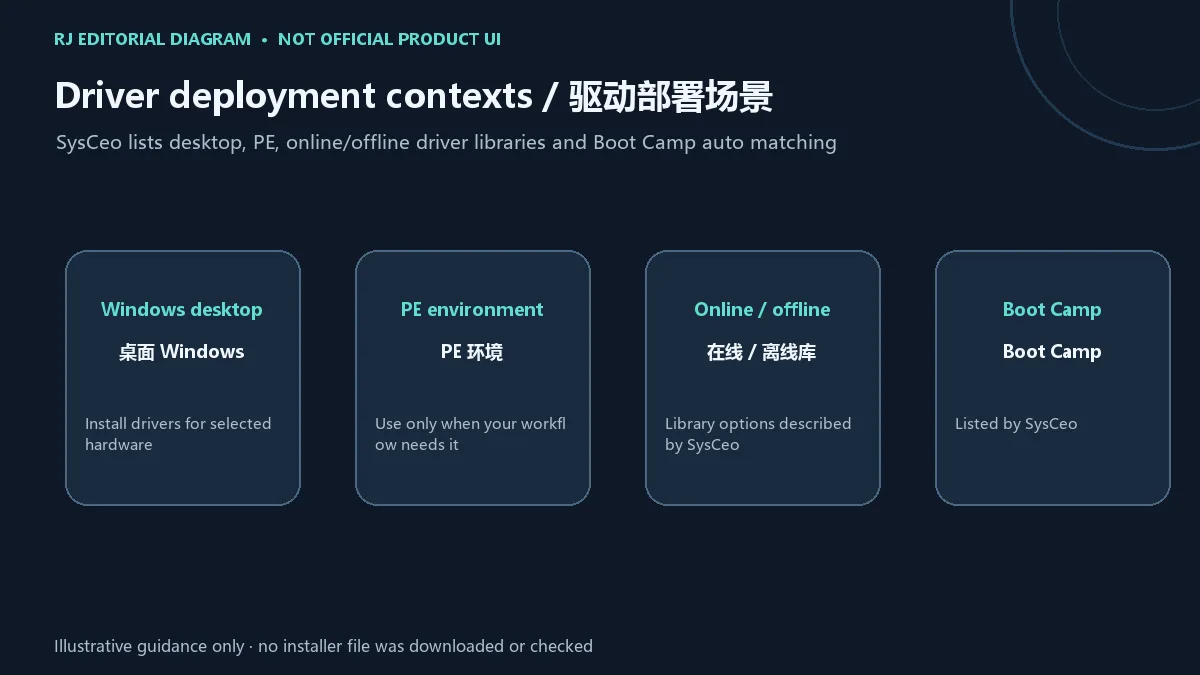
SysCeo 将驱动总裁介绍为自研驱动管理工具,支持在 Windows 桌面及 PE 环境安装驱动,并提供在线、离线驱动库和 Boot Camp 自动匹配等功能。它能帮助用户查找驱动,但自动匹配结果仍应与设备型号、硬件 ID 和系统版本核对。不同电脑的芯片、网卡和外设组合并不相同,工具页面的支持范围不能替代具体设备厂商的兼容说明。
驱动总裁 2.21.0.0 更新日志:版本、日期与驱动库条目
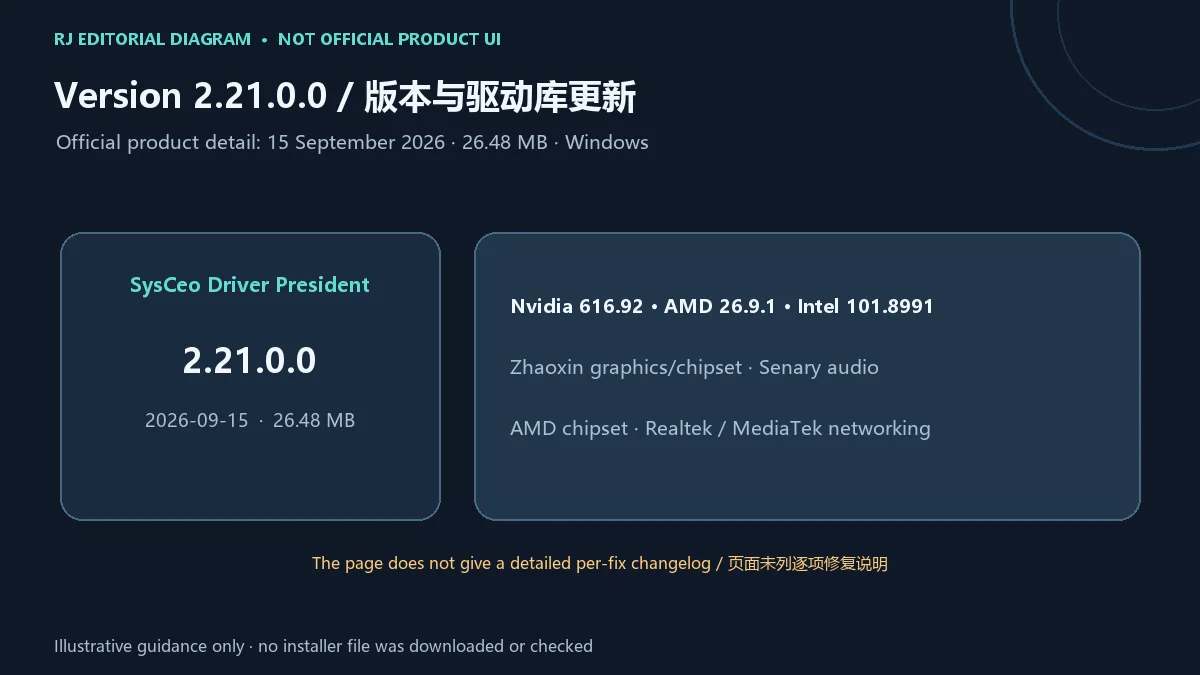
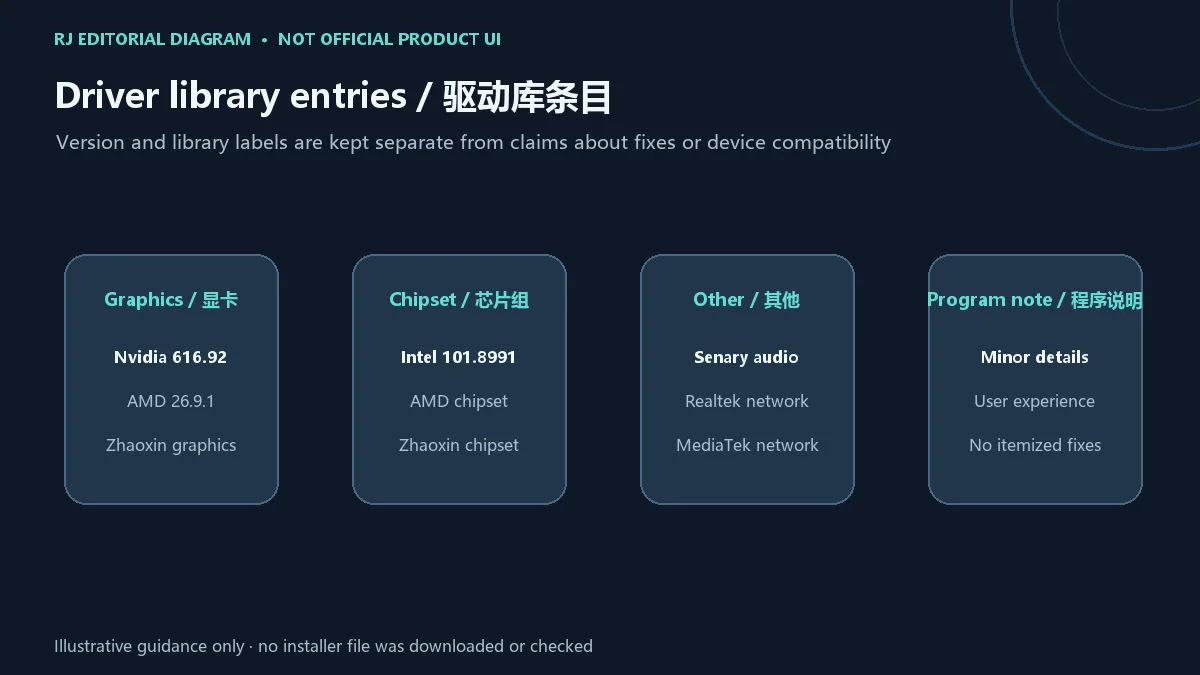
官方产品页标题为“驱动总裁在线版本”,列出 Windows 版本 2.21.0.0、发布日期 2026-09-15 和文件大小 26.48 MB。程序更新说明仅称优化若干细节、提升用户体验,没有逐项列出修复内容。页面还列出离线驱动库条目:Nvidia 616.92、AMD 26.9.1、Intel 101.8991,以及兆芯显卡/芯片组、Senary 声卡、AMD 芯片组和 Realtek、MediaTek 网卡等条目更新;这份条目清单不代表每台电脑都适用。
驱动总裁安装与使用步骤:先确认硬件并准备恢复方案
- 打开 SysCeo 官方产品页,核对产品名称、Windows 平台、2.21.0.0、发布日期和文件大小;榜单里的 2.17.0.0 是旧目录记录,不等于当前版本。
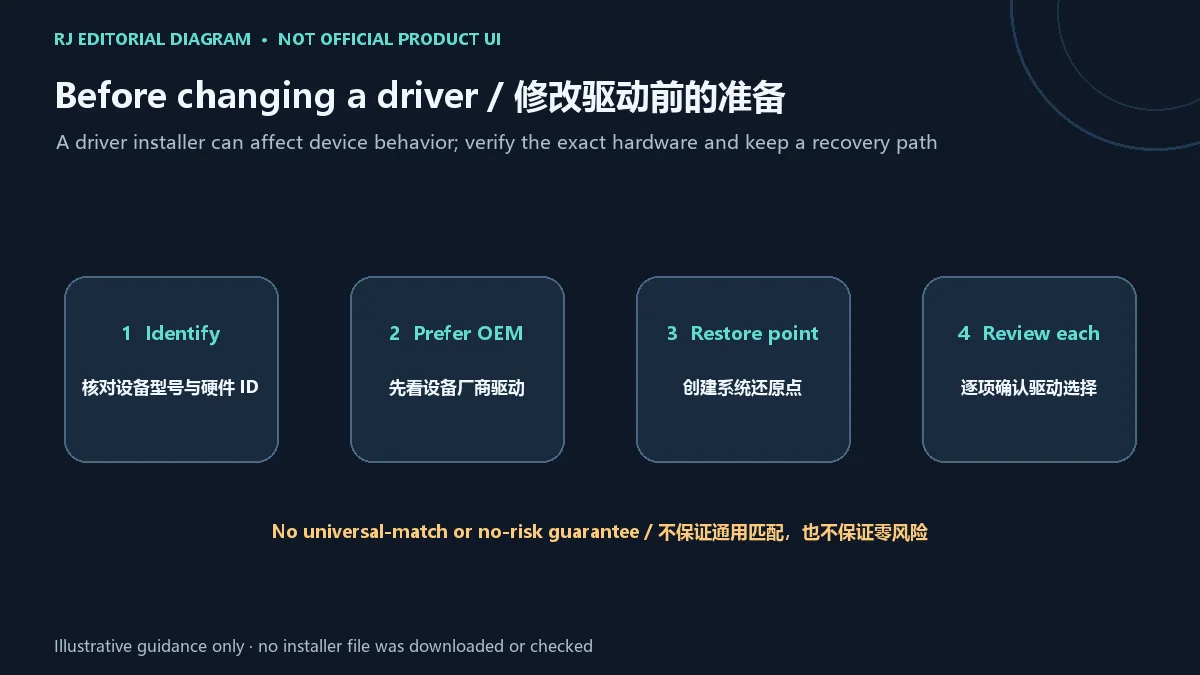
- 安装或更新前,确认电脑型号、目标设备的硬件 ID、Windows 版本与架构。优先查电脑或硬件厂商提供的对应驱动。
- 若决定使用驱动总裁,请先创建系统还原点并备份重要文件;一次只处理确有需要的设备,阅读驱动名称和版本后再继续。自动匹配不保证适合所有硬件或无风险。
- 在线驱动库需要网络;页面也说明提供离线驱动库。PE 环境与桌面 Windows 的启动和驱动处理方式不同,应按自己的维护流程核对目标环境。
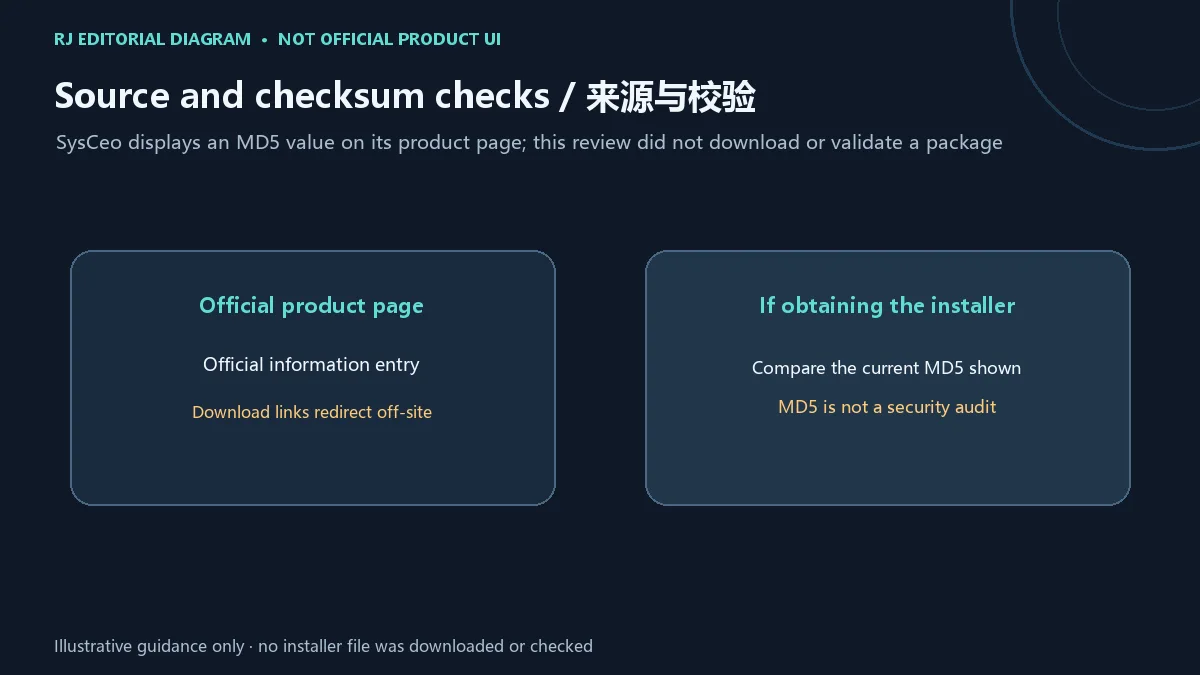
- 页面下载入口会跳转到站外 CDN 或网盘,本页只链接官方产品说明,不提供第三方直链。若通过官方页面另行取得安装包,先核对页面当时显示的 MD5;MD5 不能代替独立安全审计。
在线与离线驱动库:按设备和维护环境选择
SysCeo 页面分别提到在线和离线驱动库,并介绍面向 Boot Camp 的自动匹配。在线方式与离线方式涉及不同的网络条件和驱动来源;使用前仍要对照设备厂商的型号与系统要求。对于较新的或较少见的设备,先确认驱动对应的芯片、硬件 ID 和操作系统,避免因名称相似而装错。页面列出的显卡、芯片组、声卡及网卡条目可作为目录信息,不应被理解成所有版本都已通过第三方兼容测试。
常见问题 FAQ:驱动总裁下载、校验与驱动回退
驱动总裁从哪里下载? 本页提供 SysCeo 官方产品说明页。其下载入口会转向站外 CDN 或网盘,所以本站不把跳转目标称作官方直链,也不托管榜单中的旧安装包。
页面上的 MD5 能证明文件安全吗? 不能。它可用于对照页面给出的摘要,发现下载内容与页面值不一致;MD5 不是独立恶意代码检测,也没有证明发布者签名或适配性。
可以让工具一次安装所有驱动吗? 不建议把自动识别当作无条件许可。先核对目标硬件和操作系统,优先使用设备厂商的驱动,逐项确认需要更新的设备。
安装后设备异常怎么办? 按预先准备的还原点或厂商恢复方法回退,并查明具体设备与驱动版本;不要反复安装名称相似的驱动来试错。
离线版是否适合 PE? 官方资料分别提到离线驱动库和 PE 环境支持,但具体维护流程与硬件范围需要按目标设备及所用 PE 环境核实。
English
SysCeo driver utility guide for Windows and PE: review online/offline libraries, Boot Camp matching, version 2.21.0.0, safe setup and redirected-download tips.
What the SysCeo driver utility does: Windows and PE
SysCeo describes Drive President as its own driver-management software for installing drivers in Windows desktop and PE environments. The page lists online and offline driver libraries and automatic matching for Boot Camp. A matching result still needs to be checked against the device model, hardware ID and operating-system version. A general product description cannot replace the compatibility notes for a particular computer or component.
Version 2.21.0.0 update notes: date and driver-library entries
The official product detail is titled “Drive President Online Version” in Chinese and lists Windows version 2.21.0.0, release date 15 September 2026, and file size 26.48 MB. Its program note says only that some details were optimized to improve user experience; it does not itemize fixes. The page also lists offline-library entries for Nvidia 616.92, AMD 26.9.1, Intel 101.8991, Zhaoxin graphics/chipset, Senary audio, AMD chipset, and Realtek and MediaTek networking. These catalog entries do not establish suitability for every computer.
Driver President installation steps: identify hardware and prepare recovery
- Open the official SysCeo product page and check the product, Windows platform, version 2.21.0.0, date and file size. The ranking's 2.17.0.0 entry is an older catalog record, not the current version.
- Before changing a driver, identify the computer model, device hardware ID, Windows version and architecture. Prefer the matching driver supplied by the computer or component maker.
- If you choose to use the utility, create a Windows restore point and back up important files first. Review each proposed device and driver before continuing; automatic matching is not a guarantee of fit or risk-free installation.
- The online library requires connectivity; SysCeo also lists an offline library. PE and desktop Windows have different maintenance contexts, so verify the target environment and your recovery procedure.
- The product page's download controls redirect to an external CDN or cloud drive. This page links only to the official product information. If you obtain a package from that page, compare it with the MD5 currently displayed there; MD5 is not an independent security audit.
Online and offline libraries: choose for the device and maintenance context
SysCeo mentions both online and offline driver libraries and automatic matching for Boot Camp. They involve different network conditions and driver sources, so compare a proposed component with the device maker's model and operating-system requirements. For uncommon or recent hardware, confirm the chip, hardware ID and system version instead of relying on a similar display name. The listed graphics, chipset, audio and network entries are catalog information, not proof that every release passed independent compatibility tests.
FAQ: official download, checksum and driver rollback
Where can I download Drive President? This page links to SysCeo's official product information. Its download controls redirect off-site, so this site does not call those destinations direct official links or host the older ranking package.
Does the displayed MD5 prove the file is safe? No. It can help compare a downloaded file with the value shown on the page, but MD5 is not malware analysis, publisher-signature verification or compatibility testing.
Should I install every driver the utility finds? Do not treat automatic detection as unconditional approval. Check the hardware and system, prefer the device maker's driver and review each selected item.
What if a device behaves badly after installation? Use the restore point or manufacturer recovery path you prepared, then identify the exact device and driver version. Avoid repeated installs of similarly named drivers as trial and error.
Does the offline library support PE? SysCeo mentions offline libraries and PE support, but the exact maintenance workflow and supported hardware depend on the target device and PE environment.