
电脑游戏库与启动器管理
集中查看电脑游戏、管理平台客户端与常用启动入口。收录EA app、Playnite、Steam等站内已有工具,按实际用途选择适合自己的应用。
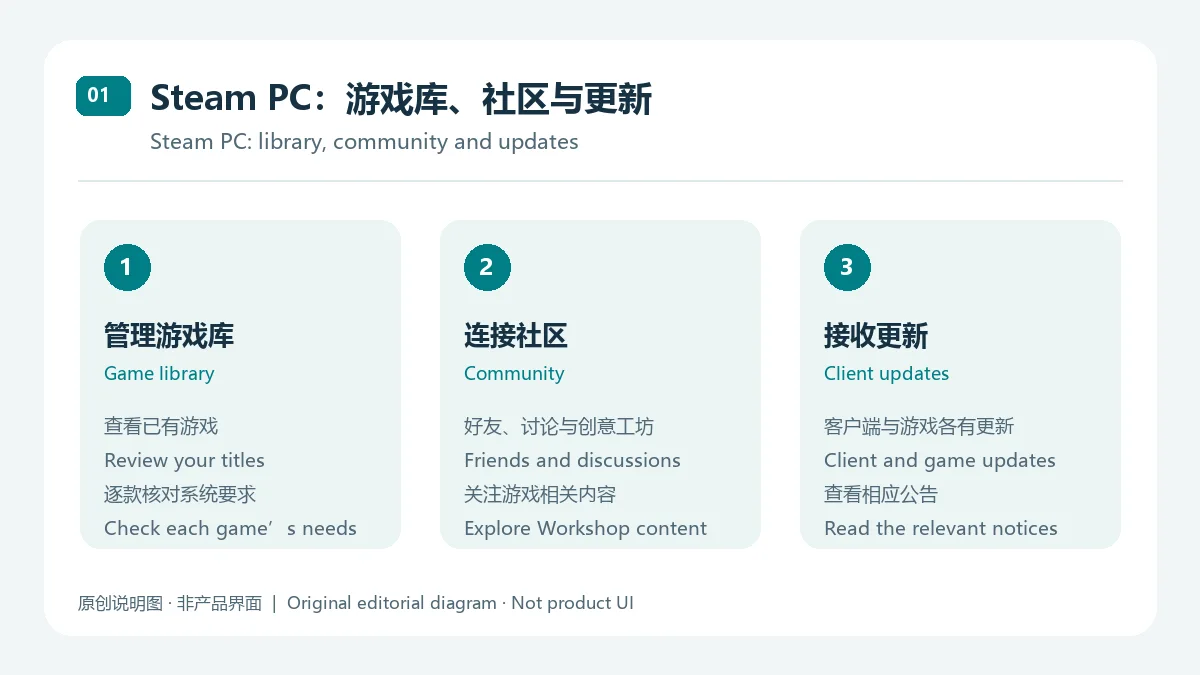
Steam 是 Valve 的 PC 游戏商店与桌面客户端,连接游戏库、好友、社区、创意工坊和客户端更新。This guide covers Steam for PC, the official Windows installer, support notes, and practical troubleshooting.
Aliases: Steam Client、Steam for PC
Author: RJ.tools Editorial
Learn about the software and its sources
Proprietary software; see the Steam Subscriber Agreement. Game and DLC terms are product-specific.
Steam 是 Valve 的 PC 游戏商店与桌面客户端,连接游戏库、好友、社区、创意工坊和客户端更新。This guide covers Steam for PC, the official Windows installer, support notes, and practical troubleshooting.
Steam PC 下载与安装:了解 Windows 支持、官方获取方式、更新及下载排障。Steam PC guide covers setup, compatibility, client updates, common fixes, slow downloads, and FAQ tips for setup.
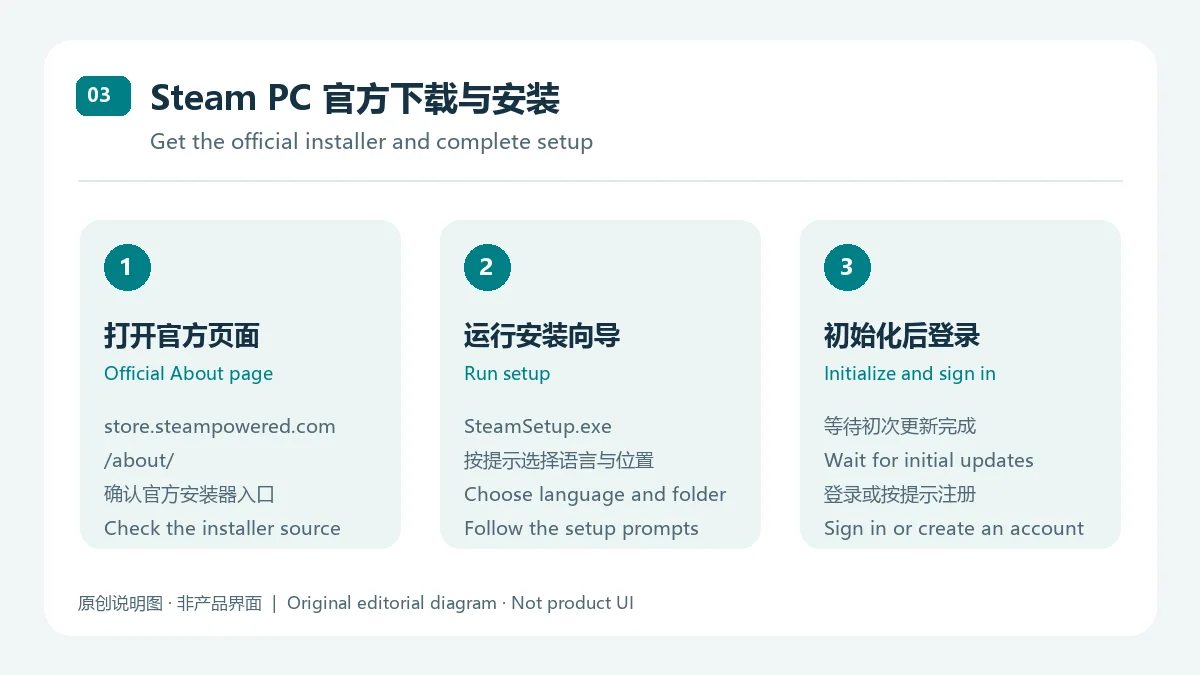
Steam PC 客户端可管理游戏库、好友、更新与截图。本文说明 Steam 下载、Windows 安装步骤和系统支持范围,并整理 2026 年 10 月客户端公告;游戏、DLC 与订阅价格请以商店商品页为准。安装前请确认电脑运行受支持的 64 位 Windows 10 或 Windows 11 环境。
Steam 是 Valve 提供的 PC 游戏商店与桌面客户端,也连接游戏社区。用户可浏览商品、维护游戏库并接收客户端更新;还可访问好友聊天、游戏社区、创意工坊和控制器功能。购买或安装具体游戏前,请阅读其商品页的开发者信息、语言支持和系统要求。
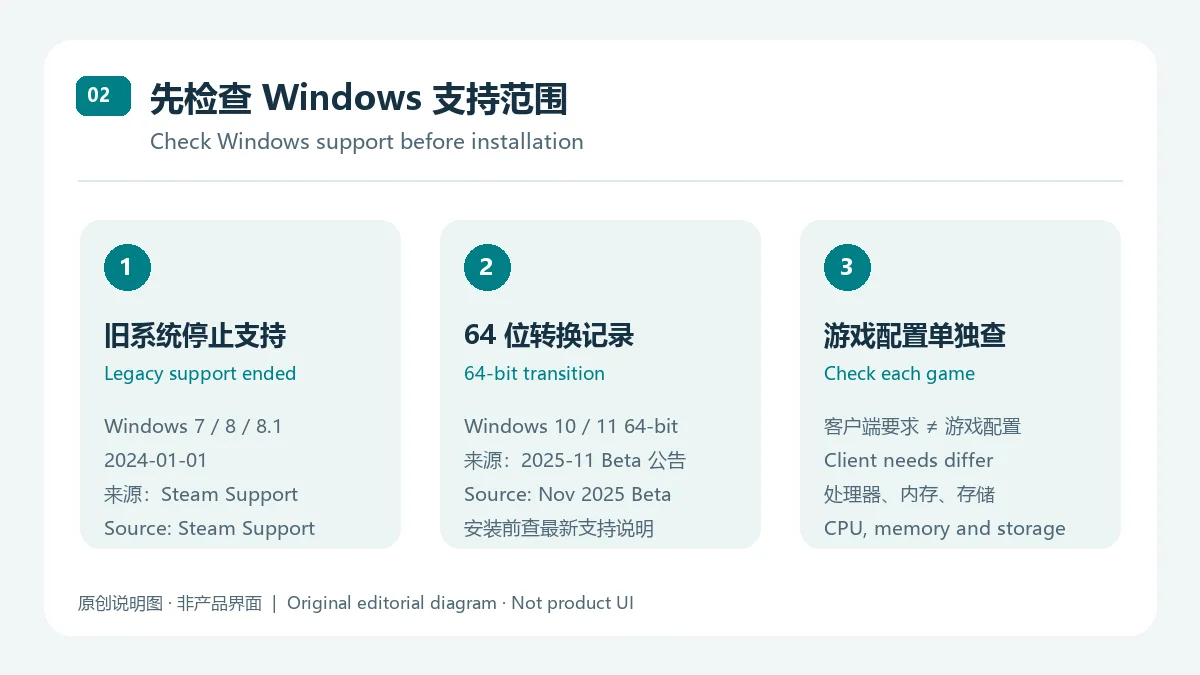
Steam Support 官方说明 指出对 Windows 7、Windows 8 和 Windows 8.1 的支持。Steam Client Beta 公告记录了 64 位 Windows 10/Windows 11 客户端转换,以及 32 位客户端更新截止到 2026-01-01;由于这项说明来自 Beta 公告,遇到企业设备或旧电脑时应以 Steam 最新支持信息为准。Steam About 页未给出客户端 CPU、内存或磁盘下限;每款游戏的配置要求不同,应单独检查。
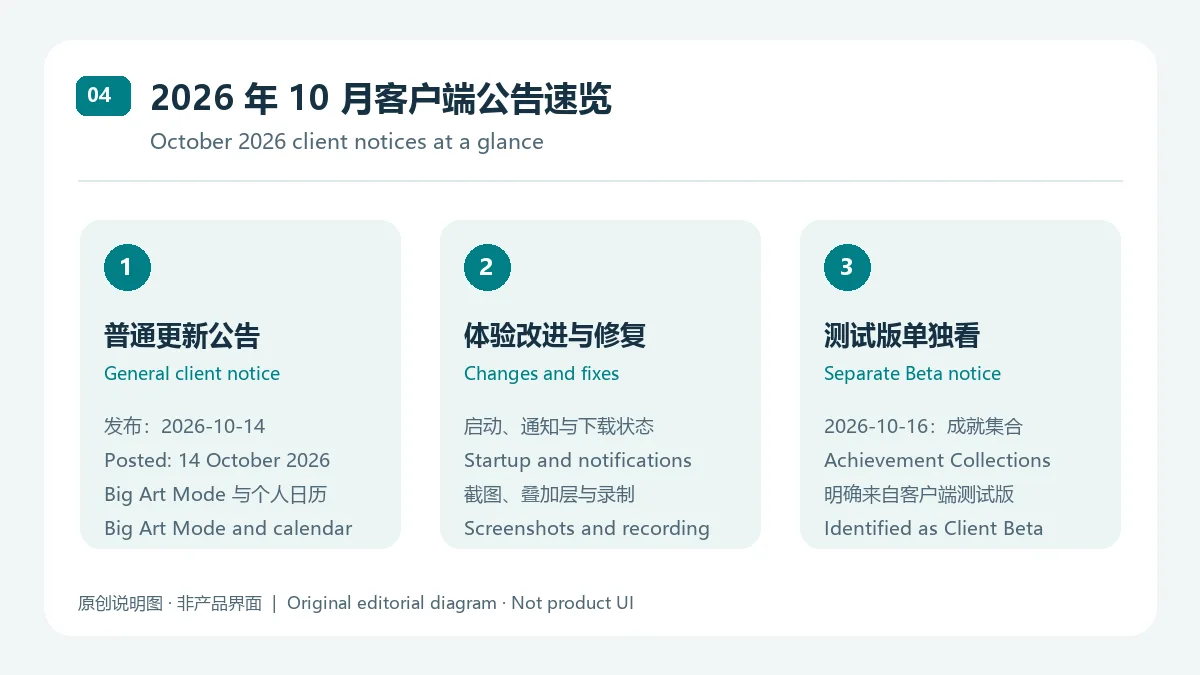
截至 2026-10-17,Steam 新闻页较新的 10 月 16 日公告介绍了“成就集合”测试版功能;公告说明它在 Steam 客户端测试版中推出,不应当作稳定版已发布功能。较新的普通客户端更新公告标题为“Steam Client Update - October 13th”,页面发布时间为 2026-10-14。该公告记录了大屏幕模式的 Big Art Mode 选项、推荐页个人日历、屏幕保护程序,以及启动性能、窗口焦点、通知排版、下载状态、叠加层、截图和游戏录制方面的改进或修复。两则公告都没有提供数值版本号或 build,因此本文按公告标题、日期和渠道描述,不猜测版本号。
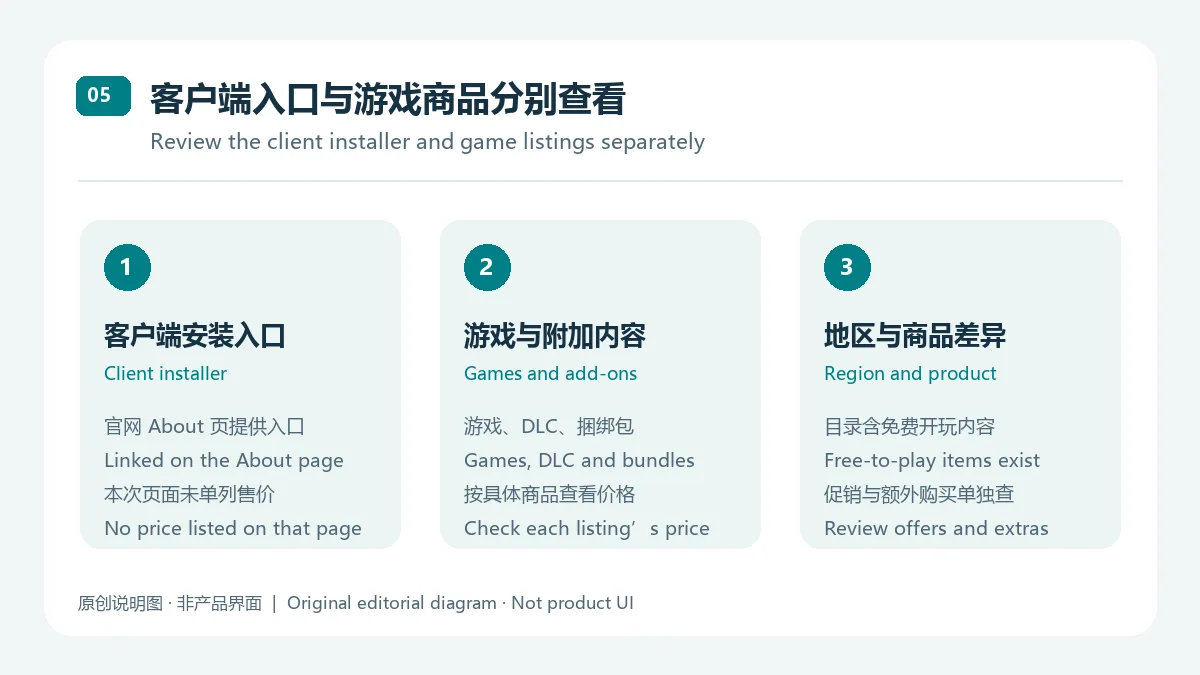
Steam 官方 About 页提供客户端安装入口,但本次页面没有单列客户端价格;商店中的游戏、DLC 和捆绑包则按具体商品显示价格,也有免费开玩内容。价格与促销可能因地区和商品变化,订阅或游戏内购买也应查看对应页面。下载 Steam 客户端不等于免费获得商店中的每款游戏。
Steam PC 客户端下载要付费吗? Steam 官方 About 页提供客户端安装器入口,但本次核对的页面没有单列价格。游戏、DLC 和订阅按商品及地区显示价格,安装前请查看对应商品页。
Windows 7 还能安装 Steam 吗? Steam 官方支持说明称自 2024-01-01 起不再支持 Windows 7/8/8.1;建议改用受支持的 Windows 版本,并确认系统为 64 位。
Steam 下载后打不开怎么办? 先核对系统版本与 64 位要求,再确认安装器来自 Steam 官方页面;若仍无法启动,查看 Steam Support 的客户端故障指南,避免从不明镜像下载替换文件。
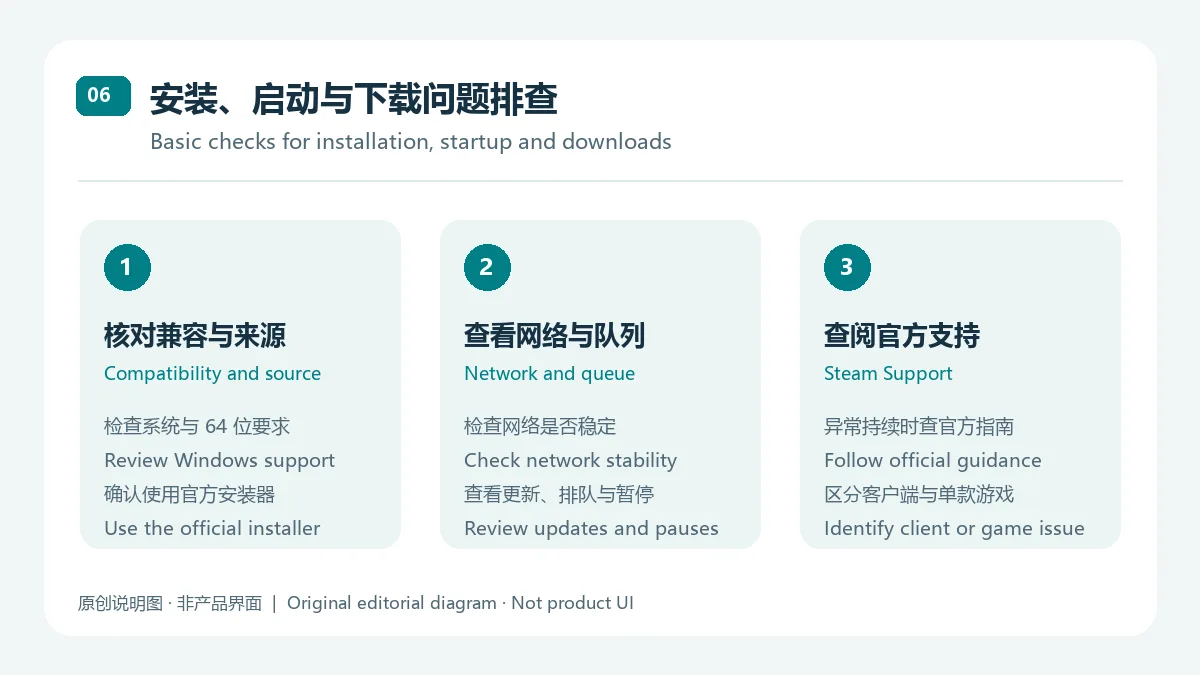
Steam 游戏下载很慢怎么办? 先检查网络是否稳定、Steam 是否正在更新,并查看下载页面的排队/暂停状态;持续异常时参照 Steam Support。不要把 Steam 客户端问题与单款游戏自身兼容问题混为一谈。
如果你需要 Steam PC 客户端下载与安装指南,请从 Steam 官方 About 页面进入,并先确认 Windows 支持范围。选择游戏时再核对地区价格、语言和单品系统要求;客户端无法启动或下载异常时,优先检查系统兼容性、网络与下载队列,并参考 Steam Support。
Steam PC manages games and updates. This guide covers the official Steam download, Windows setup, support notes, and October 2026 updates; prices vary by title.
Steam is Valve’s PC game store and desktop client, with community features alongside a game library. Users can browse titles, keep a library, receive client-managed updates, chat with friends, visit community hubs and Workshop pages, and use supported controllers. Check each product page for its publisher, languages, and system requirements before installing a game.
Steam Support says Windows 7, Windows 8, and Windows 8.1 stopped receiving Steam support on January 1, 2024. A Steam Client Beta announcement records the 64-bit client transition for 64-bit Windows 10 and Windows 11, with 32-bit client updates scheduled through January 1, 2026. Because that detail came from a Beta notice, users of older or managed computers should check current Steam support information. Steam’s About page does not list numeric CPU, memory, or storage minimums; each game has its own requirements.
As of October 17, the newer Steam notice dated October 16 describes Achievement Collections in the Steam Client Beta; it is a beta feature, not evidence of a stable-channel release. The newer general client update notice is titled “Steam Client Update - October 13th” and was posted on October 14, 2026. It lists Big Art Mode, a personal calendar on the Recommended tab, a screensaver option, and changes to startup performance, window focus, notifications, downloads, overlays, screenshots, and game recording. Neither notice provides a numeric version or build, so this summary uses the published titles, dates, and channel labels instead of guessing a build.
Steam’s official About page provides a client installer but does not list a client price there. Games, DLC, and bundles have product-specific prices, and the catalog also includes free-to-play items. Regional prices and promotions can change; check each product for subscriptions or in-game purchases. Installing Steam does not include every game in the store.
Does the Steam PC client cost money to download? Steam’s official About page provides an installer link but does not state a client price there. Game, DLC, and subscription prices depend on the product and region, so check the relevant store page.
Can I install Steam on Windows 7? Steam’s support notice says Windows 7/8/8.1 support ended on January 1, 2024. Use a supported Windows release and check the 64-bit requirement.
What should I do if Steam will not open? Check Windows compatibility and 64-bit support, then make sure the installer came from Steam’s official page. If it still fails, consult Steam Support’s client troubleshooting guide instead of replacing files from an unknown mirror.
Why is a Steam game download slow? Check the network, whether Steam is updating, and the queue or pause state on the Downloads page. If the issue continues, follow Steam Support guidance and check whether the problem is specific to one game.
For a Steam PC download and installation, start from Steam’s official About page and check Windows support first. Review each game’s regional price, language options, and system requirements separately. If the client will not open or a download stalls, check compatibility, network access, and the download queue before following Steam Support guidance.
Information verified: Oct 18, 2026
First published: Oct 18, 2026· Editorial revision: Oct 18, 2026
Steam 官方 About 页提供客户端安装器入口,但未单列客户端价格;游戏、DLC 和订阅请查看对应地区的商品页。
Steam Support says support for Windows 7, 8, and 8.1 ended on January 1, 2024. Use a currently supported Windows release.
本次核对的普通客户端更新与测试版公告均未列数值版本号或 build,因此页面不根据公告日期推造版本。
Check Windows compatibility and use the official installer link, then consult Steam Support's client troubleshooting guide if the issue continues.
先检查网络、客户端更新状态和下载队列;持续异常时查看 Steam Support 的排障建议,并核对问题是否仅影响单款游戏。
No. The client is a store and library tool; each game or DLC has its own availability, terms, and regional price.

网易云游戏 Android 客户端提供进入云端游戏与手机串流服务的入口。核对官网和应用宝下载渠道、版本冲突、安装步骤、连接排查与常见问题;最低系统要求及逐项更新说明未公开核实。 / NetEase Cloud Gaming for Android provides a mobile route to cloud sessions and game streaming. Check publisher and store routes, conflicting version displays, setup and troubleshooting; minimum OS and itemized release notes were not verified.

samperson 的 Desktop Goose 桌面伴随鹅指南:核对 Windows v0.31 与 Mac v0.22 文件标签,了解作者获取入口、自愿支持、安装资料及历史更新索引。完整运行行为、系统最低要求及最新构建状态尚未确认。 Desktop companion guide with OS file selection, setup checks, voluntary support and attributed update evidence.

OpenSpeedy 是 Windows 开源游戏变速工具,可调整选定进程的时间倍率并设置快捷键。页面整理 3.3.17 更新、安装步骤和在线游戏反作弊风险。 / OpenSpeedy is an open-source Windows game speed controller for selected processes. This page covers v3.3.17, setup, and anti-cheat risks.

Roblox 是 Roblox Corporation 提供的 Android 用户创作游戏平台。本页整理 Google Play 官方入口、安装步骤、家庭与账号检查、商店更新信息及登录和连接故障排查。 / Roblox is Roblox Corporation's Android platform for user-created experiences. This guide covers the official store, setup, family checks, updates, and login or connection troubleshooting.

Android小说阅读应用,含听书、漫剧与兴趣推荐;整理应用宝7.4.1.32信息、安装与活动规则核对方法。 / Android reading app with listening, animated comics and recommendations; includes store version 7.4.1.32, setup and activity-term checks.

云·原神是米哈游提供的 Android 云游戏客户端,本页解释其与完整《原神》包体的区别,并整理官网安装入口、网络排查及版本信息边界。 / Genshin Impact Cloud is miHoYo’s Android cloud gaming client. This guide covers its official entry, setup, network checks and release-information limits.