
浏览器选择与链接打开规则
选择日常浏览工具,并让不同类型的链接在合适的浏览器或环境中打开。收录Finicky、Google Chrome for Android、Puffin Flash Browser等站内已有工具,按实际用途选择适合自己的应用。
夸克桌面浏览器提供网页搜索、阅读模式、翻译、标签管理与 PDF 工具;本文说明官方安装与服务权益。 Quark Browser for Windows and macOS: official setup, reading tools, release notes, and FAQ.
Aliasse: Quark Browser、Quark PC、夸克浏览器电脑版
Autor: RJ.tools Editorial
Erfahre mehr über die Software und ihre Quellen
Quark PC User Agreement: personal, nontransferable, nonexclusive use right; personal noncommercial use unless otherwise agreed. No redistribution license is asserted. / 按夸克PC端用户协议,除另有约定外限个人非商业使用。
夸克桌面浏览器提供网页搜索、阅读模式、翻译、标签管理与 PDF 工具;本文说明官方安装与服务权益。 Quark Browser for Windows and macOS: official setup, reading tools, release notes, and FAQ.
夸克浏览器电脑版下载指南,涵盖 Windows、Mac 安装、阅读模式、标签分组与 PDF 工具。Quark Browser PC guide covers official setup, release notes, pricing terms, and practical installation FAQ.
夸克浏览器电脑版是一款面向 Windows 与 macOS 的 AI 浏览器,集合网页搜索、标签页管理、阅读模式、网页翻译和 PDF 阅读等功能。本文说明夸克浏览器 PC 版的主要用途、官网 Windows 安装步骤、可查到的版本更新,并提醒核对系统兼容性、账号同步和云盘容量等事项,帮助你判断它是否适合日常学习与办公。
夸克桌面版把网页浏览、搜索、阅读辅助和文件处理放在一个客户端里,适合需要同时查资料、阅读长文和处理 PDF 的学习或办公流程。官网还列出网盘、文档工具与跨端服务;这些在线能力的可用性可能与登录状态、网络环境和账号权益有关,实际容量或功能范围应以账户页面为准。
把阅读模式或翻译当作理解辅助会更稳妥:先查看摘要或译文,再回到原网页核对作者、日期、关键数字和出处。处理医疗、法律、财务等重要信息时,不应只依赖自动摘要或机器翻译。
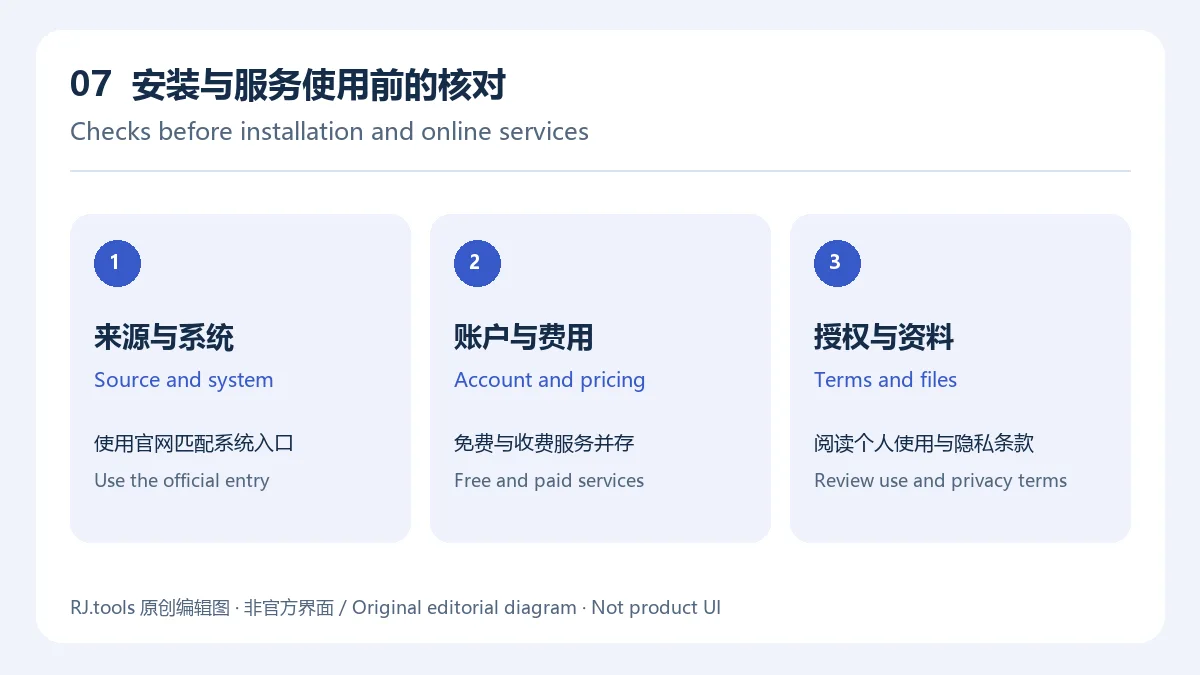
夸克PC端用户协议说明服务同时包含免费和收费项目,收费权益按具体产品规则。协议授予个人、不可转让和非排他的使用权,除另有约定外限个人非商业使用;购买会员前核对额度、期限和使用范围。本文缩略图及正文图为 RJ.tools 原创编辑图,不是夸克官方标志或产品截图。
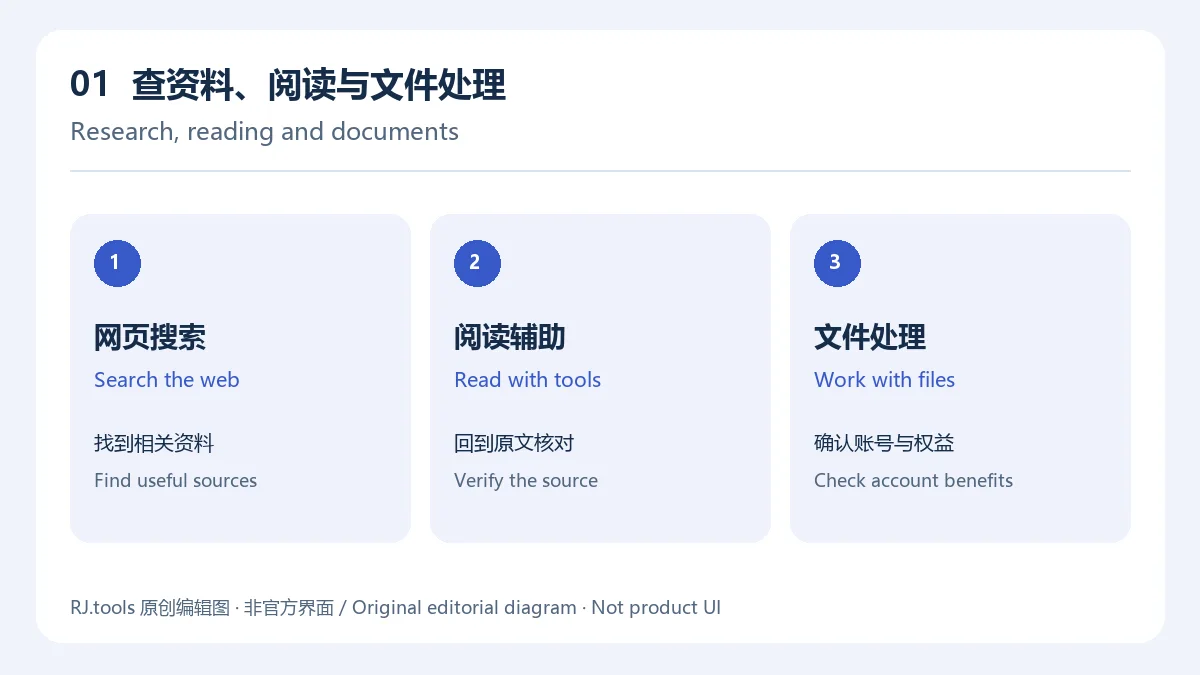
夸克官网介绍了阅读模式、网页翻译和网页擦除等能力。阅读模式官方指南说明,该功能重新整理网页标题、正文和图片,并支持字号调整、连续阅读和小窗阅读;它与 AI 生成摘要是不同功能。网页翻译用于查看外文内容,网页擦除用于减少视觉干扰。页面布局和网站脚本各不相同,实际效果可能因网页而异;如果按钮、表单或正文显示异常,先关闭相关处理再重载页面。
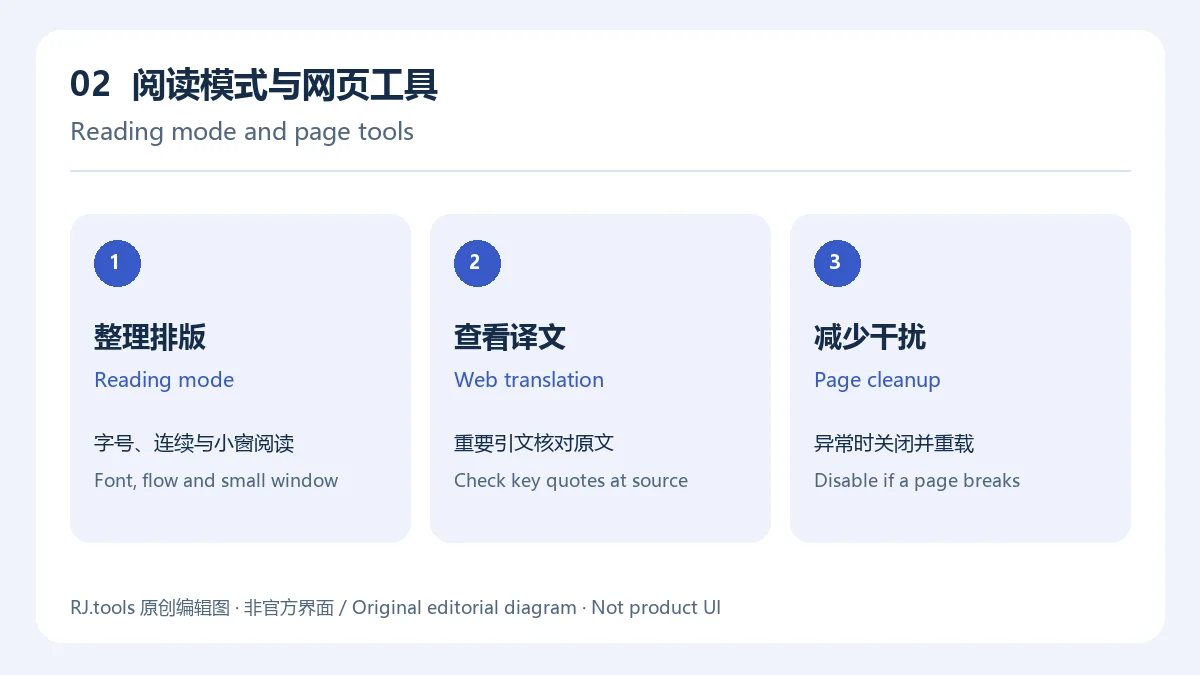
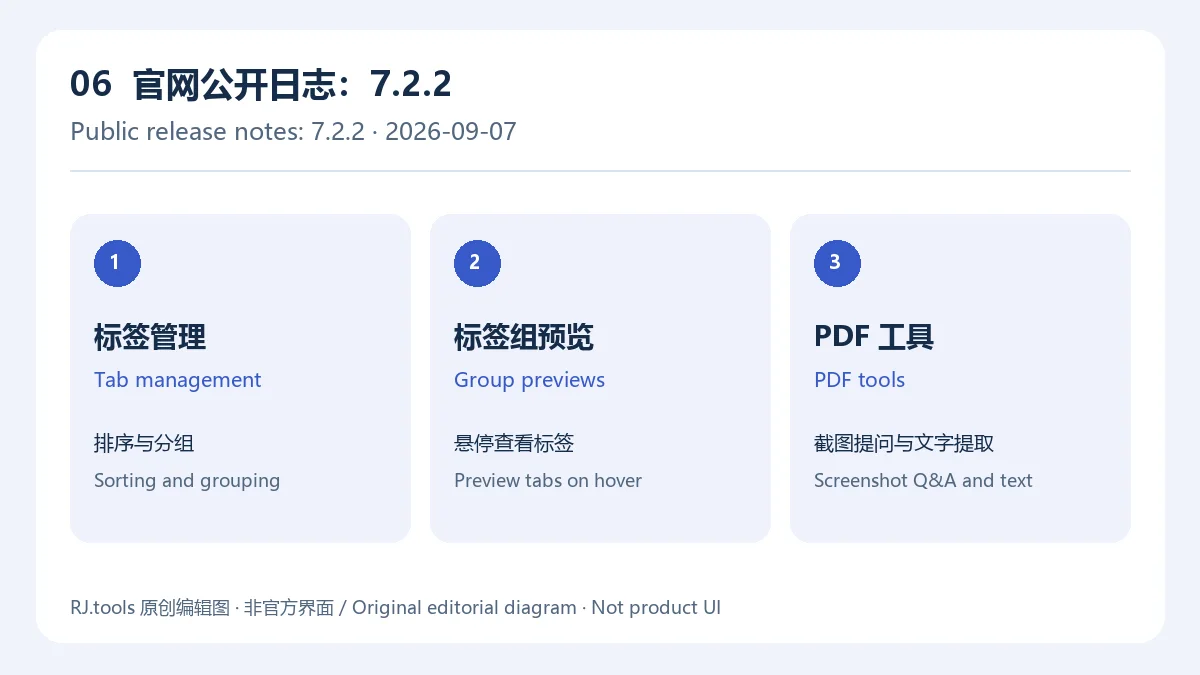
官网 2026 年 9 月 7 日发布的 7.2.2 更新日志写明:标签管理可通过右键增加排序和分组,标签组支持悬停查看组内标签。可以按课程、项目或临时查阅资料分组,长时间工作后再关闭不再需要的页面。分组便于人工整理,但不等于自动同步或减少内存占用。
若某个标签组不易辨认,可先展开或悬停确认标题,再决定是否关闭;重要页面建议加入书签或另行记录来源,避免把临时标签组当作长期归档。
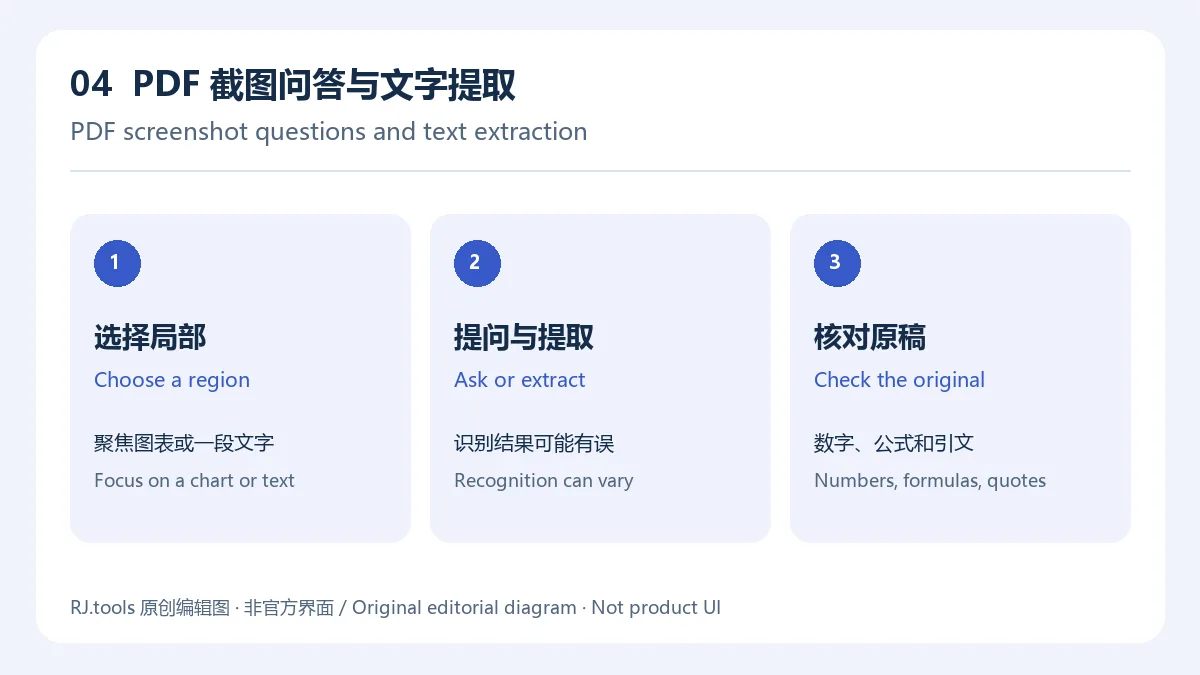
同一份 7.2.2 官方更新日志还提到,PDF 阅读器支持对截图提问以及提取截图中的文字,便于围绕图表或页面局部进行查询。扫描件、复杂公式和多栏排版可能影响识别结果;遇到数字、引文、公式或表格,应对照原 PDF 检查后再引用。
按Windows 官方安装指南操作:
默认浏览器设置是可选决定,可以稍后在 Windows 设置中调整。
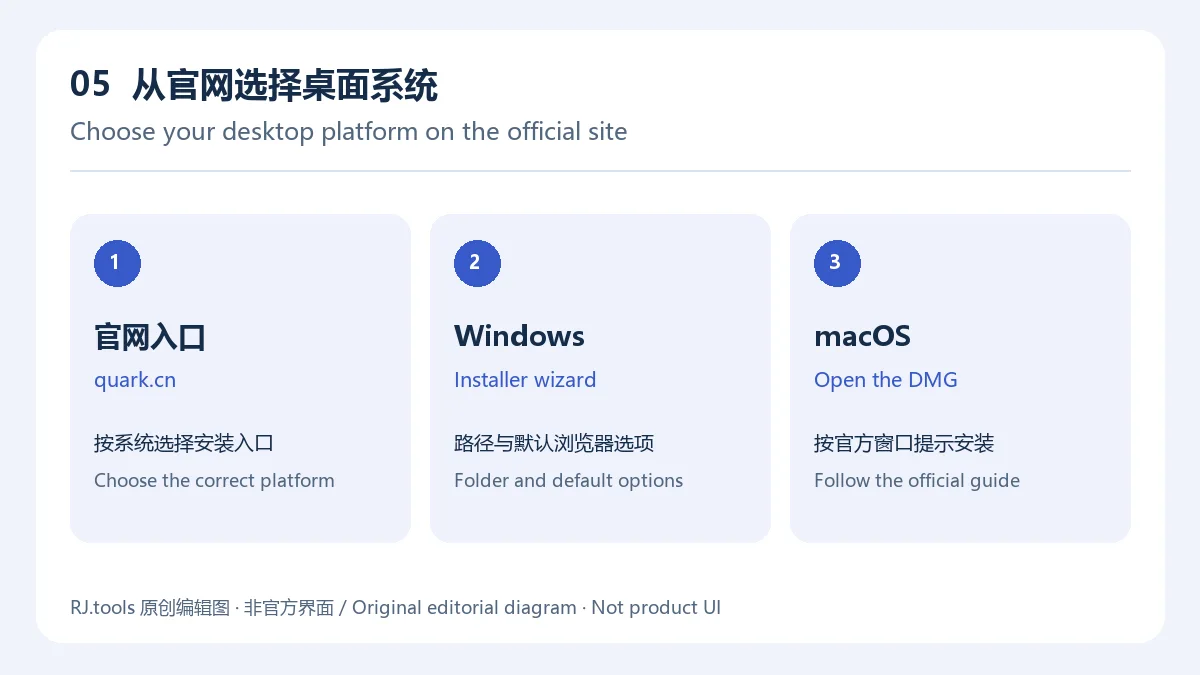
macOS 官网安装指南要求选择 Mac 版本,打开下载的 .dmg 磁盘映像,再按安装窗口提示双击图标,完成后启动应用。官网公开指南没有列出最低 Windows/macOS 版本号;安装前请在官网或系统商店的当前页面核对兼容条件。下载前检查地址栏为官方域名 quark.cn,不要用来源不明的捆绑安装包替代官网文件。
截至 2026 年 10 月 18 日本次核对时,夸克官网公开更新日志最新列出的记录为 版本 7.2.2,2026-09-07,项目如下:
官网更新日志没有在该条记录中标注 Windows 或 macOS 的独立构建号,也没有说明每个平台何时获得该更新。因此,7.2.2 应表述为“官网最新公开更新日志版本”,不能据此断言用户下载到的 Windows/macOS 安装包当前一定是 7.2.2。发现安装版本与记录不一致时,以应用内版本信息和官网后续公告为准。
请从 夸克官网 进入下载区域,选择 Windows 或 macOS。不要仅凭搜索结果中的“高速下载”按钮或文件名判断来源;本稿没有验证第三方分发包。
不需要。官方安装步骤把“设为默认浏览器”等其他设置列为建议勾选项;可按个人习惯选择,安装后仍可在 Windows 设置中调整默认浏览器。
官网目前列出 macOS 客户端,并注明支持 Intel 与 Apple 芯片。具体最低系统版本未在本次核对的官网页面中说明,请以下载页当前兼容性提示为准。
官网 2026-09-07 的更新记录列出标签排序与分组、悬停预览标签组,以及在 PDF 阅读器中截图提问和提取截图文字。该日志没有明确标注各桌面平台的构建号。
先确认安装包来自官网且与当前系统平台相符,再检查系统是否满足下载页要求、磁盘空间是否充足,以及安全软件是否隔离了安装程序。仍无法安装时,按官网安装指南联系夸克客服;不要为了排错关闭系统防护或运行来历不明的修复程序。
官网资料展示了相关在线功能,但本次页面核验未能确认每项功能的账号条件、免费额度或地区限制。以实际登录提示、功能页面和服务条款为准;上传私人文件前先确认账号、共享状态和服务设置。
查找夸克浏览器电脑版下载时,先从官网选择 Windows 或 macOS,再核对安装设置与当前服务权益;使用阅读、翻译或 PDF 提取结果时保留原文,便于回查来源。
Quark Browser combines search, AI reading, translation, tabs, and PDF tools on Windows and macOS. Check install steps, release notes, and system details.
Quark’s desktop browser brings web search, reading assistance, and document tools into one client. It may suit study or office workflows that move between research pages, long articles, and PDFs. The official site also presents Quark Drive and cross-device services; availability, storage limits, and account benefits can depend on the signed-in account and current service terms.
Use summaries and translations as aids, then return to the source page to check the author, date, key figures, and citations. For medical, legal, or financial material, do not rely on an automated summary or translation alone.
The Quark PC User Agreement describes both free and paid services; paid benefits follow the relevant product rules. It grants a personal, nontransferable, nonexclusive right to use the software, for personal noncommercial use unless otherwise agreed. Check allowances, duration, and permitted use before purchasing services. The thumbnail and diagrams here are original RJ.tools editorial artwork, not the Quark logo or product screenshots.
Quark’s official site presents reading mode, web translation, and page cleanup. The official reading-mode guide describes reorganizing headings, text, and images, with font-size controls, continuous reading, and a small reading window. This is separate from generating an AI summary. Translation helps with foreign-language content, while page cleanup reduces visual distractions. Results can vary with site layout and scripts. If a form, button, or article becomes difficult to use, turn off the relevant page treatment and reload the page.
The official release note dated September 7, 2026, for version 7.2.2 lists tab sorting and grouping through the right-click menu, plus hover previews for tab groups. You can group research by class, project, or temporary reference, then close pages when they are no longer needed. Grouping is an organization aid; it should not be presented as automatic synchronization or a memory-saving feature.
Before closing a group, preview its tabs and save important sources as bookmarks or notes. A temporary group is not a long-term archive.
The same 7.2.2 official note says the PDF reader can send a screenshot as a question and extract text from that screenshot. This can help when looking up a chart or a specific page area. Scans, formulas, and multi-column layouts may affect recognition, so verify numbers, quotations, equations, and tables against the original PDF.
Follow the official Windows installation guide:
Making Quark the default browser is optional and can be changed later in Windows settings.
For macOS, the official installation guide says to choose the Mac version, open the downloaded .dmg disk image, and follow the installation window by double-clicking the app icon. The product page lists support for Intel and Apple silicon Macs. The guides checked here do not state minimum Windows or macOS versions, so confirm compatibility on the current official download page before installing. Use the quark.cn domain and avoid bundled installers from unknown sources.
As of October 18, 2026, the latest entry visible in Quark’s official release-note list is version 7.2.2, dated September 7, 2026:
The note does not identify a separate Windows or macOS build number or say when each desktop platform receives the changes. Describe 7.2.2 as the latest version in the public release-note list, not as a verified installer build for every PC. Check the in-app version information and newer official notices if they differ.
Start at the official Quark website and choose Windows or macOS from its download area. This research did not validate third-party installers or mirrors.
No. The Windows guide lists the default-browser option among suggested settings. Choose it only if you want links to open in Quark; you can also change the default later in Windows settings.
The official product page lists a macOS client for Intel and Apple silicon. A minimum macOS version was not stated in the pages checked, so confirm current requirements on the download page.
The official September 7, 2026 entry lists tab sorting and grouping, hover previews for tab groups, and screenshot questions and text extraction in the PDF reader. It does not specify desktop build numbers by platform.
Confirm that the installer came from the official site and matches your operating system. Check the current system requirements, available disk space, and whether security software has quarantined the file. If the problem remains, use Quark’s official help or customer-service route. Do not disable system protection or run an unknown repair utility just to troubleshoot.
The official pages reviewed show these online features but do not establish the sign-in rules, free allowances, or regional limits for every feature. Follow the prompts and current service terms. Before uploading private files, review the account, sharing, and service settings.
For Quark Browser PC downloads, choose Windows or macOS through the official site, review setup choices and current service benefits, and retain original pages or PDFs when using reading, translation, or extraction tools.
Informationen geprüft am: 18. Okt. 2026
Erstmals veröffentlicht: 18. Okt. 2026· Redaktionelle Überarbeitung: 18. Okt. 2026
从 quark.cn 官网下载区域选择 Windows 或 macOS;本文没有核验或托管第三方安装包。
The reviewed list starts with 7.2.2 dated 2026-09-07. It does not establish separate installer builds for Windows and macOS.
不需要。安装时按个人习惯选择,之后也可在 Windows 设置中更改。
The PC User Agreement describes both free and paid services. Review current product benefits and allowances before purchasing.

NatTypeTester 是用于检测 STUN NAT 映射与过滤行为的开源工具,10.0.10 提供 Android、Windows、macOS 和 Linux 发行包。 | NatTypeTester checks STUN NAT mapping and filtering, with 10.0.10 packages for Android, Windows, macOS and Linux.

Watt Toolkit(原 Steam++)是面向 Steam 相关任务的开源跨平台工具箱,包含网络、账号、库存和令牌功能。 / Formerly Steam++, Watt Toolkit is an open-source cross-platform toolbox for Steam-related network, account, library, and token tasks.
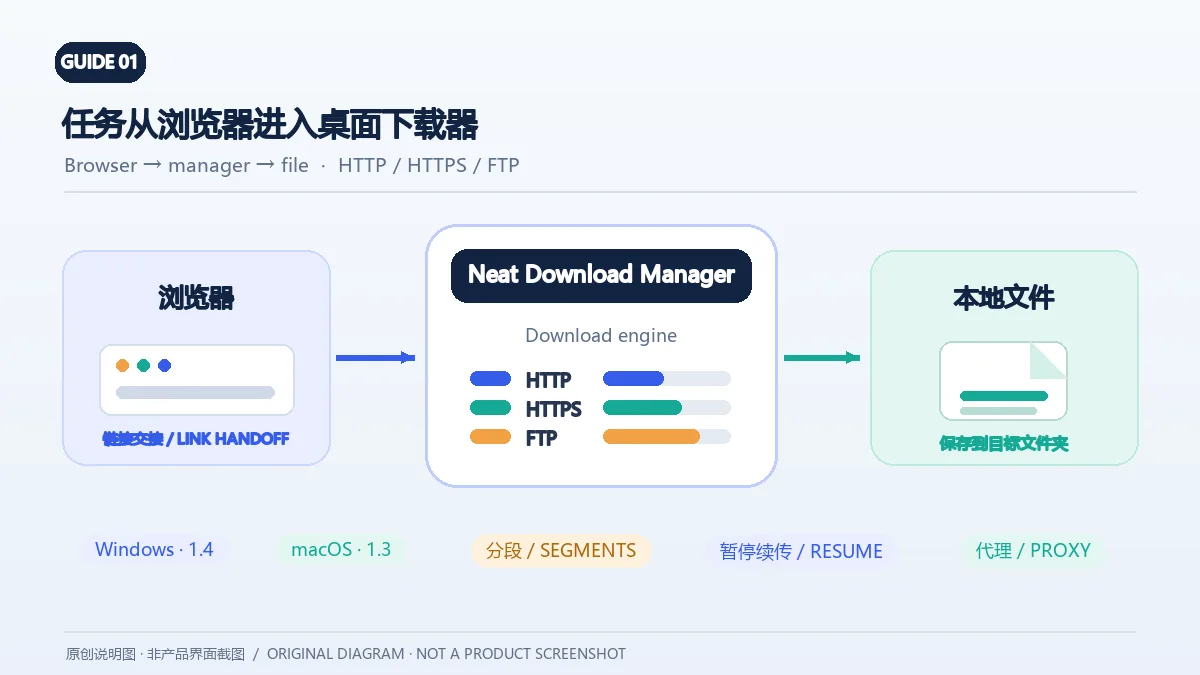
Neat Download Manager(NeatDM)是 Windows 与 macOS 桌面下载管理器,可管理链接任务、分段连接、代理、暂停续传和浏览器扩展。本文核对官网列出的 Windows 1.4 与 macOS 1.3,并说明版本日志、系统要求和安装包仍有哪些信息未公开。 / Neat Download Manager (NeatDM) is a Windows and macOS desktop download manager for browser handoff, segmented transfers, proxies, and pause/resume. This guide checks the publisher-listed versions and explains installation, compatibility, and missing desktop release notes.

qBittorrent 是开源 BitTorrent 客户端,支持磁力链接、RSS、搜索和 Web UI。本页整理 Windows 10+ 稳定版 5.2.4、macOS/Linux 平台差异、安装核对与版权提醒。 / qBittorrent is an open-source BitTorrent client with magnet, RSS, search and Web UI features. Review stable v5.2.4, platform differences, setup checks and lawful use.
腾讯手游加速器由深圳市腾讯计算机系统有限公司开发和运营。应用宝详情介绍网络加速、游戏相关辅助信息、预约与战绩数据等功能;支持情况以当前应用详情为准。

奇游 Windows 官方下载、安装步骤、区服选择与会员条件,保留7.3.0文件标识和官网页脚差异。 / Official Windows download, installation, route checks and membership terms with explicit version-evidence limits.