

PPSSPP
Android v1.20.4未在本次核对的应用页面中确认 / Not confirmed on checked product pages
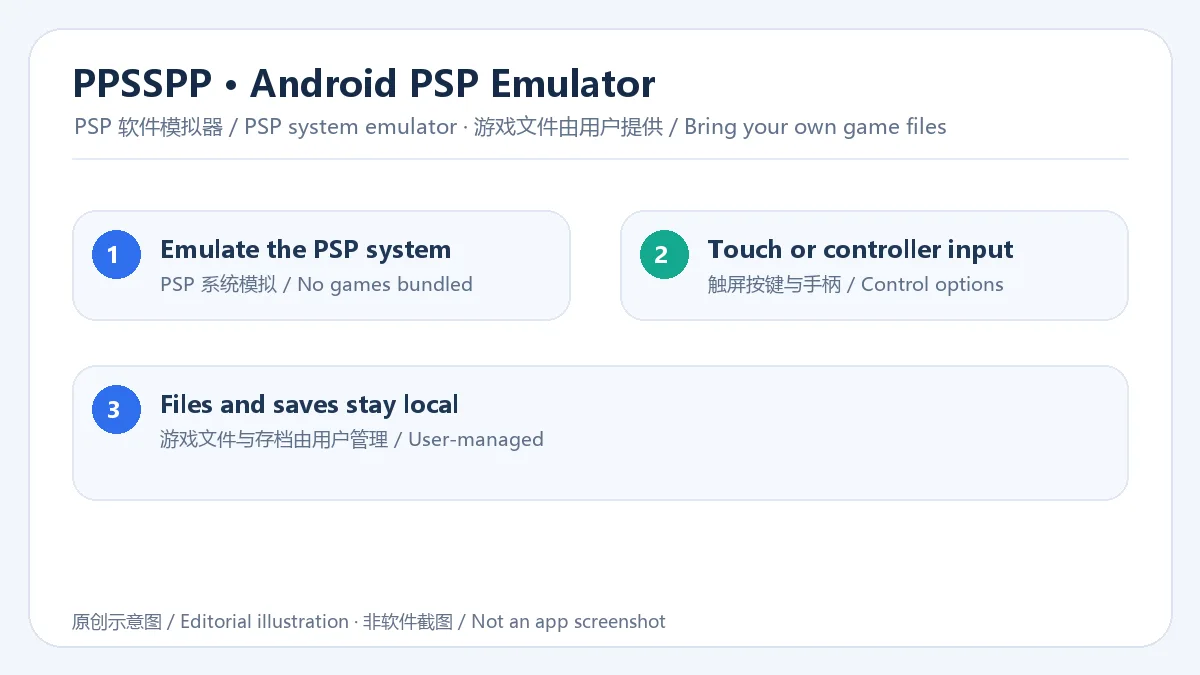
PPSSPP 是一款 Android PSP 模拟器,可运行用户自行提供的兼容游戏文件,并提供触控、手柄、图形设置与本地存档管理。 | PPSSPP is an Android PSP emulator for user-provided compatible game files, with touch and controller input, graphics options, and local save management.
Android
Alias : PPSSPP Android、PPSSPP 安卓版、PlayStation Portable emulator
Informations
Découvrez les informations essentielles et les sources du logiciel
Aperçu du logiciel
- Développeur
- hrydgard (upstream repository account; store attribution not confirmed)
- Mise à jour
- 20 oct. 2026
- Langues disponibles
- Non fourni
- Configuration requise
- Non fourni
- Taille du fichier
- Non fourni
- Clics sur les liens de téléchargement
- 2
Licence
未在本次核对的应用页面中确认 / Not confirmed on checked product pages
Sources et vérification
- Type de ressource
- software
- Tarif
- 未核实 / Not verified
- Date de vérification des informations
- 20 oct. 2026
- Politique de confidentialité
- Non fourni
Plus d'informations sur le logicielConsultez le nom du paquet, la somme de contrôle et le SHA-256
- Nom du paquet
org.ppsspp.ppsspp- Somme de contrôle
- Non fourni
- SHA-256
- Non fourni
PPSSPP 是一款 Android PSP 模拟器,可运行用户自行提供的兼容游戏文件,并提供触控、手柄、图形设置与本地存档管理。 | PPSSPP is an Android PSP emulator for user-provided compatible game files, with touch and controller input, graphics options, and local save management.
中文
PPSSPP 安卓版下载适合想在 Android 手机上运行自有 PSP 游戏文件的用户。这款 PSP 模拟器提供触控与手柄操作、画面设置和本地存档管理;页面整理官方安装入口、1.20.4 版本变化及文件准备步骤,游戏文件需自行提供,兼容表现会因设备而异。安装前请核对系统与来源信息。若要了解设备表现,可先查看官方说明。
功能与特点
PPSSPP 将 PSP 硬件环境以软件方式模拟,Android 版提供虚拟触控按键、可调控制布局和外接手柄选项。图形与音频设置可按游戏尝试调整,但不同芯片和驱动的表现不一;本页介绍的是模拟器功能,不包含 PSP 游戏内容。
安装方法
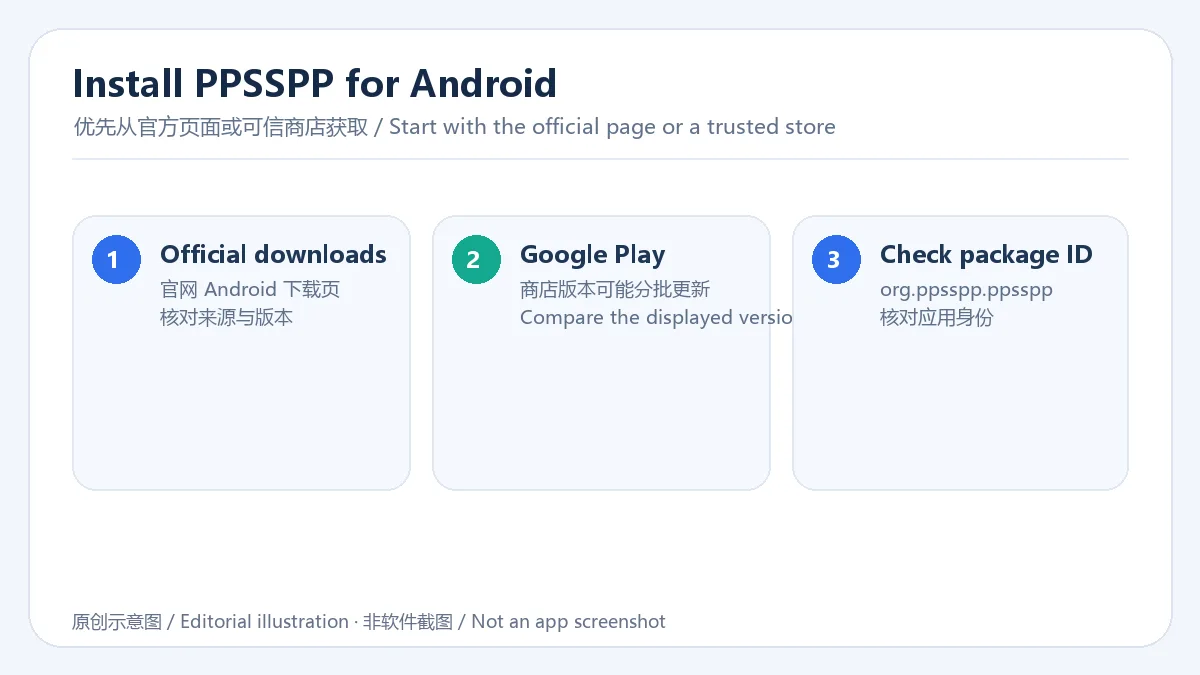
- 优先从 PPSSPP 官网下载页或 Google Play 的普通版入口获取应用,并核对包名 org.ppsspp.ppsspp;Gold 是另一个商店版本,官方 FAQ 说明功能相同,购买用于支持项目。
- 如从官网安装 APK,请按 Android 系统提示完成来源授权;各品牌设置名称可能不同。
- 首次启动后选择游戏目录和存档位置,再按设备调整控制与画面设置。
游戏文件与存档
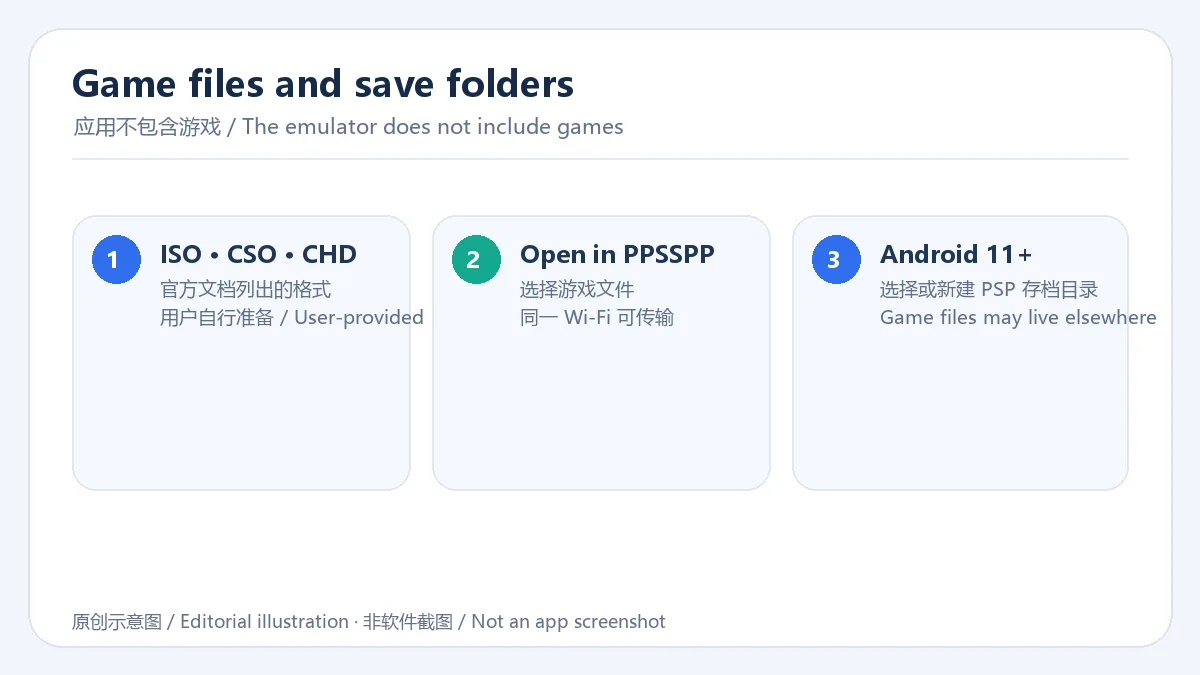
PPSSPP 不附带 PSP 游戏。请自行准备有权使用的兼容文件;官方转移文档列出 ISO、CSO、CHD 等格式。Android 11 及以上版本可能要求在 PPSSPP 中选择或新建 PSP 存档目录,游戏文件可以放在其他文件夹。1.20 及以上版本还支持同一 Wi-Fi 网络间的文件传输。
版本与更新
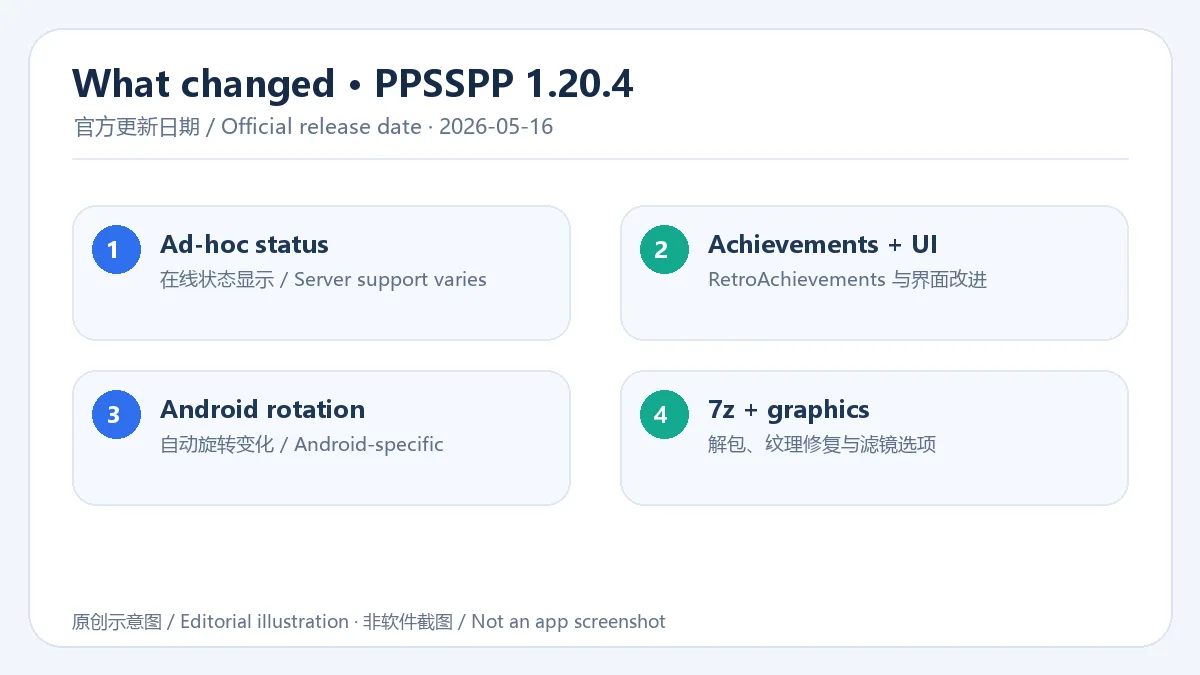
官方将 PPSSPP 1.20.4 标记为 2026 年 5 月 16 日发布。更新说明包含 ad-hoc 在线状态显示(并非所有服务器都支持)、RetroAchievements 与界面改进、Android 自动旋转变化、7z 解包,以及 GPU 纹理放大修复并新增 NNEDI3、Spline36 等选项。不同渠道的上架节奏可能不同,安装前请核对对应来源标注的版本。
常见问题 FAQ
问:应用会附带游戏或需要 BIOS 吗? 答:不会。官方 FAQ 表示游戏文件需由用户自行提供,PPSSPP 不要求单独的 PSP BIOS。
问:Android 11 及以上找不到存档目录怎么办? 答:按应用提示选择或创建 PSP 存档文件夹;游戏文件可留在其他目录。
问:APK 安装后打不开怎么办? 答:核对下载来源和包名,确认系统兼容性后重启应用;仍有问题时查阅官方 FAQ。模拟表现可能因设备而异。
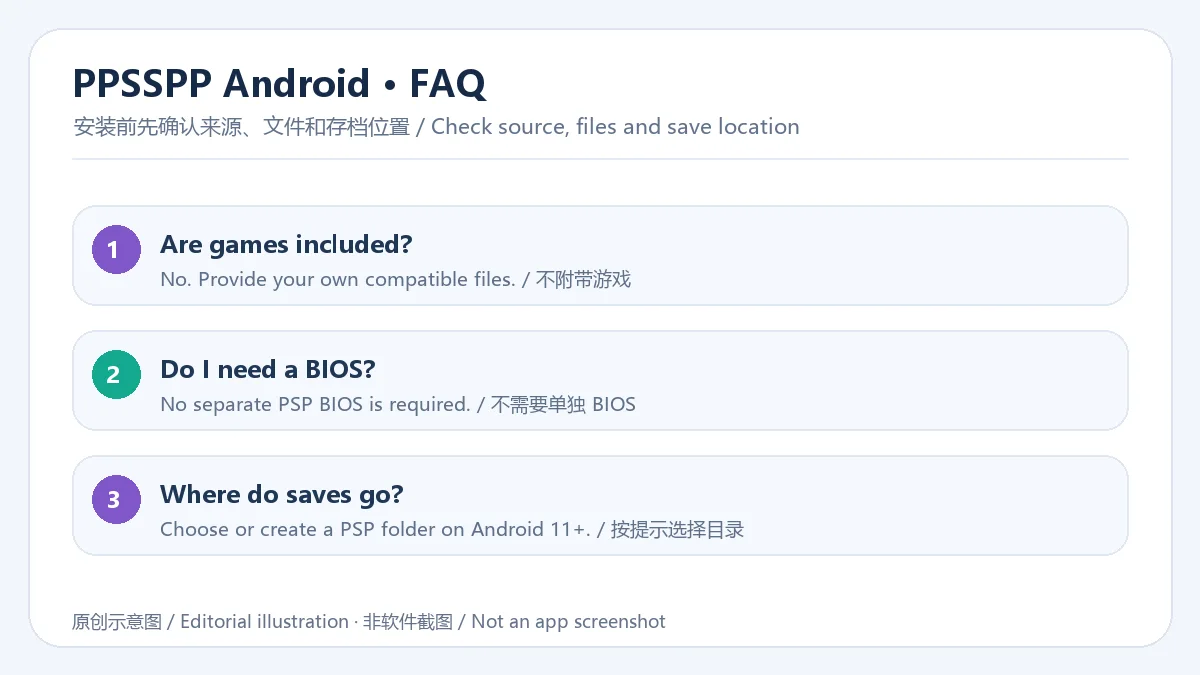
PPSSPP 安卓版下载前请比对官方来源、包名和版本,准备自己的 PSP 游戏文件,并按提示设置存档目录;如遇兼容问题,可查看官方 FAQ 与更新说明。
English
PPSSPP Android runs your own PSP game files with touch controls and save tools. Check official install options, version 1.20.4 notes, and device compatibility.
Features
PPSSPP emulates the PSP system on Android and offers virtual touch controls, adjustable layouts, and controller support. Graphics and audio options can be tuned per game, while results vary by device and driver. The emulator does not bundle PSP games.
Installation
- Get the standard app from the official PPSSPP downloads page or Google Play, and check package ID org.ppsspp.ppsspp. Gold is a separate listing; the official FAQ says its features are the same and purchases support the project.
- For an APK from the official site, follow Android prompts for source permissions; setting names vary by device.
- On first launch, choose a game folder and save location, then adjust controls and graphics for your device.
Game files and saves
PPSSPP does not include PSP games. Provide compatible files you are entitled to use; the official transfer guide lists ISO, CSO, and CHD. On Android 11 and later, choose or create a PSP save folder in PPSSPP when prompted; game files can stay elsewhere. Version 1.20 and later also supports transfers over the same Wi-Fi network.
Updates and release notes
The official PPSSPP 1.20.4 release is dated May 16, 2026. Notes cover ad-hoc online status (not supported by every server), RetroAchievements and UI improvements, an Android auto-rotation change, 7z extraction, GPU texture-upscaling fixes, and NNEDI3 and Spline36 options. Store rollout can differ, so check the version shown by your chosen source.
FAQ
Q: Are games bundled, or is a BIOS required? A: No. The official FAQ says users provide game files, and PPSSPP does not require a separate PSP BIOS.
Q: What if I cannot find a save folder on Android 11 or later? A: Follow the app prompt to select or create a PSP save folder; game files may stay elsewhere.
Q: What if an APK will not open? A: Recheck its source and package ID, confirm device compatibility, and restart the app. If the issue remains, consult the official FAQ; emulation results vary by device.
Before downloading PPSSPP for Android, check the official source, package ID, and version; prepare your own PSP game files and follow the save-folder prompt. For compatibility issues, consult the official FAQ and release notes.
Plateformes et configuration requise
- Android
- Configuration requise non indiquée
Sources et vérification
Informations vérifiées le : 20 oct. 2026
Première publication : 20 oct. 2026· Révision éditoriale : 20 oct. 2026
- https://www.ppsspp.org/
- https://www.ppsspp.org/downloads.html
- https://www.ppsspp.org/files/1_20_4/ppsspp.apk
- https://play.google.com/store/apps/details?id=org.ppsspp.ppsspp
- https://f-droid.org/packages/org.ppsspp.ppsspp/
- https://www.ppsspp.org/docs/faq/
- https://www.ppsspp.org/docs/getting-started/installing-games-android
- https://www.ppsspp.org/docs/getting-started/save-data-and-storage
- https://github.com/hrydgard/ppsspp/releases/tag/v1.20.4
- https://ppsspp.org/index.html#news
- https://github.com/hrydgard/ppsspp
Populaires dans cette catégorie
Tout voir
网易云游戏
网易云游戏 Android 客户端提供进入云端游戏与手机串流服务的入口。核对官网和应用宝下载渠道、版本冲突、安装步骤、连接排查与常见问题;最低系统要求及逐项更新说明未公开核实。 / NetEase Cloud Gaming for Android provides a mobile route to cloud sessions and game streaming. Check publisher and store routes, conflicting version displays, setup and troubleshooting; minimum OS and itemized release notes were not verified.

Desktop Goose
samperson 的 Desktop Goose 桌面伴随鹅指南:核对 Windows v0.31 与 Mac v0.22 文件标签,了解作者获取入口、自愿支持、安装资料及历史更新索引。完整运行行为、系统最低要求及最新构建状态尚未确认。 Desktop companion guide with OS file selection, setup checks, voluntary support and attributed update evidence.

OpenSpeedy
OpenSpeedy 是 Windows 开源游戏变速工具,可调整选定进程的时间倍率并设置快捷键。页面整理 3.3.17 更新、安装步骤和在线游戏反作弊风险。 / OpenSpeedy is an open-source Windows game speed controller for selected processes. This page covers v3.3.17, setup, and anti-cheat risks.

Roblox
Roblox 是 Roblox Corporation 提供的 Android 用户创作游戏平台。本页整理 Google Play 官方入口、安装步骤、家庭与账号检查、商店更新信息及登录和连接故障排查。 / Roblox is Roblox Corporation's Android platform for user-created experiences. This guide covers the official store, setup, family checks, updates, and login or connection troubleshooting.

番茄免费小说
Android小说阅读应用,含听书、漫剧与兴趣推荐;整理应用宝7.4.1.32信息、安装与活动规则核对方法。 / Android reading app with listening, animated comics and recommendations; includes store version 7.4.1.32, setup and activity-term checks.

云·原神
云·原神是米哈游提供的 Android 云游戏客户端,本页解释其与完整《原神》包体的区别,并整理官网安装入口、网络排查及版本信息边界。 / Genshin Impact Cloud is miHoYo’s Android cloud gaming client. This guide covers its official entry, setup, network checks and release-information limits.
Une information erronée ou un lien défectueux ?Aidez-nous à améliorer