
Pixel Car Racer Android 1.2.5
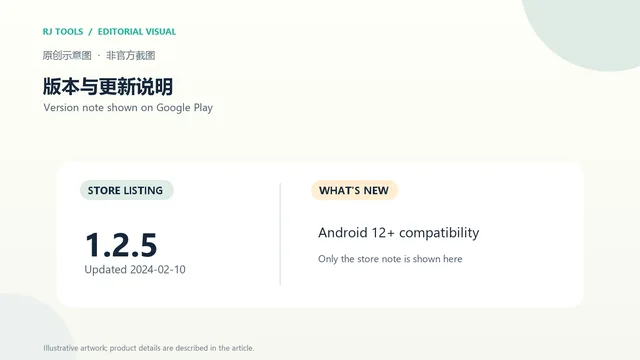
Google Play lists version 1.2.5, updated 2024-02-10; the visible What's new note says Android 12+ compatibility. No itemized change list is shown.
· Datensatzrevision: 20. Okt. 2026
Pixel Car Racer Android 下载入口、直线与街道竞速、车辆改装、1.2.5 更新说明及设备兼容提示。 / Android arcade racer listing, tuning guide, version notes, and install checks.
Aliasse: Pixel Car Racer Android、Pixel Car Racer game
KI-gestützte Inhalte
Erfahre mehr über die Software und ihre Quellen
Store or vendor terms apply; this research does not grant redistribution rights.
com.StudioFurukawa.PixelCarRacerPixel Car Racer Android 下载入口、直线与街道竞速、车辆改装、1.2.5 更新说明及设备兼容提示。 / Android arcade racer listing, tuning guide, version notes, and install checks.
Pixel Car Racer 下载与安装指南:介绍这款 Android 像素街机赛车的直线竞速、街道模式、车辆改装与单人游玩,核对 1.2.5 版本、Android 4.1+ 要求、16+ 随机道具内购提示及 Google Play 官方入口,帮助你安装前确认内容分级、设备条件、更新状态和安装步骤。
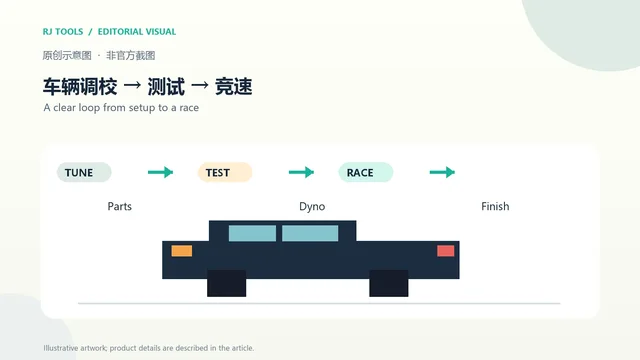
Google Play 将 Pixel Car Racer 描述为复古街机赛车,提供直线竞速和街道模式。商店介绍还列出车辆与零件改装、测功调校、涂装编辑和手动换挡;这些玩法适合想先调整车辆,再通过短程比赛观察变化的玩家。商店页面把它标为单人和离线游戏,同时描述了云存档及 Facebook 登录。联网功能是否可用取决于当前服务状态,不能把“离线”标签理解为所有功能都无需网络。
com.StudioFurukawa.PixelCarRacer。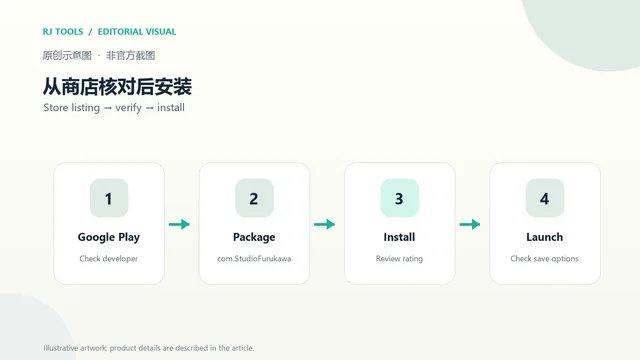
Google Play 当前列出版本 1.2.5,更新时间为 2024 年 2 月 10 日;“What's new”只写明 Android 12+ 兼容性。商店没有展示更细的修复列表,因此本文不补写未核实的新功能。详情还标注 Android 4.1 及以上、建议至少 1 GB 内存。该页面更新时间较久,不能据此保证它在当前每一款新设备上都能正常运行,安装前应重新查看 Play 的兼容提示。
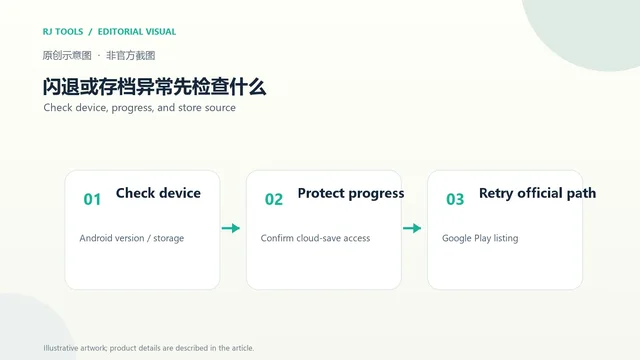
如果启动后闪退,先确认商店是否仍为你的设备提供安装,再检查可用空间、系统版本并重启手机。大型改装或比赛场景出现卡顿时,可先关闭其他占用资源的应用。若进度重要,卸载、清除应用数据或切换账号前先确认云存档和登录方式仍可使用;Google Play 介绍了云存档功能,但没有说明当前服务的可用范围。持续失败时,记录机型、Android 版本和错误现象,再通过商店的开发者支持入口反馈。
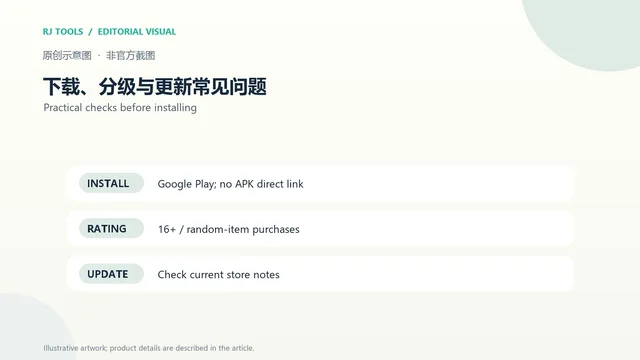
Pixel Car Racer 从哪里下载? 使用上方 Google Play 页面核对开发者与包名后安装。本页没有提供第三方 APK。
Pixel Car Racer 是免费的吗? 本次核对的商店页显示内购,并在香港区列出每项 HK$8–HK$78 的价格范围;其他地区的售价、货币和可购买项目可能不同,请以结账页为准。
16+ 代表什么? Google Play 标注 16+,并注明内购可能包含随机道具。购买前可在商店与游戏内确认随机商品和家长控制设置。
遇到新手机不兼容怎么办? 当前商店详情只明确列出 Android 4.1+ 和 Android 12+ 兼容说明;更高 Android 版本上的表现没有在这条更新说明中逐项承诺。先查看设备兼容结果,不要用来源不明的旧版安装包绕过提示。
Pixel Car Racer Android 下载请以 Google Play 的当前兼容信息为准;安装前核对 1.2.5、16+ 随机道具内购提示,并先确认云存档状态再清除数据或卸载。
Pixel Car Racer download for Android: review version 1.2.5, drag and street races, Android 4.1+, 16+ rating with random items, and Google Play installation.
Google Play describes Pixel Car Racer as a retro arcade racer with drag and street modes. Its listing highlights vehicle and part customization, dyno tuning, liveries, and manual shifting. A practical way to learn the setup is to change one tuning choice at a time, then compare the result in a short race. The page also labels the game single-player and offline while describing cloud saves and Facebook login. Network-dependent features may have separate availability, so the offline label should not be read as a guarantee that every feature works without a connection.
com.StudioFurukawa.PixelCarRacer.
Google Play lists version 1.2.5, updated February 10, 2024. Its “What's new” note mentions Android 12+ compatibility only; no detailed fix list is displayed, so this guide does not invent one. The expanded listing says Android 4.1 or later and recommends at least 1 GB of RAM. The date is old, and the listing does not guarantee performance on every newer device. Recheck Play's compatibility result before installing.
If the game closes at launch, first confirm that Google Play still offers it for your device, then check free storage and Android updates and restart the phone. Close other demanding apps if a busy race or customized setup slows down. Before uninstalling, clearing data, or changing accounts, confirm that the cloud-save and login options you rely on are still available. The listing mentions cloud saves but does not document their current service scope. If the problem remains, note your model, Android version, and error before contacting the developer through Google Play.
Where can I download Pixel Car Racer? Use the Google Play listing above and check the developer and package. This page does not provide a third-party APK.
Is Pixel Car Racer free? The listing checked here shows in-app purchases and, in the Hong Kong storefront, HK$8–HK$78 per item. Prices and items vary by region; confirm them at checkout.
What does the 16+ rating mean? Google Play marks the game 16+ and says in-app purchases include random items. Review the current store details and purchase controls before buying.
What if a newer phone is incompatible? The listing specifies Android 4.1+ and mentions Android 12+ compatibility, but does not promise support for every later device. Check Play's compatibility result instead of sideloading an unverified older APK.
For Pixel Car Racer Android downloads, use the current Google Play compatibility result, review the 16+ random-item purchase label, and check cloud saves before clearing data or uninstalling.
Informationen geprüft am: 20. Okt. 2026
Erstmals veröffentlicht: 20. Okt. 2026· Redaktionelle Überarbeitung: 20. Okt. 2026

Roblox 是 Roblox Corporation 提供的 Android 用户创作游戏平台。本页整理 Google Play 官方入口、安装步骤、家庭与账号检查、商店更新信息及登录和连接故障排查。 / Roblox is Roblox Corporation's Android platform for user-created experiences. This guide covers the official store, setup, family checks, updates, and login or connection troubleshooting.

网易云游戏 Android 客户端提供进入云端游戏与手机串流服务的入口。核对官网和应用宝下载渠道、版本冲突、安装步骤、连接排查与常见问题;最低系统要求及逐项更新说明未公开核实。 / NetEase Cloud Gaming for Android provides a mobile route to cloud sessions and game streaming. Check publisher and store routes, conflicting version displays, setup and troubleshooting; minimum OS and itemized release notes were not verified.

samperson 的 Desktop Goose 桌面伴随鹅指南:核对 Windows v0.31 与 Mac v0.22 文件标签,了解作者获取入口、自愿支持、安装资料及历史更新索引。完整运行行为、系统最低要求及最新构建状态尚未确认。 Desktop companion guide with OS file selection, setup checks, voluntary support and attributed update evidence.

OpenSpeedy 是 Windows 开源游戏变速工具,可调整选定进程的时间倍率并设置快捷键。页面整理 3.3.17 更新、安装步骤和在线游戏反作弊风险。 / OpenSpeedy is an open-source Windows game speed controller for selected processes. This page covers v3.3.17, setup, and anti-cheat risks.

Android小说阅读应用,含听书、漫剧与兴趣推荐;整理应用宝7.4.1.32信息、安装与活动规则核对方法。 / Android reading app with listening, animated comics and recommendations; includes store version 7.4.1.32, setup and activity-term checks.

云·原神是米哈游提供的 Android 云游戏客户端,本页解释其与完整《原神》包体的区别,并整理官网安装入口、网络排查及版本信息边界。 / Genshin Impact Cloud is miHoYo’s Android cloud gaming client. This guide covers its official entry, setup, network checks and release-information limits.