
游戏连接与网络加速工具
在电脑和手机游戏平台连接异常或延迟偏高时了解可用的网络工具。收录OurPlay、奇游加速器 Qiyou、网易 UU 加速器等站内已有工具,按实际用途选择适合自己的应用。

网易 UU 是网易 UU 官网提供的 Windows 游戏网络加速客户端。本指南说明官方 v6.20.1 下载页、Windows 7+ 支持、推荐节点、数字签名核验、网络延迟与丢包排障,并解释会员价格与当前更新说明应如何核对。 NetEase UU Windows setup and troubleshooting guide.
別名:网易UU、网易UU加速器、网易 UU、NetEase UU、UU游戏加速器
作者:RJ.tools Editorial
AI支援コンテンツ
ソフトウェアの基本情報と提供元を確認できます
The service agreement grants end users a revocable, non-transferable, non-exclusive license for non-commercial use. It does not establish permission to redistribute or repackage the installer.
网易 UU 是网易 UU 官网提供的 Windows 游戏网络加速客户端。本指南说明官方 v6.20.1 下载页、Windows 7+ 支持、推荐节点、数字签名核验、网络延迟与丢包排障,并解释会员价格与当前更新说明应如何核对。 NetEase UU Windows setup and troubleshooting guide.
网易UU下载与安装指南:核对 Windows 7+、v6.20.1、官方签名和节点选择,排查延迟、丢包并查看会员价格。 NetEase UU Windows download and setup guide: verify version, nodes and membership terms for PC.
网易 UU 加速器是面向 Windows 游戏的网络加速客户端。本页整理网易UU下载与安装、官网当前 v6.20.1 版本及 Windows 7 以上支持信息,并介绍推荐节点、延迟与丢包排查、程序签名核验和会员计费查看方法;官方未公布该版本逐项更新内容,玩家可按官网标示核对安装要求和常见问题与处理步骤。
网易 UU 官网将 PC 加速器列为产品入口;《使用许可及服务协议》把网易 UU 加速器描述为网络游戏加速产品。官网还介绍专网、多线路和丢包防护等功能,这些属于发行方的产品说明,不是对每条线路或每款游戏效果的独立测试。本文只讲 Windows 客户端;不要把同品牌手游、主机或远程产品当成同一个安装包。
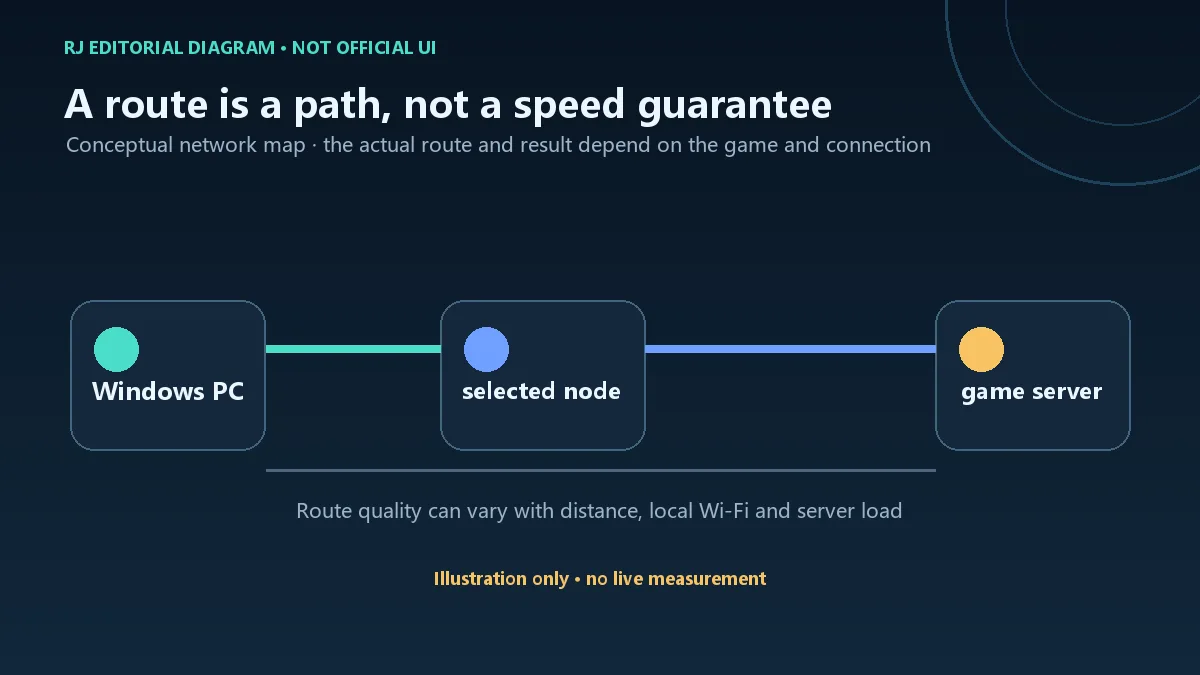
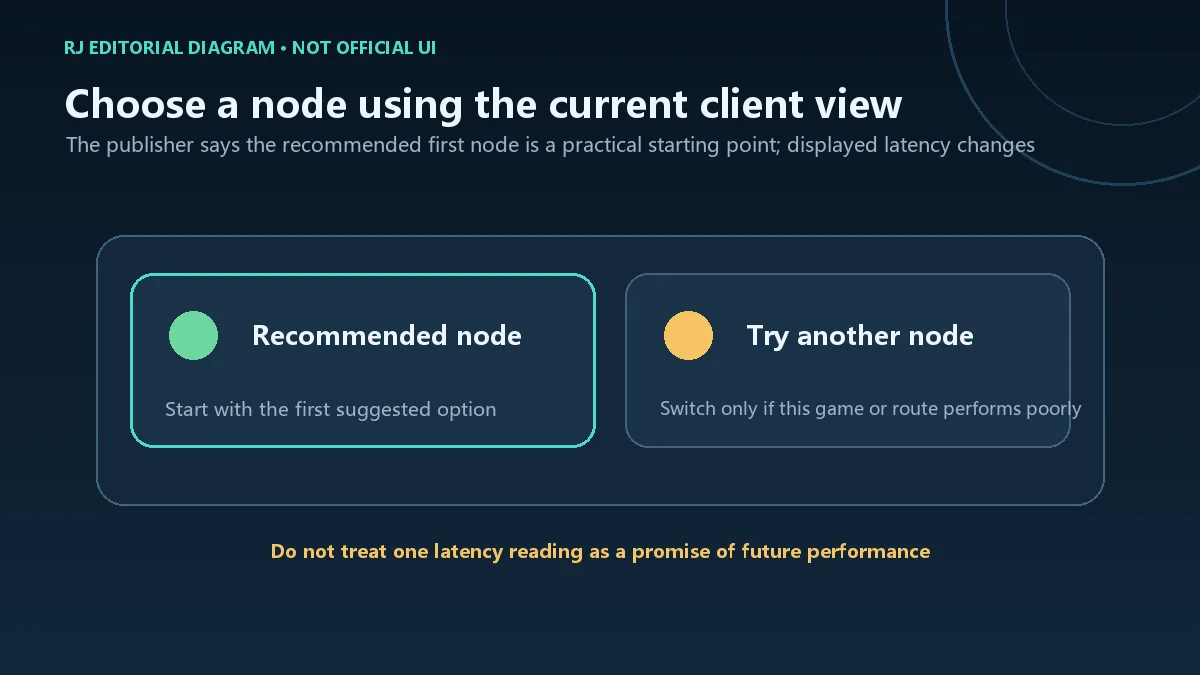
网易 UU 帮助页说明,节点页的游戏延迟会随网络实时变化,并建议从列表首位的推荐节点开始。如果当前游戏表现不佳,再尝试切换节点或模式;一次延迟读数不能代表之后的整场对局。实际可用游戏、区服和节点以客户端当前列表为准,不要从品牌宣传推断每个游戏或地区都可用。
Netease(Hangzhou) Network Co.Ltd.。这项核对是发行者名称检查,不等于独立恶意软件扫描。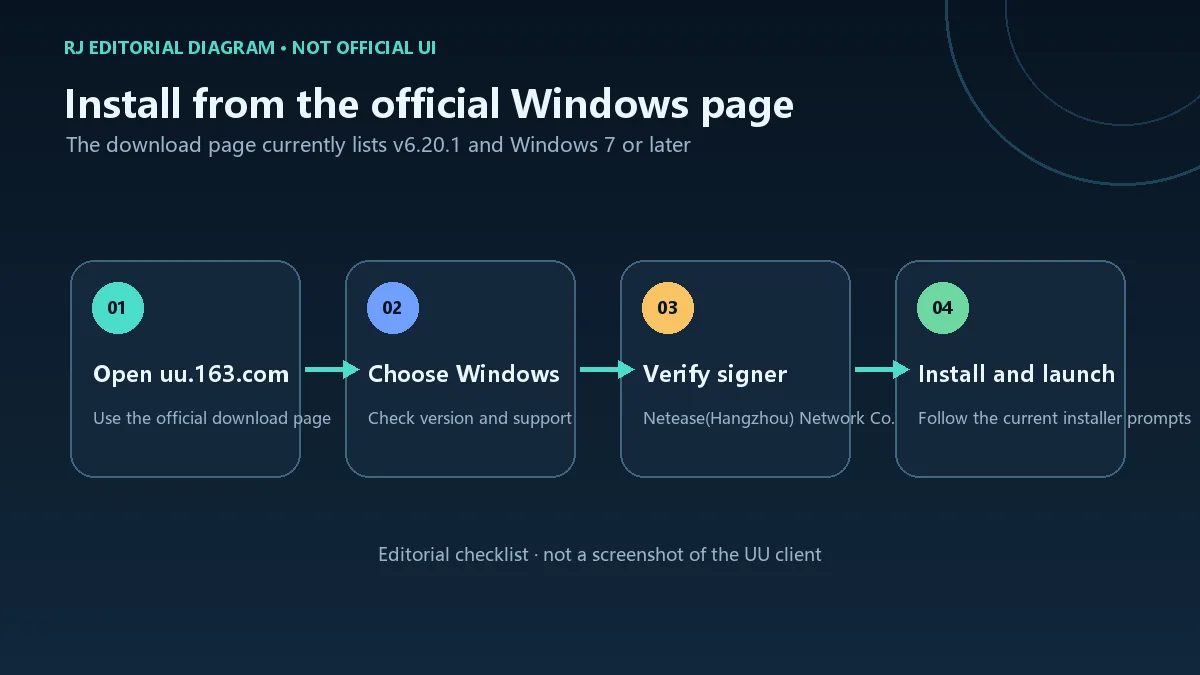
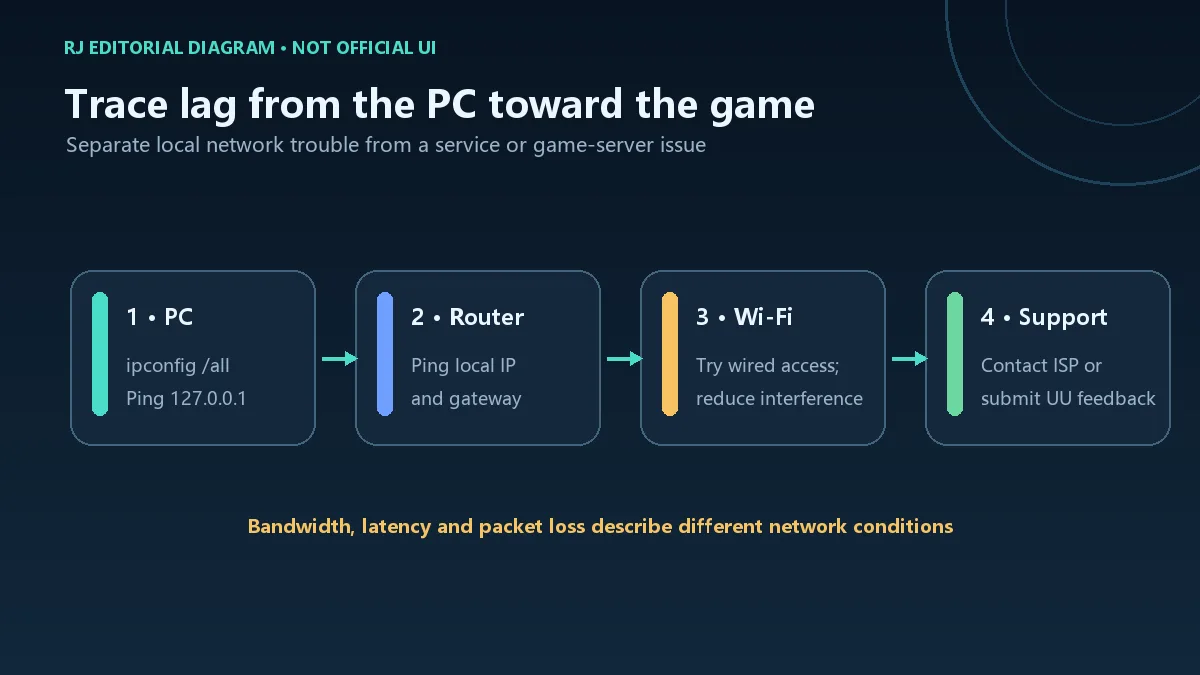
先区分下载带宽与游戏延迟:下载速度正常不代表到游戏服务器的路径没有高延迟或丢包。网易 UU 官方排障页建议检查 ipconfig /all,并依次 Ping 回送地址 127.0.0.1、本机地址和本地网关;若本地链路异常,可重启路由器,尝试网线连接或调整 Wi-Fi 频段,并暂停同一网络中的大流量下载。若问题仍在,联系网络运营商,或在 UU 客户端提交反馈。命令结果只用于定位连接环节,不足以单独证明故障由 UU、运营商或游戏服务器造成。
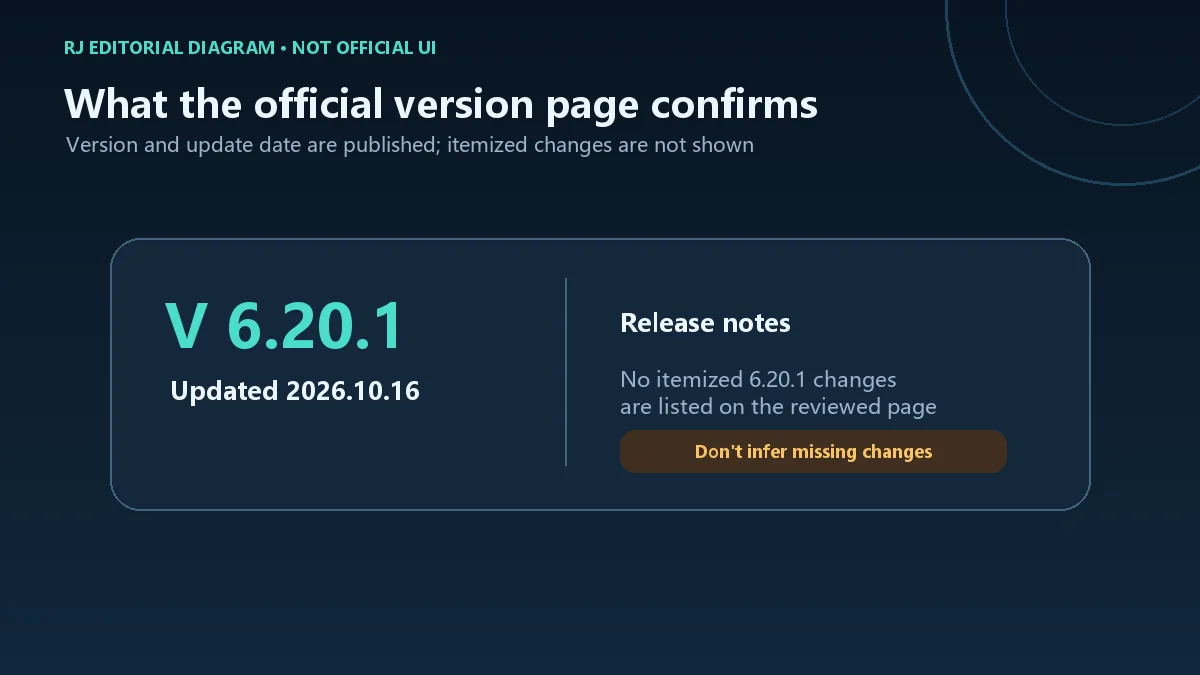
网易 UU 下载页在核验时显示 V 6.20.1,并标注更新于 2026 年 10 月 16 日。该页面没有提供本版本的逐项更新日志,因此这里仅记录版本号和页面日期,不推测修复或新增功能。更新前可重新打开官方版本页确认页面是否变化;若安装后的客户端显示不同版本,以发行方当前说明为准。
网易 UU 电脑版从哪里下载?
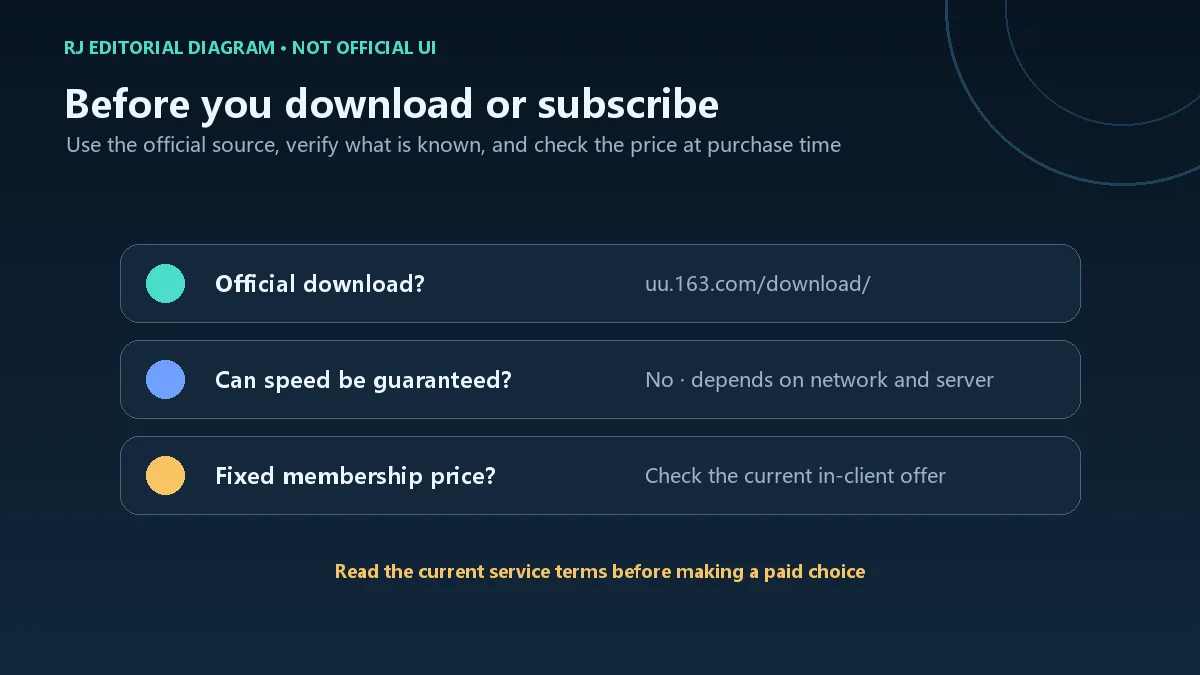
从 uu.163.com 官方下载页进入 Windows 客户端区域。不要将榜单里的旧镜像安装器当作当前官方版本;下载前核对页面域名和版本标示。
Windows 7 还能安装网易 UU 吗?
官网当前下载页标注“支持 Win 7 及以上”。系统更新状态、具体硬件及后续安装器兼容性仍以官方页面和安装程序提示为准。
游戏加速器能保证降低延迟吗?
不能作固定保证。官方帮助指出延迟受地理距离、网络质量、游戏服务器和后台流量等因素影响;可以先用推荐节点,再根据实时结果排查本地网络。
怎样确认当前运行的是官方 UU 客户端?
按照官方签名说明在任务管理器中打开程序属性的数字签名,检查签名人名称 Netease(Hangzhou) Network Co.Ltd.。签名核对不代表独立病毒扫描。
网易 UU 会员多少钱,是否免费?
服务协议说明具体资费会按产品和服务调整,并在官网或购买界面展示;本次查看的公开页面没有一个可适用于所有用户的固定价格。付费前请在客户端或官方购买页面核对价格、时长、适用服务和退款条件,不要把会员功能推断为永久免费。
v6.20.1 更新了哪些功能?
官网版本下载页只显示版本号和更新日期,没有逐项说明。本页不补写未证实的更新内容;请查看客户端当前公告或发行方之后发布的说明。
NetEase UU is a Windows game accelerator. Check v6.20.1, Windows 7+, official signatures, node choice, lag tips and membership terms; no itemized update notes.
UU lists a PC accelerator on its official website, and its service agreement describes the product as a network game accelerator. The homepage advertises features such as dedicated routes, multiple lines and packet-loss protection; those are publisher claims, not independent measurements for every route or game. This guide covers the Windows client and does not treat the publisher's mobile, console or remote products as the same installer.
UU's help page says the game-latency display changes with current network conditions and recommends starting with the first suggested node. If a particular game still performs poorly, try another node or mode. One reading does not predict an entire session. Check the client for its current game, region and node list instead of assuming every game or location is supported.
Netease(Hangzhou) Network Co.Ltd.. This checks the displayed publisher name; it is not an independent malware scan.
Separate download bandwidth from game latency: a fast download does not prove that the path to a game server has no delay or packet loss. UU's official troubleshooting guide suggests checking ipconfig /all, then pinging loopback 127.0.0.1, the PC's address and the local gateway. If the local link is unstable, restart the router, try Ethernet or another Wi-Fi band, and pause heavy downloads on the same network. If the issue continues, contact the ISP or submit feedback in UU. These checks help locate a connection segment but cannot by themselves identify UU, the ISP or the game server as the cause.
When checked, UU's download page listed V 6.20.1 and an update date of October 16, 2026. It did not include itemized notes for this version, so this guide records only the displayed version and date and does not infer fixes or new features. Revisit the official version page before updating; follow the publisher's current notice if the installed client shows another version.
Where can I download the UU Windows client?
Use the Windows section on the official uu.163.com download page. Do not treat an old catalog mirror as the current publisher release; check the domain and version first.
Does NetEase UU support Windows 7?
The current download page says Windows 7 or later. System updates, hardware and later installer compatibility should still be checked against the live official page and setup prompts.
Can a game accelerator guarantee lower latency?
No fixed result can be promised. UU's help material says latency depends on distance, network quality, the game server and background traffic. Start with the recommended node and troubleshoot the local link using current measurements.
How can I check that the running UU client is official?
Follow the publisher's signature instructions: inspect the process properties in Task Manager and check for signer Netease(Hangzhou) Network Co.Ltd.. A signature-name check is not an independent malware scan.
How much does UU membership cost, and is it free?
The service agreement says charges can vary by product and service and are shown on the website or purchase screen. The public pages reviewed here do not give one fixed price for every user. Check price, duration, included service and refund terms in the current official checkout before paying; do not assume every membership feature is free.
What changed in UU v6.20.1?
The official download page shows a version and update date but no itemized changes. This guide does not invent a change list; check current in-client notices or a later publisher announcement.
情報確認日:2026年10月18日
初回公開:2026年10月18日· 編集部による更新:2026年10月18日
Use the Windows client section at https://uu.163.com/download/ and verify the domain and version shown there.
Yes. The reviewed page says Windows 7 or later; check its current compatibility notice before installing.
No fixed result is guaranteed. Distance, local network, game-server condition and background traffic can affect latency.
UU's help page says to inspect the running process properties in Task Manager and look for signer Netease(Hangzhou) Network Co.Ltd.; this is not an independent malware scan.
The service agreement says fees can vary and are shown in the official website or purchase interface. Check the current amount, duration and terms before paying.
The download page lists the version and date but no itemized notes. This listing does not infer undocumented changes.
雷神加速器是雷神(武汉)网络技术有限公司提供的 Windows 游戏网络客户端,官网列出 v11.3.3.0 与 Windows 7/8/10/11 支持。本页汇总官方入口、安装步骤、账号与计时规则,并标明未公布的版本日志。 / LeiGod Accelerator is a Windows gaming network client from LeiGod (Wuhan) Network Technology Co., Ltd. This page covers official downloads, setup, account and timed-service rules, and the unlisted changelog for the publisher’s v11.3.3.0 build.

NatTypeTester 是用于检测 STUN NAT 映射与过滤行为的开源工具,10.0.10 提供 Android、Windows、macOS 和 Linux 发行包。 | NatTypeTester checks STUN NAT mapping and filtering, with 10.0.10 packages for Android, Windows, macOS and Linux.

Watt Toolkit(原 Steam++)是面向 Steam 相关任务的开源跨平台工具箱,包含网络、账号、库存和令牌功能。 / Formerly Steam++, Watt Toolkit is an open-source cross-platform toolbox for Steam-related network, account, library, and token tasks.
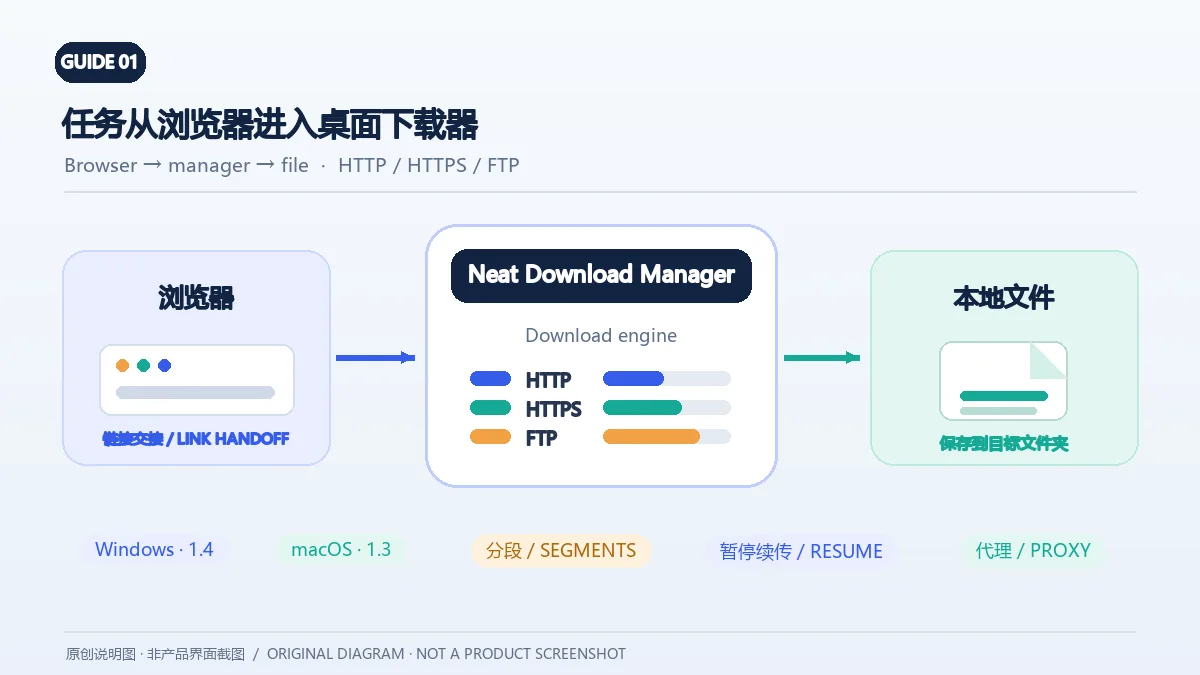
Neat Download Manager(NeatDM)是 Windows 与 macOS 桌面下载管理器,可管理链接任务、分段连接、代理、暂停续传和浏览器扩展。本文核对官网列出的 Windows 1.4 与 macOS 1.3,并说明版本日志、系统要求和安装包仍有哪些信息未公开。 / Neat Download Manager (NeatDM) is a Windows and macOS desktop download manager for browser handoff, segmented transfers, proxies, and pause/resume. This guide checks the publisher-listed versions and explains installation, compatibility, and missing desktop release notes.

qBittorrent 是开源 BitTorrent 客户端,支持磁力链接、RSS、搜索和 Web UI。本页整理 Windows 10+ 稳定版 5.2.4、macOS/Linux 平台差异、安装核对与版权提醒。 / qBittorrent is an open-source BitTorrent client with magnet, RSS, search and Web UI features. Review stable v5.2.4, platform differences, setup checks and lawful use.
腾讯手游加速器由深圳市腾讯计算机系统有限公司开发和运营。应用宝详情介绍网络加速、游戏相关辅助信息、预约与战绩数据等功能;支持情况以当前应用详情为准。

奇游 Windows 官方下载、安装步骤、区服选择与会员条件,保留7.3.0文件标识和官网页脚差异。 / Official Windows download, installation, route checks and membership terms with explicit version-evidence limits.