甜瓜沙盒(Melon Sandbox)是 playducky.com 发布的 Android 沙盒游戏,Google Play 当前说明可创建场景。Melon Sandbox is an Android sandbox game; this bilingual guide covers Update 38.5, Google Play installation, compatibility, data disclosures, and troubleshooting.
甜瓜沙盒下载与安装:查看 Update 38.5、Google Play Android 安装步骤、设备兼容与安全披露。 Melon Sandbox guide covers sandbox scenarios, update notes, Android install and troubleshooting.
中文
甜瓜沙盒(Melon Sandbox)是 playducky.com 发布的 Android 沙盒游戏,玩家可以搭建场景并测试玩法。本页介绍 Update 38.5、官方安装步骤、设备兼容核对和常见问题;Google Play 未公布最低 Android 版本与应用构建号,也说明年龄评级与数据披露。
甜瓜沙盒是什么:创建自己的游戏场景
Google Play 将 Melon Sandbox 简介为可创建自定义场景的沙盒游戏,并使用“单人”“离线”“布娃娃”等类型标签。商店介绍很简短,没有承诺这些标签涵盖每项功能或所有运行状态;联网内容、特定设备表现和后续更新应以游戏当前页面为准。
游戏的实际玩法可以从发行方公开的更新记录中看到一些例子:新版增加了多人 Build Mode、可乘坐载具的角色、可持有物品的角色和近战武器。下面的图示只把这些已公开要点整理成阅读路径,不复刻游戏画面,也不表示试玩或实机测试。
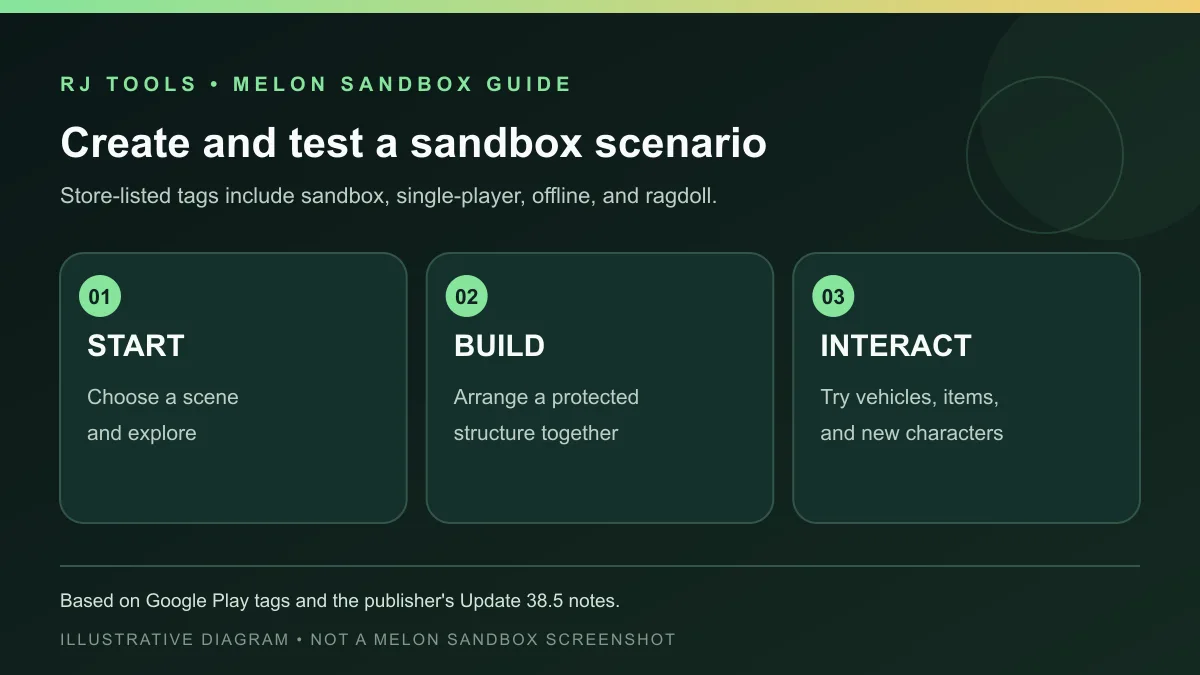
如果你只想体验单机创作,先确认商店页面所示的设备兼容性;若使用多人建造等联网功能,还应留意连接状态及游戏内提示。商店标签是产品分类信息,不保证每个地区、版本或设备都提供完全相同的内容。
Melon Sandbox Update 38.5 更新了什么
Google Play 页面显示最近更新日期为 2026 年 10 月 15 日,“最新动态”栏标为 Update 38.5。发行说明列出的新增内容包括:允许玩家一起建造受保护结构的 Build Mode;角色可以乘坐载具或手持物品;加入火龙果、玉米和南瓜三个角色,以及刀、剑、斧等近战武器;并注明修复 78 个问题。
商店没有在本次查看的页面中显示独立的应用构建号,因此 Update 38.5 按发行说明原文记录,不把它改写成已验证的 Android versionCode。Google Play 页面也没有把每项修复逐一展开;“修复 78 个问题”是发行方公开摘要,不代表本站复现或验证了每项修复。
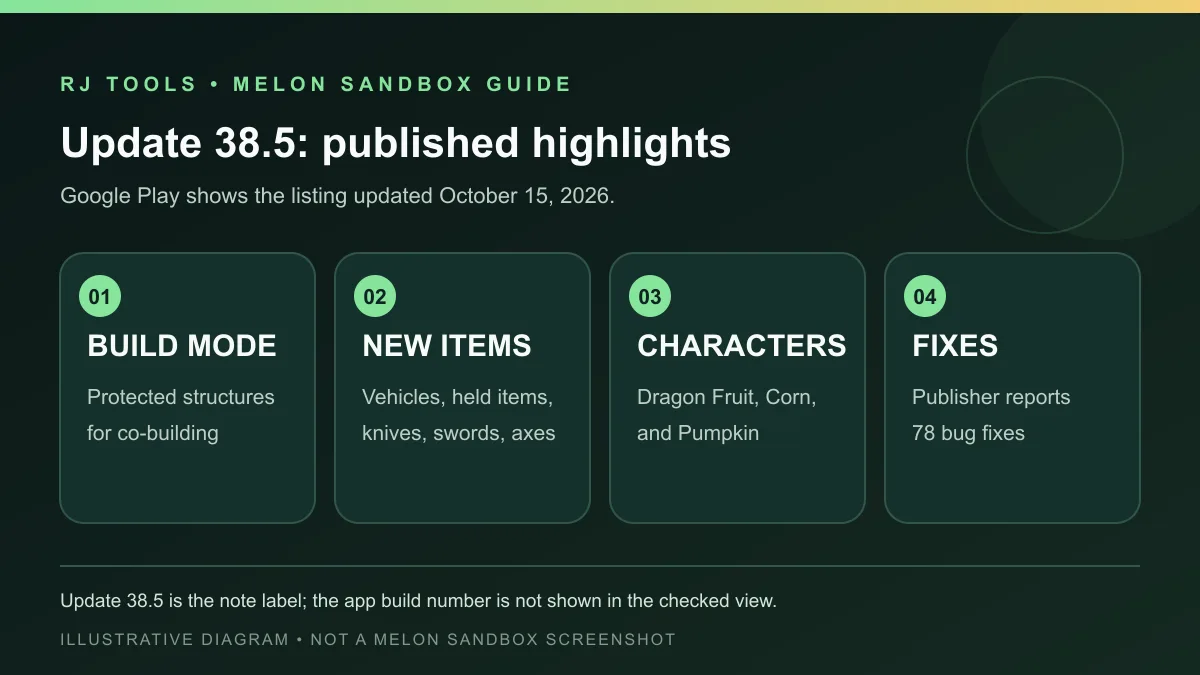
更新后可先进入游戏检查 Build Mode 与新物品是否出现,再判断是否符合自己的玩法预期。如果商店页面出现更新日期更晚的版本,应以届时公开的版本说明为准;本页不根据榜单旧版名称推断版本号。
Android 官方下载与安装步骤
Android 版的可核验入口是 Google Play 官方详情页。页面将开发者链接到 playducky.com,并显示包名 com.studio27.MelonPlayground。我们没有下载或托管 APK;安装前请在你的 Google Play 账户中确认设备是否兼容。
- 在目标 Android 设备上打开 Google Play 官方详情,核对游戏名 Melon Sandbox、开发者链接 playducky.com 和当前页面地址。
- 查看页面是否为本机提供安装选项,再阅读当前地区显示的内容评级、广告与内购标记。
- 选择“安装”,等待商店完成下载和系统安装;首次启动时按系统提示授予所需权限,不要为了启动游戏而开启无关权限。
- 打开游戏后先查看更新说明和游戏内提示;如果商店提示设备不兼容,不要从旧榜单链接或不明镜像侧载 APK。
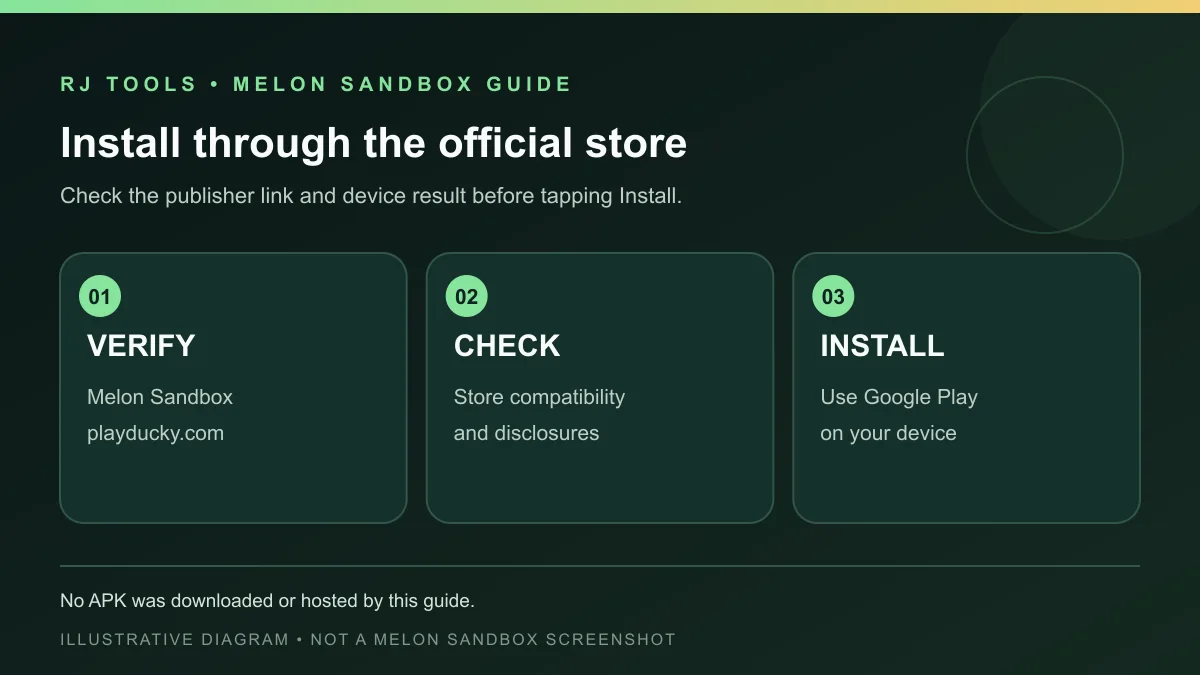
Google Play 会按设备、地区和账户状态提供安装或兼容结果。这个流程不证明安装包经过本站下载、签名检查或恶意软件扫描;页面入口和商店给出的状态会变化。
甜瓜沙盒打不开或更新失败时怎么排查
本次可见的 Google Play 页面没有列出最低 Android 版本,也没有展示安装文件大小。先回到商店检查设备兼容提示和当前更新状态;若下载停滞,可确认网络、剩余存储空间和 Google Play 是否仍在处理安装。不要删除应用数据或重装,除非你已经了解存档是否同步及其恢复方式。
若游戏能启动但某项新内容未出现,先核对商店是否完成更新,并查看游戏内版本提示。Android 设备的省电、网络限制或系统空间不足可能影响下载与启动,这是通用排查方向,不是发行方对某次故障的诊断。如果问题持续,使用 Google Play 页面提供的应用支持入口联系发行方。
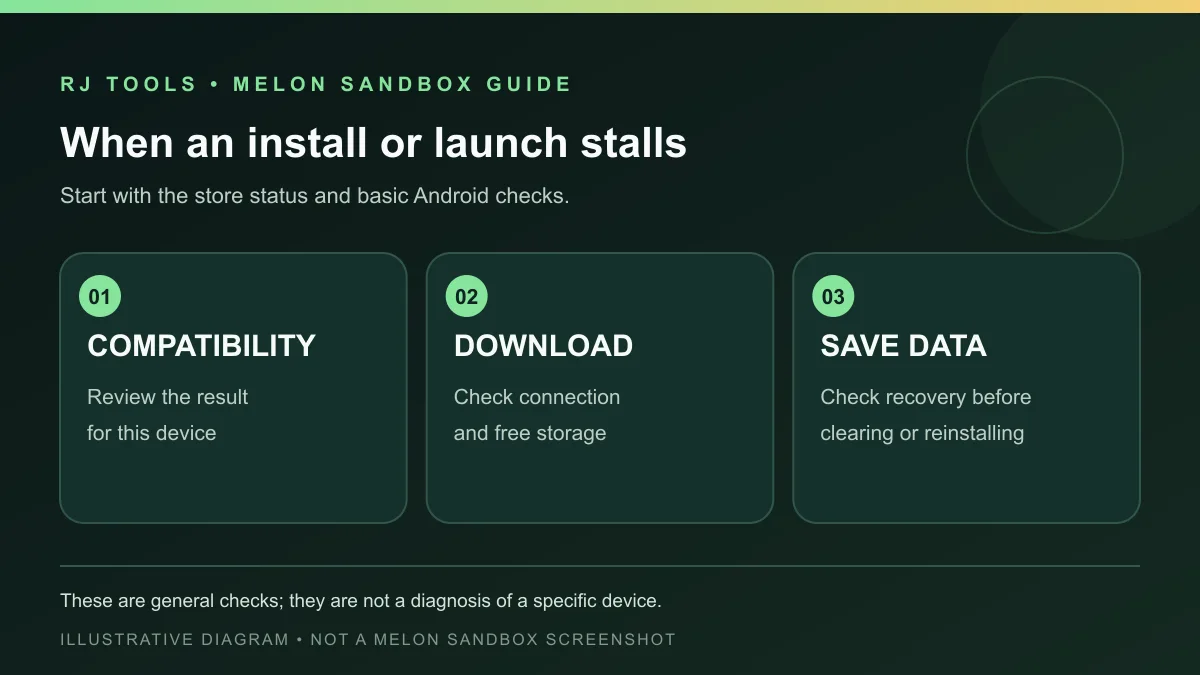
若来自不同渠道的同包应用已经安装,覆盖时可能出现签名冲突。不要使用来历不明的“修复版”覆盖现有应用;先确认安装来源,并在卸载前核实本地存档能否恢复。
内容评级、广告与数据安全说明
当前 Google Play 条目标注“含广告”和“应用内购”。本次商店页面显示 12+ 与暴力内容分级;分级结果可能因地区或商店政策变化。购买价格、广告频率和具体商品也可能随地区与版本不同,页面没有承诺所有用户看到相同选项。
Google Play 的数据安全卡片由开发者提供,当前页面提示应用可能与第三方共享位置、财务信息等数据,可能收集个人信息,数据未加密,并提供请求删除数据的说明。Google 同时注明数据处理可能因使用方式、地区和年龄而异。这些是商店展示的开发者披露,不是独立隐私或安全审计结论。
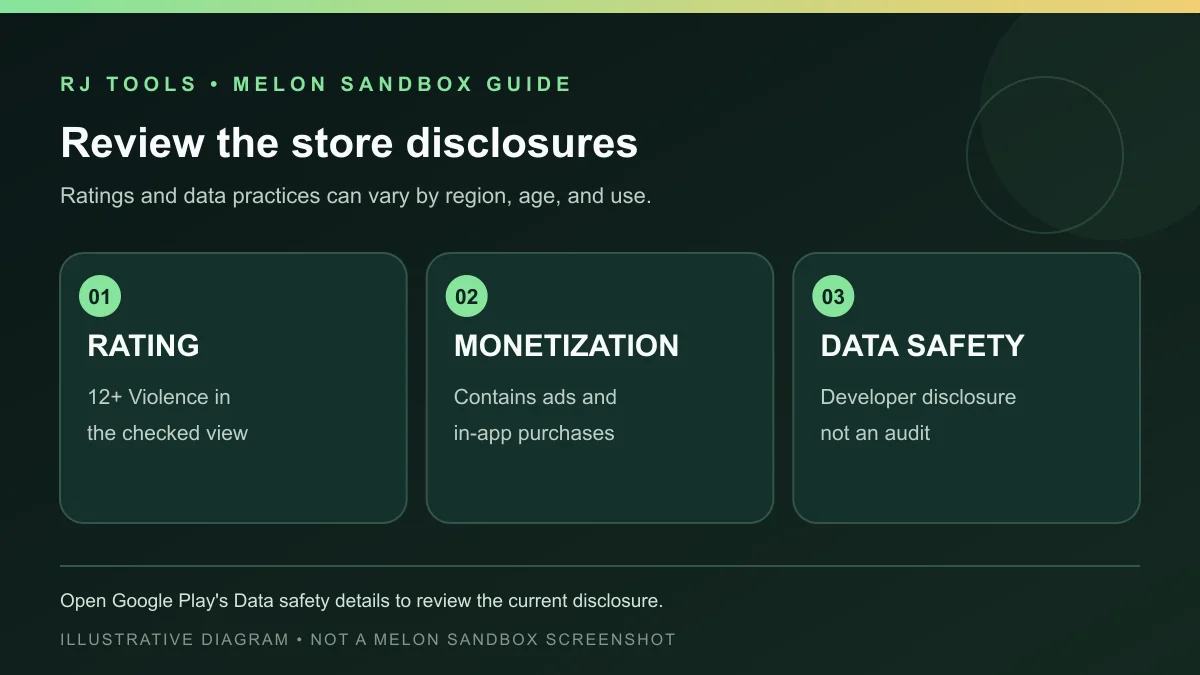
安装前可以打开商店中的“数据安全”详情,阅读具体数据类别和删除请求方式;如果不接受当前披露,可暂缓安装。不要将“商店可安装”理解为“已由本站检测安全”。
常见问题 FAQ:版本、兼容、离线与安全
Update 38.5 是应用版本号吗? Google Play 的最新动态使用该标签,但当前页面没有显示独立的 Android 应用构建号。本页按原文引用更新标签,不推断 versionCode。
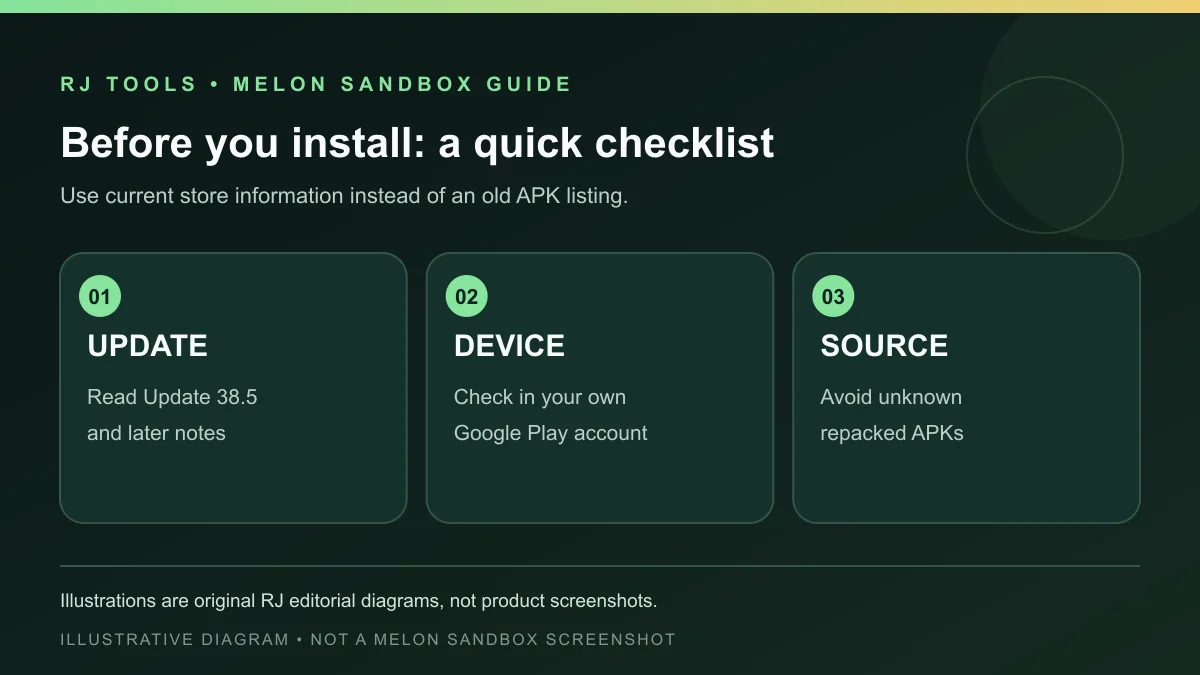
最低需要 Android 几? 本次打开的 Google Play 页面没有列出最低系统版本。请用自己的商店账户查看设备兼容结果,不要用第三方页面的旧要求代替。
游戏可以离线玩吗? 商店将其标为“离线”,但这不保证多人建造、商店内容或所有功能无需网络。需要联网的功能以游戏当前提示为准。
游戏有广告或内购吗? Google Play 当前标记含广告和应用内购;价格与商品会按地区和版本显示。
为什么安装失败? 先查看商店兼容提示、网络与存储空间,再检查安装是否完成。避免用来源不明的 APK 覆盖已有应用;重装前先确认存档恢复方式。
Melon Sandbox 是否经过本站安全检测? 没有。本站未下载 APK、验证签名或运行扫描;请从 Google Play 查看开发者披露,并自行判断是否接受。
搜索甜瓜沙盒下载或 Melon Sandbox Update 38.5 时,优先从 Google Play 官方页面安装并查看设备兼容结果。若你关注离线游玩、多人建造或新角色,先阅读当前更新说明;遇到安装问题则确认来源、空间和存档恢复方式。
English
Melon Sandbox is an Android sandbox for creating scenes. See Update 38.5, Google Play setup, device checks, and the store’s age rating and data disclosures.
What Melon Sandbox is: creating your own scenarios
Google Play describes Melon Sandbox as a sandbox game for creating scenarios and labels it single-player, offline, and ragdoll. Those store tags do not promise that every feature works in every state or region. Check the current listing and in-game notices for connected features, device behavior, and later changes.
The publisher’s latest notes give examples of the game’s evolving tools: a multiplayer Build Mode, characters that can ride vehicles or hold items, and melee weapons. The diagrams below organize these published points for readers; they are not game captures and do not imply hands-on testing.
For solo creation, first check whether Google Play considers your device compatible. If you want to use multiplayer building, also follow the connection status and in-game prompts. Store tags describe the listing and may not mean identical content is available on every device or in every region.
What changed in Melon Sandbox Update 38.5
The Google Play page shows an update date of October 15, 2026, and labels its latest notes “Update 38.5.” The publisher lists a Build Mode for creating protected structures together; characters that can enter vehicles or hold items; three characters named Dragon Fruit, Corn, and Pumpkin; melee weapons such as knives, swords, and axes; and 78 bug fixes.
The page checked here does not show a separate app build number, so Update 38.5 is quoted as the release-note label rather than a verified Android versionCode. Google Play does not itemize all 78 fixes. That number is the publisher’s summary, not a claim that this site reproduced or verified each fix.
After updating, check the in-game Build Mode and new items to see whether they match your expectations. If the store later lists a newer update, follow its current notes; an older ranking-sheet title is not evidence of a current version.
Download and install the official Android version
The verifiable Android entry is the official Google Play listing. It links the developer to playducky.com and identifies package com.studio27.MelonPlayground. We did not download or host an APK. Check device compatibility in the Google Play account you will use.
- Open the official Google Play page on the target Android device and confirm the Melon Sandbox title, playducky.com developer link, and current page address.
- Check whether the store offers installation for your device, then review the content rating, ads, and in-app purchase labels shown in your region.
- Select Install and let Google Play complete the download and system installation. Grant only permissions that the game or Android actually requests and that you understand.
- On first launch, read the current update notes and in-game prompts. If the store says the device is incompatible, do not sideload an APK from an old ranking link or unknown mirror.
Google Play’s install and compatibility results can depend on device, region, and account state. This route does not mean this site downloaded the package, checked its signature, or scanned it for malware; store availability can change.
Troubleshoot Melon Sandbox launch or update problems
The Google Play page visible during this check did not list a minimum Android version or package size. Start by checking the store’s device compatibility and update status. If a download stalls, review the network connection, available storage, and whether Google Play is still processing the install. Do not clear app data or reinstall until you understand how your save data is synced and restored.
If the game opens but new content is missing, confirm that the store finished updating and review the in-game version notice. Power-saving restrictions, network limits, or low free space are general Android troubleshooting areas, not a publisher diagnosis of a specific failure. If the problem persists, use the app-support link on Google Play to contact the publisher.
An existing copy from another source may cause a signing conflict when you try to replace it. Do not install an unknown “fixed” package over it; confirm the source and how local saves can be recovered before uninstalling.
Content rating, ads, purchases, and data safety
The current Google Play entry is marked “Contains ads” and “In-app purchases.” The page checked here shows a 12+ rating for violence; ratings can change with region or store policy. Prices, ad frequency, and available items may also vary by region and version, and the listing does not promise identical options for every player.
Google Play’s Data safety card is supplied by the developer. In the current view, it says the app may share location and financial information among other data types, may collect personal information, does not encrypt data, and allows deletion requests. Google notes that data practices can vary by use, region, and age. These are store-displayed developer disclosures, not an independent privacy or security audit.
Before installing, open the store’s Data safety details and review the listed data types and deletion-request method. If the disclosure does not fit your needs, wait before installing. A store install option does not mean this site has independently tested the package.
FAQ: version, compatibility, offline play, and safety
Is Update 38.5 the app’s version number? Google Play uses that label in the latest notes, but the page checked here does not show a separate Android build number. This guide quotes the label without inferring a versionCode.
What is the minimum Android version? The Google Play page checked here does not show one. Use the compatibility result in your own store account instead of relying on an old third-party requirement.
Can I play offline? Google Play labels the game “Offline,” but that does not establish that multiplayer building, store content, or every feature works without a connection. Follow the current in-game prompts.
Does the game contain ads or purchases? The current Google Play entry says it contains ads and in-app purchases. Prices and items can vary by region and version.
Why did installation fail? Check the store’s compatibility result, network, available storage, and whether installation finished. Avoid replacing an existing app with an unknown APK; confirm save recovery before reinstalling.
Has this site security-tested Melon Sandbox? No. We did not download the APK, verify its signature, or run a scan. Review the developer disclosures on Google Play and decide whether they meet your needs.
For a Melon Sandbox download or Update 38.5 guide, start from Google Play and check compatibility for your device. Review the current update notes if you want offline play, multiplayer building, or new characters; for install issues, confirm the source, storage, and save-recovery path.