
浏览器选择与链接打开规则
选择日常浏览工具,并让不同类型的链接在合适的浏览器或环境中打开。收录Finicky、Google Chrome for Android、Puffin Flash Browser等站内已有工具,按实际用途选择适合自己的应用。

中文:Google Chrome 安卓版由 Google LLC 发布。本页介绍 Android 10 及以上系统、Google Play 官方安装流程、Android Stable 155.0.8059.84 公告和账号同步选择。Play 列表不披露 build,且 Stable 公告说明分阶段推送。 English: Google Chrome for Android is published by Google LLC. This guide covers Android 10+, official Google Play installation, the Android Stable 155.0.8059.84 announcement, and sync choices. The Play listing omits a build number, and the Stable post notes a staged rollout.
Alias : Chrome Browser、Google Chrome Android、Chrome浏览器、Chrome 安卓版
Découvrez les informations essentielles et les sources du logiciel
The reviewed Google Play listing does not declare an open-source licence; refer to Google's applicable terms and the live Store listing. / 已核对的 Google Play 页面未声明开源许可证;请以 Google 适用条款和商店实时页面为准。
com.android.chrome中文:Google Chrome 安卓版由 Google LLC 发布。本页介绍 Android 10 及以上系统、Google Play 官方安装流程、Android Stable 155.0.8059.84 公告和账号同步选择。Play 列表不披露 build,且 Stable 公告说明分阶段推送。 English: Google Chrome for Android is published by Google LLC. This guide covers Android 10+, official Google Play installation, the Android Stable 155.0.8059.84 announcement, and sync choices. The Play listing omits a build number, and the Stable post notes a staged rollout.
Google Chrome 安卓版支持网页浏览、地址栏搜索与标签页管理。本文介绍 Android 10 及以上设备的官方安装步骤、Stable 版本更新、同步设置和常见故障排查,并说明 Google LLC 发布者核验、版本查看方法与 Play 商店延迟显示更新时的处理建议,帮助你准确了解获取渠道与版本信息。
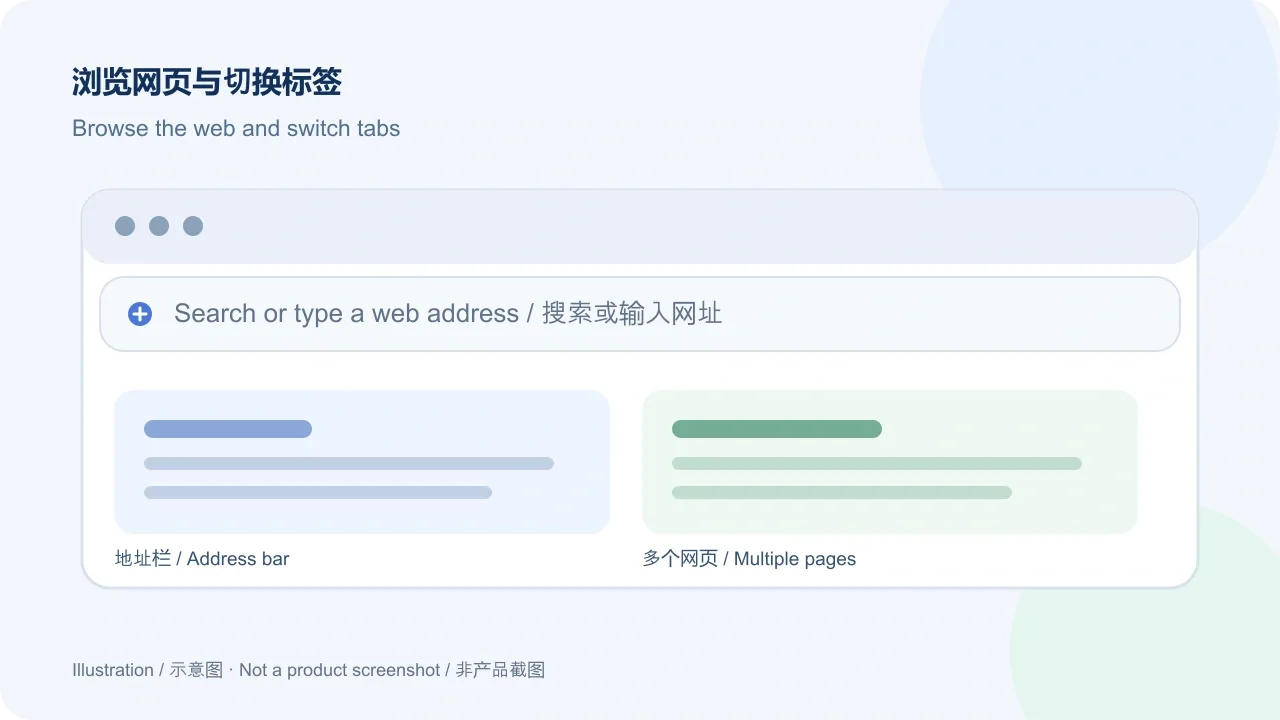
Chrome for Android 是 Google 发布的 Android 浏览器,可用于打开网页、在地址栏输入网址或搜索内容,并在多个网页之间切换。Google Play 详情页将开发者列为 Google LLC;链接中的应用 ID 为 com.android.chrome。本页介绍的是 Android 版,不要把它与桌面版、测试版或第三方改包混为一谈。
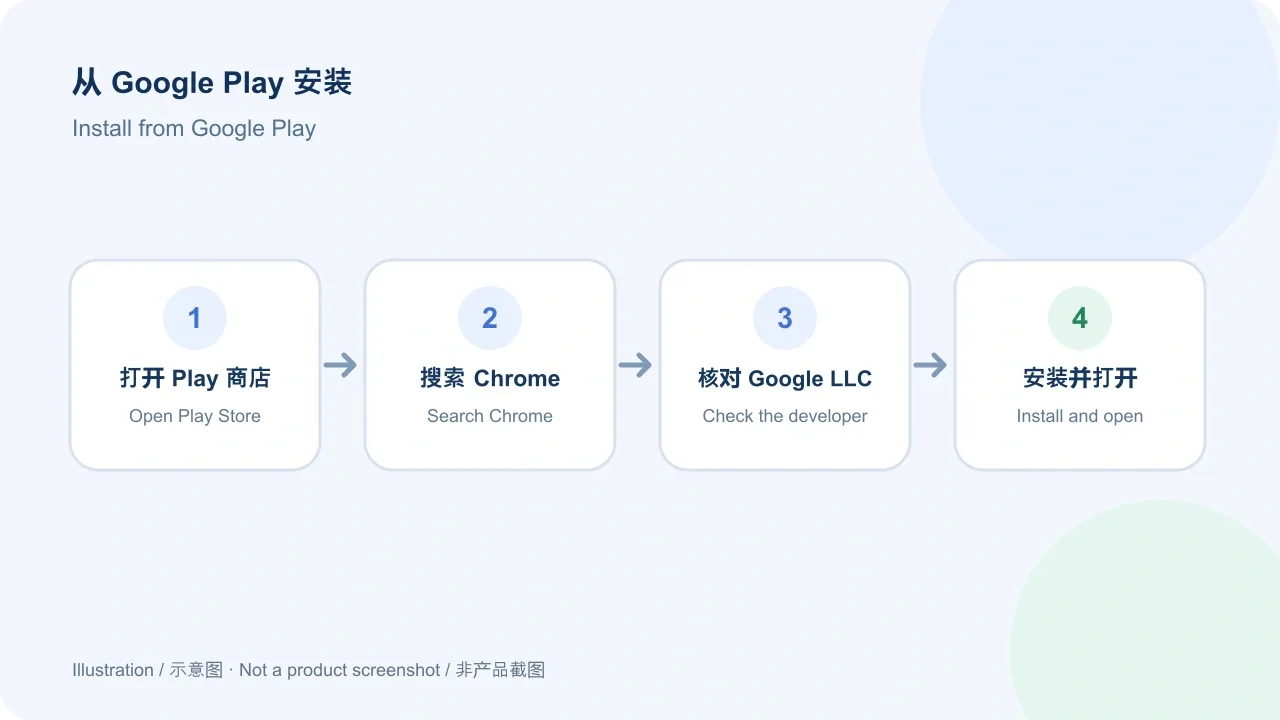
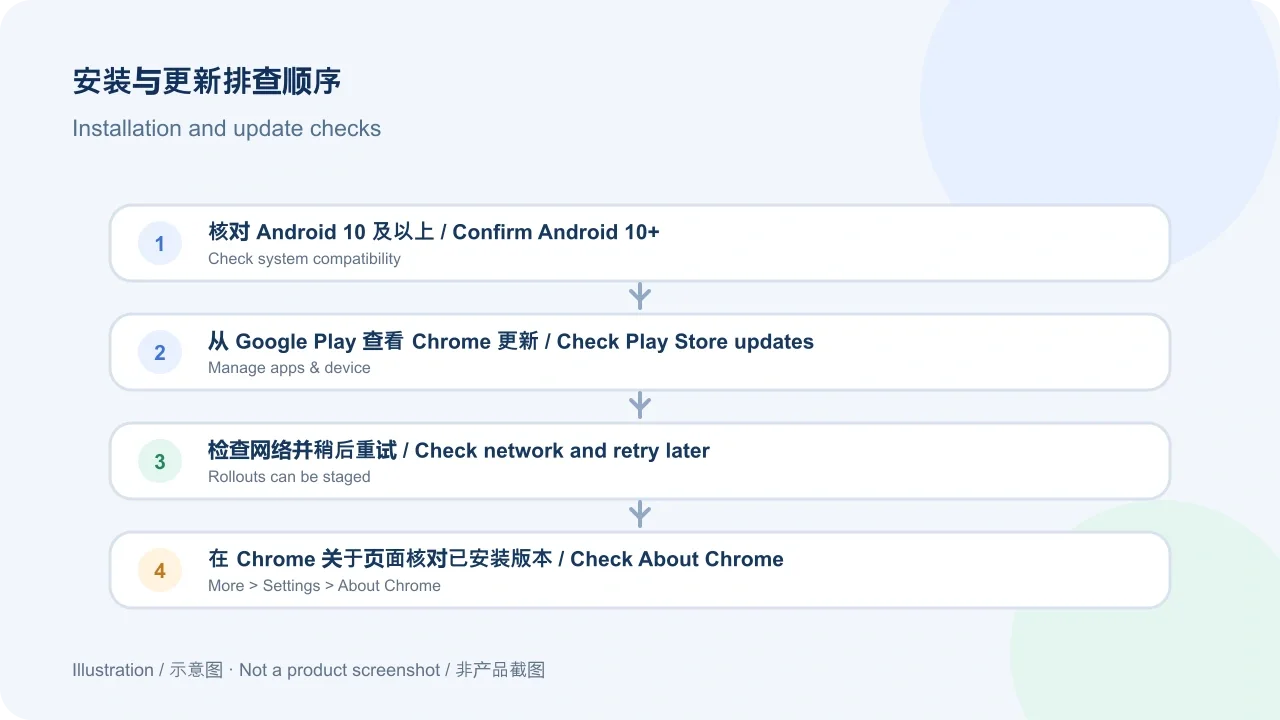
Google Chrome 帮助页列出的要求为 Android 10 及以上。官方安装流程是通过 Play 商店获取应用:
Google Play 的版本推送可能分阶段进行。若商店暂未显示新版本,先检查更新列表并稍后重试,不要改用来源不明的安装包。
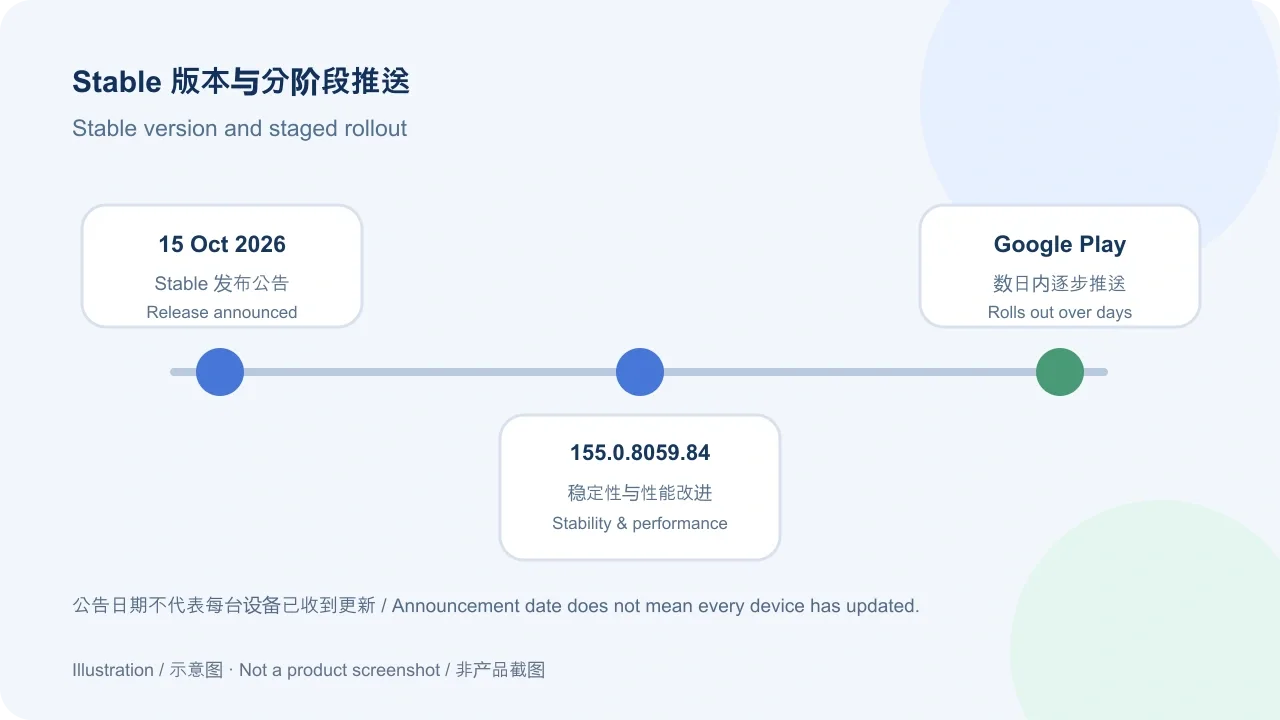
截至 2026 年 10 月 19 日,本次核对到的最新 Android Stable 公告发表于 2026 年 10 月 15 日,版本为 155.0.8059.84。Chrome Releases 说明该版本将于随后几天逐步出现在 Google Play,更新内容为稳定性和性能改进,并提供完整 Git log 链接。Google Play 条目在 2026 年 10 月 16 日更新,但列表本身没有显示版本号,更新摘要同样只写稳定性和性能改进;因此不要假定每台设备已收到该 build。查看 Play 商店“管理应用和设备”中的可用更新,或在 Chrome 中打开“更多 > 设置 > 关于 Chrome”核对设备当前版本。
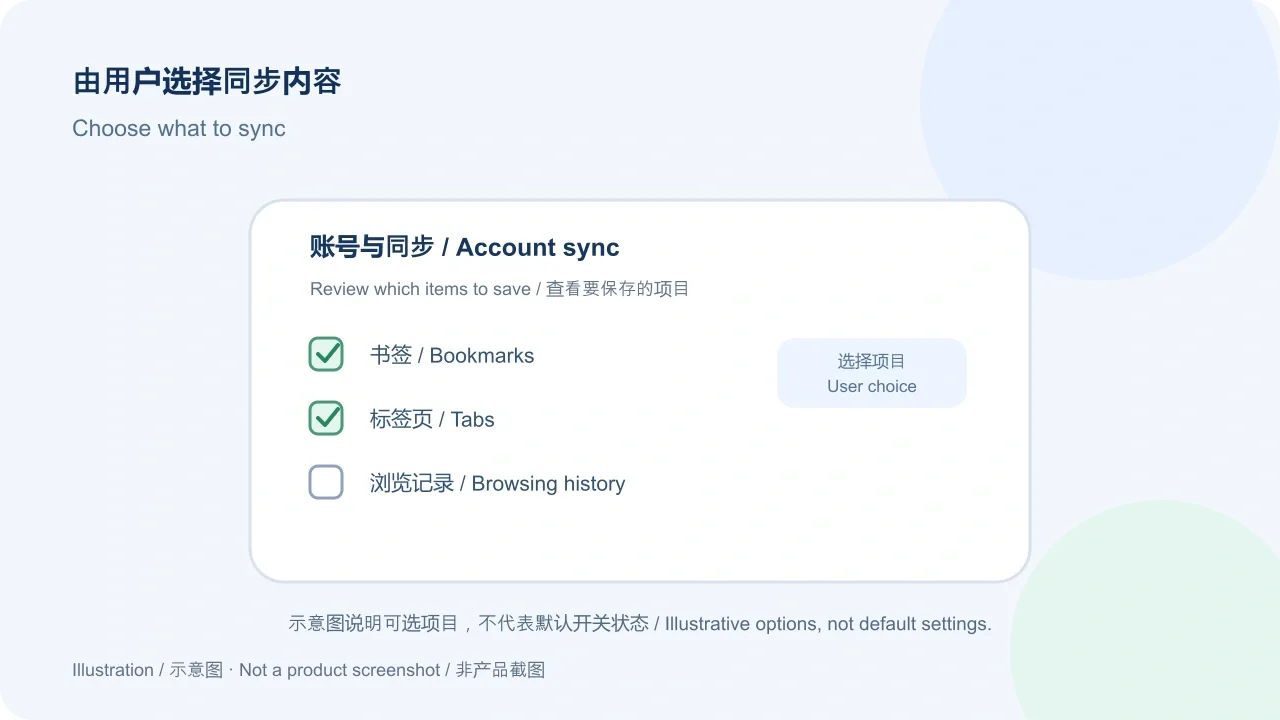
登录 Chrome 后,可以将所选信息保存到 Google 账号,并在使用同一账号的设备间同步。Google 帮助资料列出书签、标签页和浏览记录等内容,同时说明用户可以选择要保存的信息。是否登录以及同步哪些项目应由使用者按自己的需要决定;更改前可在 Chrome“设置”里查看账号和同步选项。本页不把同步功能描述为备份保证,也不对数据保护方式作超出官方说明的承诺。
Chrome 安卓版最低需要什么系统? Google Chrome 帮助页目前列出 Android 10 及以上。Play 商店没有显示 155.0.8059.84 怎么办? 官方公告说明它会在数天内逐步推送;打开 Play 商店的“管理应用和设备”查看更新,稍后再试,并确认网络连接正常。如何查看已安装版本? 在 Chrome 中进入“更多 > 设置 > 关于 Chrome”;也可在应用详情里查看更新状态。可以从其他网盘下载 APK 吗? 本页仅核对了 Google Play 官方条目,没有核验第三方安装包或分发授权,建议通过 Play 商店安装。下载 Chrome 浏览器时,先确认开发者是 Google LLC,再检查设备要求与更新状态。
Get Google Chrome for Android on Google Play. Check Android 10+ support, Stable update notes, install steps, sync options, and fixes for common setup problems.
Chrome for Android is Google's browser for Android devices. Use it to open websites, enter a URL or search in the address bar, and switch between web pages. The Google Play listing names Google LLC as the developer, and the app ID in its official listing URL is com.android.chrome. This page covers the Android edition; desktop, beta, and repackaged builds are separate products or channels.
Google Chrome Help lists Android 10 and up as the system requirement. The official installation route is Google Play:
Google Play releases can roll out in stages. If a new build is not shown yet, check the available-updates list and try again later instead of using an unknown installer.
As of October 19, 2026, the latest Android Stable announcement found in this review was published on October 15 and lists version 155.0.8059.84. Chrome Releases says it would become available on Google Play over the following days. The note describes stability and performance improvements and links to the full Git log. The Play listing was updated on October 16 but does not show a version number; its update text also mentions stability and performance improvements. Availability may therefore vary by device while the rollout is staged. Check Play Store > Manage apps & device for offered updates, or open Chrome > More > Settings > About Chrome to see the installed version.
When you sign in to Chrome, you can save selected information to your Google Account and use it on devices signed in to the same account. Google's help page describes bookmarks, tabs, and browsing history among the available information, and says you can choose what to save. Decide whether to sign in and which items to sync based on your needs; review the account and sync controls in Chrome Settings before changing them. This guide does not treat sync as a backup guarantee or make claims beyond Google's published description about data protection.
What Android version is required? Google Chrome Help lists Android 10 and up. Why is version 155.0.8059.84 not in Play Store yet? The official release post describes a rollout over the following days; check Play Store > Manage apps & device and try again later. Confirm that the device has a working network connection. How can I check the installed version? In Chrome, open More > Settings > About Chrome; the app listing can also show update status. Can I use an APK from a file-sharing page? This review verifies the Google Play listing only; it does not verify third-party APKs or redistribution permission. Use the Play Store route and check that the developer is Google LLC. For a Chrome for Android download, review compatibility and update availability before installing.
Informations vérifiées le : 19 oct. 2026
Première publication : 19 oct. 2026· Révision éditoriale : 19 oct. 2026

NatTypeTester 是用于检测 STUN NAT 映射与过滤行为的开源工具,10.0.10 提供 Android、Windows、macOS 和 Linux 发行包。 | NatTypeTester checks STUN NAT mapping and filtering, with 10.0.10 packages for Android, Windows, macOS and Linux.

Watt Toolkit(原 Steam++)是面向 Steam 相关任务的开源跨平台工具箱,包含网络、账号、库存和令牌功能。 / Formerly Steam++, Watt Toolkit is an open-source cross-platform toolbox for Steam-related network, account, library, and token tasks.
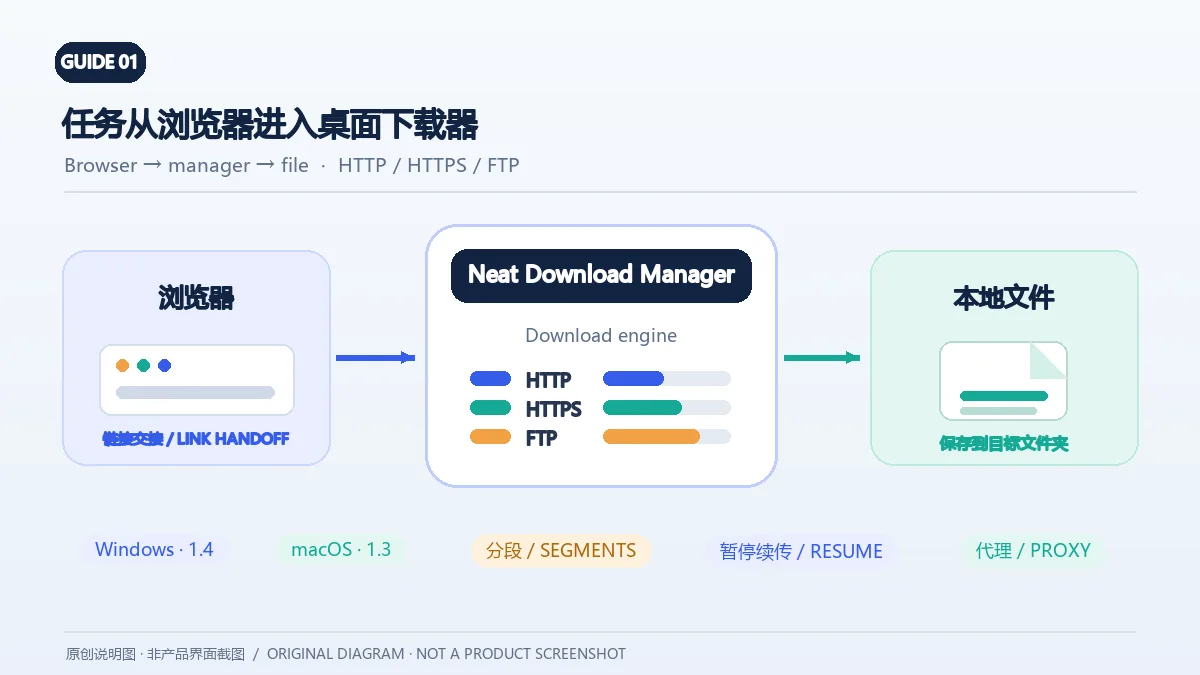
Neat Download Manager(NeatDM)是 Windows 与 macOS 桌面下载管理器,可管理链接任务、分段连接、代理、暂停续传和浏览器扩展。本文核对官网列出的 Windows 1.4 与 macOS 1.3,并说明版本日志、系统要求和安装包仍有哪些信息未公开。 / Neat Download Manager (NeatDM) is a Windows and macOS desktop download manager for browser handoff, segmented transfers, proxies, and pause/resume. This guide checks the publisher-listed versions and explains installation, compatibility, and missing desktop release notes.

qBittorrent 是开源 BitTorrent 客户端,支持磁力链接、RSS、搜索和 Web UI。本页整理 Windows 10+ 稳定版 5.2.4、macOS/Linux 平台差异、安装核对与版权提醒。 / qBittorrent is an open-source BitTorrent client with magnet, RSS, search and Web UI features. Review stable v5.2.4, platform differences, setup checks and lawful use.
腾讯手游加速器由深圳市腾讯计算机系统有限公司开发和运营。应用宝详情介绍网络加速、游戏相关辅助信息、预约与战绩数据等功能;支持情况以当前应用详情为准。

奇游 Windows 官方下载、安装步骤、区服选择与会员条件,保留7.3.0文件标识和官网页脚差异。 / Official Windows download, installation, route checks and membership terms with explicit version-evidence limits.