GG修改器 GameGuardian官方获取与Android安装指南,核对101.4版本、Android 5.0+要求、root和无root虚拟空间限制,整理悬浮窗、搜索异常、更新说明及FAQ。 GameGuardian guide to official setup, execution requirements, documented changes and permitted local study.
GG修改器下载与Android安装指南:核对GameGuardian 101.4官网版本、root和虚拟空间条件、悬浮窗及搜索问题,阅读更新与FAQ。 GameGuardian guide: official download, setup, update notes, permissions and FAQ.
中文
GG修改器 GameGuardian 是Android本地内存研究工具。本页整理GG修改器下载入口、Android安装步骤和101.4更新说明,解释root和虚拟空间条件、悬浮窗与搜索问题排查,说明个人教育用途与游戏条款限制。安装前核对官网版本和设备环境,保留可恢复的测试资料,不将本地数值变化等同于服务器数据改变。
GG修改器 GameGuardian是什么:理解本地内存与使用范围
GameGuardian 的官方文件页将使用场景限定为个人与教育用途,主要面向单机离线游戏。它所涉及的是运行中程序的本地内存;学习时可以从自己编写的测试程序,或明确允许研究的离线示例入手,先记录原始状态,再观察程序运行前后的差异。
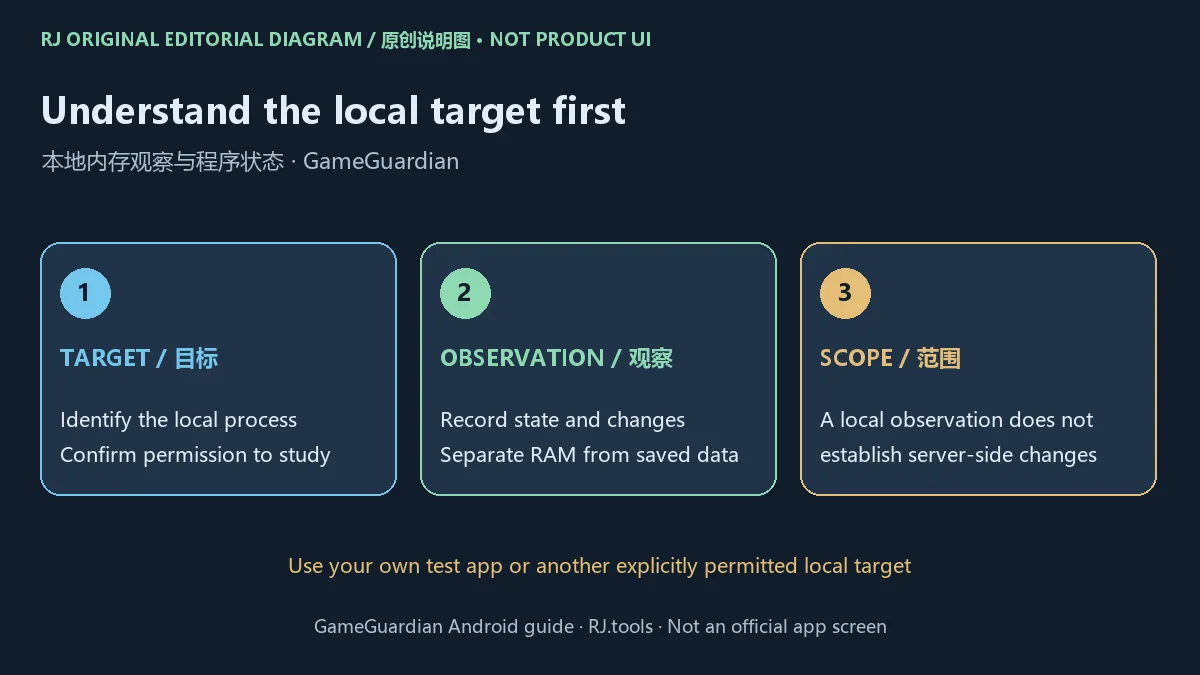
内存中的显示值、保存文件与服务器记录可能属于不同的数据来源。看到一个本地数值变化,不能据此认定账号余额、购买资格或服务器记录发生改变。研究结果应描述具体程序、运行环境和观察现象,而不是承诺所有游戏都能得到同一结果。
官网提示,修改联网游戏可能违反服务条款并导致封号。开始前应同时核对软件使用条件、目标程序许可和适用法律;拥有设备并不自动取得修改第三方服务的许可。本页介绍官方获取、环境判断与问题记录,不提供规避反作弊的教程。
GG修改器官方下载与Android安装步骤
通过GameGuardian官网进入官方文件详情页,核对当前列出的 GameGuardian 101.4。本次核验该页列 Android 5.0+ 和32.76 MB;这是页面标注,不代表本站下载后测量了文件,也不代表Android 5.0以上的所有设备都通过兼容验证。
- 保存正在进行的工作,准备自己有权研究的本地测试资料,并确认如何恢复原始状态。
- 从官网进入文件详情页,核对名称、版本和Android要求。重新访问时查看页面当前内容,避免沿用旧榜单的文件链接或版本标签。
- 阅读官方安装与运行环境说明,确认设备的系统、架构和已具备的运行条件。安装程序与访问目标进程是两个不同阶段。
- 如果决定安装,按官网当前入口和Android系统提示操作,逐项理解来源与权限提示;遇到不明错误先记录,不反复更换来历不明的包。
- 首次启动后核对应用实际显示的版本,并查看官方帮助。只在获准的测试目标上确认运行情况,保留环境与结果记录。
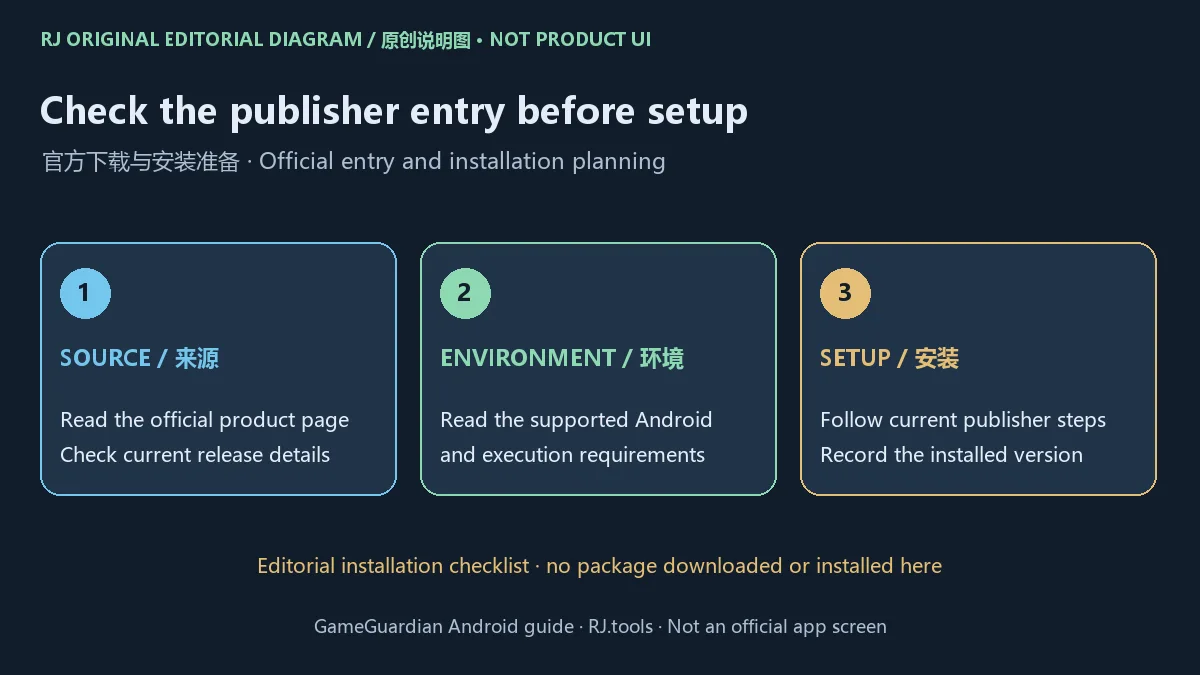
本站渠道使用官方文件详情页这一落地页,没有提供APK直链,也没有下载、安装、运行、扫描或检查签名。本页未确认固定包名、最低内存、可用空间要求或具体CPU架构清单,因此不使用第三方参数补值。
root与无root虚拟空间:先核对运行环境
官网说明支持root环境,也可通过无root虚拟空间运行,但无root模式存在限制。这些路径并不等价:应用能够安装到设备上,不表示它已取得访问某个目标进程的条件;不同Android版本、架构和虚拟环境的兼容结果也可能不同。
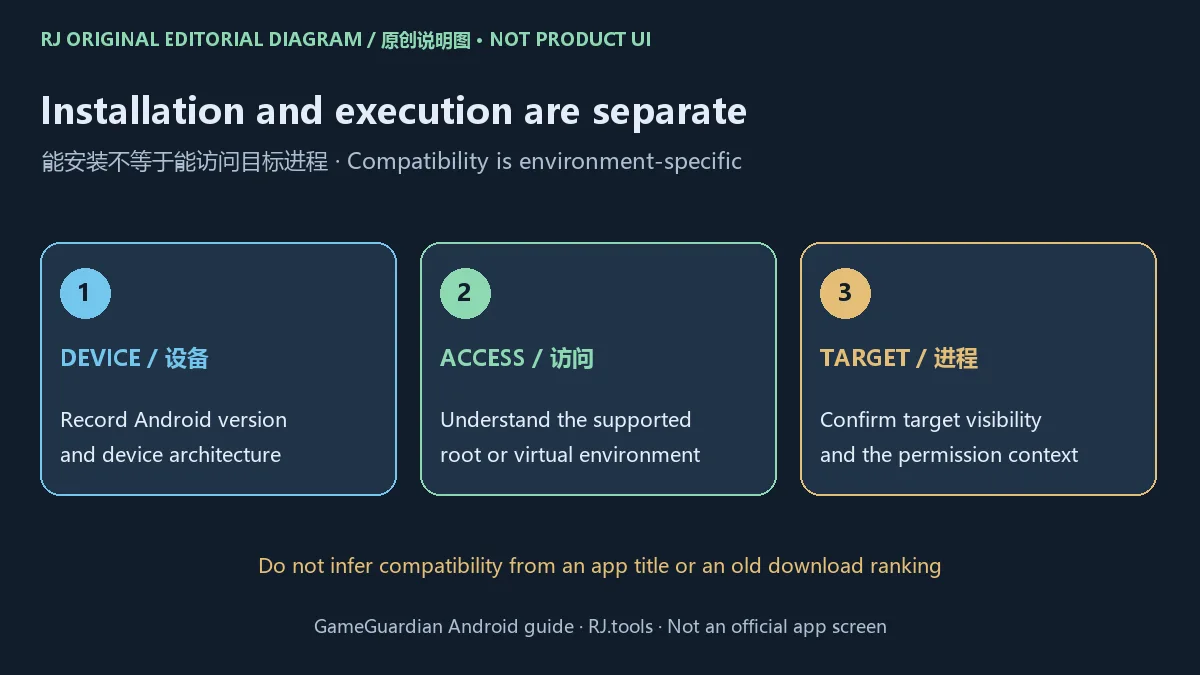
需要判断“GG修改器免root能不能用”时,先说明当前Android版本、设备架构、虚拟环境名称及版本、目标应用是否处于同一环境,以及失败发生在哪一步。没有这些条件,仅凭“免root”标签无法给出可靠的兼容结论。本页没有核实任何第三方虚拟空间的当前分发入口、兼容性或许可,不推荐未经核实的附加包。
这份指南不要求为使用工具而更改设备的root状态。已有相应环境的用户应阅读当前官方帮助,理解权限范围;尚未满足条件时,可以先阅读文档或使用自建测试环境规划学习目标。当前来源没有给出一份涵盖所有设备的兼容清单。
GG修改器打不开、悬浮窗或搜索异常怎么排查
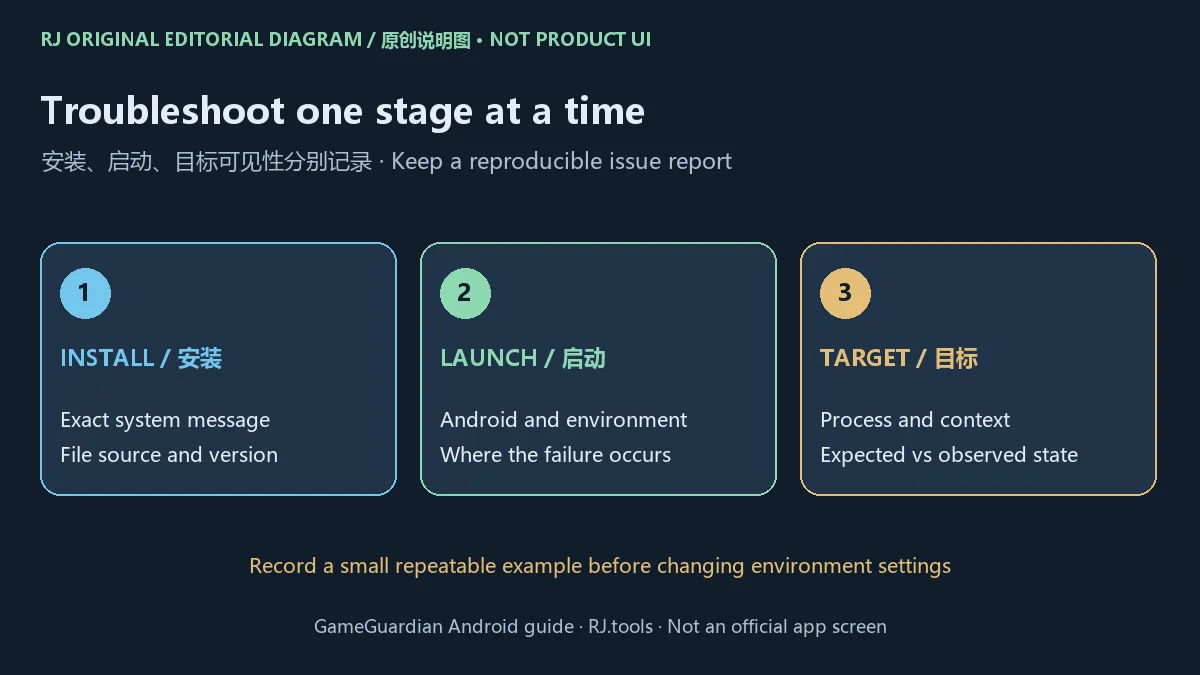
先按发生阶段整理问题。安装阶段记录系统给出的原文、文件来源和版本;启动阶段记录Android与运行环境;能启动但看不到目标时,核对目标及工具所在的环境和进程状态。把多个阶段混成一句“不能用”,通常不足以让支持人员判断问题。
悬浮窗问题需要结合Android权限提示与官网帮助核对。101.4日志提到首次授予悬浮窗权限后无需重启,以及悬浮窗边界和权限提示修复;这是特定版本的官方改动范围,不能推断所有悬浮窗异常都已解决。先记下已安装版本和实际提示,再决定下一步。
搜索期间停顿时,记录搜索持续时间、设备内存状态、目标程序和最小复现步骤。101.4对内存压力下长时间搜索冻结列有修复,但本页未安装复现。不要把界面数值未变化立即解释为工具故障;显示缓存、保存机制或服务器状态与本地观察之间的关系,需要在获准的目标中分别验证。
GameGuardian 101.4更新日志:2026年10月2日官网记录
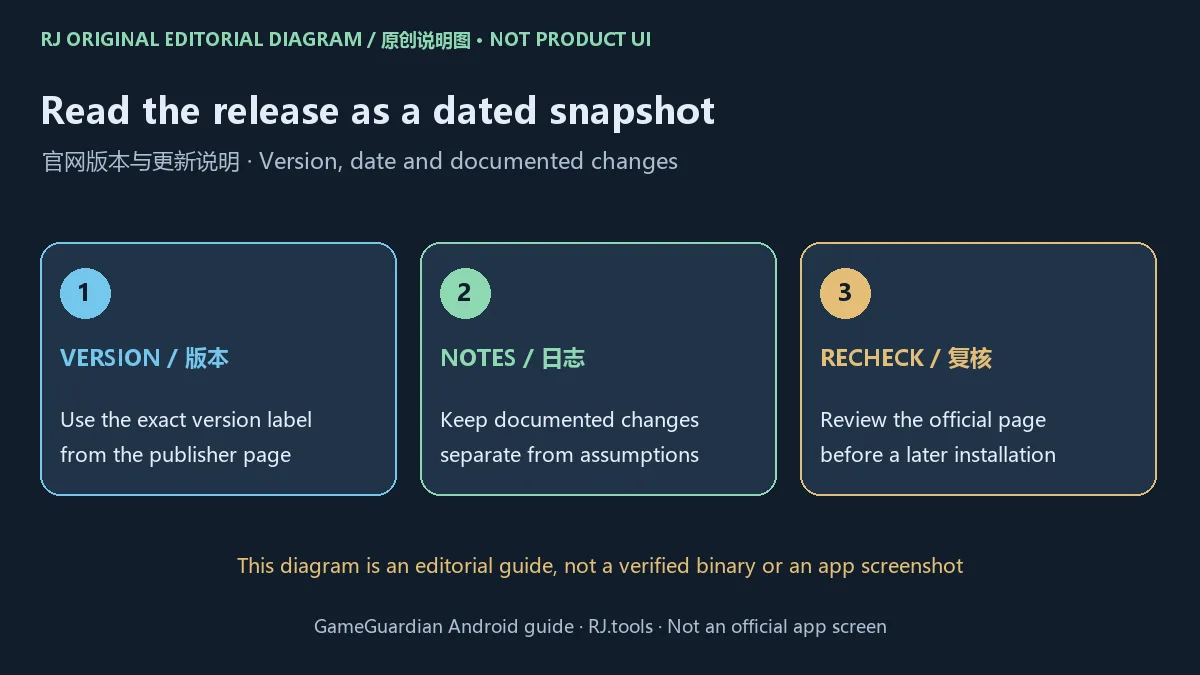
本次官方文件页列出 101.4,发布于2026年10月2日。页面更新说明涉及16KB内存页的测试支持、首次启动授予悬浮窗权限后无需重启,以及帮助内容改进。16KB相关内容仍以官方测试措辞理解,不能写成对所有相应设备的兼容保证。
其他列出的修复涉及:内存压力下的长时间搜索冻结、ARM64标记指针与汇编器问题、输入法遮挡Lua输入、重装后的误报,以及悬浮窗边界与权限提示,并更新了翻译。以上是官网说明的整理,本站没有运行二进制验证修复效果,也没有据此推断独立的构建号或文件哈希。
本次未确认单独的稳定版或测试版通道标签。101.4是当前核验页面的版本记录;日后安装前应再次检查官方页面。保留已安装版本、Android环境及与自己问题有关的日志,有助于区分“新版本已发布”与“特定设备的问题已解决”。
常见问题FAQ:GG修改器下载、兼容与使用条件
GG修改器从哪里下载? 从GameGuardian官网进入官方文件详情页核对当前版本。本页提供这一官方落地页入口;历史下载榜中的网盘地址没有作为正式下载来源。
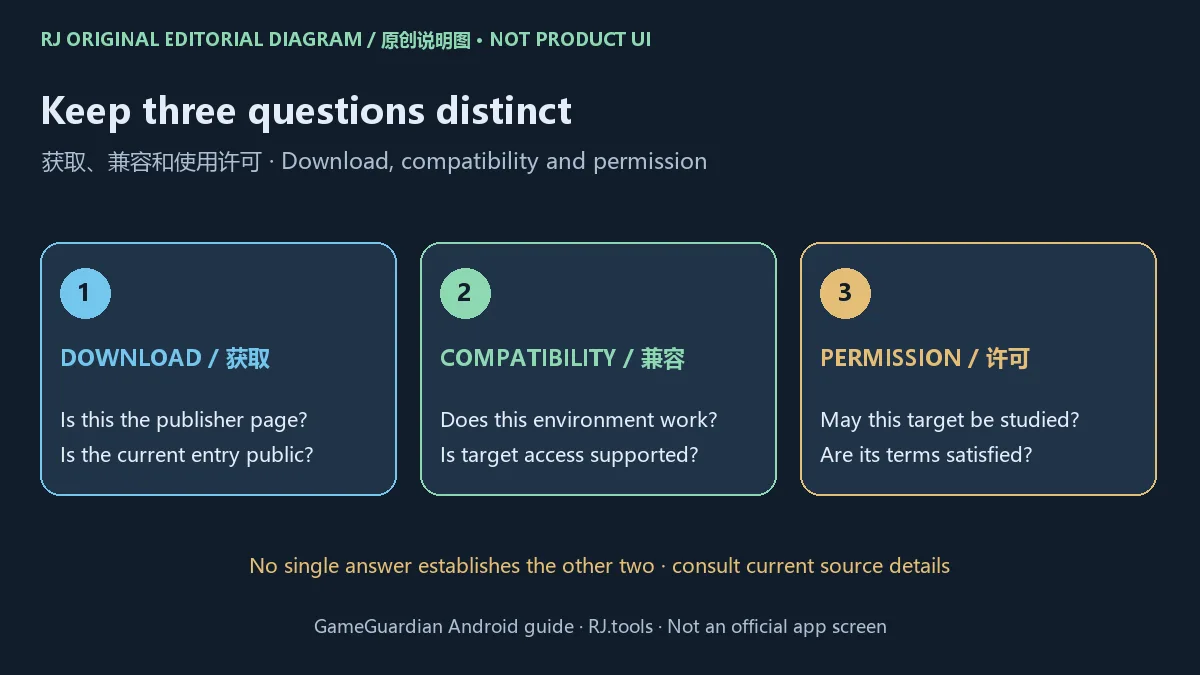
Android 5.0以上就一定能用吗? 不是。Android 5.0+是官网页面列出的基本系统要求;具体架构、权限、运行环境和目标程序仍会影响兼容性。
免root版是否与root环境功能相同? 官网说明无root虚拟空间路径有局限。本页没有核实某个第三方虚拟空间的当前兼容结果,不能承诺功能完全一致或任意应用都可访问。
官网版本是不是101.4? 2026年10月18日核验的官方文件页列101.4,发布记录为2026年10月2日。后续版本变化以官网当前内容为准,页面抓取日期不等于软件发布日期。
这是开源软件、所有用途都免费吗? 本次没有核实完整许可证、收费政策或再分发授权,不据此作出开源或所有用途免费的结论。使用和分发前阅读官网当前条款。
安装包安全吗? 本站没有下载、扫描、运行或核验包签名。官方来源核对与二进制检测是不同工作;遇到系统告警时应查明提示及来源,不能把官网链接解释为安全保证。
可以用于联网游戏吗? 官网说明主要面向单机离线的个人与教育场景;修改联网游戏可能违反条款并导致封号。是否可以研究某个目标,还要看其许可与适用法律。
搜索GG修改器下载、Android安装或打不开时,先核对GameGuardian官网版本与运行环境,再整理具体错误和恢复办法。将官方更新记录、设备兼容结果及目标许可分别确认,能让后续学习和求助更明确。
English
GameGuardian is an Android memory research tool. Find the official download, setup steps, 101.4 update notes, environment checks and troubleshooting advice.
What GameGuardian does: local memory and the permitted target
The official file page describes personal and educational use, primarily with offline single-player games. Its subject is a running program's local memory. A useful starting point is an application you wrote yourself, or an offline example whose owner explicitly permits study. Record the starting state and the change you intend to observe.
A displayed value, a save file and a server record can be different sources of state. A local change does not establish a change to an account balance, a purchase entitlement or a server-side record. Describe the particular program, environment and observation rather than treating one result as universal.
The publisher warns that modifying online games may violate their terms and lead to bans. Check the tool's current conditions, the target's permission and applicable law before use. Owning a device does not automatically grant permission to modify a third-party service. This guide covers official acquisition, environment decisions and issue reporting, without instructions to evade anti-cheat systems.
Official GameGuardian download and Android installation steps
Follow the GameGuardian website to the official file page. The reviewed entry lists GameGuardian 101.4, Android 5.0+ and a page-reported size of 32.76 MB. The size was not measured from a downloaded file, and the minimum OS label does not establish compatibility with every later Android device.
- Save ongoing work and prepare local study material you are authorized to use. Know how to restore the starting state.
- Open the official file page and check the current name, release and Android requirement. Do not reuse an old ranking's link or version as current evidence.
- Read the publisher's installation and execution requirements. Identify the device OS, architecture and existing execution environment; installation and target access are separate stages.
- If proceeding, follow the current official entry and Android installation prompts. Understand source and permission requests, and record an unfamiliar error before trying unrelated packages.
- After launching, check the version actually shown in the app and read official help. Confirm behavior only with an authorized test target and retain the environment and outcome in your notes.
This site's channel is the official file landing page, not a direct APK link. No package was downloaded, installed, run, scanned or signature-checked. A fixed package name, minimum RAM, required free space and complete CPU architecture list were not verified; unrelated third-party values have not been substituted.
Root and non-root virtual spaces: check the execution environment
The publisher describes root operation and a non-root virtual-space route, with limitations in non-root mode. These routes are not equivalent. Installing the app does not establish access to a selected process, and compatibility can depend on the Android version, architecture and virtual environment.
For a useful answer to “Does GameGuardian work without root?”, identify Android, device architecture, the virtual environment and its version, whether the target is in the intended environment, and the point of failure. The label “non-root” alone is insufficient. This review did not verify the current distribution, license or compatibility of a third-party virtual-space package and recommends no unverified companion download.
This guide does not require changing a device's root state. Users with an existing supported environment should read the current official help and understand its permissions. If prerequisites are absent, begin with documentation and a plan for an appropriate study environment. The reviewed source did not establish an exhaustive compatibility list for every device.
GameGuardian launch, overlay and search troubleshooting
Separate the stage of failure. For installation, record the exact system message, source and version. For launch, record Android and the execution environment. If the app starts but a target is unavailable, identify the target process and where both applications run. “It does not work” combines several distinct questions and is usually too little for a helpful support response.
For overlay behavior, check the Android permission message against current publisher help. Version 101.4 notes removing the restart after first-launch overlay permission, plus overlay boundary and permission-prompt fixes. Those are documented changes, not proof that every overlay issue is resolved. Record the installed release and the actual message before choosing a next step.
For a stalled search, record its duration, memory conditions, target program and a small repeatable example. The 101.4 notes include a fix for long searches freezing under memory pressure; this site did not reproduce it. An unchanged displayed value alone does not establish a tool defect. Display caching, persistence and server state must be distinguished within the permitted test target.
GameGuardian 101.4 update notes: October 2, 2026 publisher record
The reviewed official file page lists 101.4, released October 2, 2026. Its notes cover testing support for 16KB memory pages, no restart after granting overlay permission on first launch, and improved help. Keep the experimental wording for 16KB support; it is not a guarantee for every device using that memory-page configuration.
Other listed repairs concern long-search freezes under memory pressure, ARM64 tagged pointers and assembler issues, the keyboard obscuring Lua input, false reports after reinstalling, and overlay boundaries and permission prompts. Translations were also updated. This is a summary of publisher notes; no binary was run to reproduce these fixes, and no separate build identifier or file hash was inferred.
A separate stable or beta channel label was not verified. Version 101.4 is the record shown during this review, so revisit the official page before installing later. Retain the installed version, Android environment and relevant release-note item to distinguish a new release from evidence that one particular device issue is fixed.
FAQ: GameGuardian download, compatibility and conditions
Where should I download GameGuardian? Follow the publisher website to its current official file page. This site's entry links that landing page. A historical ranking's cloud-drive link is not used as the current distribution source.
Does Android 5.0+ guarantee it works? No. That is the basic OS requirement on the reviewed page. Architecture, permissions, execution environment and the target program can still affect compatibility.
Is non-root operation identical to root operation? The publisher says the virtual-space route has limitations. This review did not establish that a particular third-party space is currently compatible or that every target and feature is supported.
Is 101.4 the current official release? The file page reviewed on October 18, 2026 lists 101.4 with an October 2, 2026 release record. Check the current page for later changes; the review date and software release date are different facts.
Is it open source or free for every purpose? The full license, pricing policy and redistribution permission were not verified. No open-source or universally free-use claim is made. Read current publisher conditions before use or distribution.
Was the package independently checked? No package was downloaded, scanned, run or signature-checked here. Reviewing a publisher URL and inspecting a binary are different tasks. Investigate the source and any system alert instead of treating an official link as a security guarantee.
May I use it with online games? The publisher describes primarily offline single-player personal and educational use and warns that online modification can breach terms and cause a ban. Permission for a specific target also depends on its terms and applicable law.
For a GameGuardian download, Android installation or launch problem, first check the official release and execution environment. Then record the precise error and recovery method. Keeping update evidence, device results and target permission distinct makes subsequent study and support requests clearer.