
程序结构、二进制与内存学习工具
针对自有或获授权程序学习二进制内容、程序集和运行时内存的检查方法。收录Cheat Engine Windows、dnSpy、GG修改器 / GameGuardian等站内已有工具,按实际用途选择适合自己的应用。

Cheat Engine Windows官方获取与安装准备指南:核对7.7版本、后续修补、安装器额外推荐与安全提示,了解成年、私人及教育用途条件。 Cheat Engine Windows guide to official setup, 7.7 release evidence, optional offers and permitted local study.
Aliases: Cheat Engine、Cheat Engine Windows、CE修改器、作弊引擎
Author: RJ.tools Editorial
AI-assisted content
Learn about the software and its sources
Complete license text was not verified. Publisher requires adult users, private and educational purposes, and respect for application/game EULA/TOS. Do not infer unrestricted use or redistribution.
Cheat Engine Windows官方获取与安装准备指南:核对7.7版本、后续修补、安装器额外推荐与安全提示,了解成年、私人及教育用途条件。 Cheat Engine Windows guide to official setup, 7.7 release evidence, optional offers and permitted local study.
Cheat Engine下载与Windows安装指南:核对官网7.7、补丁说明、额外软件推荐、安全提示及使用条件。 Cheat Engine Windows download guide: official setup, 7.7 update notes, optional offers and FAQ.
Cheat Engine Windows 是用于内存研究与调试学习的工具。本页整理Cheat Engine下载、官网安装步骤、7.7公告与补丁说明,解释安装器额外软件推荐和安全告警的处理建议,并提供打不开时的排查方向。使用前应符合官网成年要求,确认目标程序许可,仅在获准的私人、单机或教育场景中操作,先保留资料。
官网 About Cheat Engine 将其定位于无需互联网连接的单机游戏修改工具,并列出内存扫描器、调试器、反汇编器、汇编器和脚本等能力。这些工具也可帮助理解本地程序的内存与调试行为。本页介绍 Windows 版的官方获取、安装决策和版本信息。能接触一个进程,不代表拥有修改它或违反其协议的许可;学习前应核对软件所有者、授权范围与适用条款。
一个便于记录的学习目标,可以是理解自己编写的本地程序如何保存状态,或阅读获准的教育示例。先写清要观察什么、预期现象是什么、如何保存工作与退出,再考虑工具设置。不要以一次现象推断所有版本、进程或设备都有相同行为。
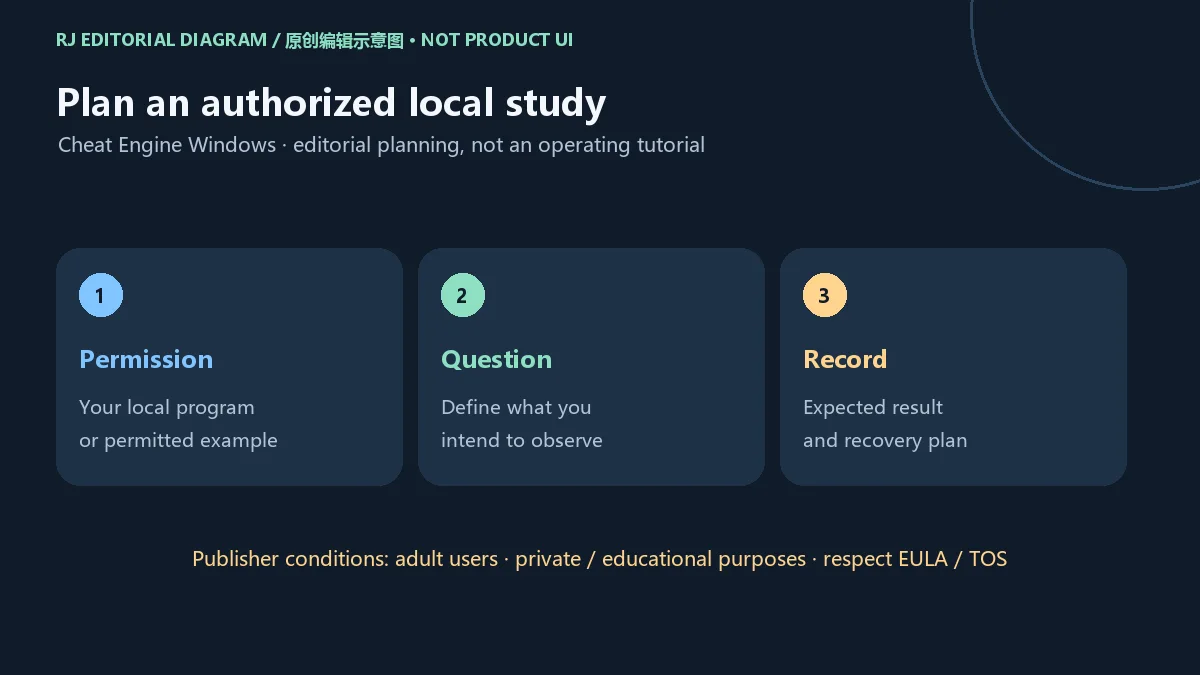
官网要求使用者已满18岁或达到当地成年标准,限定私人和教育用途,并要求尊重应用及游戏的 EULA/TOS。本文只讨论合规的单机与教育场景;服务条款、年龄条件和程序所有者授权需要同时满足。页面不提供联机作弊或绕过反作弊的步骤。
从Cheat Engine官网进入官方 Downloads 页面,核对 Windows 7.7 入口。本页渠道连接的是该官方落地页。旧下载榜的7.6.3名称和第三方文件链接只用于定位候选,不是当前版本或当前发行渠道的证据。
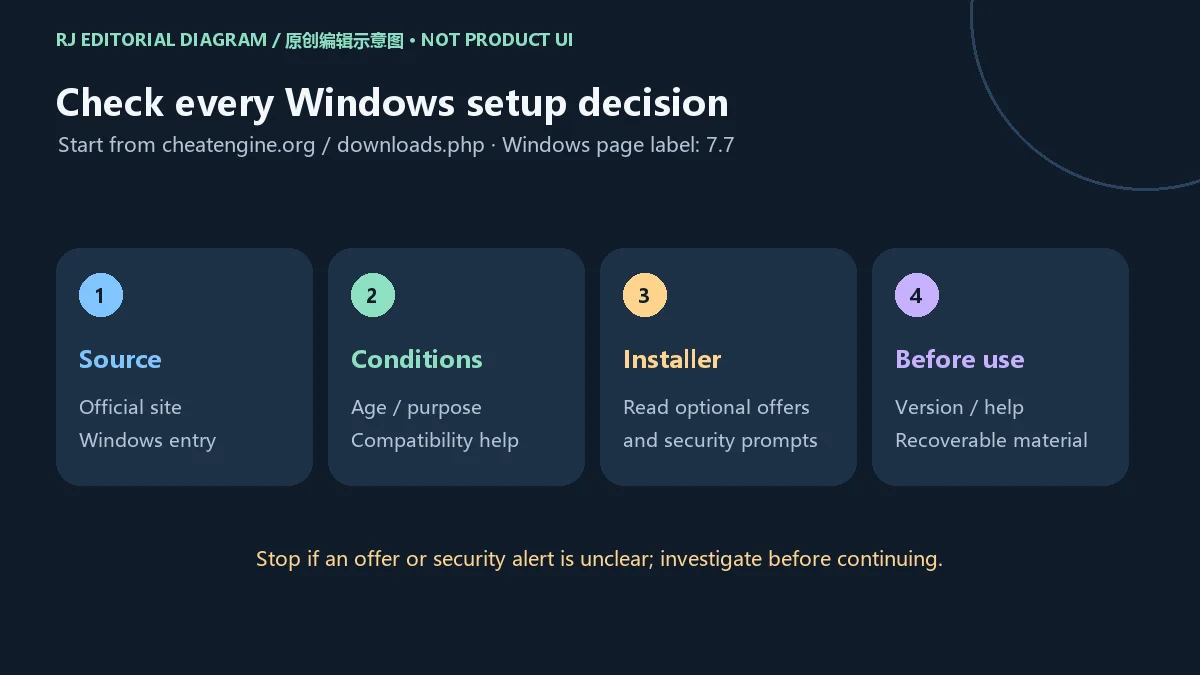
本站没有点击二进制下载、下载或托管安装器,也没有执行安装、核对签名或扫描文件。这里给出的是基于官网说明的操作准备步骤,不代表在某台设备上完成过兼容性验证。
官方下载页透明提示:部分杀毒软件可能对相关文件告警,安装程序会显示额外软件推荐。这两件事都应在决定安装前理解。官网对告警的说明不是每个告警都可忽略的证明,也不能替代对具体文件来源、数字签名和检测结果的判断。
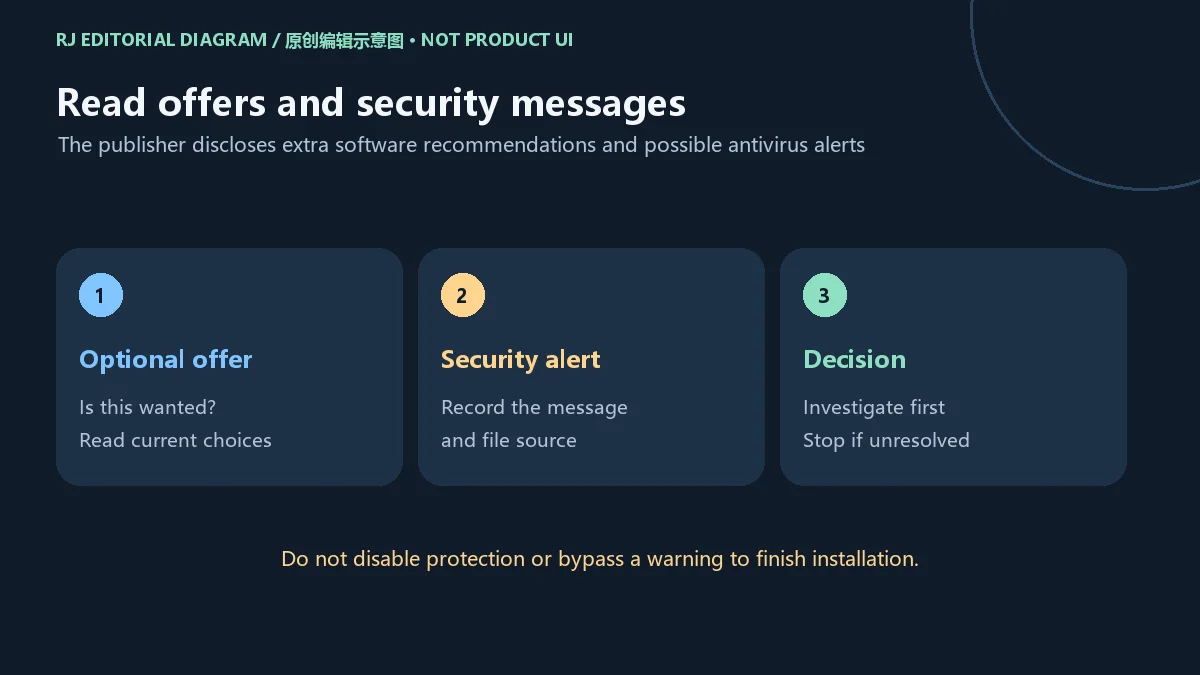
面对额外软件推荐,先辨认它是否属于自己想安装的内容,阅读当前页面提供的选择与条款。没有理解选项含义时可以退出安装。面对拦截或告警,保留产品名称、提示文字、文件来源与发生时间,再查阅官方支持和安全产品说明。
不要为了完成安装而关闭杀毒软件或绕过安全提示。本页没有独立检测当前安装器,因此不会把“某些安全产品可能告警”改写成“所有检测都是误报”。如果无法确认文件与提示的情况,停止使用是可行的决定。
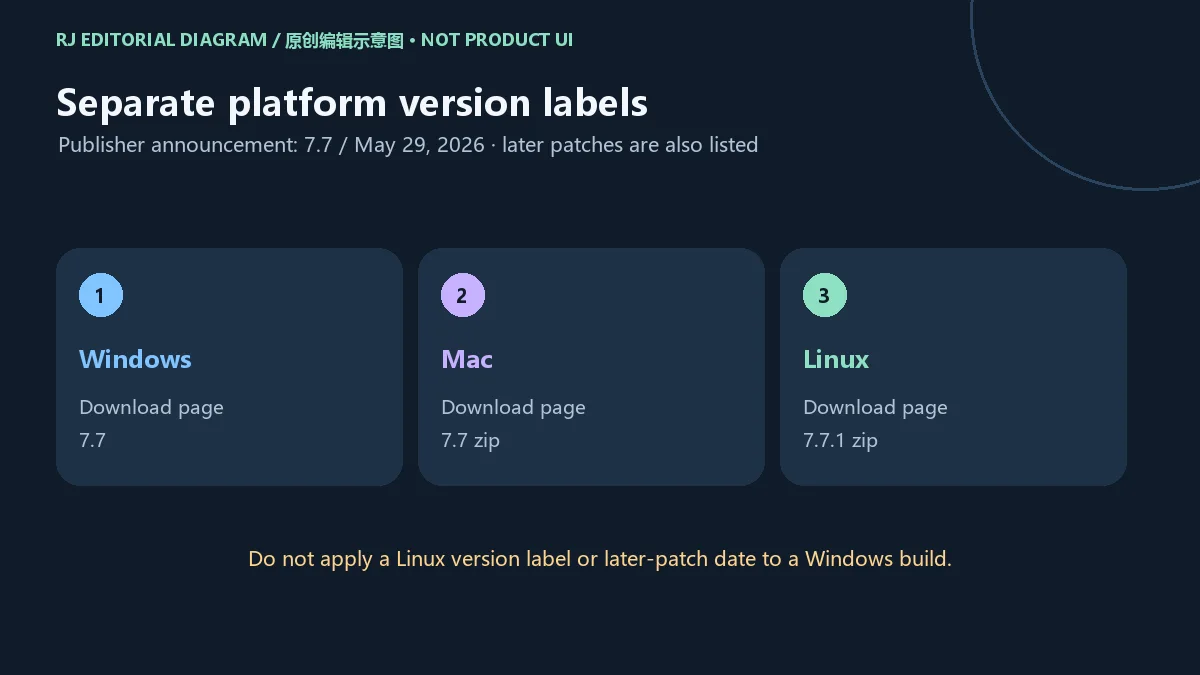
官网主页公告记载 Cheat Engine 7.7 于2026年5月29日发布,并在之后开放 Windows 公共版。当前官方下载页列 Windows 7.7、Mac 7.7 zip 和 Linux 7.7.1 zip。这些标签属于不同平台,不能把 Linux 的7.7.1写成 Windows 当前版本。
官网当前7.7页面还列出后续修补信息,包括 Windows processwindow 中的进程创建问题、无效 VEX 反汇编问题、symbols 延迟,以及 Lua getFunctionRange 内存泄漏等。它们反映官网公开说明的修补范围,不代表本站已复现问题或测试修复效果,也不应被编成所有修补都在5月29日同一构建内完成的结论。
更新前记录本机已安装版本和相关工作内容,更新后再查看自己关心的问题是否发生变化。若报告问题,提供系统环境、版本与最小复现描述;避免只用旧榜单的7.6.3标签说明当前状态。本页没有确认 Windows 安装器在这些后续补丁之间的独立构建号或哈希。
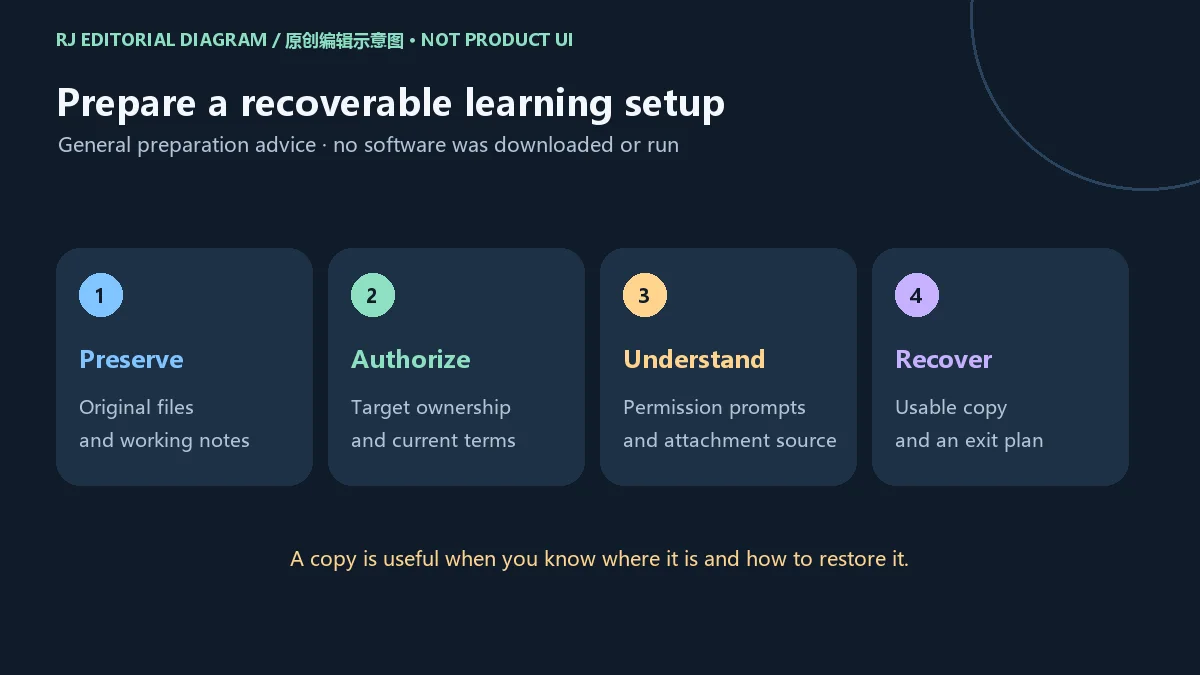
调试和内存研究可能影响目标程序的运行状态。适合先保留原始文件、工作记录和可以恢复的本地资料,再在自己获准控制的环境中学习。备份不是把文件复制一次就自然完成;至少要知道副本位置、内容是否完整,以及如何恢复或重新建立学习环境。
需要额外系统权限时,先弄清操作对象和官方说明,而不是默认给予所有组件更高权限。不要将来自陌生来源的脚本、表文件或附件当成无害文本直接执行;应先理解内容与来源。本文没有获取或执行这些附件。
本次核验没有建立完整的软件许可文本或当前价格方案,因此不声称所有功能、分发形式和用途都拥有同一授权。使用前阅读官网当前条款与目标程序的 EULA/TOS;官网的私人及教育用途要求应保留,不能因技术上可操作就忽略约定。
Cheat Engine从哪里下载? 从官网进入 Downloads,再选择对应系统。本文为 Windows PC版,渠道是官方下载落地页;没有托管或检测安装器。
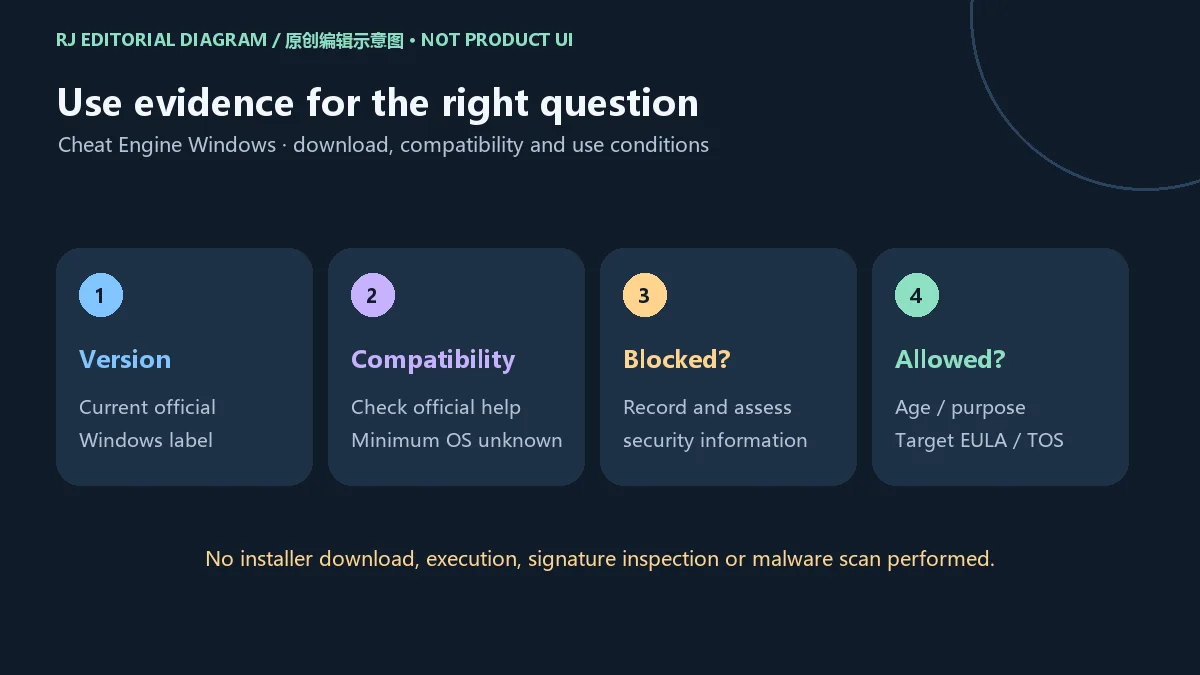
Windows当前是7.7还是7.7.1? 核验时官方下载页列 Windows 7.7;Linux另列7.7.1,不能跨平台合并。以后以当前官方页面为准。
最低需要哪个Windows版本? 本次页面未给出具体最低系统要求。请查看当前官方帮助和安装器说明,本页不从旧榜单或第三方页面补出确定值。
为什么打不开或被安全产品拦截? 先记录错误与来源,确认系统和文件版本,再阅读安全产品与官方支持说明。官网承认可能出现告警不等于每个文件都安全;不要关闭保护或绕过拦截来继续。
安装时出现其他软件推荐怎么办? 逐页看清推荐项目与选择方式,按实际需要决定。不了解选项含义时可以停止安装,不必为了完成流程接受额外内容。
可以用于任何游戏或程序吗? 不能仅凭工具可用就这样推断。须满足官网成年条件、私人及教育用途要求,以及目标程序的许可与服务条款;本文只面向获准的本地单机和教育使用。
搜索Cheat Engine下载、Cheat Engine怎么安装或打不开时,先确认官方 Windows 入口与当前版本,再分别检查兼容提示、安全告警和使用授权。准备好可恢复资料并读清每一步,才能把安装决策与后续学习衔接起来。
Cheat Engine Windows is a memory research tool. Find official download and install steps, 7.7 update notes, optional-offer checks and practical setup FAQs.
The official About Cheat Engine page describes a tool for modifying single-player games without an internet connection, and lists a memory scanner, debugger, disassembler, assembler and scripting among its capabilities. These tools can also support the study of local memory and debugging behavior. This guide explains Windows acquisition, installation decisions and version evidence. Access to a process does not by itself grant permission to modify it or disregard its agreement; check ownership, authorization and applicable terms first.
A manageable objective could concern how a locally written program stores its state, or an educational example you are authorized to study. Record the observation you want to make, the expected result, how to preserve work and how to stop. One observation does not establish identical behavior across every release, process or device.
The publisher website requires users to be at least 18 or meet their local age of majority, limits use to private and educational purposes, and asks users to respect application and game EULAs/TOS. This article addresses permitted offline and educational use. Age, purpose and the target program's terms must all be considered. It provides no online cheating or anti-cheat bypass procedure.
Start at the Cheat Engine website and follow its Downloads page, then check the Windows 7.7 entry. This resource's channel leads to that publisher landing page. The historical ranking's 7.6.3 title and third-party file link identify a candidate rather than a current release or official distribution source.
This site did not click a binary download, download or host an installer, run setup, inspect a signature or scan a file. These are preparation steps based on publisher information rather than a completed compatibility check on a particular computer.
The official download page warns that some antivirus products may flag the software and that the installer shows additional software recommendations. Understand both disclosures before deciding to install. A publisher explanation of alerts does not prove that every alert can be ignored or replace an assessment of the specific source, signature and detection result.
For an additional recommendation, identify whether it is part of what you intended to install and read the choices and terms currently displayed. Exiting is reasonable if a choice is unclear. For a block or alert, retain the security product name, message, file source and time, then consult official support and the security product's explanation.
Do not disable antivirus protection or bypass a security prompt to complete installation. This site has not independently assessed the current installer and does not translate “some products may alert” into “all detections are false positives.” Stop using the file when its origin or the warning remains unresolved.
The publisher homepage records the Cheat Engine 7.7 announcement on May 29, 2026, followed by public availability of the Windows release. The current official download page lists Windows 7.7, Mac 7.7 zip and Linux 7.7.1 zip. These are platform-specific labels; the Linux number is not evidence that Windows is at 7.7.1.
The current 7.7 page also lists subsequent fixes covering Windows processwindow process creation, invalid VEX disassembly, symbols delay and a Lua getFunctionRange memory leak, among others. These are publisher-reported repair areas. This site did not reproduce the issues or test the fixes, and their presence on the page does not establish that every later repair was included in the May 29 build.
Before updating, record the installed version and relevant work, then check the behavior that matters to you afterward. A useful issue report identifies the environment, release and smallest clear reproduction description. The ranking's old 7.6.3 label cannot identify a current installation. Independent Windows build identifiers or hashes for the later patch revisions were not verified here.
Memory research and debugging can affect the target program's running state. Preserve original files, working notes and recoverable local material before learning in an environment you are authorized to control. A useful backup check identifies the copy location, verifies its contents and establishes how to restore it or recreate the learning setup.
If an operation asks for additional system access, understand the target and official explanation before granting it. Do not assume an unfamiliar script, table or attachment is harmless text that can be executed without review; examine its contents and provenance first. This article did not obtain or execute such attachments.
The reviewed evidence did not establish the complete software license text or current pricing plan. It does not support a claim that all features, distribution forms and purposes share the same permission. Read the publisher's current terms and the target program's EULA/TOS. The stated private and educational purpose condition remains relevant even where an operation is technically possible.
Where should I download Cheat Engine? Follow Downloads from the publisher website and select the intended operating system. This article concerns Windows PC use and links a publisher landing page; it does not host or inspect an installer.
Is Windows at 7.7 or 7.7.1? The checked download page lists Windows 7.7 and separately lists Linux 7.7.1. Do not combine their version labels; recheck the current page for later changes.
What is the minimum Windows version? The reviewed page did not specify one. Read current official help and installer information; this guide does not fill the gap from an old ranking or an unrelated site.
Why will it not open, or why was it blocked? Record the error and file source, identify the system and release, and consult the security product and publisher support information. An acknowledged possibility of alerts is not proof that a particular file is safe. Do not disable protection or bypass a block to proceed.
What should I do about an installer recommendation? Read the item, selection controls and terms, then decide whether it is wanted. You can stop if a choice is unclear; completing setup does not require accepting content you do not understand.
Can it be used with any game or program? Technical access does not establish permission. Meet the publisher's age and private/educational conditions and the target's terms. This guide is for authorized local offline and educational use.
For a Cheat Engine Windows download, installation question or launch problem, first check the official entry and current release. Treat compatibility, security prompts and authorization as separate checks. Retain recoverable material and read each choice before moving from installation planning to study.
Information verified: Oct 18, 2026
First published: Oct 18, 2026· Editorial revision: Oct 18, 2026
从cheatengine.org进入Downloads,核对Windows条目;本页渠道为官方落地页,不托管安装器。
The checked download page lists Windows 7.7; Linux is separately labeled 7.7.1 zip. Do not merge platform version labels.
本次核验页没有确定最低系统、内存或空间要求,请查看当前官方帮助。
Stop and investigate the source and alert with official and security-product information; do not disable protection or bypass the warning.
逐页阅读选项和条款,按需要决定;不了解选项时停止安装。
Meet the publisher’s adult-age condition, private and educational purpose requirements, and the target program’s EULA/TOS.

云·原神是米哈游提供的 Android 云游戏客户端,本页解释其与完整《原神》包体的区别,并整理官网安装入口、网络排查及版本信息边界。 / Genshin Impact Cloud is miHoYo’s Android cloud gaming client. This guide covers its official entry, setup, network checks and release-information limits.
微信 Android 手机通讯应用:介绍私聊、群聊及媒体文件分享,提供官方安装步骤、8.0.79官网更新与商店日期差异、聊天资料保留及登录排查建议。 Weixin Android guide to official installation, chat and file sharing, update evidence and conversation preservation.

C/C++与Fortran开发环境,说明25.03包选择、工具链配置、更新及编译链接运行问题。 / C/C++ and Fortran IDE with v25.03 package selection, toolchain setup, release notes and build troubleshooting.

GG修改器 GameGuardian官方获取与Android安装指南,核对101.4版本、Android 5.0+要求、root和无root虚拟空间限制,整理悬浮窗、搜索异常、更新说明及FAQ。 GameGuardian guide to official setup, execution requirements, documented changes and permitted local study.

原版dnSpy程序集分析、断点调试和编辑指南,明确6.1.8归档状态、附件选择与备份步骤。 / Original dnSpy assembly inspection, debugging and editing, with archive status, asset selection and backups.

NetAssist 5.15 Windows 网络调试助手:TCP Server、TCP Client、UDP 与 MQTT Client、IPv4/IPv6、免安装步骤及排查指南。 / Portable Windows network tester with official release notes and setup guidance.

Android APK研究与编辑工具;整理官方261014构建、五项更新、备份工作流和许可。 / Android APK study and editing tool with official build261014, five release changes, a backup workflow and license information.

Red Panda Dev-C++ 是 Windows C/C++ 集成开发环境,提供 MinGW/GCC、代码补全和调试工具。 / Red Panda Dev-C++ is a Windows C/C++ IDE with MinGW/GCC packages, completion, and debugging.