

X-Mouse Button Control
XMBC 鼠标映射:Windows安装、应用配置与层、2.20.5修复、五键限制和重复输入排查。 / XMBC setup, application profiles and layers, v2.20.5 fixes, five-button limits and repeat troubleshooting.

Betaflight Configurator 现称 Betaflight App,是 Betaflight 飞控的跨平台配置工具。本文提供官方稳定版、桌面安装与 USB 排查,并解释 2026.6.2 的串口事件修复。 / Official-source guide to Betaflight App setup, controller connection, backups and the 2026.6.2 serial fix.
Apelidos: Betaflight Configurator、Betaflight App、Betaflight配置器
Conheça as informações básicas do software e suas fontes
GPL-3.0
Official pages and release metadata reviewed. No installer downloaded, signature checked, binary executed or security scan performed.
Betaflight Configurator 现称 Betaflight App,是 Betaflight 飞控的跨平台配置工具。本文提供官方稳定版、桌面安装与 USB 排查,并解释 2026.6.2 的串口事件修复。 / Official-source guide to Betaflight App setup, controller connection, backups and the 2026.6.2 serial fix.
Betaflight Configurator下载与安装指南:核对官方稳定版、USB连接、参数备份及版本修复。 / Betaflight App download guide: official releases, desktop setup, USB checks and backup tips.
Betaflight Configurator下载与安装指南,介绍现名Betaflight App的飞控配置工具、官方稳定版入口、桌面安装包和网页应用的区别,整理USB连接前的准备、参数备份、串口识别及打不开的排查方法,并依据2026.6.2发布说明解释最新修复,帮助飞行爱好者先核对固件和硬件再调参。
Betaflight Configurator 的官方仓库目前以 Betaflight App 介绍产品。它用于配置和管理运行 Betaflight 固件的飞控,官方说明覆盖多旋翼和固定翼等机型。网页稳定入口为 app.betaflight.com;master.app.betaflight.com 属于开发快照。需要桌面程序时,使用同一项目的 Releases,不要把开发分支、应用版本和飞控固件版本混成一个“最新版”。
对第一次接触飞控的人,最有价值的起点是确认板卡型号、当前固件与现有设置。把设备信息和配置备份留在本地后,再逐项考虑接收机、模式或其他参数。一个适合别人机型的预设不一定适合你的硬件;官方应用在预设相关提示中也要求事先备份配置。网页上可以查看欢迎页与文档入口,实际可用连接方式仍取决于浏览器和设备。
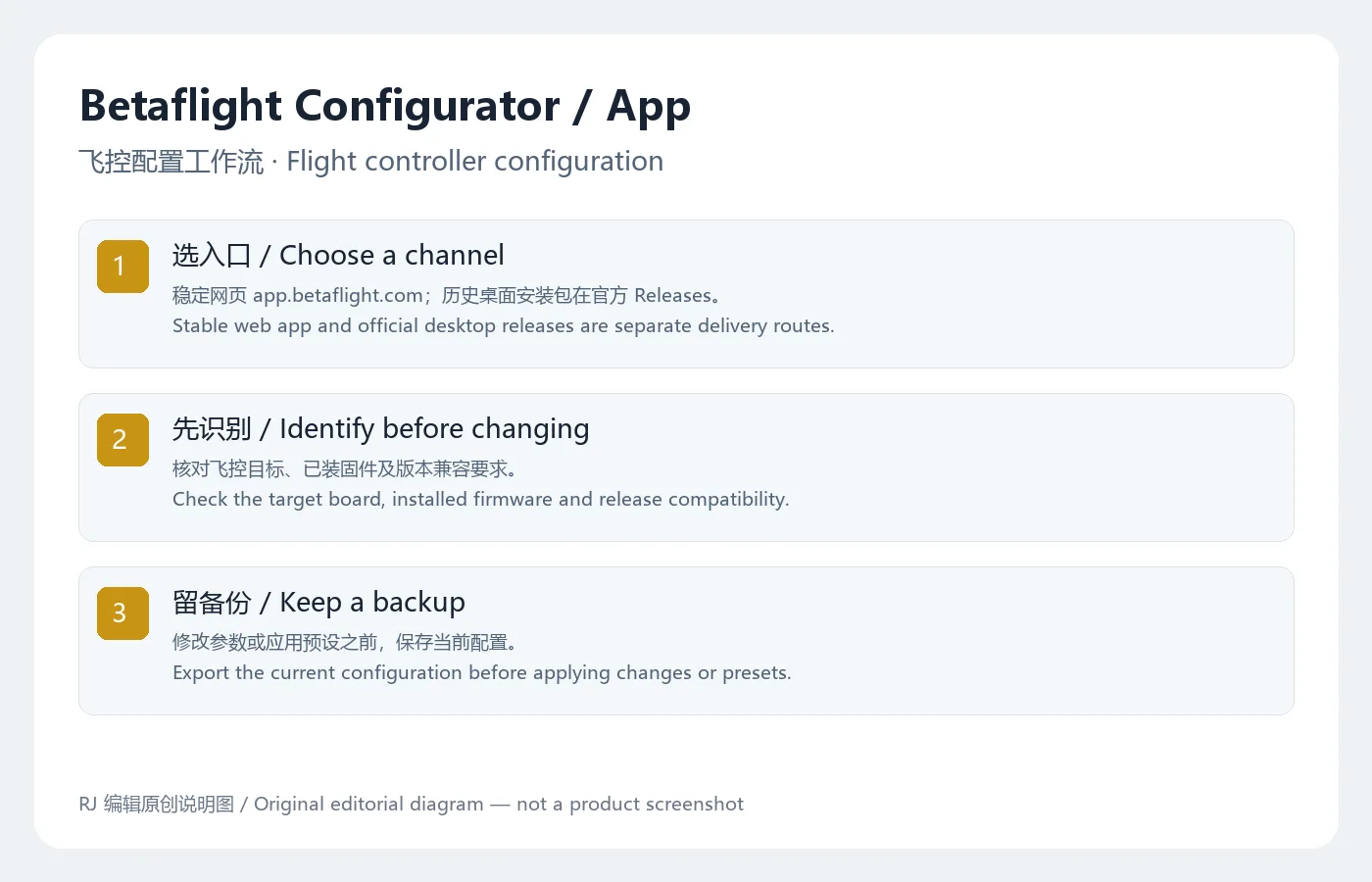
以下为依据官方入口整理的准备流程,本次没有下载或执行安装包,也没有连接飞控。
飞控可能控制电机输出。台架调试应按机型文档落实隔离电源、拆桨等要求,确认工作区和设备状态后再操作;本文不提供可直接用于任意机型的参数。
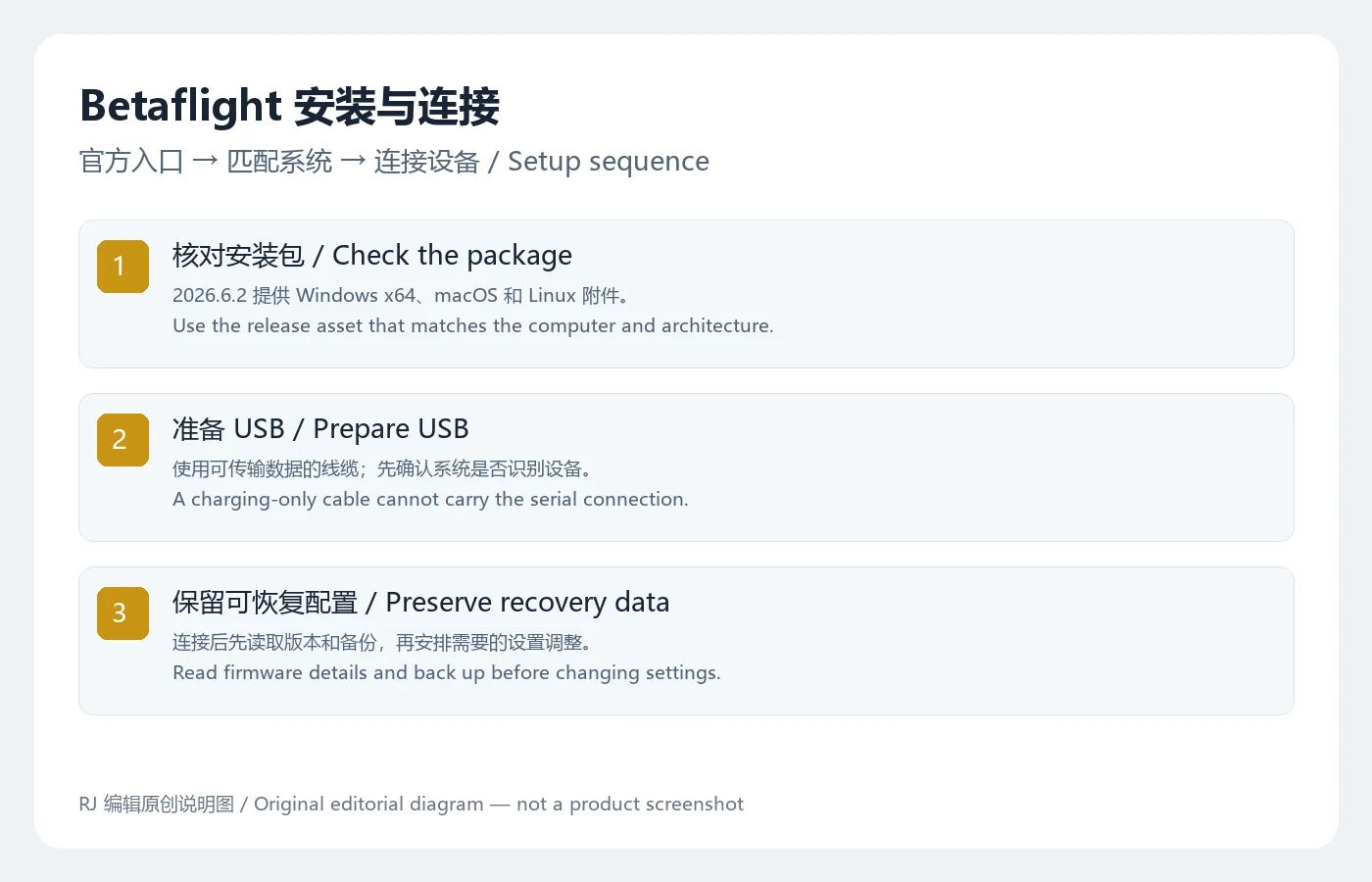
本次检查的官方 GitHub 稳定发布标签为 2026.6.2,稳定网页应用页也显示 2026.6.2。该版发布说明只有一项明确修复:对于传输层未列出的端口,忽略相应的设备事件,关联问题 #5342 和合并请求 #5345。它描述的是串口设备事件处理,不能据此推断所有 USB 连接问题都已解决。
更新前记录当前应用与飞控固件两个版本,保存配置备份,再查看适用的兼容说明。官方仓库将 master 网页快照标为测试用途,并提示可能存在错误或影响飞控设置;需要日常配置时,应先从稳定入口与稳定发布说明判断。更新配置应用本身,不等于已经更新了飞控里的固件。
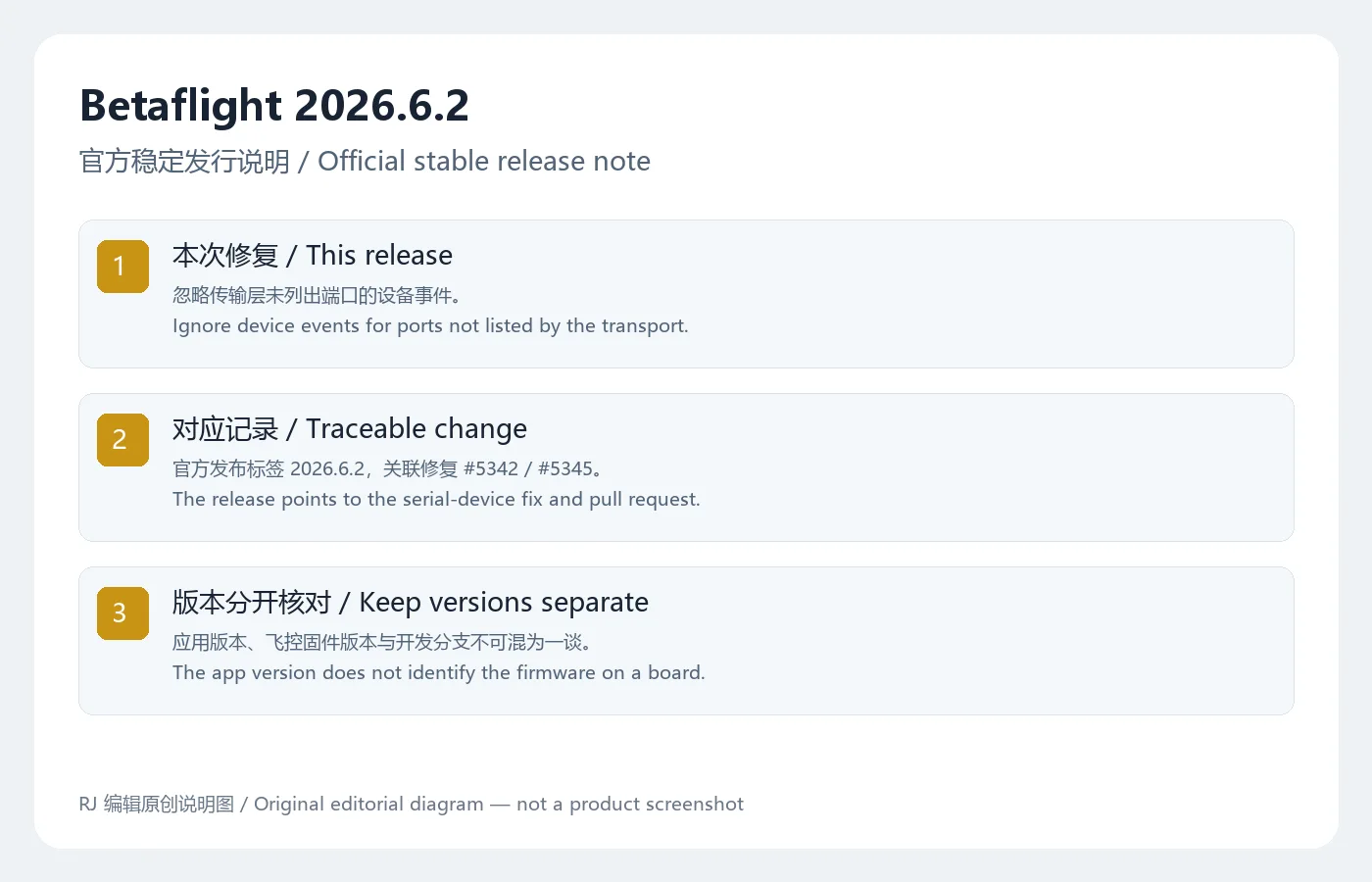
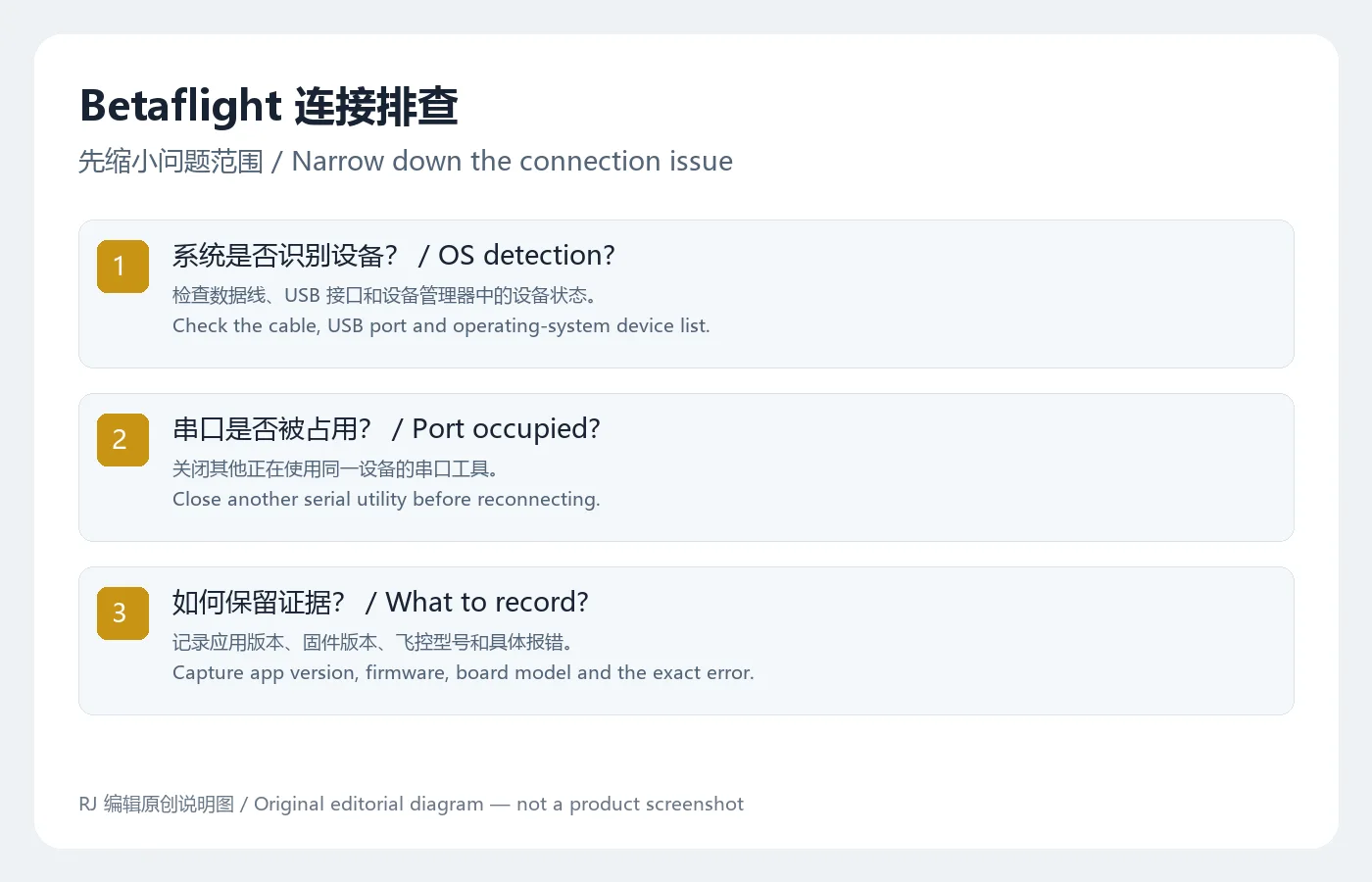
先区分应用无法启动、系统无法识别设备和应用无法占用串口。无法启动时记录系统版本、安装包架构和报错;不要把适用于旧版运行时的修复命令直接复制到当前系统。系统识别不到设备时,换已知可传输数据的线缆与 USB 接口,再查看设备状态。官方欢迎页针对旧 CP210x 硬件列出驱动来源,但这不意味着所有飞控都需要安装同一种驱动。
系统已识别而应用仍连接失败时,关闭同时占用设备的串口工具,确认选中的端口和飞控相符。Linux 的设备访问权限、浏览器的设备授权也可能需要按系统文档检查。每次只改变一项,保留原设置和完整错误信息,向项目反馈时提供应用版本、固件版本和板卡型号。隐私方面,欢迎页说明会收集匿名使用统计,并提供退出选项;可在使用前阅读当前设置与隐私政策。
Betaflight Configurator 和 Betaflight App 是两个独立产品吗?
本页依据同一官方仓库的现行介绍,将榜单中的 Configurator 对应到目前的 Betaflight App。桌面历史发行与当前网页入口的分发方式不同,版本兼容需分别核对。
下载后能自动给任意飞控刷固件吗?
不能据应用存在就保证支持任意硬件。先确认板卡目标与官方支持资料;应用版本也不代表飞控固件版本。
导入预设以前需要备份吗?
需要。官方界面明确提醒预设前保存备份,避免失去恢复先前配置的依据。
本站是否扫描过这个安装器?
本次核对的是官方网页、仓库和发布附件元数据,没有下载安装包、核验签名或做扫描。进行 Betaflight Configurator 下载时,优先核对稳定官方入口;安装后先识别硬件和保存配置,再按实际需求调参。
Betaflight Configurator download guide: choose the official app, install a desktop build, check USB connections, back up settings and review the latest release.
The official repository now introduces the project as Betaflight App. It configures and manages flight controllers running Betaflight firmware, with aircraft examples including multirotors and fixed-wing models. The stable web entry is app.betaflight.com; master.app.betaflight.com is a development snapshot. Desktop distributions remain available through the same project's Releases page. An app release number does not tell you which firmware is installed on a controller.
Before changing a new board, record its model and firmware and save the existing configuration. Then assess receiver, mode and other settings individually. A preset chosen for another aircraft may not suit your hardware. The app itself warns that configuration should be backed up before presets are applied. The welcome page and documentation can be viewed online; connection availability also depends on the browser and device.
These preparation steps follow the official distribution routes. No installer was downloaded or executed, and no flight controller was connected for this review.
A flight controller can command motor output. Follow the aircraft documentation for bench precautions, including power isolation and propeller removal where specified. No universal aircraft parameter set is supplied here.
The official stable GitHub release checked for this guide is 2026.6.2, and the stable web app displayed the same version. Its release note contains one explicit fix: ignore device events for ports that the transport does not list, linked to issue #5342 and pull request #5345. This concerns serial-device event handling; it does not establish that every USB connection problem is resolved.
Record both the app version and controller firmware before an update, keep a configuration backup and read the applicable compatibility notes. The repository labels the master web snapshot as a testing build and warns that errors can affect controller settings. Start with the stable entry and stable release information for routine configuration. Updating the configuration app does not itself update the firmware on a controller.
Separate a startup failure from an undetected USB device and a port that the app cannot open. For startup problems, record the operating system, package architecture and exact error. Historical runtime workarounds should not be copied automatically to a current system. If the operating system cannot detect the controller, try a known data cable and another USB port, then examine device status. The official welcome page links a driver for older CP210x hardware; this does not mean every board requires that driver.
If the system detects the board but connection fails, close any serial utility using it and confirm the selected port. Linux device permissions and browser device authorization may also require attention under their own system guidance. Change one variable at a time and retain settings and error details. A useful report includes app version, firmware and board model. The welcome page also discloses anonymous usage statistics and an opt-out setting; review the current privacy options before use.
Are Configurator and Betaflight App unrelated products?
This guide maps the ranking's Configurator name to the current Betaflight App described by the same official repository. Historical desktop distributions and the current web entry use different delivery routes; check compatibility for the selected release.
Can it flash any flight controller automatically?
Availability of the app does not prove support for arbitrary hardware. Confirm the board target and official support information. The app version also differs from the controller's firmware version.
Should I back up before a preset?
Yes. The official interface explicitly requests a backup before applying presets so that previous settings can be restored from retained information.
Was the installer scanned for this guide?
The review covered official pages, repository information and asset metadata. It did not download installers, verify signatures or scan files. For a Betaflight Configurator download, check the stable official entry, identify your hardware and preserve configuration before making changes.
Informações verificadas em: 19 de out. de 2026
Publicado pela primeira vez: 19 de out. de 2026· Revisão editorial: 19 de out. de 2026
XMBC 鼠标映射:Windows安装、应用配置与层、2.20.5修复、五键限制和重复输入排查。 / XMBC setup, application profiles and layers, v2.20.5 fixes, five-button limits and repeat troubleshooting.

Armoury Crate 设备管理与 Aura Sync 下载指南:核对华硕机型、Windows 安装要求、应用6.4.7及不同安装包版本。 ASUS device controls, lighting, official setup and version checks.
JoyToKey 手柄映射工具:Windows 安装与 ZIP 设置、7.4 命令输入、配置迁移和共享软件许可说明。 / Windows controller mapping guide covering setup, version 7.4 commands, profile migration and shareware licensing.

DS4Windows 是 Windows 手柄映射与虚拟控制器工具。本页整理 DS4Windows 3.5 社区延续版、DualShock/DualSense 配置、安装依赖和双输入排查。 / DS4Windows maps gamepad input and creates virtual controllers on Windows. This guide covers the v3.5 community continuation, setup, profiles, and duplicate-input troubleshooting.

FurMark 显卡压力测试与基准工具指南,介绍官方下载和平台选择、安装准备、测试条件记录、版本更新,以及打不开、画面异常和分数差异的排查思路。 FurMark GPU stress test guide with official setup, version notes, controlled comparisons and practical FAQs.

SysCeo 驱动总裁 Windows 在线版本 2.21.0.0,官方页面日期为 2026-09-15,列出桌面与 PE 驱动安装、在线和离线驱动库及 Boot Camp 匹配。本页整理页面更新说明、安装前硬件核对、系统还原准备和 MD5 的用途;下载入口只链接官方产品页,不提供站外文件直链。 / SysCeo lists Windows 2.21.0.0, desktop and PE use, online/offline libraries and Boot Camp matching. This guide explains release notes and cautious setup; the download entry links only to official product information.