
发现手游与查看玩家社区资料
通过游戏平台与社区查找手游条目、更新信息和玩家交流资料。收录233乐园、3DMGame(3DM游戏)、4399游戏盒等站内已有工具,按实际用途选择适合自己的应用。
4399游戏盒是 Android 游戏发现与社区应用,可查看推荐、攻略、礼包、预约与论坛内容。本页核对应用宝包名和 9.6.0.57 版本记录,整理安装步骤并说明官网旧版日志的适用范围。 / 4399 Game Box is an Android app for game discovery and community content. Review its package identity, store-listed v9.6.0.57, setup steps, and the limits of the older publisher changelog.
别名:4399游戏盒、4399 Game Box、4399手游通、com.m4399.gamecenter
作者:RJ.tools Editorial
AI 辅助内容
了解软件的基本信息与来源
Proprietary mobile application; no public open-source license was identified in the reviewed official pages.
com.m4399.gamecenterNo installer was downloaded, run, signature-checked, or scanned. Statements shown by the store are platform claims, not an independent safety audit.
4399游戏盒是 Android 游戏发现与社区应用,可查看推荐、攻略、礼包、预约与论坛内容。本页核对应用宝包名和 9.6.0.57 版本记录,整理安装步骤并说明官网旧版日志的适用范围。 / 4399 Game Box is an Android app for game discovery and community content. Review its package identity, store-listed v9.6.0.57, setup steps, and the limits of the older publisher changelog.
4399游戏盒下载与安装:了解 Android 游戏推荐、攻略、礼包与预约,核对包名、开发者、系统兼容提示和 9.6.0.57 版本差异。4399 Game Box guide to game discovery, setup steps, update notes, and installation FAQs.
4399游戏盒是面向 Android 用户的游戏发现与社区应用,可查看推荐、攻略、礼包和预约信息。本文对照应用宝 9.6.0.57 与官网较早的更新日志,整理安装核对步骤和社区使用提示,说明版本差异及当前仍需确认的系统要求,帮助你从官方来源选择安装渠道,并避免把旧版功能误当成新版更新,安装前核对包名和发行者。
4399游戏盒是用于发现和管理游戏内容的 Android 客户端,不是一款独立游戏。官方介绍包括游戏推荐、攻略、礼包、预约和论坛社区等功能;“我的游戏”还可聚合最近游戏与预约信息。打开具体游戏条目时,应继续核对游戏发行商、适用平台与地区要求,避免把游戏盒的版本信息误认为盒内每款游戏的版本。
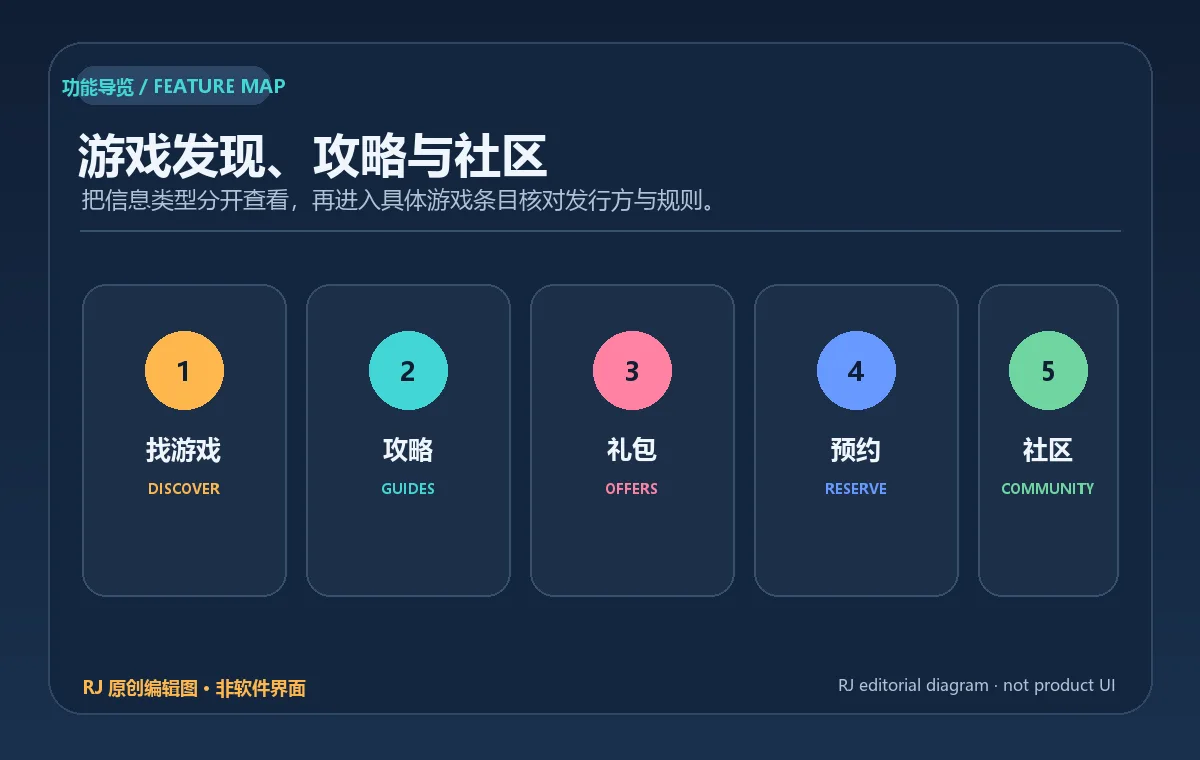
上述是产品功能分类图,不代表应用截图。4399 官网写有“本公司产品适用 10 周岁以上玩家”;这是公司产品说明,不等同于应用商店年龄评级,也不代表所有社区帖子均适合每个年龄段。
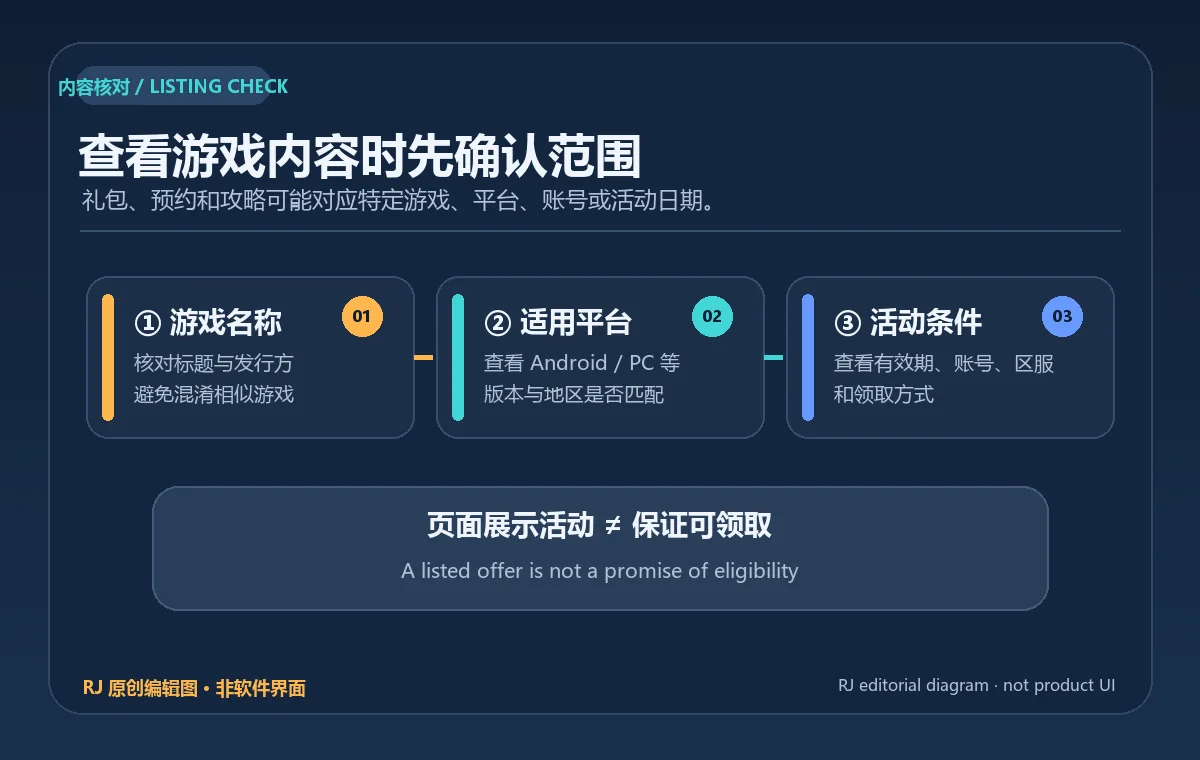
搜索游戏时,先比对名称和发行方,再查看攻略、预约状态或活动说明。活动礼包通常可能有期限、账号或平台条件,领取前应阅读对应游戏页面的规则;不要把“页面展示礼包”理解为无条件可领取。论坛与社区条目可能包含用户发布内容,家长可根据孩子的年龄和使用场景进行查看与管理。
游戏版本更新由各自发行方安排,4399游戏盒不会改变目标游戏的兼容性或地区政策。遇到预约、礼包或更新按钮时,留意它对应的具体游戏和平台,避免将论坛讨论与官方公告混淆。
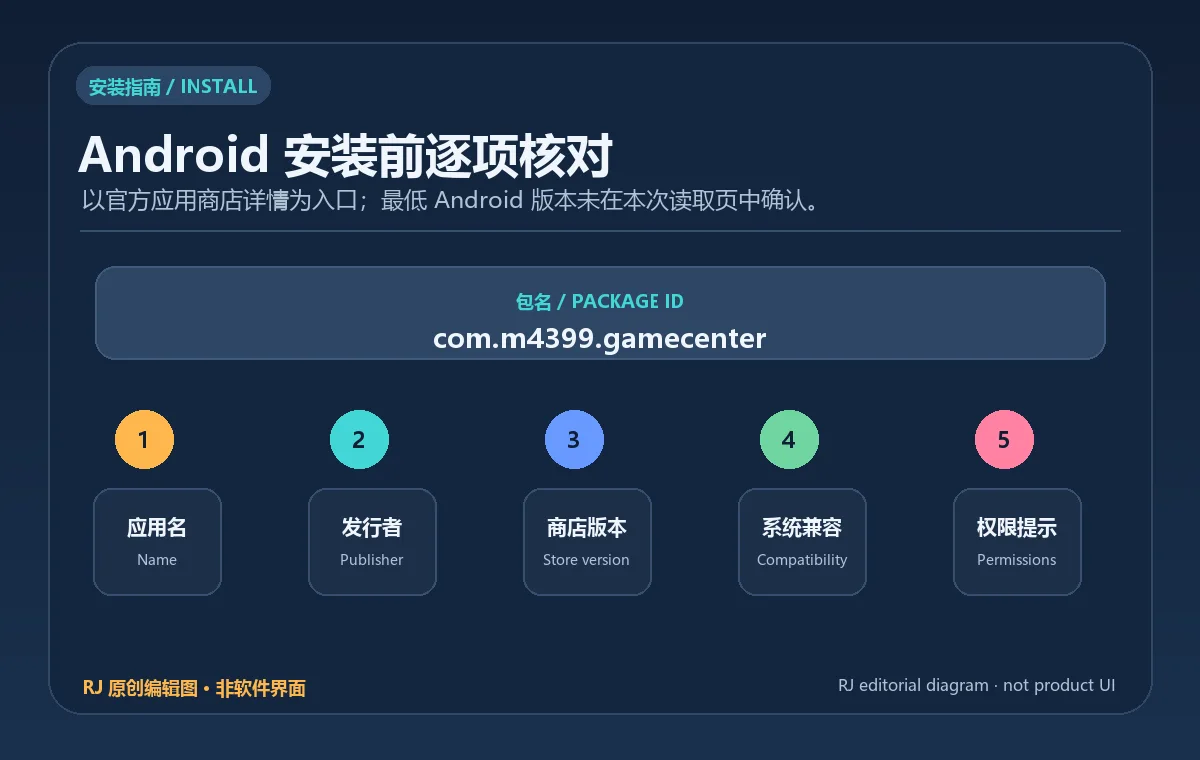
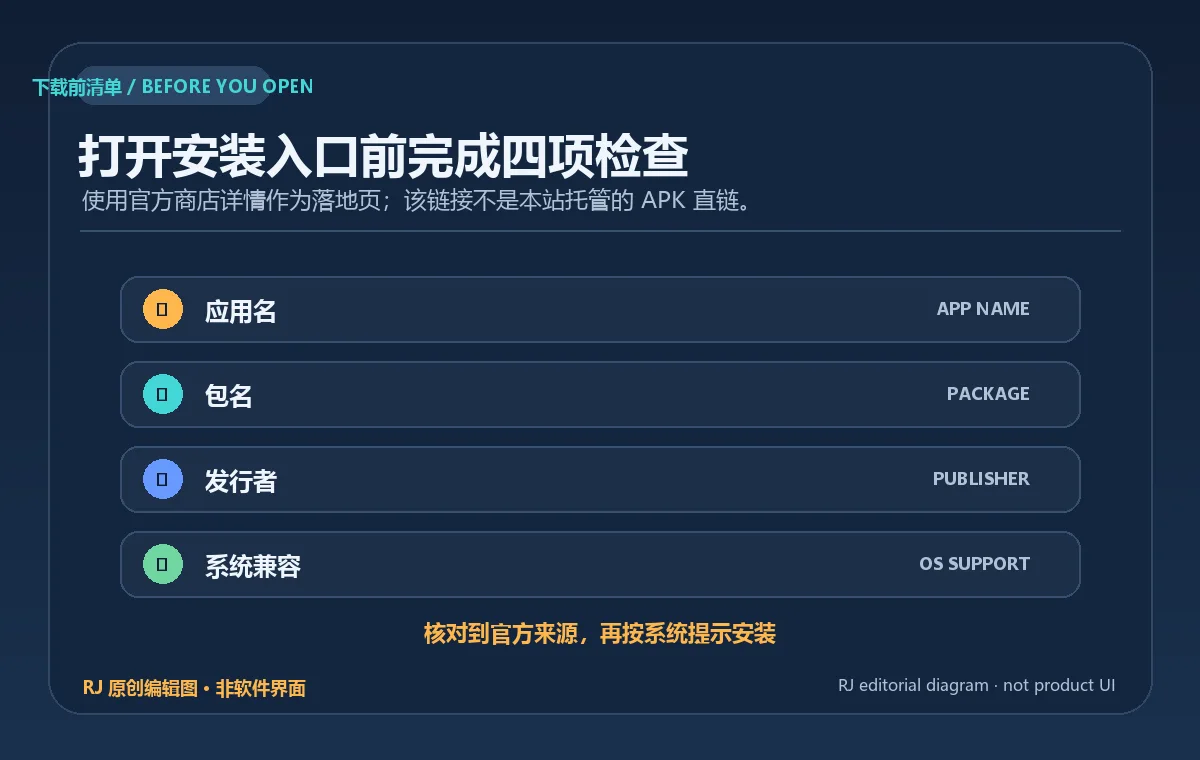
官方应用宝详情以包名 com.m4399.gamecenter 标识该应用,开发者与运营者均为四三九九网络股份有限公司。官网提供扫码安装提示;本次扫码后的安装页未能读取,因此以下以可访问的应用宝详情作为核对入口,不描述未经验证的 APK 旁载权限操作。
本稿没有下载、运行或扫描安装包;应用宝页面展示的安全/广告描述只作为平台页面原文,不作独立安全结论。安装包签名、摘要和实时下载地址均未核验。
应用宝详情记录 v9.6.0.57,更新时间为 2026-09-14;4399 官网当前页面仍展示 v9.6.0.47。官网的 9.6.0.47 日志日期为 2026-08-27,列出四项调整:首页游戏推荐列表样式、发现页偏好反馈、“我的游戏”聚合最近游戏和预约节点、以及盲盒任务。该官方日志比应用宝所列版本旧,不能证明这些变化就是 9.6.0.57 的完整更新内容。
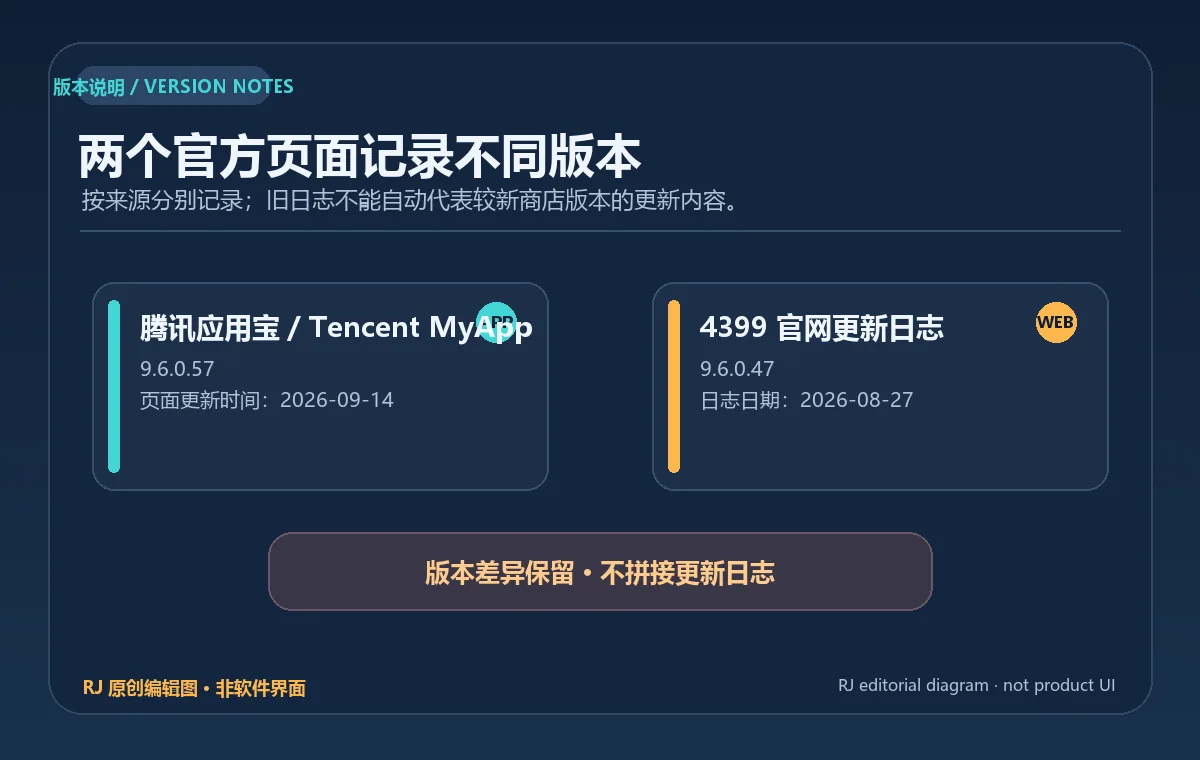
第三方 MyDown 把上述四项内容也归于 9.6.0.57,但官网未确认这项映射;本文不以第三方转录替代厂商日志。发布前如果官网更新了日志,应重新核对新版本号、日期和逐条改动;如果仍无说明,就保留版本差异注记。
游戏盒的攻略、论坛和社区功能会呈现不同来源的内容。登录前查看账号、隐私和权限说明;参与评论或发布内容时,避免公开手机号、密码、验证码和支付信息。官方“适用 10 周岁以上玩家”是公司层面的产品提示,不替代监护人的年龄判断、设备管控或应用商店评级。
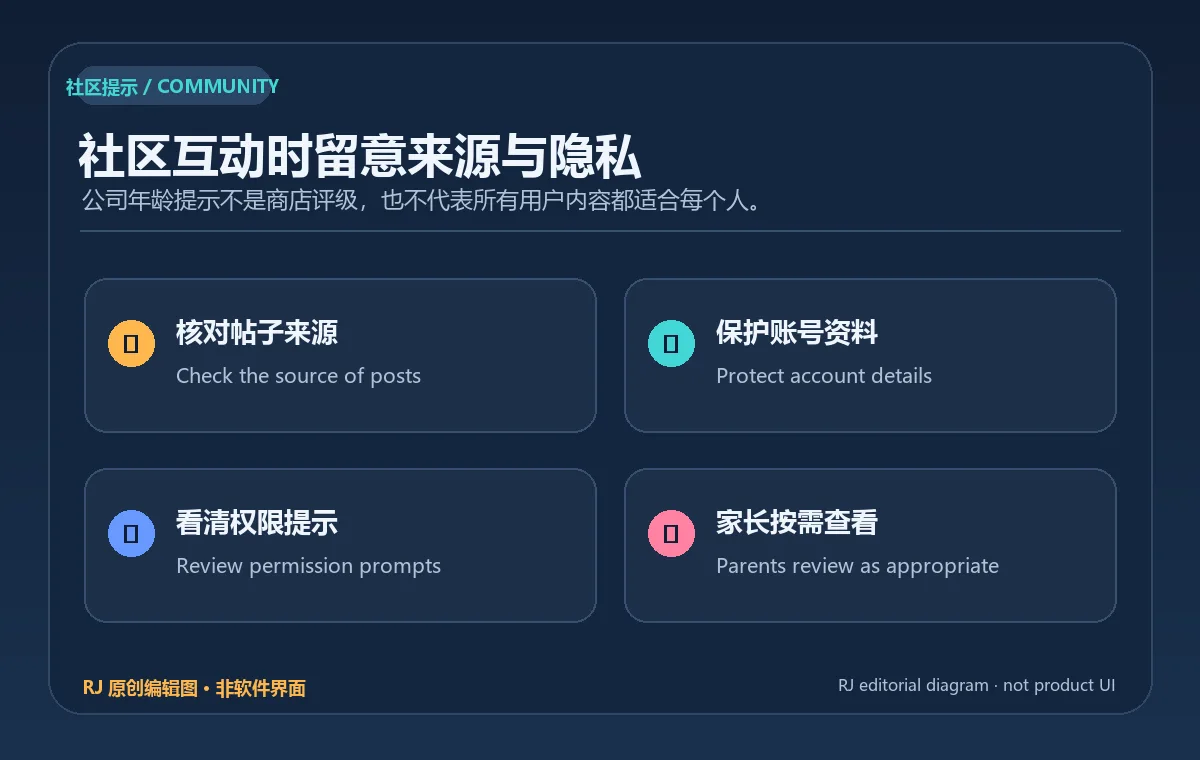
若遇到社区帖子、礼包活动或游戏攻略与官方公告不一致,应优先查看游戏发行商页面。此建议用于辨别信息来源,不代表本站对全部用户发布内容做过审核。
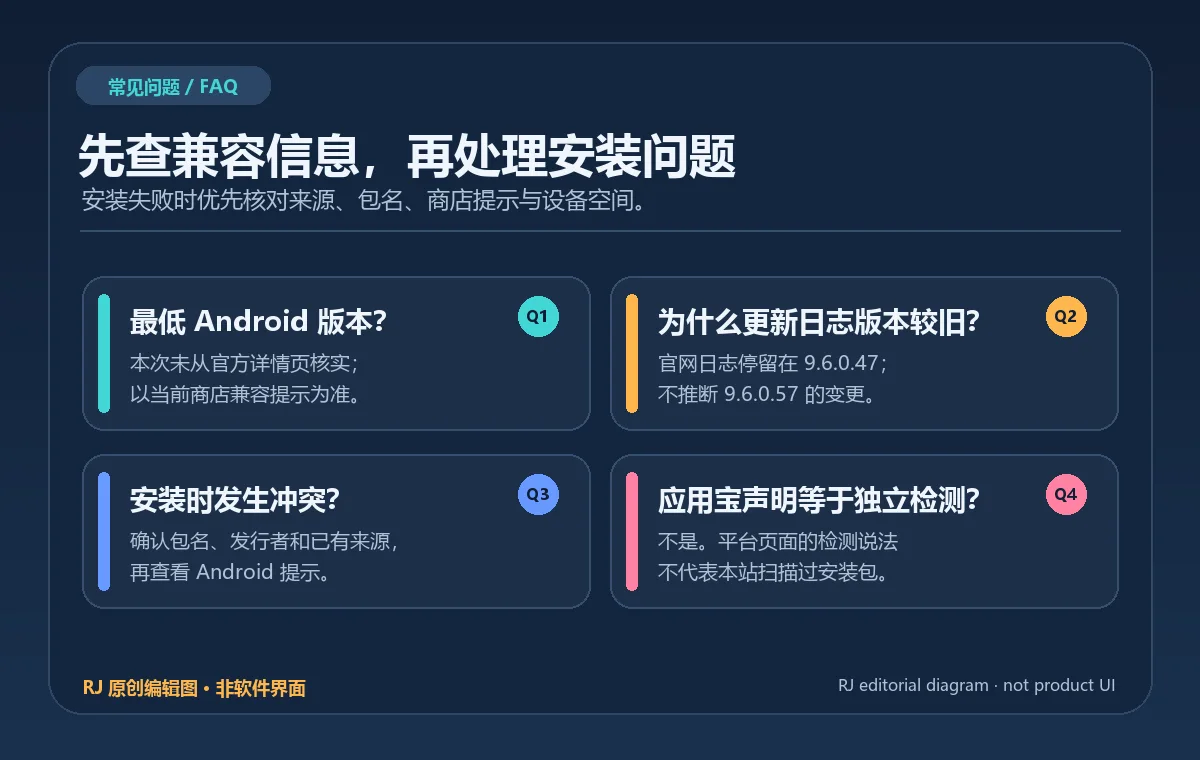
4399游戏盒是游戏还是游戏商店应用? 它是 Android 游戏发现与社区客户端,提供游戏推荐和相关内容;具体游戏仍由各自发行方提供。
Android 最低版本是多少? 本次可访问的应用宝详情未确认最低 Android 版本,官网也未公开可核验的系统要求。以应用宝当前安装页的兼容提示为准。
应用宝显示 9.6.0.57,为什么官网仍是 9.6.0.47? 两个官方渠道页面更新时间不同步。当前版本按应用宝详情记录;官网更新日志目前只能核实到 9.6.0.47,不能把旧版功能变化说成 9.6.0.57 的已确认日志。
安装失败或更新时提示应用冲突怎么办? 核对包名、开发者、系统兼容提示和现有安装来源,再检查设备可用空间。先备份需要的数据;避免从不明 APK 站点下载同名安装包强行覆盖。
搜索 4399游戏盒下载或 Android 游戏攻略应用时,优先从应用宝或 4399 官网进入,并核对包名 com.m4399.gamecenter 与开发者。9.6.0.57 的具体官方更新说明、系统要求和图像授权尚待确认;不要用旧版日志或第三方安装链接填补证据空白。
4399 Game Box helps Android users find games, guides, gifts, and community posts. Check the store’s v9.6.0.57, the site’s older changelog, and install steps.
4399 Game Box is an Android client for finding and organizing game content, not a standalone game. The official introduction lists recommendations, guides, gifts, reservations, and forum/community features. “My Games” can collect recently played games and reservation information. Check each item’s publisher, platform, and region; the game-box app version is not the version of every title inside it.
This is a functional category diagram, not an app screenshot. The company website says its products are suitable for players aged 10 and up; that statement is not an app-store age rating or a guarantee that every community post suits every age group.
When looking up a game, compare its title and publisher before checking guides, reservation status, or campaign information. Gifts can have time, account, or platform conditions; a listed offer is not a promise of unconditional availability. Forum and community pages may contain user posts, so parents can review them based on a child’s age and use.
Each game publisher controls its release schedule, device support, and regional availability. When a reservation, gift, or update control appears, confirm which game and platform it applies to; distinguish forum discussion from an official announcement.
The official Tencent MyApp listing identifies “4399游戏盒” with package ID com.m4399.gamecenter and names 四三九九网络股份有限公司 as both developer and operator. The publisher website provides a QR-install prompt, but its post-scan installation page was not readable during this research. The steps below use the accessible MyApp listing and avoid unverified sideload-permission instructions.
This draft did not download, run, or scan an installer. Security or advertising statements on the MyApp page are platform claims, not independent test results. The APK signature, digest, and live download URL were not checked.
The MyApp listing records v9.6.0.57, updated September 14, 2026. The 4399 website still shows v9.6.0.47. Its official changelog dates that build to August 27, 2026 and lists four changes: the home recommendation-list style, preference feedback on Discover, a “My Games” aggregation for recent games and reservation milestones, and a blind-box task. This publisher log predates the store-listed version and does not verify the full v9.6.0.57 change list.
A third-party MyDown page attributes the same four items to 9.6.0.57, but the publisher has not confirmed that mapping. This guide does not use that transcription as the official release log. Recheck the publisher’s version and date before publication; if no newer log appears, retain the version-gap note.
Guides, forums, and community features can show content from different sources. Review account, privacy, and permission notices before signing in. Do not post phone numbers, passwords, verification codes, or payment details. The company’s “10 and up” statement is a general product note, not a substitute for a guardian’s judgment, device controls, or store rating.
If a forum post, gift campaign, or guide differs from an official game notice, consult the publisher’s page first. This is source-checking advice, not a claim that every user post has been reviewed by this site.
Is 4399 Game Box a game or a game-discovery app? It is an Android game-discovery and community client. Individual games are provided by their respective publishers.
What is the minimum Android version? The accessible MyApp page did not confirm a minimum Android version, and the publisher site did not expose a verifiable requirement. Check the current store compatibility notice.
Why does MyApp list 9.6.0.57 while the publisher site shows 9.6.0.47? The two official pages are out of sync. The current version here follows the MyApp listing; the publisher changelog can only be verified through 9.6.0.47, so its changes are not presented as confirmed 9.6.0.57 notes.
What should I do if installation or updating fails? Verify the package ID, developer, compatibility notice, and existing source, then check free space. Back up needed data and avoid forcing an update from an unknown APK site.
For a 4399 Game Box download or Android game-guides app, start from MyApp or 4399’s website and verify com.m4399.gamecenter and the developer. The detailed official changes for 9.6.0.57, Android requirement, and image rights remain unconfirmed; do not fill those gaps with an old changelog or an unverified installer.
资料核验日期:2026年10月18日
首次发布:2026年10月18日· 编辑修订:2026年10月18日
它是 Android 游戏发现与社区客户端;具体游戏由各自发行方提供。
The reviewed store listing did not confirm a minimum. Check the current compatibility notice on the device.
应用宝列出 9.6.0.57,官网目前可核实的更新日志是 9.6.0.47;来源更新时间不同步,不能用旧日志代替新版说明。
No. No installer was downloaded, run, signature-checked, or scanned for this page.

网易云游戏 Android 客户端提供进入云端游戏与手机串流服务的入口。核对官网和应用宝下载渠道、版本冲突、安装步骤、连接排查与常见问题;最低系统要求及逐项更新说明未公开核实。 / NetEase Cloud Gaming for Android provides a mobile route to cloud sessions and game streaming. Check publisher and store routes, conflicting version displays, setup and troubleshooting; minimum OS and itemized release notes were not verified.

samperson 的 Desktop Goose 桌面伴随鹅指南:核对 Windows v0.31 与 Mac v0.22 文件标签,了解作者获取入口、自愿支持、安装资料及历史更新索引。完整运行行为、系统最低要求及最新构建状态尚未确认。 Desktop companion guide with OS file selection, setup checks, voluntary support and attributed update evidence.

OpenSpeedy 是 Windows 开源游戏变速工具,可调整选定进程的时间倍率并设置快捷键。页面整理 3.3.17 更新、安装步骤和在线游戏反作弊风险。 / OpenSpeedy is an open-source Windows game speed controller for selected processes. This page covers v3.3.17, setup, and anti-cheat risks.

Roblox 是 Roblox Corporation 提供的 Android 用户创作游戏平台。本页整理 Google Play 官方入口、安装步骤、家庭与账号检查、商店更新信息及登录和连接故障排查。 / Roblox is Roblox Corporation's Android platform for user-created experiences. This guide covers the official store, setup, family checks, updates, and login or connection troubleshooting.

云·原神是米哈游提供的 Android 云游戏客户端,本页解释其与完整《原神》包体的区别,并整理官网安装入口、网络排查及版本信息边界。 / Genshin Impact Cloud is miHoYo’s Android cloud gaming client. This guide covers its official entry, setup, network checks and release-information limits.

Android小说阅读应用,含听书、漫剧与兴趣推荐;整理应用宝7.4.1.32信息、安装与活动规则核对方法。 / Android reading app with listening, animated comics and recommendations; includes store version 7.4.1.32, setup and activity-term checks.