
发现手游与查看玩家社区资料
通过游戏平台与社区查找手游条目、更新信息和玩家交流资料。收录233乐园、3DMGame(3DM游戏)、4399游戏盒等站内已有工具,按实际用途选择适合自己的应用。

3DMGame(官网名:3DM游戏)提供资讯攻略、游戏目录、Steam 战绩与玩家社区。本文核对官方 Android 入口、APK 安装与故障处理;当前版本和逐项更新日志尚未公开核实。 / Official-source Android guide to 3DMGame news, Steam statistics, community, APK setup and troubleshooting. Current release details remain unverified.
Apelidos: 3DMGame、3DM游戏、3DMGAME
Conheça as informações básicas do software e suas fontes
The official pages reviewed do not state a licence. / 所查官网未标明许可证。
Only official page content and its public Android link were reviewed. No APK download, signature verification or scan was performed.
3DMGame(官网名:3DM游戏)提供资讯攻略、游戏目录、Steam 战绩与玩家社区。本文核对官方 Android 入口、APK 安装与故障处理;当前版本和逐项更新日志尚未公开核实。 / Official-source Android guide to 3DMGame news, Steam statistics, community, APK setup and troubleshooting. Current release details remain unverified.
3DMGame安卓版下载与安装指南:核实3DM游戏官网入口、Steam战绩与社区功能,说明APK安装、打不开的排查及版本更新信息边界。 / 3DMGame Android: official APK source, setup tips, Steam stats and troubleshooting.
3DMGame(3DM游戏)是面向玩家的安卓资讯与社区应用,可阅读游戏新闻、攻略评测,查看游戏目录,并按需绑定Steam查询战绩和成就。本文整理3DMGame安卓版下载官网入口、APK安装步骤、账号与权限核对、打不开的排查方法,同时说明当前版本、系统要求和更新日志的公开信息边界,帮助你在安装前做好判断。
3DM 官网将移动端产品命名为“3DM游戏”,提供 iOS 和 Android 版本,并在“关于本站”中列出运营商北京三鼎梦软件服务有限公司。官网说明,这款应用把新闻资讯、攻略评测、游戏视频、游戏工具、游戏购买与玩家社区放在同一入口。对经常在手机上看游戏消息、查攻略或交流心得的人来说,它可以减少在内容站和讨论区之间切换的步骤。这里的产品名称对应榜单中的 3DMGame;本页介绍的是移动客户端,具体内容和功能以实际可用服务为准。
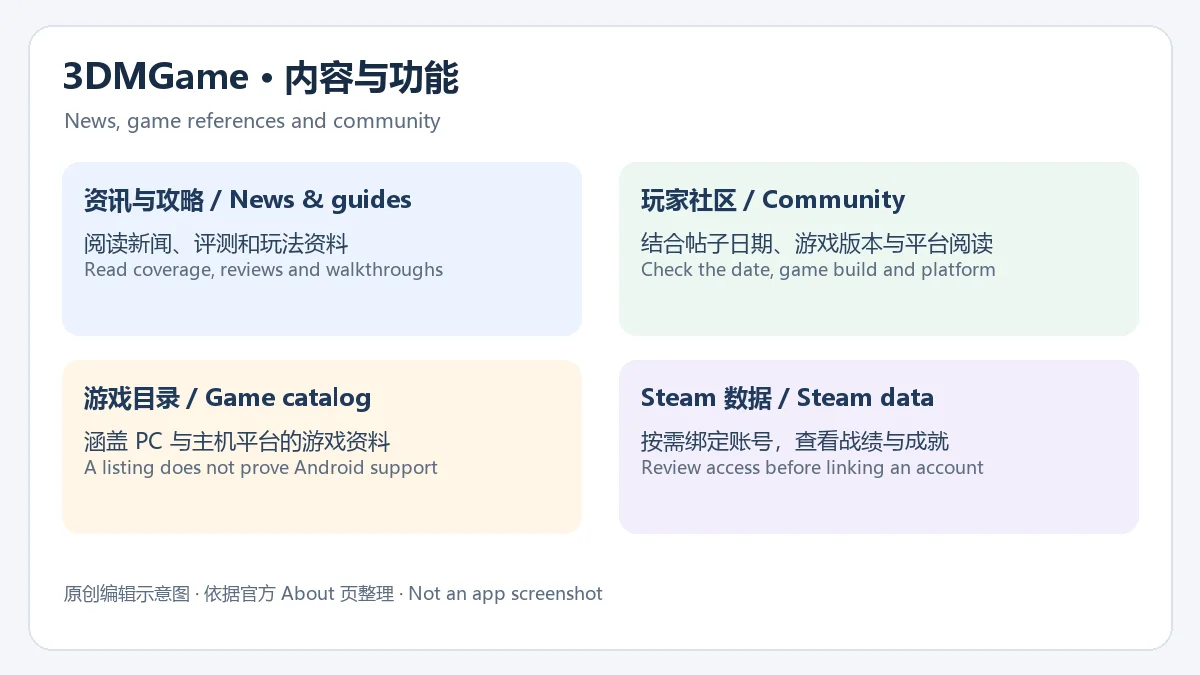
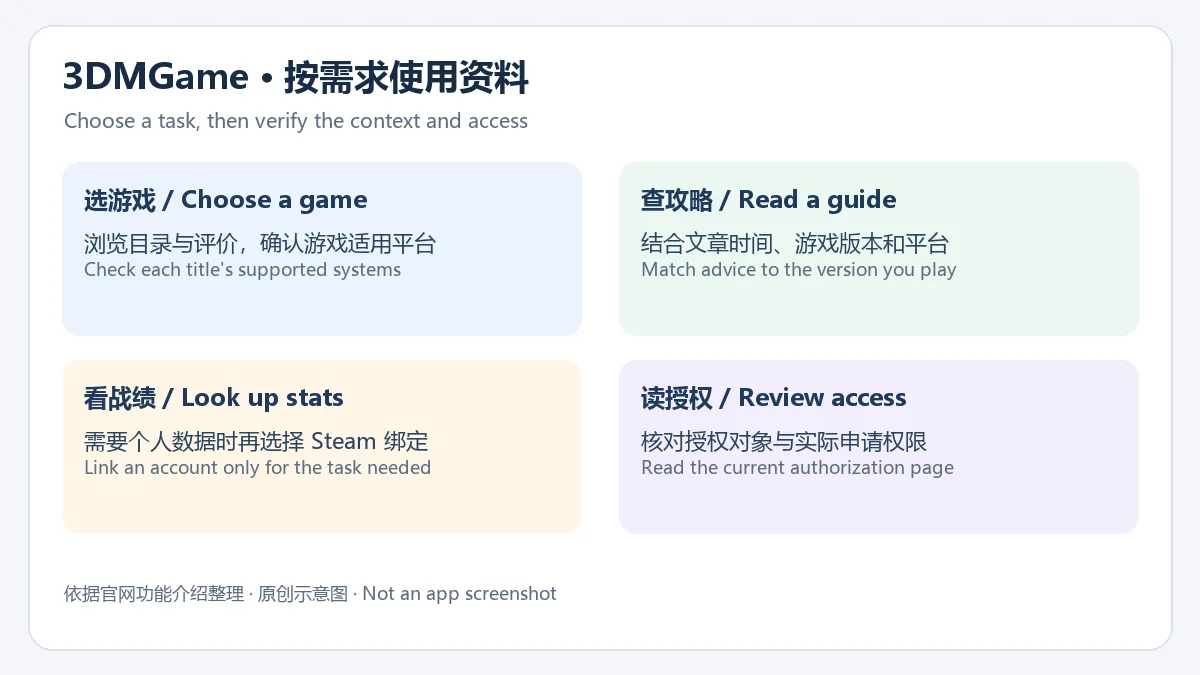
官网介绍的游戏库覆盖 Steam、Epic、PS5、Switch 和 Xbox 等平台,可以作为寻找游戏与阅读玩家评价的起点。攻略评测适合用来补充玩法信息;玩家社区适合讨论具体问题,阅读时应同时留意发帖时间、游戏版本和适用平台。官网还介绍了 Steam 账号绑定、数据同步、战绩与成就查询。需要查看这类个人数据时,再进入对应的绑定流程,并核对授权对象和实际申请权限;浏览资讯是否必须绑定账号,应以当前应用页面提示为准。不要因目录里出现某个平台的游戏,就推断 Android 手机能够直接运行该游戏。
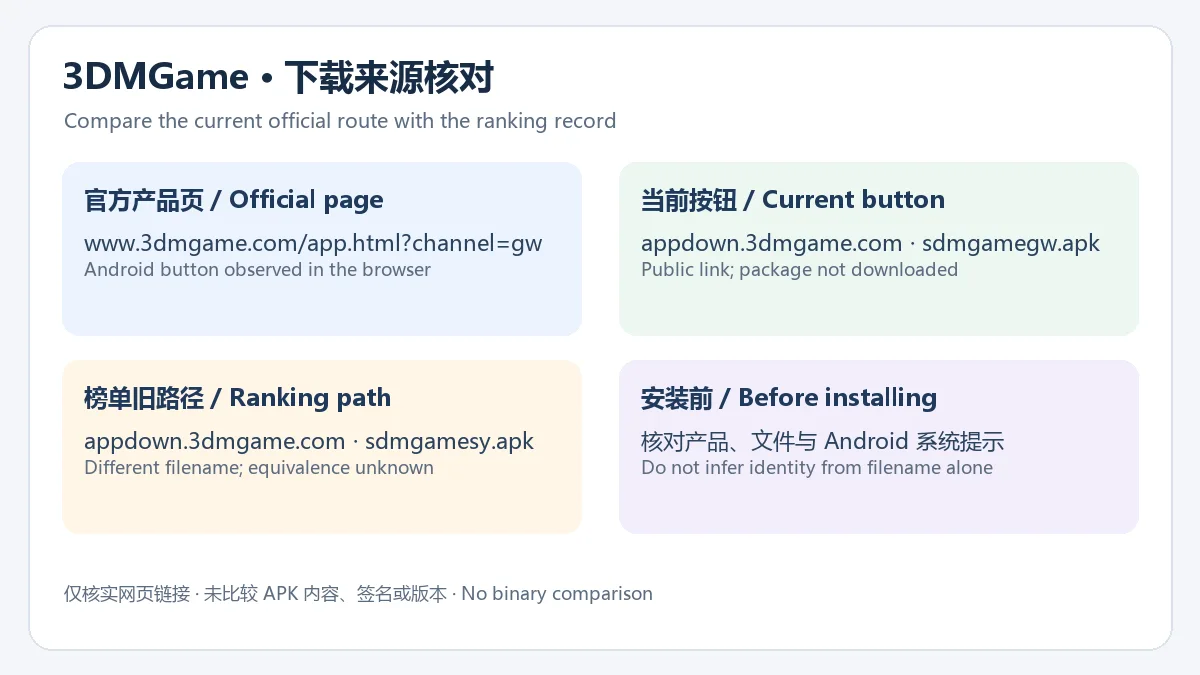
本次核对的官方应用页为 www.3dmgame.com/app.html?channel=gw,其中“Android下载”明确指向 appdown.3dmgame.com/sdm-app/sdmgamegw.apk。下载时从该产品页进入,可以同时确认产品名称、平台按钮与当前站点提供的链接。榜单原文件名是 sdmgamesy.apk,与现在官网按钮的 sdmgamegw.apk 不同;本次没有取得或比较文件,不能断言两者内容一致。
官网页面没有公开所链 APK 的版本号、发布日期、最低 Android 版本、CPU 架构、文件大小、包名或摘要。因此本页不提供具体兼容版本数值,也不把这个入口称为已验证的最新版。准备下载前先查看设备可用空间,并再次检查官网和系统安装提示;若需要明确的最低系统要求,可向官方产品页列出的 data@3dmgame.com 咨询,工作时间为工作日 9:00–18:00。
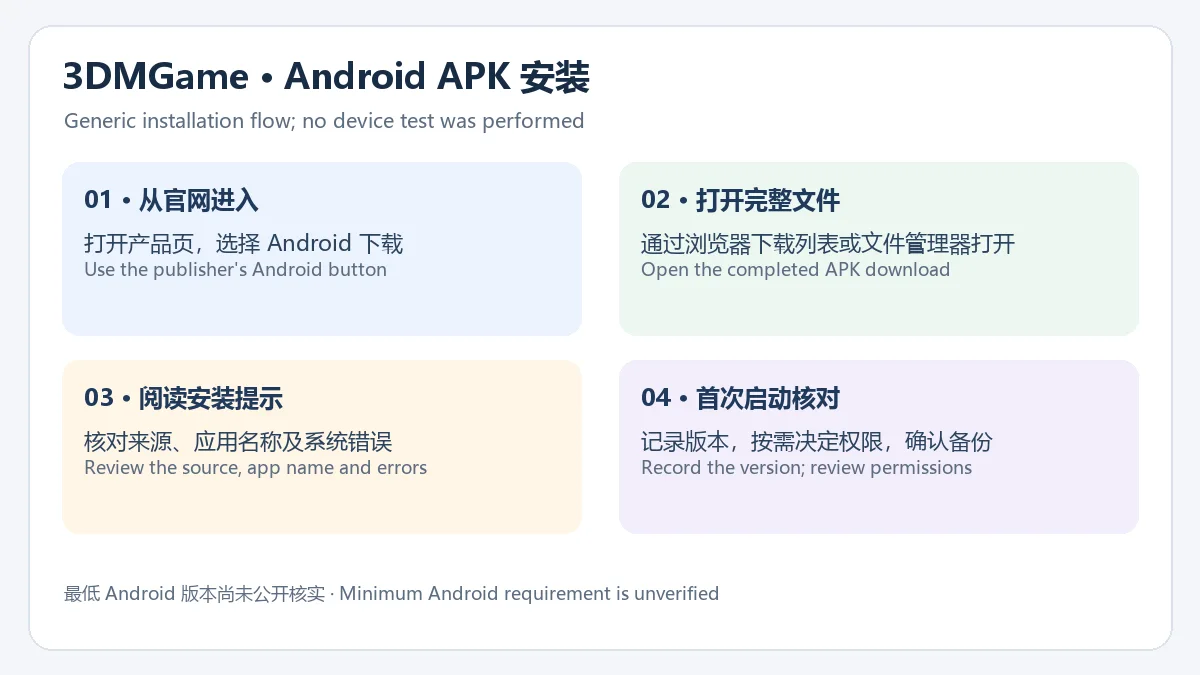
以下是 Android 本地 APK 的通用安装方法,整理自系统常见流程;本次未下载安装包,也未在设备上运行 3DMGame。
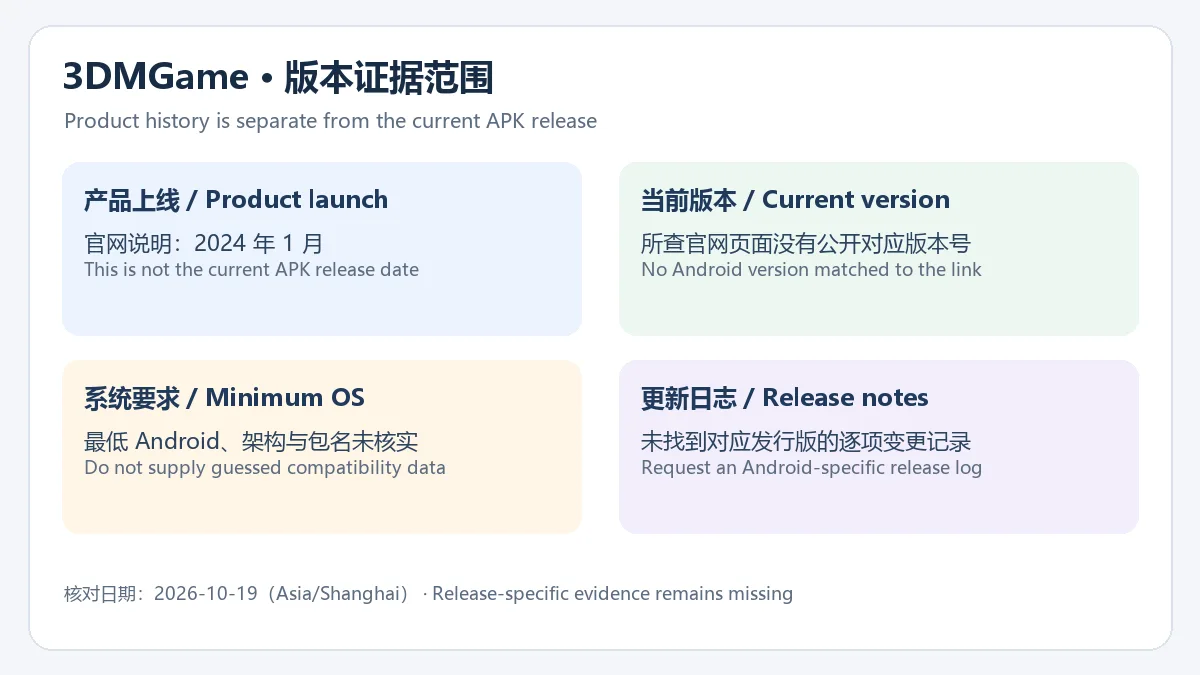
截至 2026 年 10 月 19 日,本次检查的官方应用页和“关于本站”没有给出对应 Android APK 的当前版本号、版本发布日期或逐项更新日志。官网“关于本站”写明移动产品于 2024 年 1 月上线,这是产品上线时间,不能当作当前 APK 的发布日期。官网账号协议说明,服务更新可通过系统提示、公告或站内信告知用户;这是更新通知方式的说明,不代表已经核实某个版本新增或修复了什么。
因此,这一栏暂时没有可确认的版本变更条目。要查询 3DMGame 更新日志,先查看应用内更新提示、官网正式公告或咨询产品联系邮箱,并核对记录是否同时写明 Android 平台与版本号。其他下载站的版本数字、iOS 更新记录和网页更新时间,都不能替代这个 Android 文件的发布说明。
官网所链的 3DM 账号协议列出北京三鼎梦软件服务有限公司,并说明服务可能涉及注册资料、使用日志、设备或应用信息,以及某些第三方服务。协议覆盖网站、论坛和相关客户端服务;它不能证明当前 APK 实际申请了哪些权限。本次没有下载文件、核对签名或进行安全扫描,官方链接也不等同于独立安全检测。登录和绑定账号前,阅读当前页面的协议及授权内容,只在确认所需功能后提供相关信息。
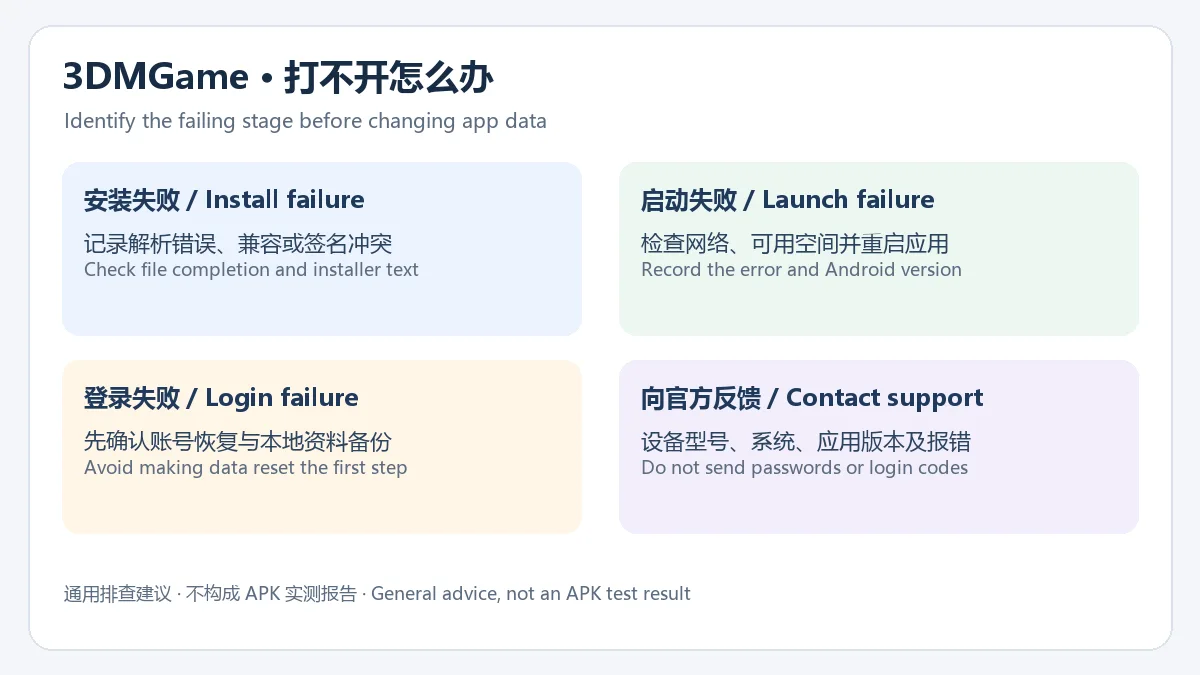
如果应用打不开,先区分“无法完成安装”和“安装后无法启动”。前者可先检查文件是否完整、系统提示和覆盖升级冲突;后者可记录错误信息,检查网络、剩余存储空间和系统版本,再重启应用或设备。涉及登录异常时,先确认账号恢复途径;不要把清除数据作为第一步。向官方反馈时提供设备型号、Android 版本、应用版本和准确报错,避免发送密码、验证码等账号凭据。
3DMGame 和 3DM游戏是什么关系?
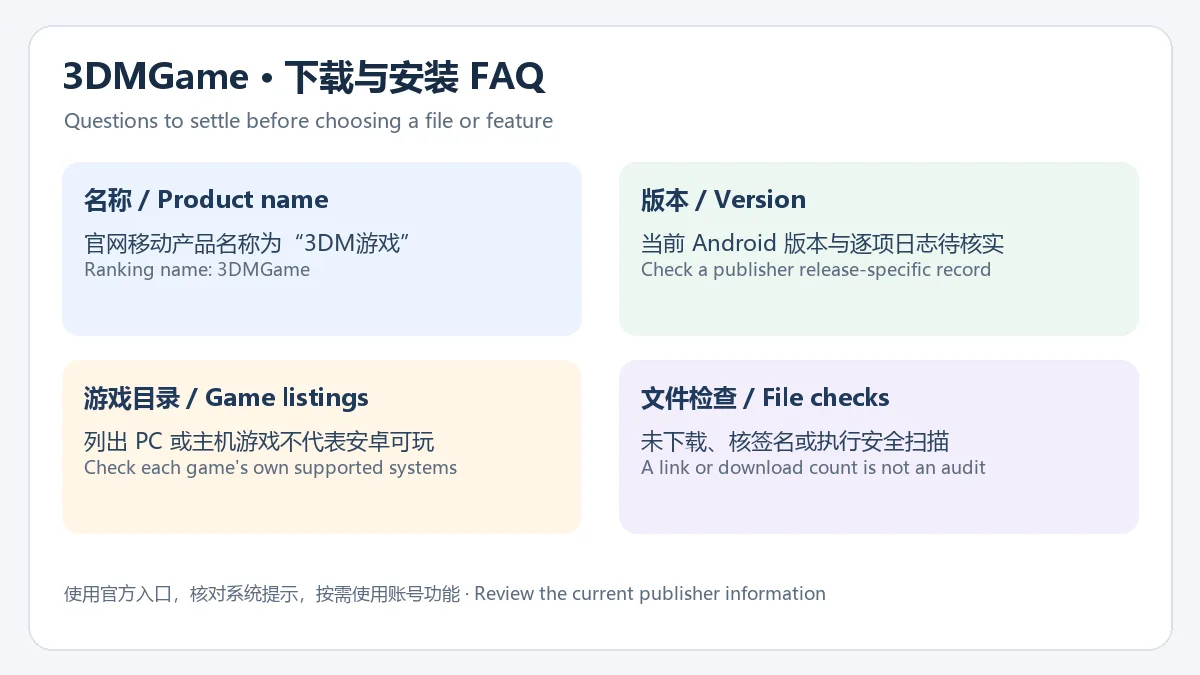
榜单使用名称 3DMGame;目前官网移动产品的名称是“3DM游戏”,并明确提供 Android 入口。本页以该官方移动产品作为候选身份,榜单旧文件与当前官网文件的字节或签名等同性尚未验证。
3DMGame 安卓版现在是多少版本?
本次官方页面没有公开与其 Android 下载链接相匹配的版本号,因而不填入推测值。可在安装后的“关于”页面或官方更新提示核对,并向官方确认版本记录。
安装时提示“解析软件包失败”怎么办?
先核对文件是否完整,并重新从官方产品页获取对应 Android 文件。官网尚未公开最低 Android 版本;若仍提示兼容或文件问题,保留报错联系官方,不要反复尝试未知来源的修改包。
游戏库里的 PC 或主机游戏能在 Android 上直接玩吗?
游戏资料出现在目录中,只说明应用提供相应信息或服务入口。是否有 Android 版本、如何购买及运行,应查看该游戏发行方的具体说明。
3DMGame APK 已做安全检测吗?
本次只核实了官网页面及其下载链接,没有取得 APK、校验签名或执行安全扫描。安装前仍应核对系统提示与所需权限,不能用榜单下载数字替代文件检查。
准备进行 3DMGame 安卓版下载与安装时,优先从 3DM 官方应用页进入 Android 入口,核对安装提示并记录实际版本。新闻、攻略、社区与战绩查询可按需求使用;当前 APK 的版本、最低系统要求和更新日志仍需官方补充确认。
3DMGame Android download guide: explore game news, Steam stats and community tools, then review the official APK source, install steps and release-data limits.
The publisher calls its mobile product “3DM游戏” and lists both iOS and Android on its official About page. That page identifies the operator as 北京三鼎梦软件服务有限公司. Its product description brings together game news, reviews, guides, videos, tools, game purchases and player discussions. For someone who reads game coverage, looks up a walkthrough or compares player experiences on a phone, the app provides a shared entry point for those tasks. This guide maps the ranking name 3DMGame to that official mobile product; the services and content available in the current client may vary.
The official description lists games from Steam, Epic, PS5, Switch and Xbox in its catalog. Use the catalog to find titles and player opinions, guides to research a specific question, and community posts to compare experiences. Check the date, game version and platform before applying a tip. The publisher also describes Steam account linking, data synchronization, statistics and achievement lookups. Enter the linking flow when you need that feature, and review the recipient and requested access on the authorization page. Whether basic news reading requires an account should be checked in the current client. A PC or console game appearing in the catalog does not establish that the game can run directly on an Android phone.
The official product page checked for this guide is www.3dmgame.com/app.html?channel=gw. Its Android download button points explicitly to appdown.3dmgame.com/sdm-app/sdmgamegw.apk. Starting from that page lets you check the product name and Android button together with the publisher's current link. The ranking file is named sdmgamesy.apk, while the current button uses sdmgamegw.apk. Neither file was retrieved or compared, so their contents, signatures and equivalence remain unverified.
The reviewed product page does not identify the linked APK's version, release date, minimum Android version, architecture, size, package name or digest. This guide therefore supplies no guessed compatibility number and does not label the file a verified latest build. Check available device storage, the current website and Android's installer message before proceeding. For a stated minimum requirement, contact the product email shown on the official page, data@3dmgame.com; the page lists working hours of 09:00–18:00 on working days.
These are general Android APK installation steps, not a device test of 3DMGame. No package was downloaded or run during this review.
As checked on 19 October 2026, the reviewed official product and About pages do not provide a current version number, version release date or itemized changelog for the linked Android APK. The About page says the mobile product launched in January 2024. That is a product launch date, not the release date of the current file. The linked account agreement says service updates may be communicated through system notices, announcements or internal messages. This describes notification methods; it does not verify a change in any specific Android release.
There are consequently no confirmed release changes to list here. To find a 3DMGame changelog, consult an in-app update notice, a formal publisher announcement or the product support email, and check that it names both Android and a version. A third-party listing's version, an iOS release history or a webpage modification date cannot establish the release notes of this APK.
The account agreement linked by the website identifies 北京三鼎梦软件服务有限公司 and discusses registration information, usage logs, device or application information and some third-party services. Its scope includes the website, forum and related client services. It does not establish the permissions actually requested by this APK. The file was not retrieved, signature-checked or scanned; a publisher link is not an independent security assessment. Read the current agreement and authorization page before signing in or linking an account, and provide information only after identifying the feature that needs it.
First distinguish an installation failure from a failure to launch after installation. For an installation issue, check download completion, Android's exact message and any upgrade conflict. For a launch issue, record the error, check connectivity, free space and the Android version, then restart the app or device. Confirm account recovery before troubleshooting a login problem, and avoid making a data reset the first action. When contacting the publisher, provide the device model, Android version, installed app version and exact error without sending passwords or verification codes.
Are 3DMGame and 3DM游戏 related?
3DMGame is the ranking name. The publisher currently calls its mobile product 3DM游戏 and provides an Android download entry. This guide uses that official product as the candidate identity; the ranking's old file has not been proven equivalent to the current file by bytes or signature.
What is the current Android version?
The reviewed official pages do not publish a version matched to the Android link. No guessed value is supplied. Check About after installation or a publisher update notice, and ask the publisher to confirm the release record.
What should I do if Android cannot parse the package?
Check that the download completed and obtain the Android file again from the official product page. A minimum Android version is not stated on the reviewed page. If a compatibility or file error persists, keep the error message and ask the publisher rather than trying modified packages from unknown sources.
Can the PC and console games in the catalog run on Android?
A catalog entry only establishes that the app provides information or a service route for the title. Check the game's own publisher for an Android edition, purchase requirements and supported ways to run it.
Was this APK checked for safety?
This review confirmed the official pages and the displayed download link. It did not retrieve the APK, verify its signature or scan it. Review Android's installer and permissions; the ranking download count is not a substitute for inspecting a file.
For a 3DMGame Android download and installation, begin at the publisher's product page, choose Android, review the installer and record the installed version. Use news, guides, community features and statistics according to your needs; the current APK version, minimum system requirement and changelog still need confirmation from the publisher.
Informações verificadas em: 19 de out. de 2026
Publicado pela primeira vez: 19 de out. de 2026· Revisão editorial: 19 de out. de 2026
爱玩机工具箱是应用宝列出的 Android 工具应用。开发商和运营商为贵阳满康科技有限公司;官方商店介绍称它汇集日常实用工具、图形工具和文件管理。详细功能、权限和设备兼容性以当前应用宝详情为准。

PlainApp 是开源 Android 手机管理应用,可在电脑或其他设备的浏览器中访问手机文件、照片、视频、音乐、联系人和短信等功能。v3.3.25 于 2026-09-11 发布;安装前请核对 Android 兼容性与连接方式。

《整理水豚玩具店》 是一款可供1-4人游玩的轻松治愈的整理游戏。 你来到了一间乱成一团的水豚玩具店,这里散落着 4,800只可爱的水豚玩具。捡起地上的水豚,辨认它属于哪一种类型,然后将它放到正确的货架上。 每整理好一只水豚,你都可以获得金钱。使用赚到的钱升级自己的整理能力,让整理速度越来越快,最终收拾完整间商店!
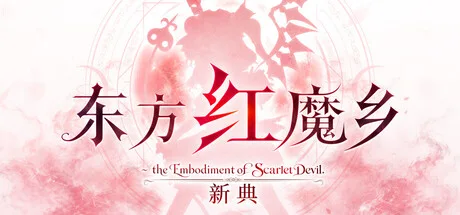
躲避弹幕击败敌人,挑战红雾异变!历经成长的开发者(自称)重新制作的《东方红魔乡》。这是一款操控巫女灵梦和魔法使魔理沙,一边躲避满屏弹幕一边挑战异变的射击游戏。所有音乐均由 ZUN 全新编曲。
化身半魔,投身于恶魔的代理战!击败竞争对手,助你所属的种族登顶霸权!
站在替补席前全面体验未来足球经理生涯。

网易云游戏 Android 客户端提供进入云端游戏与手机串流服务的入口。核对官网和应用宝下载渠道、版本冲突、安装步骤、连接排查与常见问题;最低系统要求及逐项更新说明未公开核实。 / NetEase Cloud Gaming for Android provides a mobile route to cloud sessions and game streaming. Check publisher and store routes, conflicting version displays, setup and troubleshooting; minimum OS and itemized release notes were not verified.

samperson 的 Desktop Goose 桌面伴随鹅指南:核对 Windows v0.31 与 Mac v0.22 文件标签,了解作者获取入口、自愿支持、安装资料及历史更新索引。完整运行行为、系统最低要求及最新构建状态尚未确认。 Desktop companion guide with OS file selection, setup checks, voluntary support and attributed update evidence.

OpenSpeedy 是 Windows 开源游戏变速工具,可调整选定进程的时间倍率并设置快捷键。页面整理 3.3.17 更新、安装步骤和在线游戏反作弊风险。 / OpenSpeedy is an open-source Windows game speed controller for selected processes. This page covers v3.3.17, setup, and anti-cheat risks.

Roblox 是 Roblox Corporation 提供的 Android 用户创作游戏平台。本页整理 Google Play 官方入口、安装步骤、家庭与账号检查、商店更新信息及登录和连接故障排查。 / Roblox is Roblox Corporation's Android platform for user-created experiences. This guide covers the official store, setup, family checks, updates, and login or connection troubleshooting.

云·原神是米哈游提供的 Android 云游戏客户端,本页解释其与完整《原神》包体的区别,并整理官网安装入口、网络排查及版本信息边界。 / Genshin Impact Cloud is miHoYo’s Android cloud gaming client. This guide covers its official entry, setup, network checks and release-information limits.

Android小说阅读应用,含听书、漫剧与兴趣推荐;整理应用宝7.4.1.32信息、安装与活动规则核对方法。 / Android reading app with listening, animated comics and recommendations; includes store version 7.4.1.32, setup and activity-term checks.