
发现手游与查看玩家社区资料
通过游戏平台与社区查找手游条目、更新信息和玩家交流资料。收录233乐园、3DMGame(3DM游戏)、4399游戏盒等站内已有工具,按实际用途选择适合自己的应用。
233乐园聚合游戏发现、资讯与玩家交流,本文核对 Android 包名、版本、安装入口和权限提示。 233 Leyuan brings game discovery and community content together with practical install guidance.
别名:233 Leyuan
作者:RJ.tools Editorial
了解软件的基本信息与来源
The reviewed store listing does not publish a software license. Use is subject to the publisher's terms and privacy policy.
com.meta.box233乐园聚合游戏发现、资讯与玩家交流,本文核对 Android 包名、版本、安装入口和权限提示。 233 Leyuan brings game discovery and community content together with practical install guidance.
233乐园安卓版下载指南:核对 com.meta.box、版本、安装步骤与权限提示。233 Leyuan Android guide covers version checks, community safety. Check official sources and permissions first.
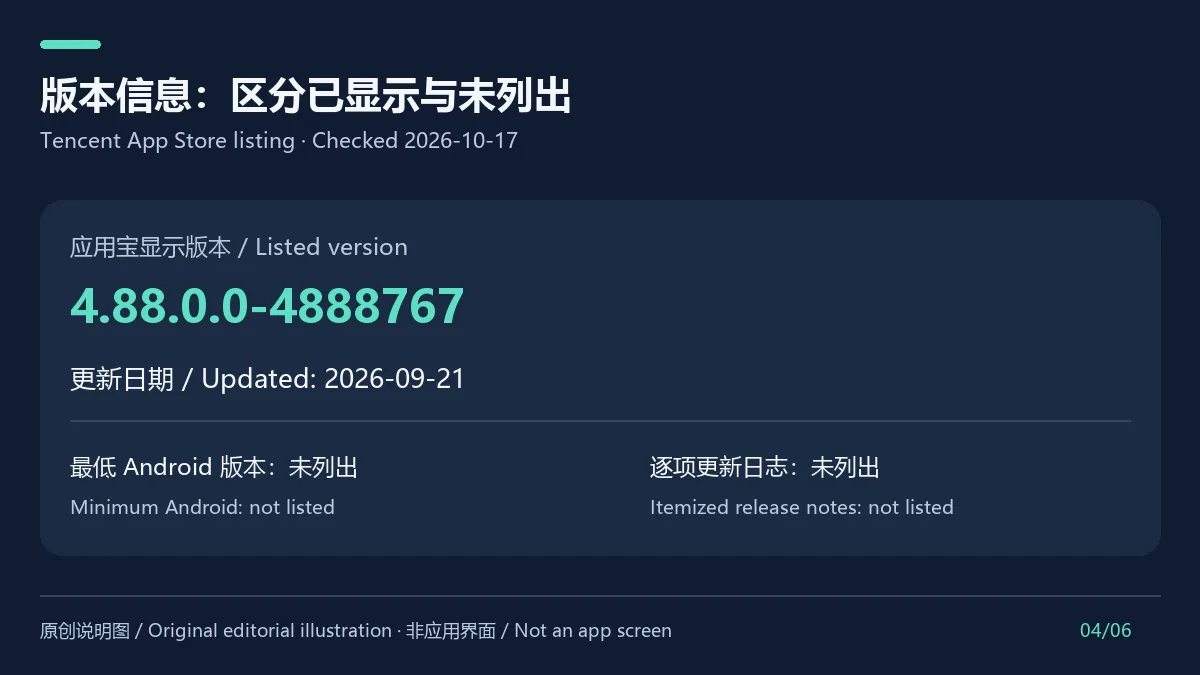
233乐园 Android 版是游戏发现与交流平台,可浏览游戏资讯、玩家内容并搜索游戏。应用宝列出包名 com.meta.box、版本 4.88.0.0-4888767,更新于 2026年9月21日;最低 Android 版本与逐项更新说明未显示,安装前请核对设备兼容提示,并留意账号、权限与付费要求。
233乐园把游戏目录、游戏资讯和玩家社区放在同一服务中。官网首页提供“找游戏”和“在线玩”入口,并展示不同类型的游戏与玩家创作内容;应用宝简介也将它描述为游戏社交平台。浏览时可先从游戏名称或类别开始,再核对详情页标注的游戏版本、发行方和适用平台。平台收录内容可能来自不同游戏开发者或社区用户,不能把目录中的每个项目都视作 233 乐园自研或官方运营。
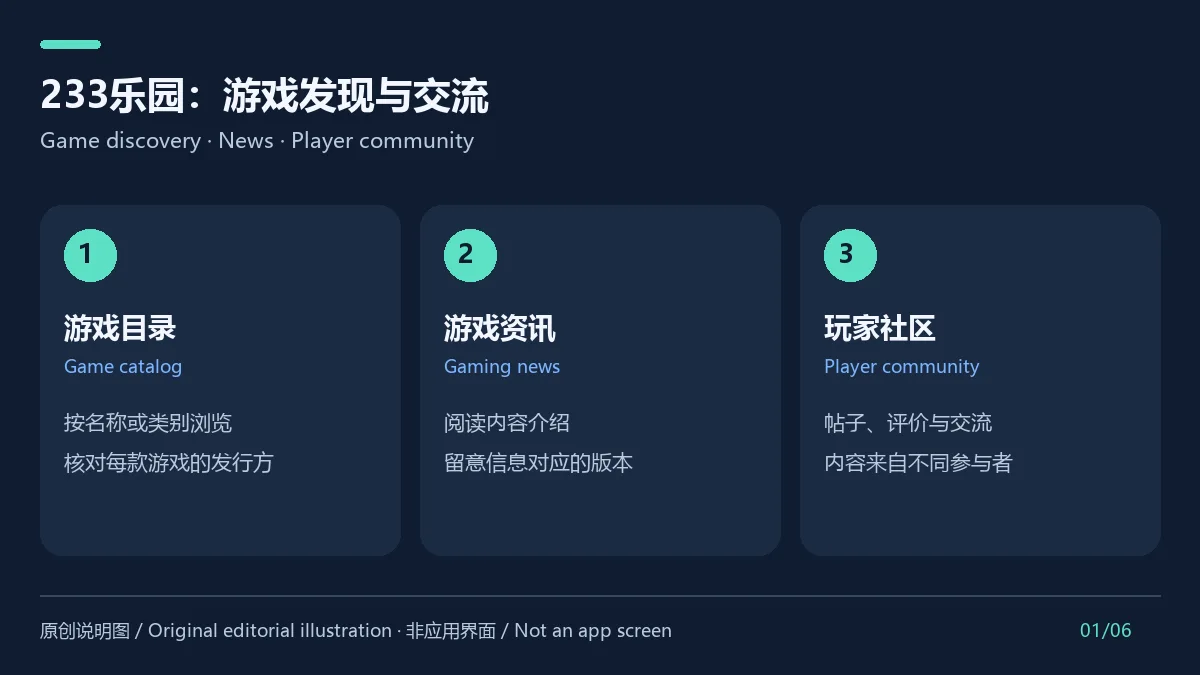
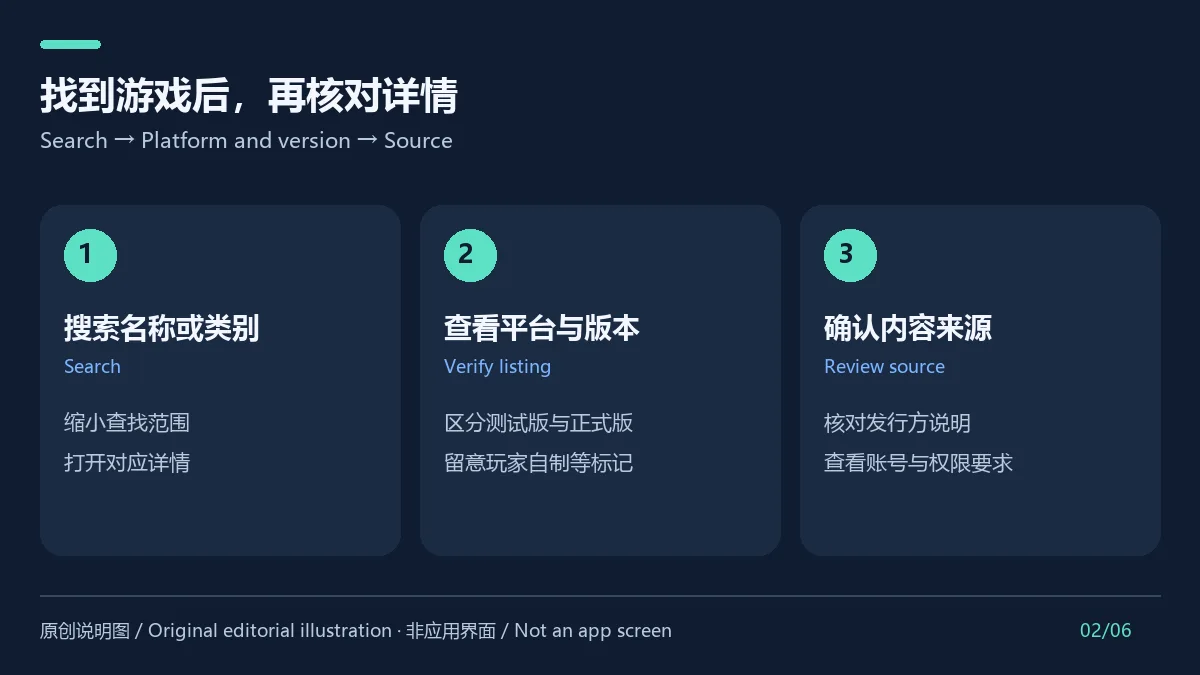
在“找游戏”页面使用名称或类别缩小范围,打开详情后检查内容介绍、平台与版本说明。若页面出现“玩家自制”“移植”或测试版等标记,应把它们和原作/正式版区分开;账号登录、下载和游戏内权限也可能由对应的第三方游戏决定。对于网络条件不稳定或空间不足的情况,先检查连接、可用存储和目标游戏要求,再重新进入详情页尝试。
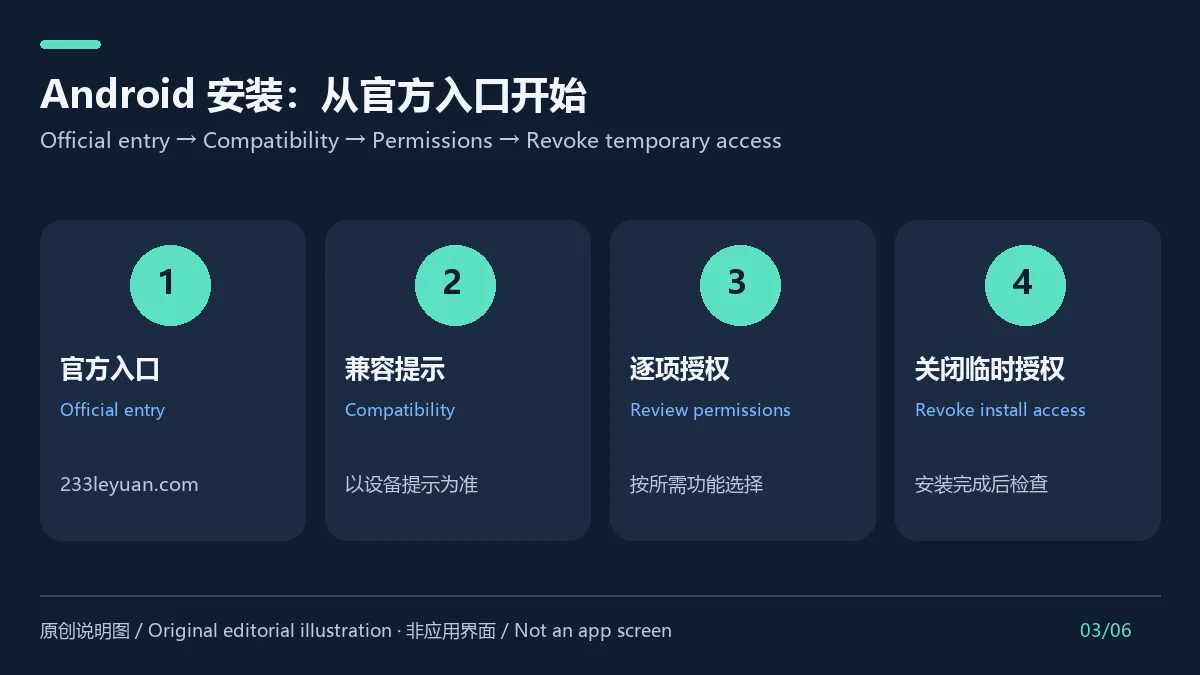
本次确认的官方入口是 233 乐园官网首页“下载手机APP”按钮,以及应用宝的 com.meta.box 详情页;未核验到可公开复制的 APK 文件地址或哈希。按以下步骤从官方入口完成 Android 安装:
打开 233 乐园官网的“下载手机APP”入口,查看页面当前提供的安装流程。
如果经应用宝页面核对,确认应用名为 233 乐园、包名为 com.meta.box,并检查设备兼容提示。
按官网提示下载并安装;若系统要求允许浏览器或文件管理器安装应用,只为本次安装临时启用对应来源,完成后关闭。
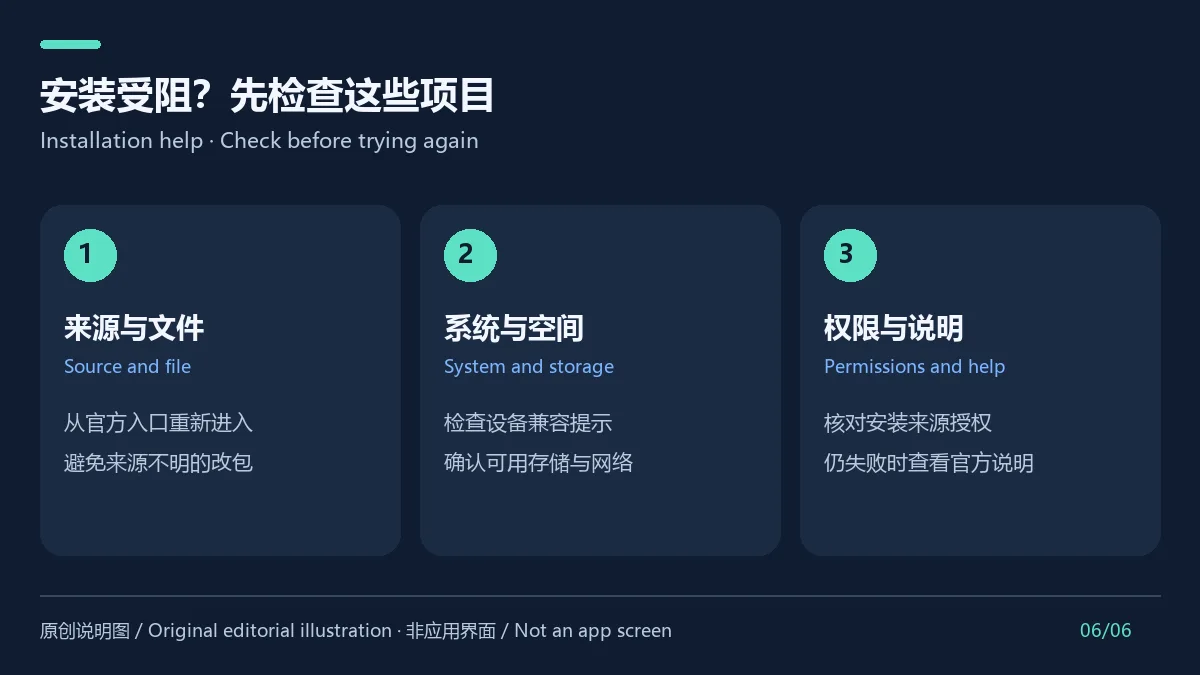
首次打开时逐项查看权限弹窗,只允许当前需要的功能;遇到安装失败,检查存储、网络和兼容提示,再从官网重新进入入口,不使用不明镜像。
截至本次核对,应用宝详情页显示版本 4.88.0.0-4888767,更新时间为 2026-09-21。页面没有说明这是稳定版还是测试版,也没有提供这一版本的逐项更新日志;因此这里不推测新增功能或修复内容。应用宝详情未展示最低 Android 版本。准备升级或首次安装时,请以官方页面当前显示的版本和设备兼容提示为准,并在安装前确认更新来源。
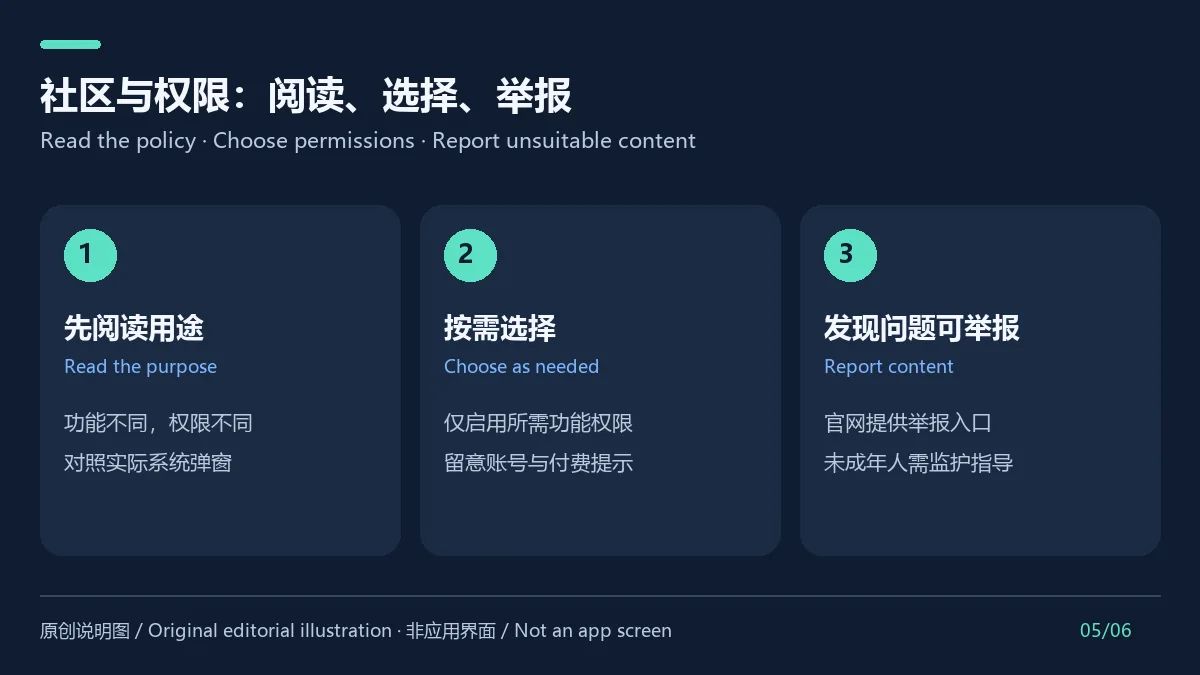
官网把产品标示为适合 10 周岁以上玩家使用,并提供不良信息举报入口。社区里有玩家帖子、评论或其他用户内容,实际内容会随用户和所浏览游戏变化,因此年龄标示不能代替家长陪同或个人判断。官方隐私政策最近标注的更新日为 2026 年 8 月 5 日、生效日为 8 月 7 日;政策说明搜索/下载是基本服务,发帖、聊天、录屏、附近门店等功能会涉及不同的账号资料或权限。应用宝权限区也列出定位、设备/网络状态、日历、悬浮窗等条目;这不代表所有权限都会在每次启动或每个场景调用。以 Android 实际权限弹窗为准,并与官方隐私政策用途对照。部分平台产品或服务可能涉及充值付费。
233乐园最新版本是多少? 应用宝当前详情显示 4.88.0.0-4888767,更新时间 2026-09-21。这是该商店本次可见记录,页面未标注稳定/测试通道。
最低支持 Android 几? 本次查看的官网与应用宝详情没有公开最低 Android 版本。请以官方安装页面和设备实际兼容提示为准,不要仅凭其他下载站的要求判断。
安装时提示受阻或解析失败怎么办? 确认安装包来自 233 乐园官网入口,检查系统版本、存储空间和文件是否完整;如果系统要求“允许此来源安装”,只临时授权正在使用的官方浏览器或文件管理器。仍失败时,从官方页面重新获取安装文件并查看官方说明,不要安装来源不明的改包。
为什么找不到该版本更新日志? 应用宝详情只列版本号和更新时间,本次没有找到对应的官方逐项发布说明;不能据此推断具体修复或新增内容。
233乐园是完全免费的应用吗? 官方隐私政策说明平台内部分产品或服务可通过充值付费。下载价格与具体游戏/服务收费应分别查看,不要把平台入口理解为所有内容免费。
应用宝的安全提示能否代表独立安全审计? 应用宝详情页展示了其平台检查/审核说明;这是渠道自身的声明,不等于本页面执行了安装验证或独立安全审计。请使用确认的官方来源并自行审查权限。
233 Leyuan is an Android game community app. Tencent lists com.meta.box v4.88.0.0-4888767 (Sep 21, 2026); minimum Android version and changelog are unlisted.
233 Leyuan is a transliteration used here for 233乐园; an official English brand name was not confirmed. It combines game discovery, gaming news, and community content. Its official site exposes “Find Games” and “Play Online” entry points and displays game categories and player contributions. Tencent App Store also describes it as a game social platform. Check a listing’s platform, version, and publisher before opening it. Catalog entries can come from different developers or community contributors, so they should not all be described as games made or officially operated by 233 Leyuan.
Start from the official “Find Games” entry and narrow the catalog by title or category. Review the game description, platform, and version information on its detail page. Treat labels such as player-made, port, or test build as meaningful distinctions from an original or stable release. Sign-in, downloads, and in-game permissions may also depend on the individual third-party game. If a game will not open, check connectivity, free storage, and its stated device requirements before trying again.
The verified official entry points are the “Download Mobile App” button on the 233 Leyuan homepage and the Tencent App Store listing for com.meta.box. This research did not verify a public APK file URL or hash. Install on Android as follows:
Open the “Download Mobile App” entry on the 233 Leyuan website and review its current installation flow.
If you check the Tencent App Store listing, verify the app name and package com.meta.box, then review device compatibility.
Follow the official page to download and install. If Android asks you to allow installs from the browser or file manager, enable that source only for this install and turn it off afterward.
Review each permission prompt on first launch and allow only features you need. If installation fails, check storage, network, and compatibility, then return to the official entry instead of using an unknown mirror.
At the time of this check, Tencent App Store displayed version 4.88.0.0-4888767, dated 2026-09-21. The page does not identify the channel as stable or beta and does not provide itemized release notes for this version, so no feature changes are inferred here. The listing also does not state a minimum Android version. Before installing or updating, check the current official listing and your device’s compatibility prompt.
The official site labels the service as suitable for players aged 10 and older and provides an unhealthy-content reporting entry. Community posts, comments, and game content can vary, so the age notice is not a substitute for parental guidance or personal judgment. The official privacy policy lists an update date of August 5, 2026 and an effective date of August 7, 2026. It describes search and downloads as core functions and says that posting, chat, screen recording, and nearby-store features involve different account data or permissions. The Tencent permissions panel also lists location, device/network status, calendar, and overlay access; that list alone does not show every item is used in every scenario. Compare Android's actual prompts with the policy, and enable only permissions you need. Some platform products or services may require payment.
What is the latest 233 Leyuan version? The Tencent App Store page currently displays 4.88.0.0-4888767, dated 2026-09-21. The page does not label the channel stable or beta.
What is the minimum Android version? The official pages reviewed here do not publish a minimum Android version. Check the official installation page and the compatibility prompt on your device.
What should I do if Android blocks installation? Confirm the installer came from the official 233 Leyuan entry, then check system compatibility, storage, and file integrity. If Android requires permission to install from that source, allow only the browser or file manager you are using for this install and revoke the setting afterward. If it still fails, return to the official source; avoid repackaged files from unknown sites.
Why are there no release notes? The Tencent listing provides a version and date but no itemized official changes for that release. Specific fixes or additions cannot be confirmed from the listing.
Is every game or service free? No such blanket claim is supported. The official privacy policy says some platform products or services may involve paid top-ups. Check fees for each game or service separately.
Does the store’s security notice prove an independent audit? No. The Tencent page displays its own platform screening statements; those are not an independent audit performed for this report, and this research did not install or scan the app.
资料核验日期:2026年10月18日
首次发布:2026年10月18日· 编辑修订:2026年10月18日
应用宝当前详情页列出 4.88.0.0-4888767,更新于 2026-09-21;未提供逐项更新说明。
The reviewed official store listing does not state one. Check the device compatibility notice on the official entry.
从官网重新进入安装入口,核对兼容提示、存储、网络和当前安装来源权限;不要改用未知镜像。
No blanket free claim is supported. The publisher says some products or services may involve paid top-ups.

网易云游戏 Android 客户端提供进入云端游戏与手机串流服务的入口。核对官网和应用宝下载渠道、版本冲突、安装步骤、连接排查与常见问题;最低系统要求及逐项更新说明未公开核实。 / NetEase Cloud Gaming for Android provides a mobile route to cloud sessions and game streaming. Check publisher and store routes, conflicting version displays, setup and troubleshooting; minimum OS and itemized release notes were not verified.

samperson 的 Desktop Goose 桌面伴随鹅指南:核对 Windows v0.31 与 Mac v0.22 文件标签,了解作者获取入口、自愿支持、安装资料及历史更新索引。完整运行行为、系统最低要求及最新构建状态尚未确认。 Desktop companion guide with OS file selection, setup checks, voluntary support and attributed update evidence.

OpenSpeedy 是 Windows 开源游戏变速工具,可调整选定进程的时间倍率并设置快捷键。页面整理 3.3.17 更新、安装步骤和在线游戏反作弊风险。 / OpenSpeedy is an open-source Windows game speed controller for selected processes. This page covers v3.3.17, setup, and anti-cheat risks.

Roblox 是 Roblox Corporation 提供的 Android 用户创作游戏平台。本页整理 Google Play 官方入口、安装步骤、家庭与账号检查、商店更新信息及登录和连接故障排查。 / Roblox is Roblox Corporation's Android platform for user-created experiences. This guide covers the official store, setup, family checks, updates, and login or connection troubleshooting.

云·原神是米哈游提供的 Android 云游戏客户端,本页解释其与完整《原神》包体的区别,并整理官网安装入口、网络排查及版本信息边界。 / Genshin Impact Cloud is miHoYo’s Android cloud gaming client. This guide covers its official entry, setup, network checks and release-information limits.

Android小说阅读应用,含听书、漫剧与兴趣推荐;整理应用宝7.4.1.32信息、安装与活动规则核对方法。 / Android reading app with listening, animated comics and recommendations; includes store version 7.4.1.32, setup and activity-term checks.