
Rainmeter 4.5.28.3936 Windows
安装包按架构分别列在下载渠道;大小与校验和不在本发行条目中聚合。
Data de lançamento: 12 de out. de 2026· Revisão do registro: 13 de out. de 2026
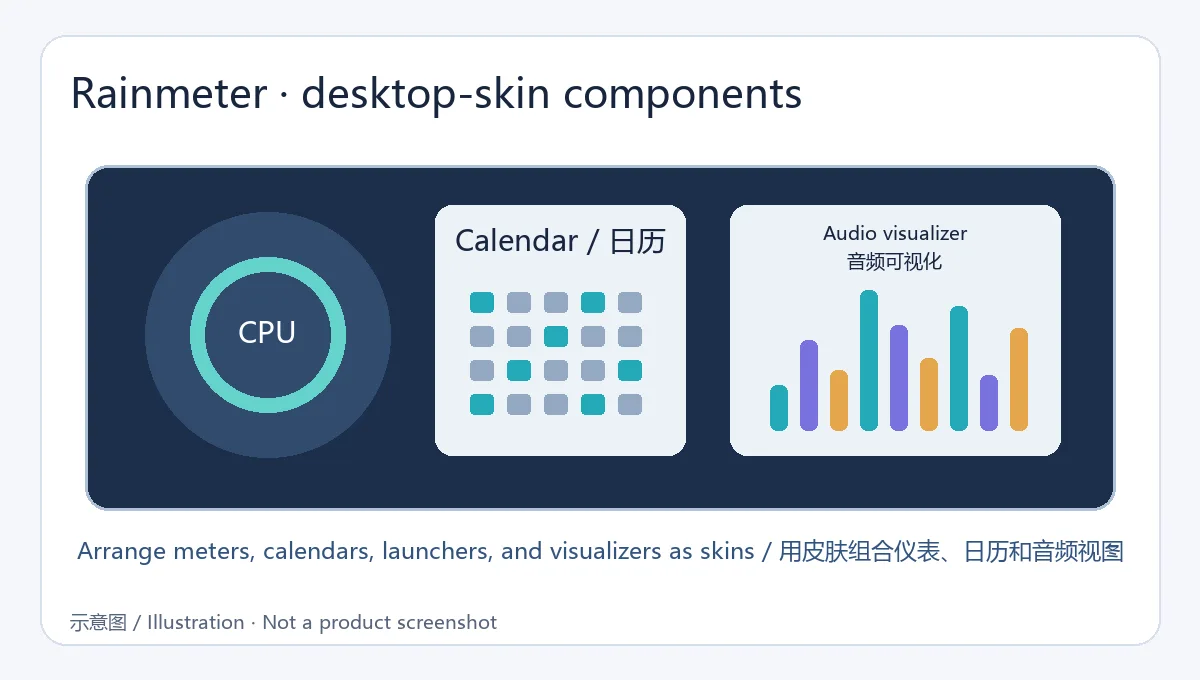
Rainmeter 是 Windows 桌面定制工具,可通过皮肤展示系统指标、日历、启动器与音频可视化内容。本文聚焦稳定版 4.5.28,整理安装、皮肤管理、兼容和更新信息。 Rainmeter is an open-source Windows desktop customization tool built around configurable skins.
Conteúdo assistido por IA
Conheça as informações básicas do software e suas fontes
GPL-2.0
Rainmeter 是 Windows 桌面定制工具,可通过皮肤展示系统指标、日历、启动器与音频可视化内容。本文聚焦稳定版 4.5.28,整理安装、皮肤管理、兼容和更新信息。 Rainmeter is an open-source Windows desktop customization tool built around configurable skins.
Rainmeter 是 Windows 桌面皮肤工具,可显示硬件指标、日历、启动器和音频可视化内容。本文聚焦稳定版 4.5.28,整理下载安装、皮肤管理、系统兼容、更新记录与常见故障排查,帮助新用户逐步搭建并维护自己的桌面布局。同时说明如何判断第三方皮肤的兼容性及处理启动异常。安装前请核对皮肤版本要求。
Rainmeter 通过皮肤(skins)把信息和小组件放到 Windows 桌面,例如硬件使用率、日历、快捷启动器和音频可视化器。它既能直接载入社区皮肤,也提供可编辑的配置格式,适合从现成布局开始,再按屏幕尺寸和使用习惯逐项调整。
如果桌面组件过多,建议只保留常用信息,并留意刷新频率、插件与脚本依赖;更复杂的皮肤可能占用额外资源。
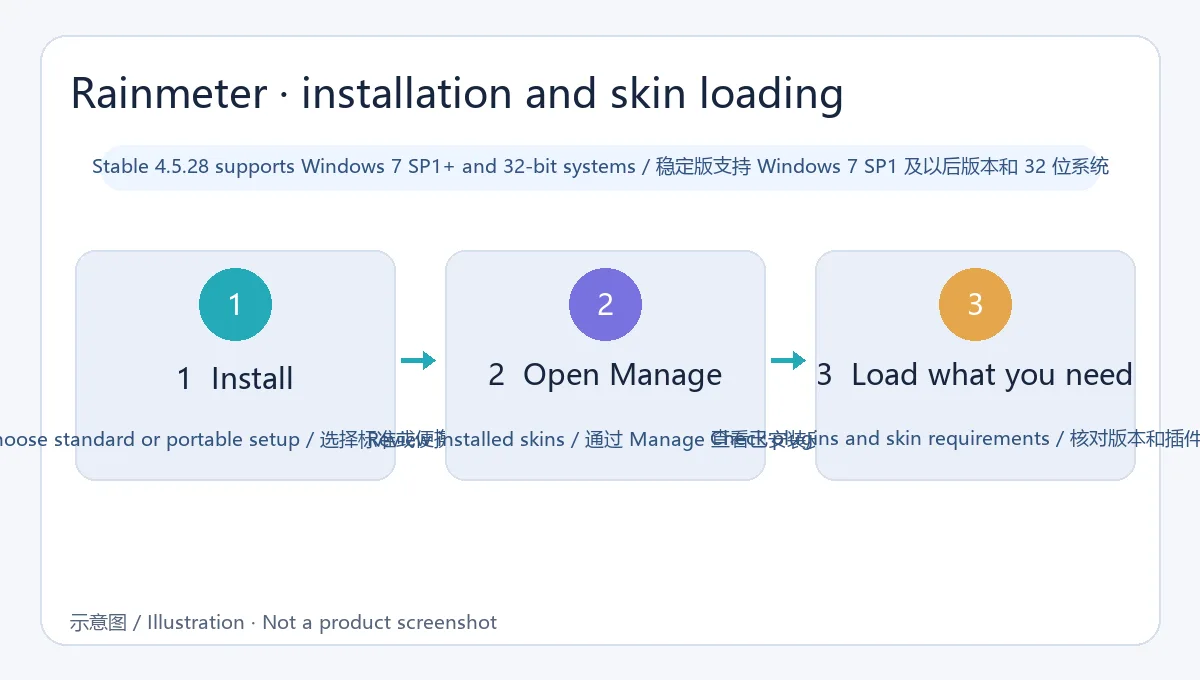
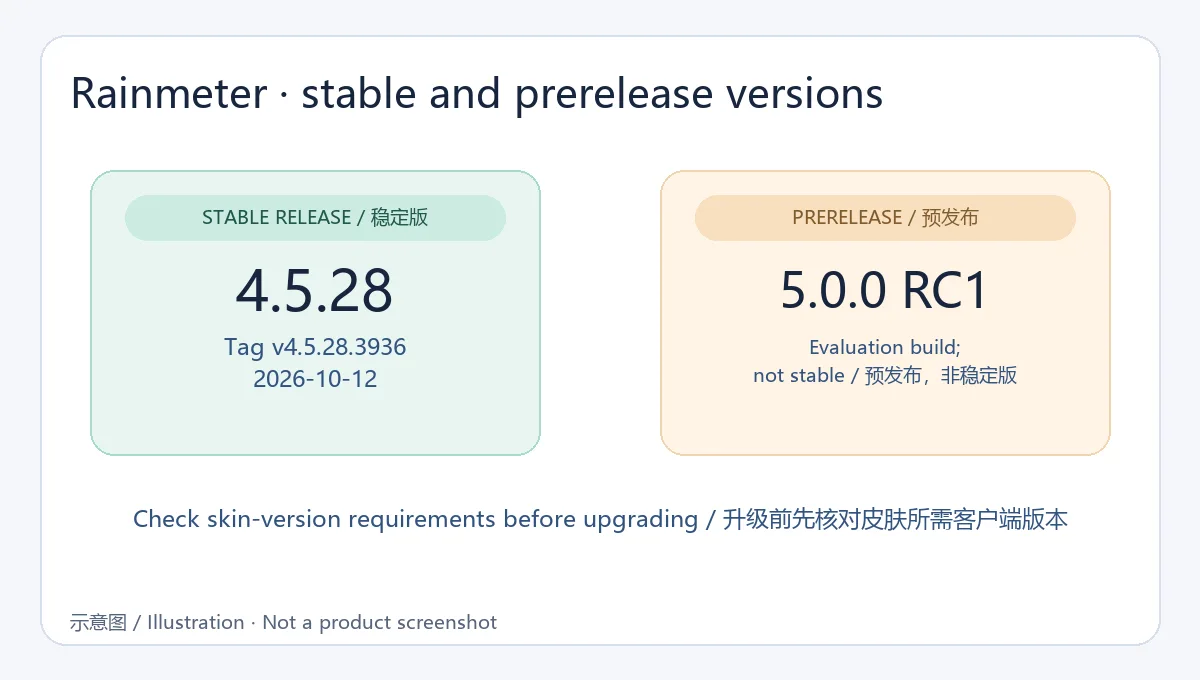
稳定版为 4.5.28(发行标记 v4.5.28.3936),官网与 GitHub 均记录于 2026-10-12。项目更新说明涉及皮肤版本兼容边界;当皮肤声明需要更新的 Rainmeter 版本时,旧版客户端可能无法载入,升级前应核对皮肤要求与官方 4.5 更新日志。GitHub 同期还有 5.0.0 RC1 预发布,本文下载入口仍指向稳定版。
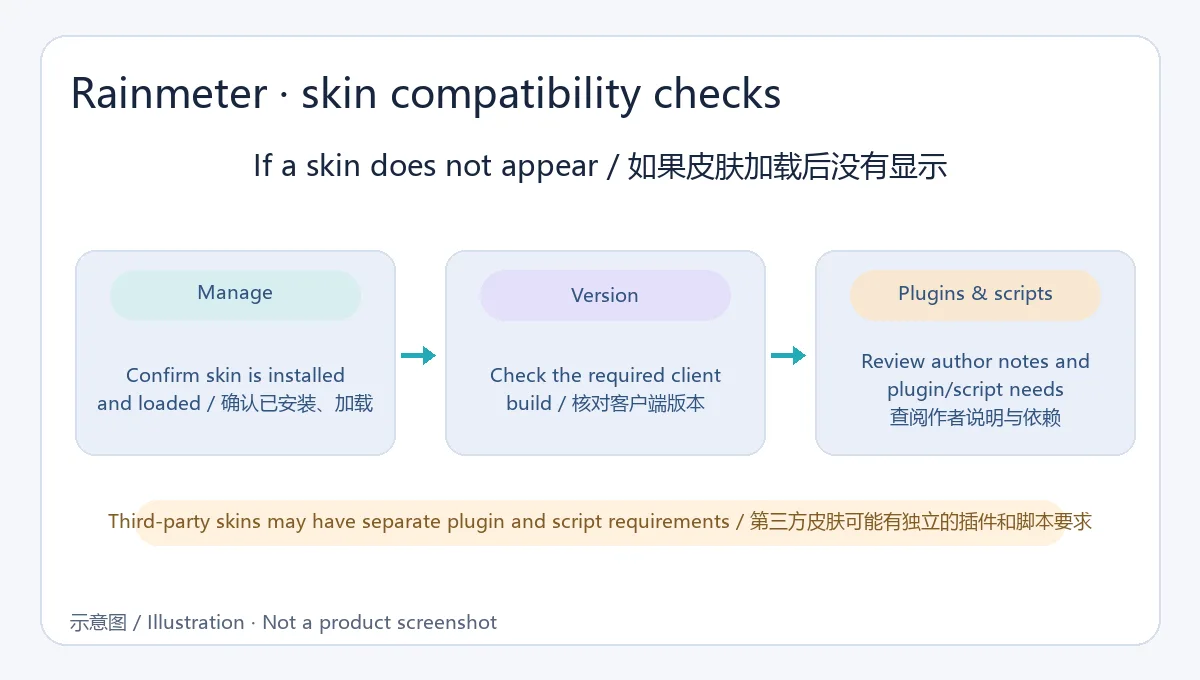
问:Rainmeter 皮肤下载后没有显示怎么办? 答:在 Manage/管理中确认皮肤已安装且已加载;检查作者说明中的最低版本、插件与资源路径,再查看日志。
问:Rainmeter 4.5.28 支持旧版 Windows 吗? 答:官方资料列出 Windows 7 SP1 及之后版本,并支持 32 位;Windows 10/11 用户也可使用稳定版。
问:第三方皮肤是否都经过官方审核? 答:不能这样假设。优先选择作者可信、说明完整的来源,并谨慎处理随皮肤提供的插件和脚本。
Rainmeter adds meters, calendars, and visualizers to Windows desktops. This guide covers version 4.5.28, installation, skins, compatibility, and common fixes.
Rainmeter uses skins to place information and widgets on a Windows desktop, including hardware meters, calendars, launchers, and audio visualizers. Users can start with existing community skins, then edit layouts to fit screen size and daily tasks.
Keep frequently used information visible and review refresh rates, plugins, and scripts. More complex skins may use additional system resources.
The stable release is 4.5.28 (tag v4.5.28.3936), dated October 12, 2026 on the official site and GitHub. The project notes address skin-version compatibility: a skin requiring a newer Rainmeter build may not load in an older client. Check skin requirements and the official 4.5 changelog before upgrading. GitHub also lists 5.0.0 RC1 as a prerelease; this guide points to the stable build.
Q: Why does a downloaded Rainmeter skin not appear? A: Check Manage to confirm it is installed and loaded, then review the author’s minimum-version, plugin, and file-path requirements. The log can help identify a missing dependency.
Q: Does version 4.5.28 support older Windows systems? A: The official material lists Windows 7 SP1 and later, including 32-bit systems.
Q: Are all third-party skins reviewed by Rainmeter? A: Do not assume so. Prefer sources with clear authorship and documentation, and review any bundled plugin or script.
Informações verificadas em: 19 de out. de 2026
Publicado pela primeira vez: 13 de out. de 2026· Revisão editorial: 19 de out. de 2026

TranslucentTB 是一款 Windows 任务栏外观工具,提供透明、模糊与亚克力样式。本文说明系统要求、官方安装入口、2026.2 更新与常见问题,并提供中英双语检索信息。 TranslucentTB customizes Windows taskbar appearance with transparent, blur, and acrylic styles.

元气桌面(原猎豹轻桌面)提供动静态壁纸、动态渲染特效与桌面整理功能。官网介绍了壁纸自动切换和文件分类整理;页面列出的系统要求为 Windows 7 及以上。
在 Windows 任务栏显示奔跑猫动画与系统负载状态的桌面小工具。

Giantapp Wallpaper 3 is a Windows wallpaper app for videos, GIFs and images with a user-uploaded community. The verified stable release is v3.1.0 for 64-bit Windows 10/11. | 巨应壁纸 III 是一款支持视频、GIF 与图片背景的 Windows 壁纸软件,当前核实稳定版为 v3.1.0,仅支持 64 位 Windows 10/11。