设计素材准备:参考图、拼贴与图层
为绘画与设计整理参考图片,通过拼贴和图层编辑尝试素材组合。收录Adobe Photoshop Express、Lap、Pinta等站内已有工具,按实际用途选择适合自己的应用。

PureRef 下载适合绘画、建模与视觉设计时整理参考图片的用户,可在独立画布中摆放图像、笔记和绘图内容。本页介绍官网获取方式、跨平台安装步骤及当前更新,说明个人与商业许可的区别,并提供场景保存和图片整理建议。请从开发者页面选择系统与授权,先用少量图片建立可复用的参考板,再逐步扩展自己的完整项目资料。 PureRef download guide: obtain the reference board from its publisher, compare platform and license options, follow setup steps, and review the 2.1.3 changes.
AI支援コンテンツ
ソフトウェアの基本情報と提供元を確認できます
专有 EULA;个人及商业许可范围不同,禁止公共网站再分发。本页仅官网导流。Proprietary EULA; personal/commercial terms differ; no public website redistribution.
本站仅核对公开资料与图片;未下载、运行、签名核验或扫描软件二进制。Public documentation/images reviewed; no program binary downloaded, run, signature-checked or scanned.
PureRef 下载适合绘画、建模与视觉设计时整理参考图片的用户,可在独立画布中摆放图像、笔记和绘图内容。本页介绍官网获取方式、跨平台安装步骤及当前更新,说明个人与商业许可的区别,并提供场景保存和图片整理建议。请从开发者页面选择系统与授权,先用少量图片建立可复用的参考板,再逐步扩展自己的完整项目资料。 PureRef download guide: obtain the reference board from its publisher, compare platform and license options, follow setup steps, and review the 2.1.3 changes.
PureRef 下载适合绘画、建模与视觉设计时整理参考图片的用户,可在独立画布中摆放图像、笔记和绘图内容。本页介绍官网获取方式、跨平台安装步骤及当前更新,说明个人与商业许可的区别,并提供场景保存和图片整理建议。请从开发者页面选择系统与授权,先用少量图片建立可复用的参考板,再逐步扩展自己的完整项目资料。
PureRef 下载适合绘画、建模与视觉设计时整理参考图片的用户,可在独立画布中摆放图像、笔记和绘图内容。本页介绍官网获取方式、跨平台安装步骤及当前更新,说明个人与商业许可的区别,并提供场景保存和图片整理建议。请从开发者页面选择系统与授权,先用少量图片建立可复用的参考板,再逐步扩展自己的完整项目资料。
PureRef 由瑞典 Idyllic Pixel AB 开发,用于将分散的参考图片整理到独立画布。拖入图片后,可结合排列、对齐、分组、笔记与绘图组织信息,并让参考窗口保持在其他程序上方。对于绘画或建模任务,更有效的做法是按轮廓、材质、色彩或细节分别归组,让每一组回答一个明确问题,而不是把大量图片堆到一起。
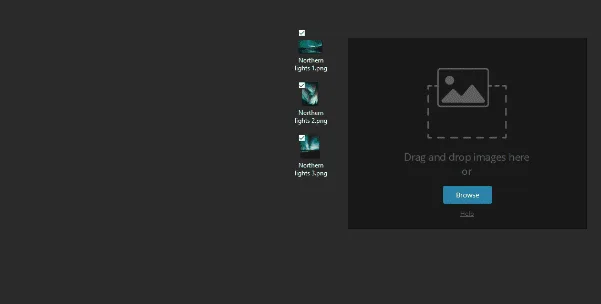
开始时先收集少量有明确用途的素材,为关键细节补充简短笔记,再保存一个小型场景并验证能否重新打开。参考图片的著作权与软件使用许可是两件事;把图片加入画布不会自动获得对外发布素材的权利。下图为官网演示动画的静态帧,展示拖放入口,不代表本页运行了应用。
PureRef 官网拖放演示动画的首帧,展示添加图片入口;为静态展示而非新版完整操作录像。
下载页列出的要求为 Windows 10 或更新版本、macOS 10.14 或更新版本,Linux 包标注已在 Ubuntu 20.04 测试。许可禁止通过公共网站再分发软件,因此本页仅指向开发者官网,不提供转载二进制或绕过购买流程的入口。本站未进行结账、接受 EULA 或实际安装。
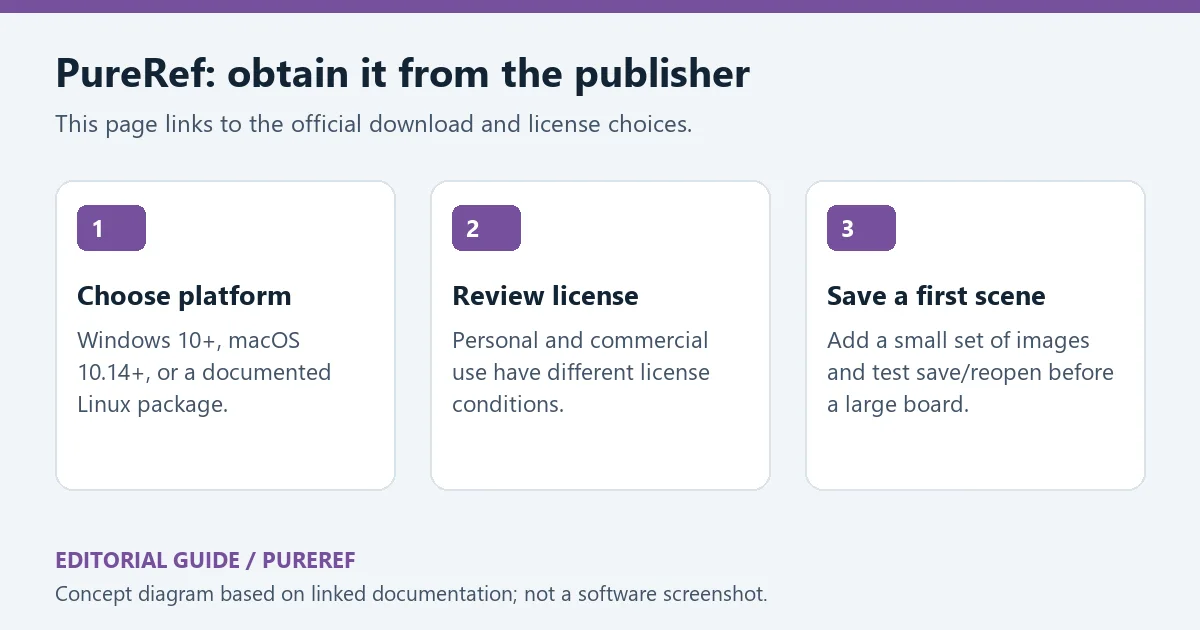
原创编辑图:从官网选择平台、阅读许可,再建立并重新打开第一个场景。
PureRef 官方更新日志列出的 2.1.3 发布于 2026 年 6 月 3 日。图片导出增加包含子项的支持,并可分别处理笔记与绘图;修复同名导出图片相互覆盖的问题,以及对齐时零间距仍出现空隙的问题。对需要把参考板片段交给协作者的人来说,导出前核对内容范围和文件命名依然必要。
该版本还改进外部场景变更后重新载入时保留视图,修复取消保存后周期保存异常,改善从浏览器拖放图片的可靠性,并修复层级、锁定项目、关闭场景和重新链接等情形下的崩溃。升级前建议保留重要场景副本,先用一个小场景检查常用导出与保存流程,再继续正式工作。
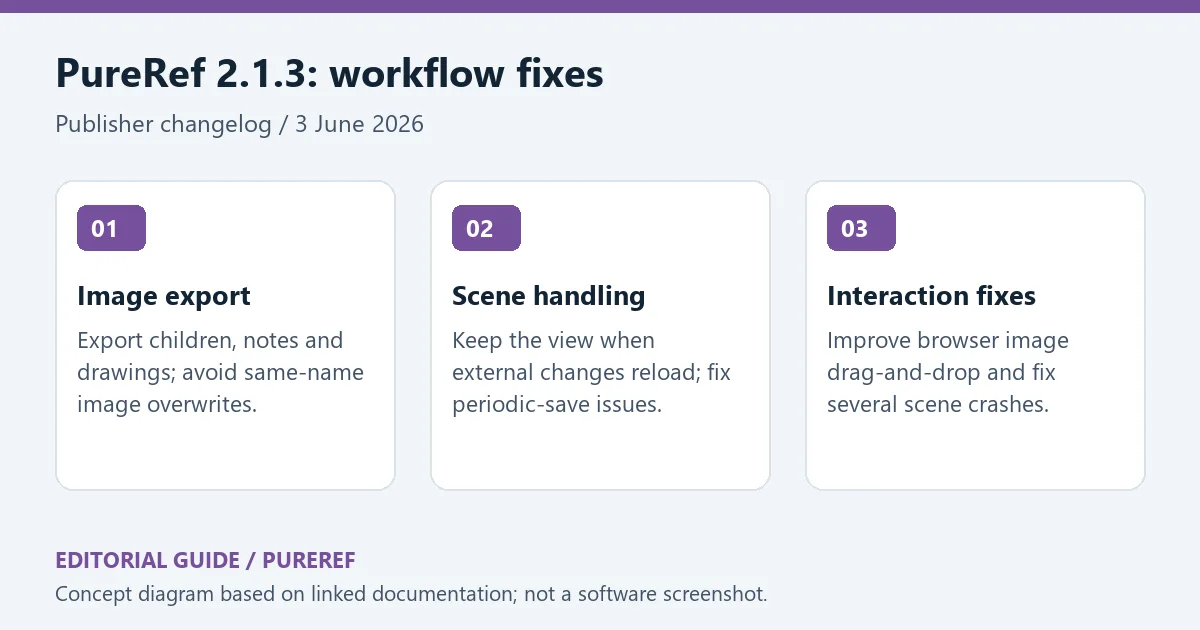
原创编辑图:2.1.3 在导出、场景处理与交互可靠性方面的更新。
问:PureRef 是否可以直接当作免费商用软件?
答:不应这样理解。官网区分个人、教育或爱好用途和商业授权,并提供不同的许可选项。核验时未验证匿名零价下载,也未完成结账;请按实际用途查看官方许可和当前价格,不要从旧教程推断现在的购买条件。
问:为什么这里没有网盘安装包?
答:开发者 EULA 限制公共网站再分发。本页提供官方获取指引,软件下载与授权在开发者网站完成。
问:换电脑前应该检查什么?
答:先保留场景副本,检查素材是否依赖外部路径,测试保存后重新打开,并确认目标平台与授权条件。本站没有下载、运行、扫描或签名核验应用包。PureRef 下载与安装应从官网开始,配合清晰的分组和保存习惯,才能让参考板持续服务于具体项目。
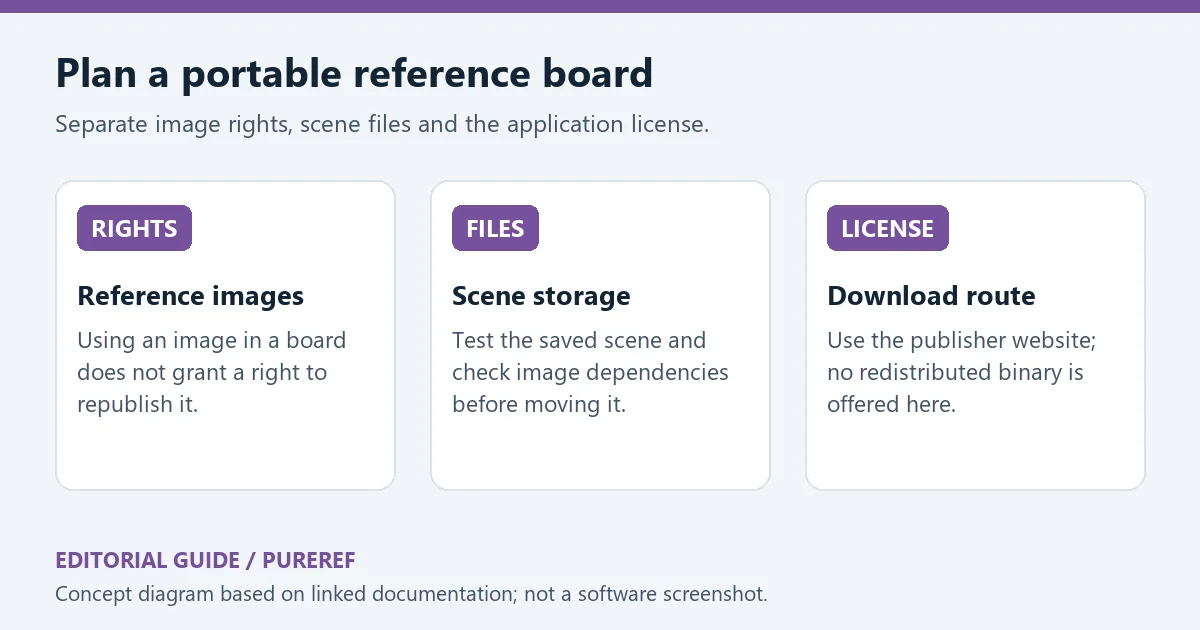
原创编辑示意:分别检查图片使用权、场景存储依赖和软件授权。
资料来源:来源 1;来源 2;来源 3;来源 4;来源 5。核验日期:2026-10-19(北京时间)。
PureRef download guide: obtain the reference board from its publisher, compare platform and license options, follow setup steps, and review the 2.1.3 changes.
PureRef is developed by Idyllic Pixel AB in Sweden. It collects reference images on a separate canvas with arrangement, alignment, groups, notes and drawings; its window can remain above other applications. For drawing and modelling, give each group a purpose such as silhouette, material, colour or detail. That makes a board easier to consult than a large undifferentiated collection.
Start with a small set of useful references, add concise notes and verify that a saved scene reopens before expanding it. Image rights and the application license remain separate: adding a picture to a board does not grant redistribution rights. The website demonstration frame below shows the image-drop entry point; no local application session was run for this page.
First frame of the PureRef website drag-and-drop demonstration, shown as a still image rather than a complete current-version walkthrough.
The download page lists Windows 10+, macOS 10.14+ and Linux packages tested on Ubuntu 20.04. The EULA restricts public website redistribution, so this listing refers users to the publisher and offers no mirrored binary. No checkout, EULA acceptance or installation was performed here.
Original editorial guide: choose a platform, review the license and save/reopen a first scene.
The publisher dates PureRef 2.1.3 to 3 June 2026. Image export can include children and handle individual notes/drawings. The update fixes same-named exported images overwriting one another and unexpected alignment gaps at zero padding. When handing a board fragment to collaborators, still review the export scope and file names.
The release also retains the view when reloading externally changed scenes, fixes periodic saving after a cancelled save, improves browser image drag-and-drop reliability and addresses crashes involving hierarchy, locked items, closing and relinking. Preserve important scene copies before updating, then check your common save and export workflow on a small scene before continuing production work.
Original editorial summary of 2.1.3 changes to export, scene handling and interaction reliability.
Can I assume PureRef is free for commercial work?
No. The publisher distinguishes personal, educational/hobby use and commercial license options. An anonymous zero-price download was not verified and no checkout was completed. Read the current license and price for your intended use rather than relying on an old tutorial.
Why is there no cloud-drive installer mirror here?
The publisher EULA restricts public website redistribution. This page provides an official acquisition guide; software download and licensing take place on the publisher website.
What should I check before moving to another computer?
Keep a scene backup, check external image paths, test reopening the saved scene and verify the destination platform and license conditions. No application binary was downloaded, executed, scanned or signature-checked here. Begin a PureRef download at the publisher website and combine it with purposeful groups and reliable saving habits.
Original editorial diagram separating reference-image rights, scene dependencies and the software license.
Sources: source 1, source 2, source 3, source 4, source 5. Verified 19 October 2026 (China Standard Time).
情報確認日:2026年10月19日
初回公開:2026年10月19日· 編集部による更新:2026年10月19日

Snipaste 是适用于 Windows、macOS 和 Linux 的截图、标注与贴图工具。页面整理官方 2.11.3 版本、系统包型、F1/F3 使用步骤和授权区别。 / Snipaste captures, annotates, and pins images on Windows, macOS, and Linux. This guide covers official version 2.11.3, package types, F1/F3 workflow, and licensing.

CorelDRAW Graphics Suite 2026 是适用于 Windows、Mac 与 Web 的商业矢量绘图和版式设计套件,官网提供 15 天试用、订阅及一次性购买选项。本文整理 Windows 系统要求、官方试用入口和 v27.2 补丁前置版本。 / CorelDRAW Graphics Suite 2026 is a commercial vector and page-layout suite for Windows, Mac and Web. This guide covers Corel's 15-day trial, system requirements and v27.2 update prerequisites.

R2V 是 Able Software 的 Windows 地图与工程图栅格转矢量工具。查看官方 7.5 试用版、安装要求、GIS/CAD 输出与数据检查建议。 R2V converts scanned maps and drawings into GIS/CAD vectors; includes official trial and setup guidance.
Spline Windows 桌面版:官方安装入口、三维场景与交互、计划权限及产品更新边界。 / Official Windows desktop entry, 3D scenes, interactions, plan limits and dated product notes.

BlueScreenView 蓝屏转储阅读指南:官方入口、免安装步骤、停止代码与驱动线索解读、1.55历史更新、空白列表和转储隐私。 / BlueScreenView guide to official setup, minidump records, driver clues, historical 1.55 changes and privacy-aware troubleshooting.
B612咔叽是Android拍照与照片编辑应用;腾讯应用商店详情介绍智能美颜、贴纸、AI特效、滤镜和拼图功能。