Adobe移动照片编辑工具,提供修图、拼贴和效果;整理18.4.40更新、官方安装、Premium及照片输出检查。 / Adobe mobile photo editor with retouching, collages and effects; includes 18.4.40 notes, official setup, Premium and image-output advice.
中文
Photoshop Express 安卓版是 Adobe 移动照片编辑应用,提供修图、拼贴、文字、滤镜与人像处理工具。本文整理 Photoshop Express 下载、安装步骤和18.4.40更新日志,说明官方商店兼容提示、免费与高级功能的区别,并给出照片打不开、保存不清晰和权限问题的检查建议,便于保留原图后再编辑。
Photoshop Express 下载前:先认清这款移动修图工具
Adobe 的 Android 应用在 Google Play 使用名称 Photoshop Express Photo Editor,包名为 com.adobe.psmobile。它围绕手机照片的调整、修饰、拼贴与分享展开:可以添加文字、叠加效果,处理人像瑕疵,或为社交图片整理版式。它与 Photoshop 桌面版、Adobe Express 是不同产品,查找教程、会员权益和版本更新时应核对完整名称。
它适合拍照后快速整理色彩、制作旅行拼图、为图片加说明等任务。需要复杂图层合成或特定桌面插件时,应先核对工作要求,不能因为名字中有 Photoshop 就推定功能完全相同。商店列有应用内购买,Premium 提供额外功能和更细的编辑控制;免费安装不代表每项工具都免费。
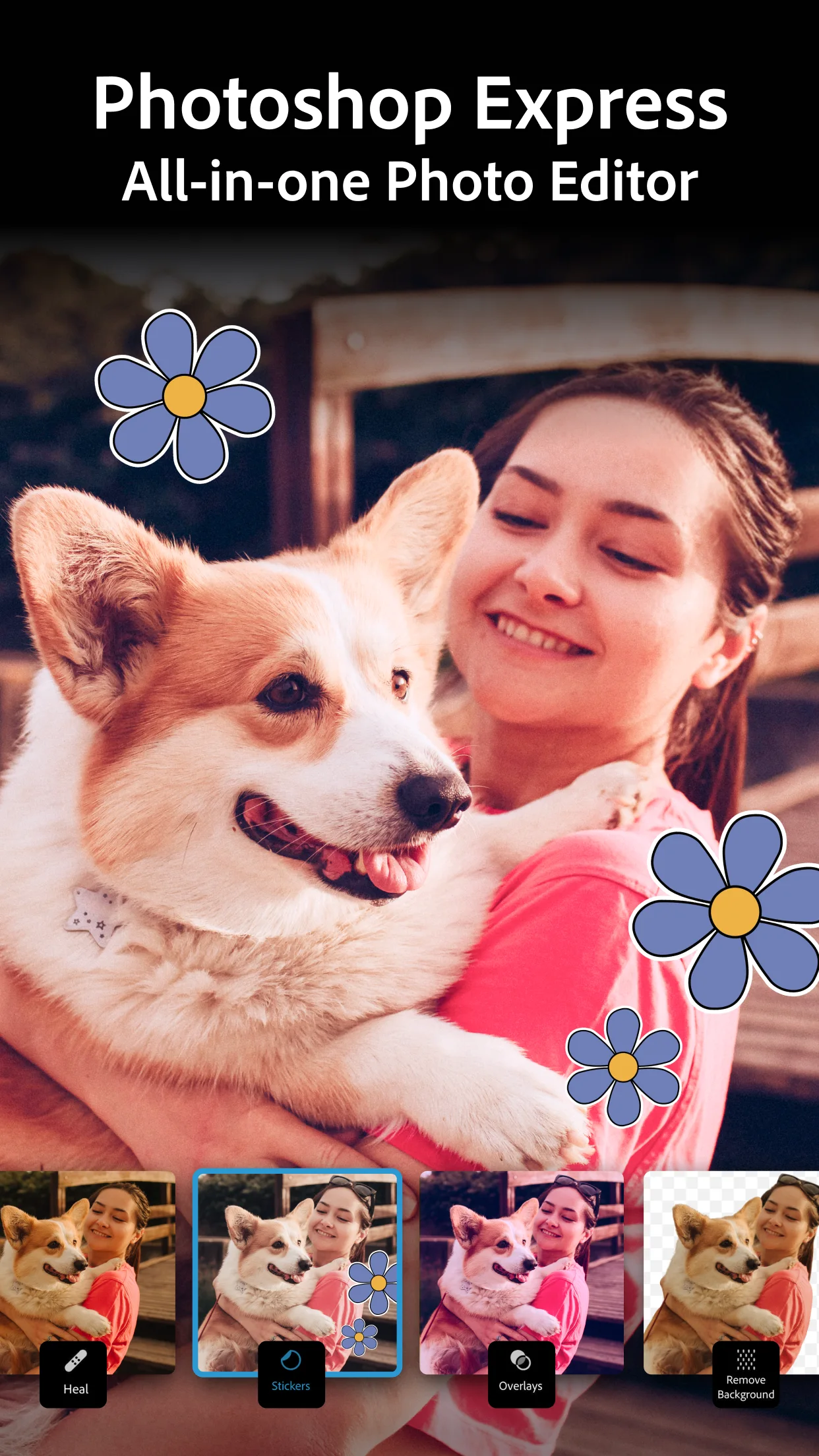 官方商店展示图,截图对应的应用版本未标明;画面中的编辑效果属于厂商演示。
从照片调整到拼贴:怎样减少反复返工
编辑前保留原图,先决定用途和裁切比例,再调整明暗与颜色,最后添加文字和装饰。这一顺序便于在手机屏幕上检查主体是否被裁掉,以及文字放大后是否清楚。滤镜可以作为起点,仍应观察肤色、天空和阴影,避免只因缩略图好看就一次套用到所有照片。
商店介绍列出污点修复、背景替换、去除对象、拼贴、文字和预设等能力,也提到 RAW、TIFF、PNG 等来源格式。格式出现在导入说明中,不等于每种设备都支持全部相机文件或以原格式输出。遇到无法打开的照片,先用小型副本确认格式与文件完整性;涉及 AI、云端或会员工具时,再核对网络、账户和实际权益提示。人像和重要照片应先考虑授权及隐私。
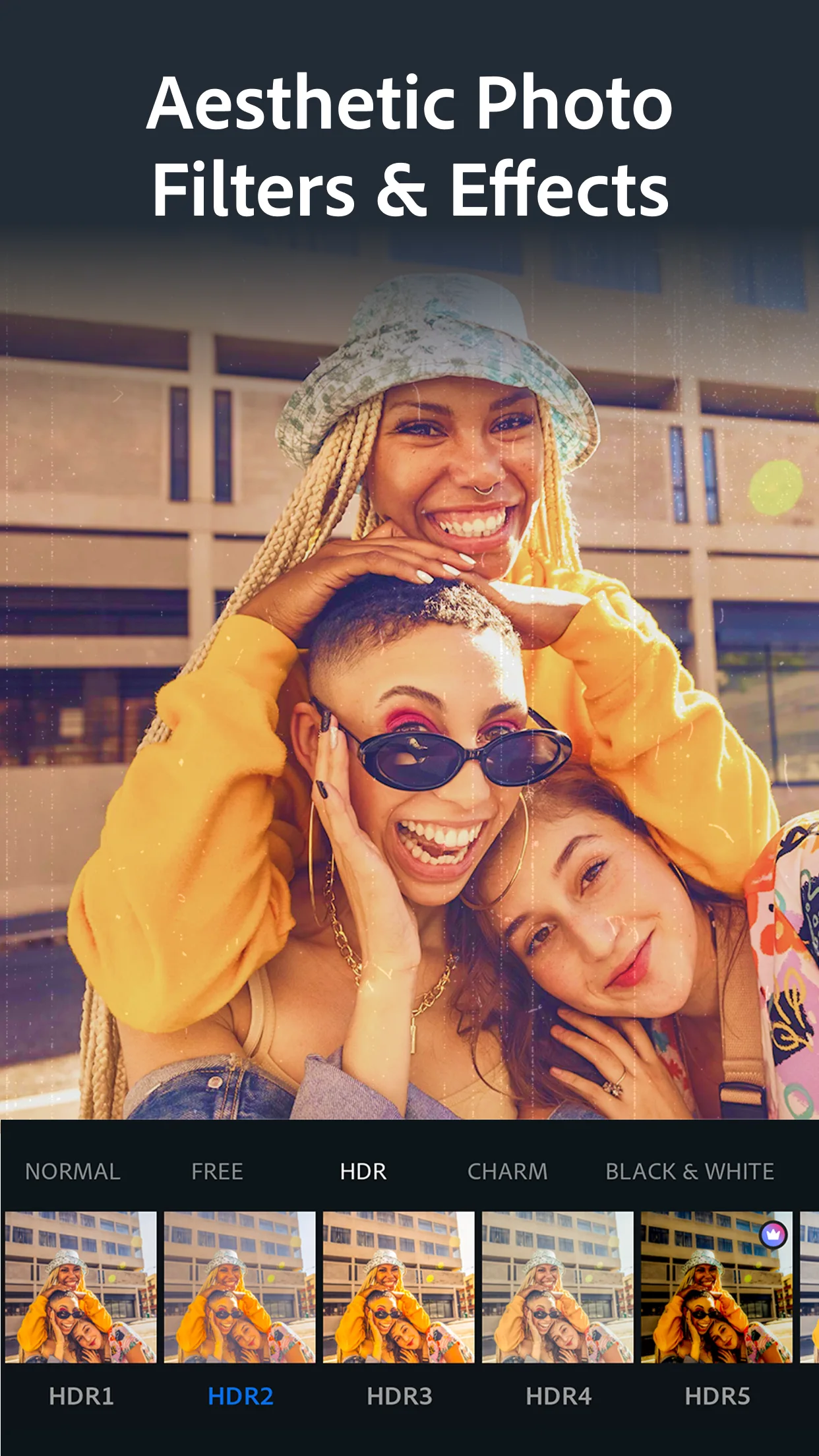 官方商店宣传界面,用来说明效果选择场景;未据此承诺每项效果免费或对所有账户开放。
Photoshop Express 安卓版安装步骤
- 打开本页的官方 Google Play 入口,核对应用名称、开发者 Adobe 及包名
com.adobe.psmobile。
- 查看商店对当前设备、账户和地区给出的安装状态,并阅读应用内购买、权限及隐私说明。本次公开资料未明确最低 Android 版本,应以商店兼容提示为准。
- 使用商店的安装按钮完成安装。首次启动按实际提示完成账户与访问授权;只在需要相册编辑时给予相应照片权限。
- 先选一张无敏感内容的副本,检查导入、基础调整和保存或分享流程;确认输出符合需要后,再处理正式照片。
下载来源指向商店详情页,不是 APK 文件直链。如果商店提示不兼容或不可用,先检查官方渠道与设备条件。不要把桌面 Photoshop 安装程序、其他 Adobe 应用或要求提供账户密码的第三方文件当作本应用。
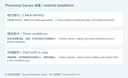 RJ 原创说明图,依据官方商店资料整理,非产品界面。
18.4.40 版本更新了什么
核对时,Google Play 页面标注版本 18.4.40,更新日期为 2026 年 8 月 21 日。该页正式更新说明包括:为视频编辑加入新的美学 Looks;支持上传图片替换照片背景;改进修复工具以处理瑕疵;提供眼妆、口红与发色工具;允许在图片上添加自己的涂鸦;以及应用性能改进。
这些是商店发布说明列出的变化,并非本站逐项实测。厂商没有在这段日志中给出性能增幅、完整设备名单或所有功能的免费范围,因此不作额外保证。更新后找不到某项工具时,先核对安装版本、入口、账户权益与当前可用条件;保留原始照片及已完成的输出,避免把唯一副本作为排查素材。
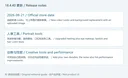 RJ 原创更新摘要图,仅转述该版本正式商店说明,非产品界面。
常见问题:安装、费用与照片保存
Photoshop Express 下载后全部免费吗? 不。商店允许下载安装并列有应用内购买,Premium 提供额外功能。订阅期限、价格和适用权益应在购买页面核对,不应仅凭功能宣传图判断。
安装后打不开,怎样处理? 先检查商店是否提供更新、设备剩余空间及系统权限,再重新启动应用;如问题持续,记录设备型号、系统版本、应用版本和出错步骤,通过商店列出的 Adobe 支持联系方式反馈。卸载前先确认原图、导出文件及可恢复的数据。
为什么保存或分享后清晰度不符合预期? 对照编辑结果的实际像素尺寸、输出选项及接收平台压缩情况,使用同一张测试图比较本地文件与分享结果。导入支持某种格式,不能单独证明输出会保留同样格式和所有元数据。
可以替代电脑上的 Photoshop 吗? 应按实际功能判断。Photoshop Express 面向移动修图与创意处理,不应据同名词汇推定桌面工作流、插件或订阅完全相通。进行 Photoshop Express 安卓版下载前,先确认官方商店兼容状态与所需工具,能减少安装后的反复尝试。
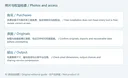 RJ 原创排查说明图,非产品界面;处理建议不代表独立运行测试。
English
Photoshop Express edits photos on Android. Find official downloads, setup steps, 18.4.40 notes, collage tips, Premium details, and image troubleshooting advice.
Photoshop Express download: identify the Android photo editor
The Adobe Android listing is named Photoshop Express Photo Editor, with package ID com.adobe.psmobile. It focuses on editing, retouching, arranging and sharing mobile photos. Text, effects, portrait touch-ups and collages cover common tasks such as preparing travel pictures or adding a caption before posting. Check the full product name when reading tutorials or subscription details: desktop Photoshop and Adobe Express have separate product identities.
Consider the work you need to complete before installing. A mobile touch-up workflow may suit a quick adjustment or collage, while a project requiring particular desktop layers or plugins needs a separate feature check. The listing includes in-app purchases; Premium adds exclusive features and more precise controls. Free installation does not establish that every advertised tool is free.
Publisher promotional image; its application version is unspecified. Editing results shown are publisher demonstrations.
A practical editing workflow for photos and collages
Keep the original photo. Decide the final use and crop first, adjust exposure and color next, and add text or decoration near the end. This makes it easier to check a subject's placement and caption legibility before sharing. Treat a preset as a starting point, then examine skin tones, skies and shadows instead of applying the same look to every photograph.
The listing describes healing, background replacement, object removal, text, collages and presets, and mentions importing source formats including RAW, TIFF and PNG. An import statement does not guarantee every camera file works on every device or that exports retain the same format. For an unreadable file, try a small copy and check its format and integrity. AI, cloud and Premium tools may have account, connection or entitlement conditions; review the actual prompts before using personal images.
Official store image used to illustrate effect selection; it does not establish free access to every shown option.
Install Photoshop Express on Android
- Open the official Google Play listing and check Adobe, the application name and package ID
com.adobe.psmobile.
- Review compatibility for your device, account and region, plus purchase, permission and privacy details. A fixed minimum Android version was not established by the reviewed public material; use the store's current compatibility decision.
- Install through the store. Follow any account prompts and grant photo access according to the editing task you intend to perform.
- Start with a non-sensitive copy. Check import, basic adjustments and the save or share workflow before processing photographs that matter.
The download entry is a store detail page, not a direct APK. If installation is unavailable, review official device and regional conditions. A desktop Photoshop installer or another Adobe application is not the Android Express package.
Original RJ editorial guide based on official listing information; not product UI.
Version 18.4.40 release notes
At review, Google Play showed 18.4.40, updated August 21, 2026. Its published notes describe new aesthetic Looks for video editing; replacing a photo background with an uploaded image; an upgraded healing feature for blemishes; eye makeup, lipstick and hair color tools; adding your own doodles; and application performance improvements.
These statements come from the official listing and were not independently tested here. The notes give no measured speed increase, complete device list or universal free entitlement. If an expected option is absent after updating, check the installed version, tool location, account access and current availability. Keep originals and completed exports while troubleshooting.
Original RJ summary of the official store notes; not product UI.
FAQ: costs, startup issues and image output
Is everything free after downloading Photoshop Express? No. The store lists in-app purchases, and Premium adds features. Review the current purchase screen for price, billing period and included access.
What should I check if the app will not open? Check for store updates, available storage and permissions, then restart the application. If it still fails, record the device, Android version, app version and steps, and contact Adobe using the support details on the store listing. Confirm backups before uninstalling.
Why does a saved or shared picture look different? Compare actual pixel dimensions, available export options and the receiving service's compression. Test the same picture locally and after sharing. Import support alone does not establish identical output formats or metadata preservation.
Does it replace desktop Photoshop? Compare the exact tools your work requires. Shared naming does not establish matching desktop workflows, plugins or subscriptions. Before a Photoshop Express Android download, check official compatibility and the features you need for your photos.
Original RJ editorial troubleshooting guide; not product UI or an independent application test.