Lively Wallpaper 是一款适用于 Windows 的免费开源动态壁纸工具,可使用视频、网页和互动内容装饰桌面,并支持多显示器与屏幕保护程序。本文说明官方安装器、Windows 要求、v2.2.1.0 更新记录和播放设置建议。 / Lively Wallpaper is a free, open-source Windows app for animated video, web and interactive wallpapers, with multi-monitor and screensaver options.
中文
Lively Wallpaper 是适用于 Windows 的动态壁纸软件,可将视频、网页或互动内容设为桌面背景,也能配置屏幕保护程序。本指南整理官方安装包、Windows 10 要求、v2.2.1.0 更新、多显示器设置与播放故障排查,帮助你核对许可、版本和关键设置,判断它是否适合自己的桌面,然后再决定是否安装。
Lively Wallpaper 功能与特点:视频、网页与互动壁纸
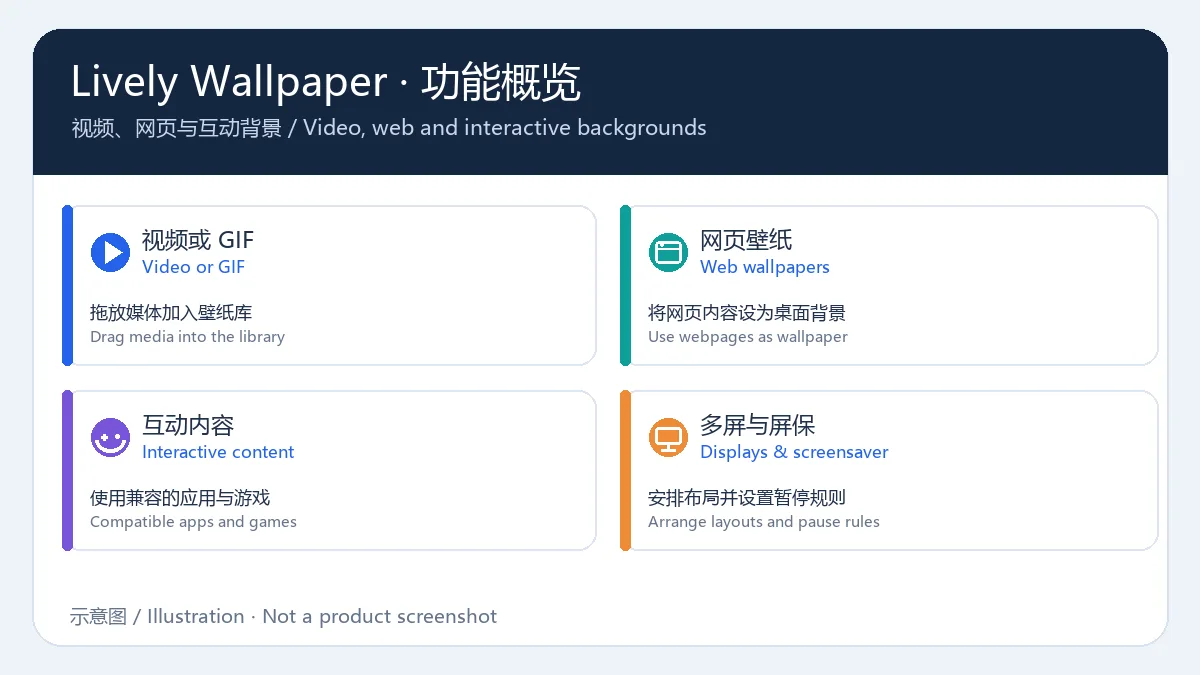
Lively Wallpaper 可将视频或 GIF、网页以及兼容的应用和游戏内容设为 Windows 桌面壁纸;也可以把媒体或网页拖入壁纸库。多显示器用户可选择布局并分别安排画面,屏幕保护程序也能使用库中的壁纸。需要控制资源占用时,可设置全屏程序运行或笔记本使用电池时暂停播放。动态画面比静态图片更依赖图形资源,建议先用单屏和较短视频检查效果;网页壁纸可能显示外部内容,添加前应确认来源与素材许可。
Lively Wallpaper 下载与安装方法
使用官方安装器时,可按以下步骤核对版本和系统条件:
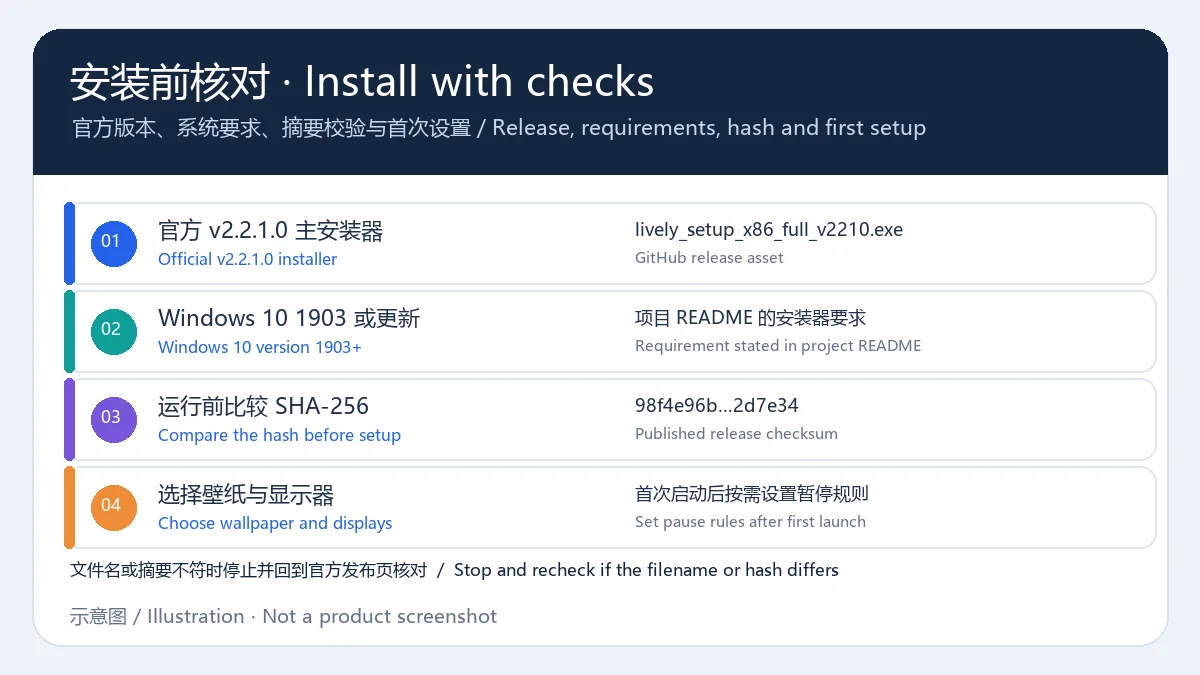
- 打开 Lively Wallpaper 官方 GitHub 仓库的 Releases 页面,选择 v2.2.1.0 的安装程序
lively_setup_x86_full_v2210.exe;不要把命令工具或屏幕保护程序扩展包当成主安装器。
- 确认系统为 Windows 10 版本 1903 或更新版本。该要求来自项目 README 的 Installer 说明;若安装程序给出不同提示,以当前官方发布页和系统检测结果为准。
- 运行前可用 PowerShell 执行
Get-FileHash .\lively_setup_x86_full_v2210.exe -Algorithm SHA256,并与发布页列出的摘要 98f4e96bb8e2c416384eeaf48016eadaea9dce8263b8d212052775ebcf2d7e34 比较。本指南没有下载或扫描该文件。
- 摘要一致后启动安装器,阅读安装选项并按需选择安装位置;如果文件名、系统提示或摘要不符,先停止并返回官方 Releases 页面重新确认。
- 首次启动后选择一项壁纸,检查目标显示器和布局,再按需要设置全屏或电池暂停规则。
Lively Wallpaper v2.2.1.0 版本更新
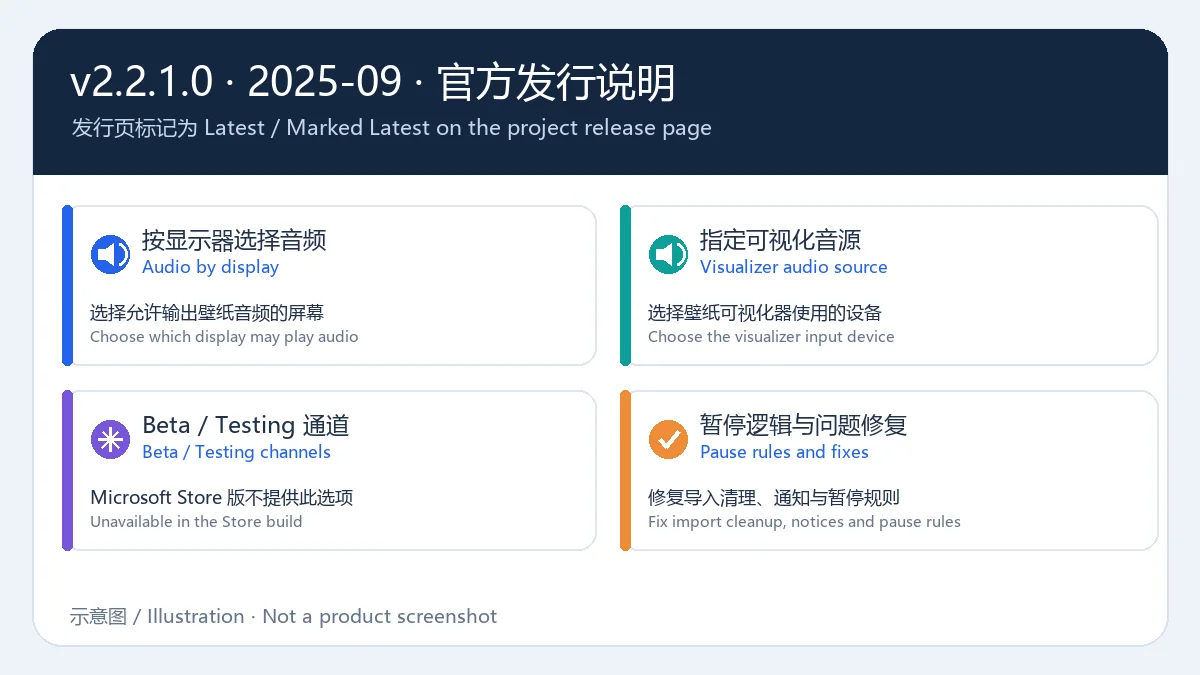
GitHub Releases 将 v2.2.1.0 标记为 Latest,发布日期为 2025 年 9 月 18 日 UTC(北京时间 9 月 19 日)。发布说明列出的变化包括:
- 可选择由哪台显示器播放壁纸音频,也可指定音频可视化器使用的设备。
- 可在应用内切换 Beta 或 Testing 测试通道;项目说明该功能不适用于 Microsoft Store 版本,测试版可能包含问题。
- Span 布局的壁纸暂停逻辑改为遵循显示器暂停规则。
- 修复导入崩溃后残留壁纸、更新通知错误、暂停规则未生效和翻译链接异常。
- 更新 MPV、CefSharp 播放组件及社区翻译。
项目分支仍可能有新提交;以上内容对应页面标记的正式发行版 v2.2.1.0,不代表分支上的所有最新改动。
Lively Wallpaper 常见问题 FAQ
Lively Wallpaper 是免费的吗?
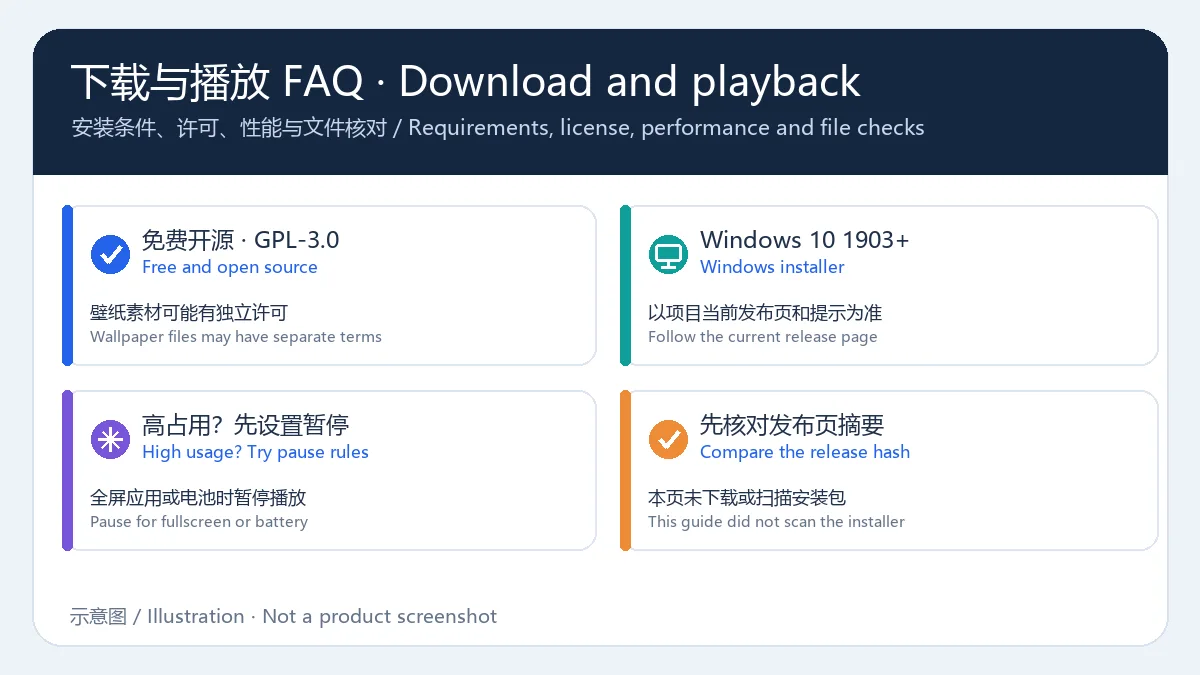
项目将软件描述为免费和开源,仓库许可证为 GPL-3.0。壁纸素材可能有各自的版权和使用条件,添加前应检查素材来源。
安装器支持哪个 Windows 版本?
项目 README 标注官方安装器适用于 Windows 10 版本 1903 或更新版本。其他系统版本以发布页和安装程序的实际提示为准。
动态壁纸播放时占用较高怎么办?
先启用全屏应用暂停规则,笔记本可设置电池供电时暂停;再减少同时播放的显示器数量,并尝试较短或较低分辨率的媒体。
v2.2.1.0 包含 Beta 功能吗?
发布说明新增应用内 Beta/Testing 通道切换。测试通道更新较频繁且可能有问题;Microsoft Store 版本不提供该切换选项。
已确认安装包安全吗?
本指南核对的是官方仓库和发布页,没有下载或扫描安装包。发布页提供 SHA-256 摘要,可在安装前自行比较;这不能替代设备上的常规防护。
English
Lively Wallpaper is a free Windows live wallpaper app for video and web backgrounds. Check installer requirements, v2.2.1.0 changes, setup and playback tips.
Lively Wallpaper Features: Video, Web and Interactive Wallpapers
Lively Wallpaper can place video or GIF files, web pages and compatible application or game content on a Windows desktop. Media and webpages can be added to its library, arranged across multiple monitors, or selected as screensavers. Playback rules can pause wallpapers for fullscreen apps or when a laptop is on battery. Animated scenes use more graphics resources than still images, so start with one display and a short clip when checking performance. Review the source and license of wallpapers you add, especially content loaded from the web.
Download and Install Lively Wallpaper
To install the official Windows installer, check the release and system requirements first:
- Open the Lively Wallpaper GitHub Releases page and choose the v2.2.1.0 installer,
lively_setup_x86_full_v2210.exe. The command utility and screensaver package are separate downloads, not the main installer.
- Confirm that Windows 10 version 1903 or later is installed. This minimum is stated in the project README under Installer; follow the current release page and the installer if requirements change.
- Before running the file, you can use PowerShell:
Get-FileHash .\lively_setup_x86_full_v2210.exe -Algorithm SHA256. Compare its output with the release page value 98f4e96bb8e2c416384eeaf48016eadaea9dce8263b8d212052775ebcf2d7e34. This guide did not download or scan the installer.
- If the hash matches, launch the setup program, review its options and choose an install location if needed. Stop and recheck the official release if the filename, Windows prompt or hash differs.
- On first launch, choose a wallpaper, check its display and layout, then set fullscreen or battery pause rules if useful.
Lively Wallpaper v2.2.1.0 Release Notes
GitHub marks v2.2.1.0 as the latest release, published on 18 September 2025 UTC (19 September in China Standard Time). Its notes list these changes:
- Choose which display may output wallpaper audio and select the audio device used by the visualizer.
- Switch to Beta or Testing from the app; the project notes that this option is unavailable in the Microsoft Store build and test releases may contain bugs.
- Span-layout wallpaper pausing now follows the display-pause rule.
- Fix leftover wallpapers after an import crash, incorrect update notices, pause rules that did not apply, and a broken translation link.
- Update MPV, the CefSharp player and community translations.
The development branch may contain later commits. These notes describe the tagged stable release v2.2.1.0, not every change on the branch.
Lively Wallpaper FAQ: Setup and Playback
Is Lively Wallpaper free?
The project describes the app as free and open source, and its repository lists GPL-3.0. Wallpaper files can have separate copyright and use terms, so check their sources before adding them.
Which Windows version does the installer require?
The project README lists Windows 10 version 1903 or later for the installer. Check the current release page and setup prompt for later changes.
What can I try if animated wallpapers use too many resources?
Enable pause rules for fullscreen apps and, on a laptop, pause on battery. Then reduce the number of active displays or try shorter, lower-resolution media.
Does v2.2.1.0 include a Beta option?
Its notes add in-app switching to Beta or Testing channels. Test releases may contain bugs, and the Microsoft Store build does not offer this switch.
Was the installer verified as safe?
This guide checked the official repository and release page, but did not download or scan the installer. The release page provides a SHA-256 value to compare before setup; that is not a substitute for normal device security.