
JoiPlay for Android 1.22.001
1.22.001:修复 1.22.000 引起的开场界面崩溃。 / Fixes the intro-screen crash introduced by 1.22.000. Prior changes and plugin notes are distinguished in the body.
· レコードの更新:2026年10月21日
Android 模块化游戏解释器与启动器,整理公开 1.22.001 下载、引擎插件选择、游戏添加、更新日志与存档排查。 / Android game interpreter and launcher with public 1.22.001 download, engine-plugin guidance, setup, release notes and save troubleshooting.
別名:joiplay模拟器、JoiPlay Game Interpreter
AI支援コンテンツ
ソフトウェアの基本情報と提供元を確認できます
所查公开来源未列明主程序许可名称 / Core application licence name not established by the inspected sources
Android 模块化游戏解释器与启动器,整理公开 1.22.001 下载、引擎插件选择、游戏添加、更新日志与存档排查。 / Android game interpreter and launcher with public 1.22.001 download, engine-plugin guidance, setup, release notes and save troubleshooting.
JoiPlay是面向 Android 的游戏解释器与启动器,可通过插件运行部分 RPG Maker、Ren’Py 等引擎作品。本文整理 JoiPlay下载、1.22.001公开版本更新、插件选择和安装步骤,说明添加游戏、存档备份及打不开时的检查方法,帮助你确认引擎与兼容条件;主程序不附带游戏,不能保证所有作品可运行。
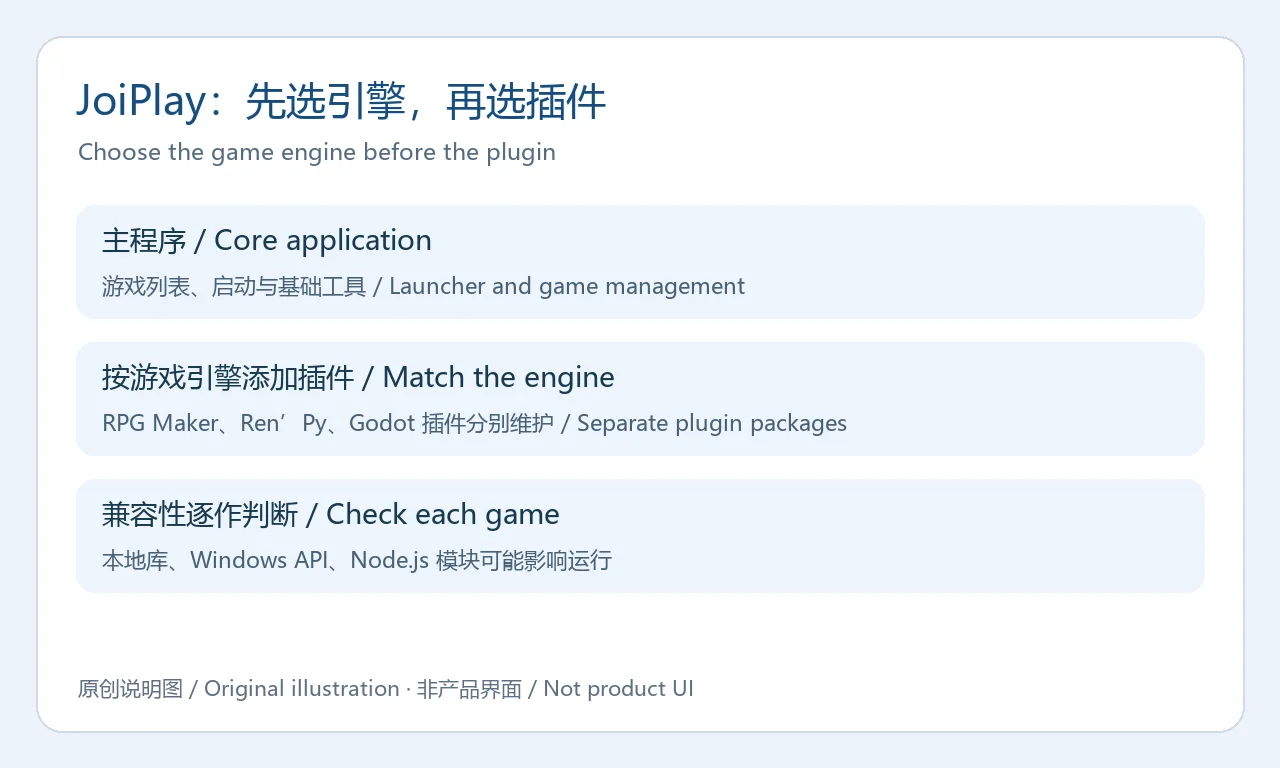
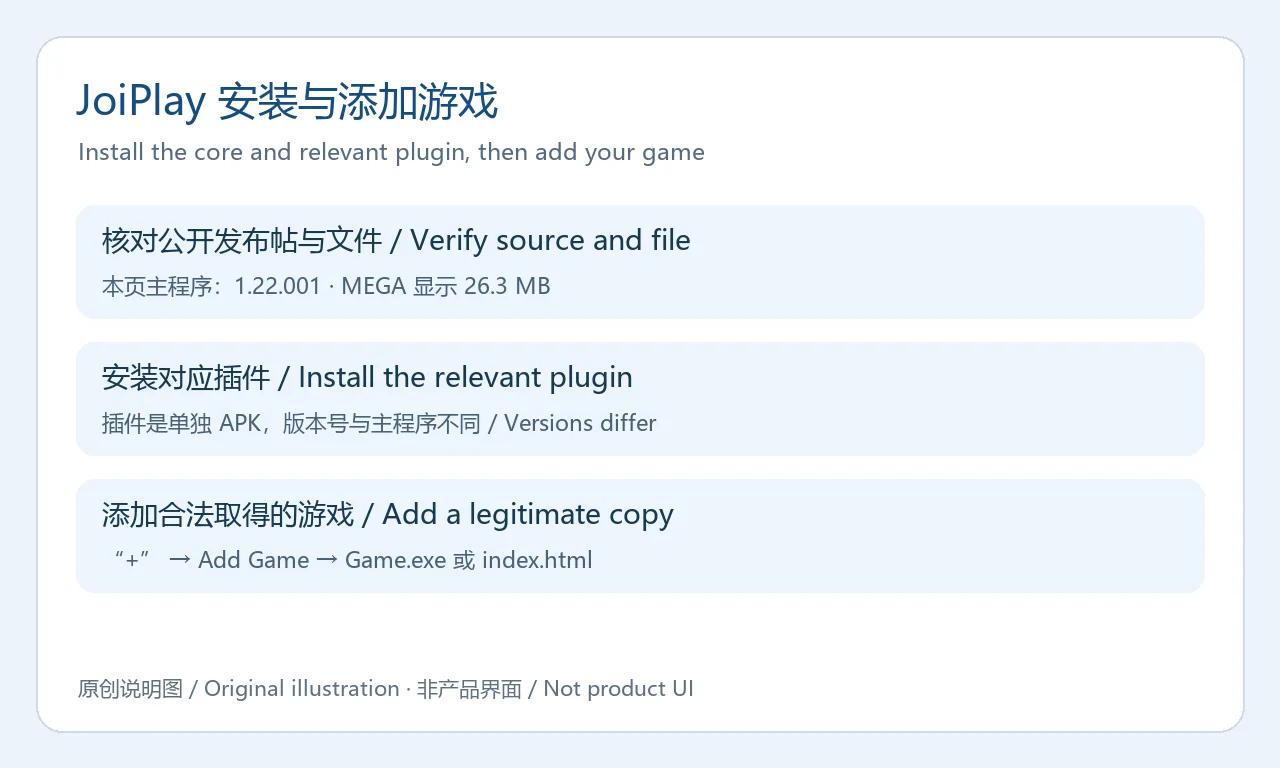
JoiPlay 官网将它定位为 Android 上的模块化游戏解释器与启动器,列出 RPG Maker XP/VX/VX Ace/MV/MZ、Ren’Py、TyranoBuilder、HTML5 等引擎支持。它适合已经合法拥有相应作品、希望在手机上尝试运行的用户。主程序负责游戏管理与启动;某些引擎还需要单独安装插件。官网下载区分别列出主程序、RPG Maker、Ren’Py 与 Godot 等组件,不应把插件 APK 当成主程序安装包。
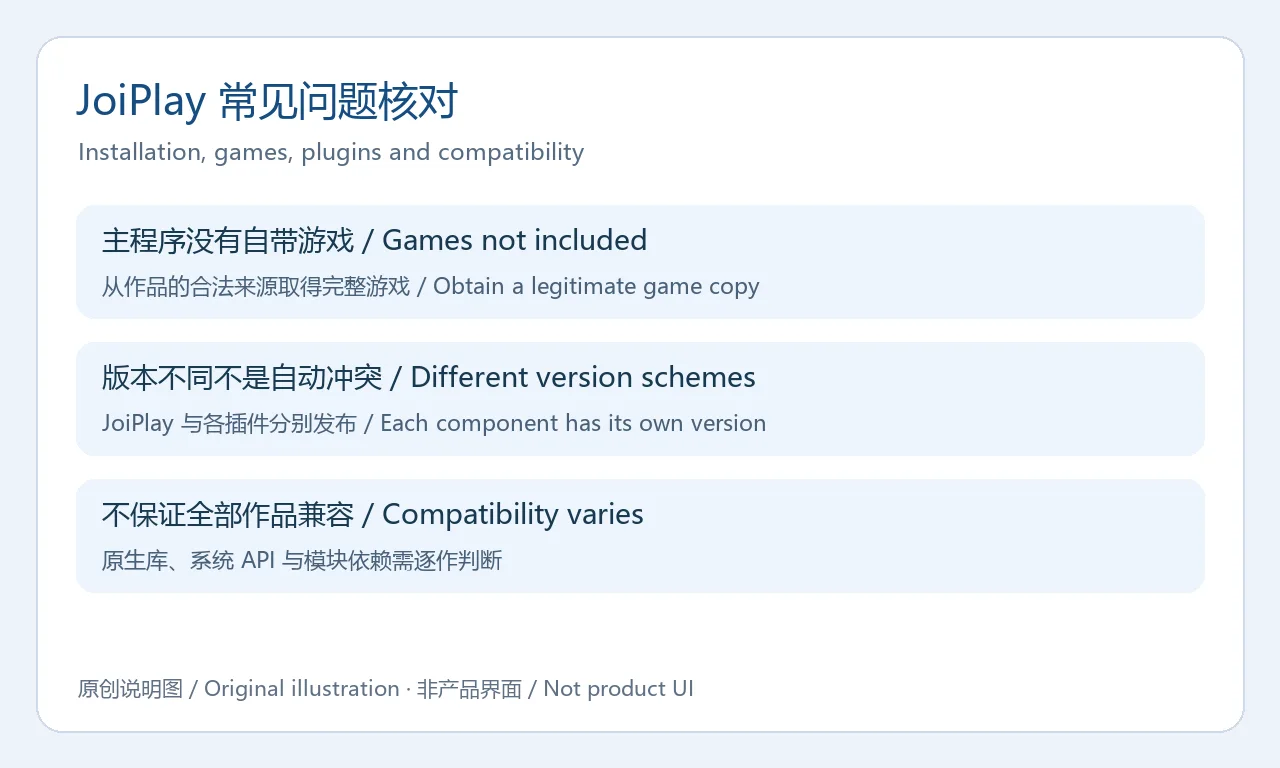
运行范围需要逐作判断。维护者的公开介绍说明,原生库、Windows API 和 Node.js 模块会影响兼容性;“支持引擎”不代表每一款使用该引擎的游戏都能运行。此页只介绍通用运行工具,不提供游戏内容或游戏安装包。
 原创说明图 / Original illustration;非游戏或应用界面。
 原创说明图 / Original illustration;非游戏或应用界面。
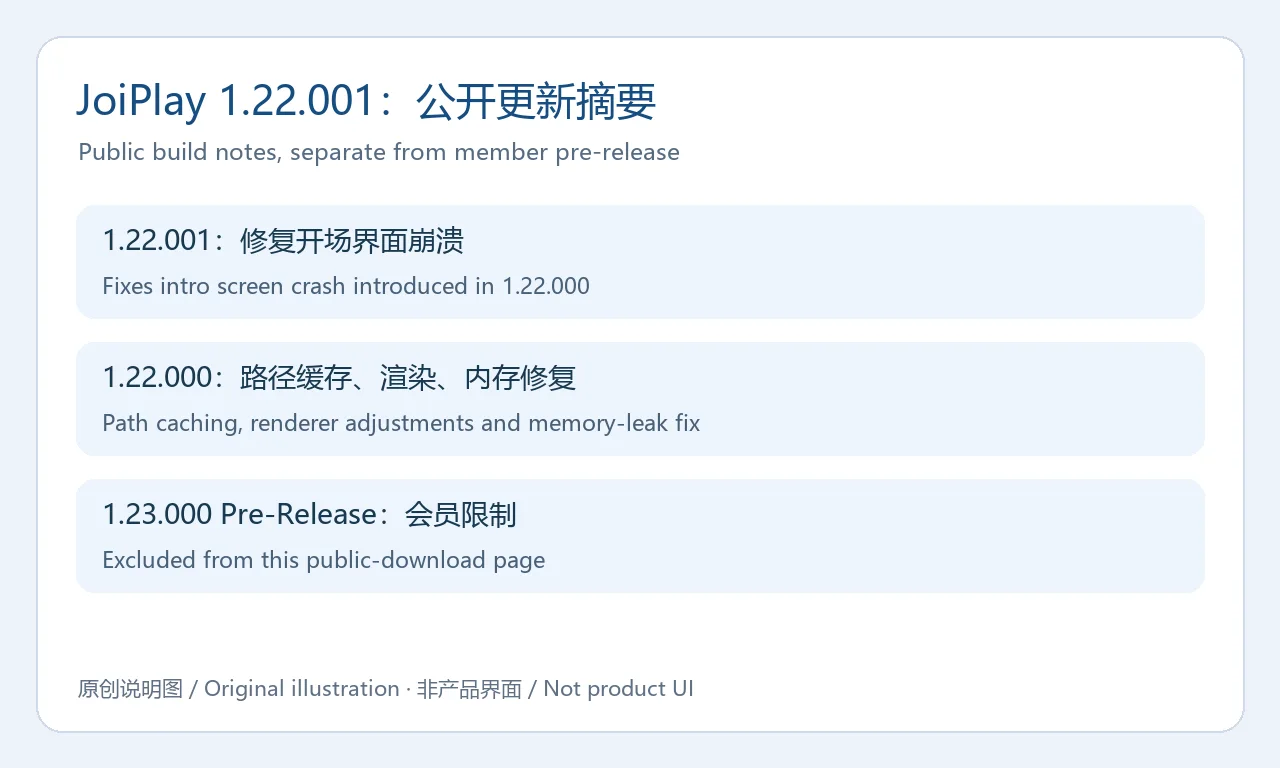
截至 2026 年 10 月 21 日本次核对,2026 年 5 月 28 日公开帖的标题仍是“JoiPlay 1.22.000 And Plugin Updates”,下载段已更新为 JoiPlay 1.22.001,并注明 Updated with new build。1.22.001 的独立日志是:修复 1.22.000 更新引起的开场界面崩溃。维护者没有单独标明这次补丁的发布时间,因此不把原帖日期写成补丁发布日期。
同帖中 1.22.000 的变化包括:不需要外部模块时自动关闭 Allow External Modules;Patreon 横幅十秒后隐藏并增加完整隐藏设置;修复启动器内存泄漏;为 NWJSApi 增加路径缓存以改善 RPG Maker MV/MZ 存取;调整渲染设置;移除导致部分 MV 游戏随机崩溃的优化;支持从外接 USB 存储运行游戏;更新虚拟手柄。以上为维护者日志摘要,实际速度与稳定性取决于设备和作品,本页未进行性能测试。
官网主下载表仍展示较旧的 1.21.000;维护者主页另外列有 9 月 24 日的 1.23.000 Pre-Release,该条目需要会员解锁。本文的版本、下载渠道和更新说明均采用可匿名读取并查看文件的 1.22.001,不把受限预发布版混入公开渠道。插件更新应按各自版本说明另行核对。
 原创说明图 / Original illustration;非游戏或应用界面。
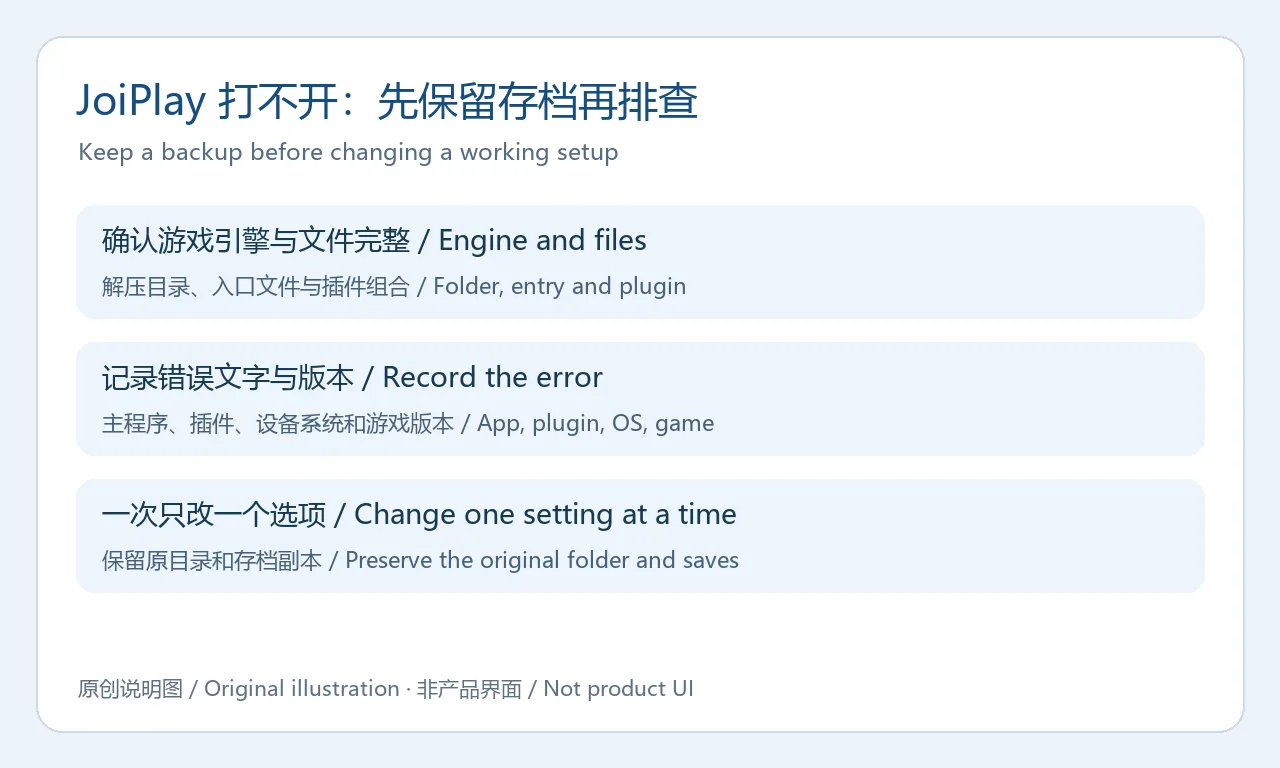
先确认当前文件属于支持的引擎,并检查下载或复制后的文件是否完整、是否已经解压,以及添加的入口是否正确。能够看到一个 Game.exe,并不能证明它属于 JoiPlay 能解释的引擎。再核对主程序与实际需要的插件是否安装,记录各自版本;插件编号高于主程序编号本身不是故障证据。
如果已有游戏能够运行,新增作品失败时应先检查这款作品的依赖与错误文字。保留原设置与存档副本,每次只调整一个相关选项,并记录手机型号、Android 版本、JoiPlay 及插件版本、作品版本和错误信息。黑屏、路径错误和闪退可能有不同原因,反复换包无法替代对具体错误的判断。需要求助时,可通过官网提供的支持入口提交必要信息,并避免附带私人存档或个人资料。
 原创说明图 / Original illustration;非游戏或应用界面。
JoiPlay下载后会自带游戏吗? 不会。它是解释器与启动器,需要自己从合法来源取得适配游戏;主程序和插件不构成游戏授权。
是否每款 RPG Maker 或 Ren’Py 游戏都能运行? 不能这样保证。引擎版本、原生库、Windows API、Node.js 模块和作品修改都会影响结果,应先核对作品要求并保留备份。
为什么官网表格与本文的版本不同? 官网列表仍列 1.21.000,而维护者公开帖的下载段明确更新为 1.22.001,文件页也显示同一编号。本文在来源中保留两者,方便读者核对。
MEGA文件是否经过本站安全扫描? 本次只核对公开来源、文件名称与页面大小,没有下载、执行或扫描 APK。应从维护者发布帖进入文件页,并核对安装名称、系统提示和权限。
需要付费才能下载本文这一版本吗? 核对时 1.22.001 的公开帖与文件页无需会员即可查看;会员限定的 1.23.000 预发布未用于本页。渠道访问条件可能变化,以实际页面为准。
 原创说明图 / Original illustration;非游戏或应用界面。
进行 JoiPlay下载与安装前,先确定作品引擎、公开版本和所需插件,再用备份保留可恢复的游戏目录与存档,能更有条理地判断手机上的运行问题。
JoiPlay brings supported indie games to Android. Find the official 1.22.001 download, plugin choices, installation steps, release notes and troubleshooting.
The JoiPlay website describes a modular Android game interpreter and launcher for engines including RPG Maker XP/VX/VX Ace/MV/MZ, Ren’Py, TyranoBuilder and HTML5. It is useful when you already have a legitimate copy of a suitable game and want to try it on a phone. The core manages and launches games; individual engines can require separate plugin APKs. A plugin download is not a replacement for the main application.
Compatibility remains specific to the title. The maintainer notes that native libraries, Windows APIs and Node.js modules can affect whether a game works. Engine support does not guarantee that every game built with that engine will run. This page covers the general tool and supplies no game files.
原创说明图 / Original illustration;非游戏或应用界面。
原创说明图 / Original illustration;非游戏或应用界面。
At this October 21, 2026 review, the May 28, 2026 public post retained the title “JoiPlay 1.22.000 And Plugin Updates,” but its download section specified 1.22.001, marked “Updated with new build.” The separate 1.22.001 changelog fixes the intro-screen crash introduced by 1.22.000. No separate patch release date was supplied, so the original post date is not assigned to the patch.
The same post lists 1.22.000 changes: automatically disable unneeded external modules; hide the Patreon banner after ten seconds with an option to hide it completely; fix a launcher memory leak; add NWJSApi path caching for RPG Maker MV/MZ save/load; adjust renderer settings; remove an optimization that caused random MV crashes; support games on external USB drives; and update the virtual gamepad. These are maintainer-reported changes, not independent performance measurements.
The website’s download table still shows the older 1.21.000. The maintainer’s home page also lists a September 24 1.23.000 Pre-Release behind membership access. This page uses the anonymously readable 1.22.001 post and matching public file. It does not offer the restricted pre-release. Check each plugin’s own release information before updating that component.
原创说明图 / Original illustration;非游戏或应用界面。
Confirm the game engine, complete extracted folder and selected entry before changing settings. A Game.exe filename alone does not identify a supported engine. Check that the required plugin is installed and record its version along with the core. A higher numeric plugin version is not itself evidence of a conflict.
If existing games work and a new one fails, inspect that title’s dependencies and exact error first. Preserve settings and save copies, change one relevant option at a time, and record the phone model, Android version, core and plugin versions, game version and error text. Black screens, missing paths and crashes can have different causes. Use the website’s support route when necessary and avoid attaching private saves or unrelated personal information.
原创说明图 / Original illustration;非游戏或应用界面。
Are games included? No. The interpreter and plugins require suitable game files obtained legitimately; they do not grant a licence to a game.
Will every RPG Maker or Ren’Py game work? No universal compatibility is established. Engine versions, native libraries, Windows APIs, Node.js modules and game-specific modifications can affect the result.
Why does the website show another version? Its table lists 1.21.000, while the maintainer’s public post and matching file identify 1.22.001. Both sources are retained for comparison.
Has this APK been independently scanned here? No. This review checked public sources, filename and displayed size without downloading, executing or scanning the APK. Follow the maintainer’s link and examine installation identity and permission prompts.
Is membership needed for this build? At review the 1.22.001 post and file were publicly visible. The member-only 1.23.000 pre-release is excluded; actual channel access can change.
原创说明图 / Original illustration;非游戏或应用界面。
Before a JoiPlay download, identify the game engine, public build and required plugin, then preserve the original game folder and saves to make troubleshooting reversible.
情報確認日:2026年10月21日
初回公開:2026年10月21日· 編集部による更新:2026年10月21日

Sideloadly 是 Windows/macOS 桌面 IPA 侧载工具,可将兼容 IPA 安装到 iPhone、iPad、Apple Silicon Mac 和 Apple TV;官网列出 Wi-Fi 侧载与自动刷新。 | Sideloadly is a Windows/macOS IPA sideloading utility for iPhone, iPad, Apple Silicon Mac and Apple TV, with Wi-Fi sideloading and automatic refresh features listed by the publisher.

DiskGenius 6.2:官方安装器与便携版、免费和专业版权限、当前更新及数据恢复位置检查。 / Official v6.2 package choices, Free/Professional differences, release notes and recovery-destination guidance.

读取DPC、ISR与硬缺页定位音频中断线索,区分7.31修复、家庭版许可与当前Windows驱动阻止限制。 / Interpret DPC, ISR and pagefault reports with v7.31 notes, Home Edition licensing and current Windows driver-policy limits.
PowerToys 是 Microsoft 提供的 Windows 实用工具集合,帮助用户自定义 Windows 并简化日常任务;资料列出的版本为 v0.102.3001。

Process Lasso 是 Bitsum 的 Windows 进程管理与自动化工具,提供 ProBalance、Performance Mode、进程规则和硬件监控。稳定版 18.4.0.48 支持 Windows 10、11 与 Windows Server;免费版可长期使用,部分高级功能需要 Pro。 / Process Lasso is Bitsum’s Windows process-management and automation utility, with ProBalance, Performance Mode, process rules and hardware monitoring. Stable version 18.4.0.48 supports Windows 10, 11 and Windows Server; some advanced features require Pro.

TrafficMonitor Windows 网速与资源监控:1.86 Lite 架构选择、任务栏设置、版本变更和零读数排查。 / TrafficMonitor v1.86 Lite package selection, taskbar setup, release changes and troubleshooting for network readings.