软件卸载与电脑维护工具
卸载不再使用的软件,检查残留并完成日常电脑维护。收录Geek Uninstaller、HiBit Uninstaller、联想电脑管家 / Lenovo PC Manager等站内已有工具,按实际用途选择适合自己的应用。
HiBit Uninstaller 是 HiBitSoft 提供的 Windows 卸载与程序管理工具,官网提供安装版和便携版。本页整理 4.0.10 更新、系统要求、残留检查和谨慎卸载步骤。 / HiBit Uninstaller is a Windows removal and program-management utility from HiBitSoft. This bilingual guide covers v4.0.10, package choices, system support and careful cleanup.
Alias: HiBit Uninstaller、HiBit Uninstaller 4.0.10、HiBit卸载工具、HiBit软件卸载
Autor: RJ.tools Editorial
Contenido asistido por IA
Consulta la información básica del software y sus fuentes
The author's About page says some programs are shared for free. The reviewed product page does not state a formal software license; confirm terms before business deployment or redistribution.
No installer or archive was downloaded, run, scanned, hashed or signature-checked. Review of vendor pages is not a software safety certification.
HiBit Uninstaller 是 HiBitSoft 提供的 Windows 卸载与程序管理工具,官网提供安装版和便携版。本页整理 4.0.10 更新、系统要求、残留检查和谨慎卸载步骤。 / HiBit Uninstaller is a Windows removal and program-management utility from HiBitSoft. This bilingual guide covers v4.0.10, package choices, system support and careful cleanup.
HiBit Uninstaller 下载指南:核对 4.0.10、Windows 支持、安装版与便携版,学习卸载前备份和残留复核,并谨慎确认卸载影响。 HiBit v4.0.10 setup, system support, package choices and uninstall advice.
HiBit Uninstaller 是面向 Windows 的软件管理工具,提供安装版、便携版、常规卸载和残留检查。本页依据发行方官网核对 4.0.10 更新与系统要求,并整理官方下载、安装步骤、卸载前备份、残留复核及常见故障处理,帮助用户降低误删共享文件和个人数据的风险,并区分官网版本与榜单旧记录。
HiBit Uninstaller 是 HiBitSoft 提供的 Windows 工具,官网列出常规卸载、强制卸载、批量卸载、Microsoft Store 应用和浏览器扩展管理,以及安装监控、启动项和服务管理等功能。功能数量不代表每个清理建议都适合当前电脑;开始操作前先确认目标程序名称、发行方和需要保留的数据。
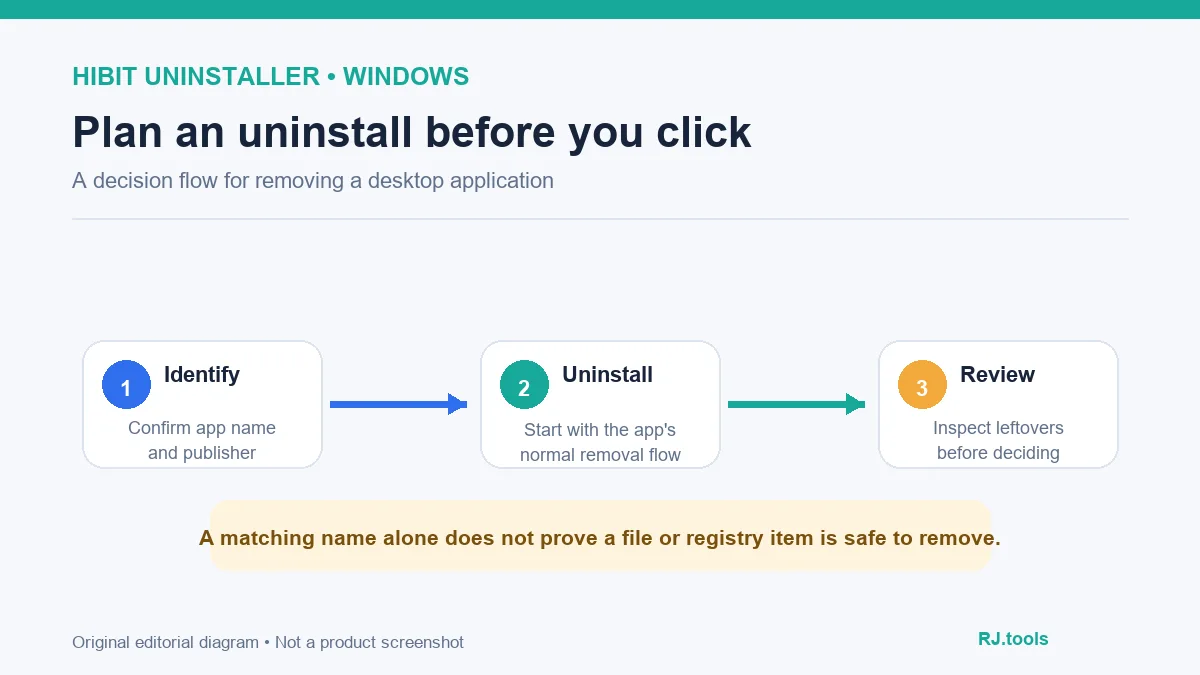
HiBitSoft 当前产品页同时提供安装版和便携版,列出的支持系统为 Windows Vista、7、8、10、11(32 位和 64 位)。页面标注安装版 4.32 MB;这是官网显示值,不是本站对下载文件的测量。About 页面称作者创建该站分享部分程序供他人免费使用,Donate 页面将捐赠称为自愿支持;官网未在产品页列出正式软件许可文本。
若只想偶尔检查程序,便携版可以减少常规安装步骤,但并不会限制它对系统进行更改。卸载操作可能影响用户文件、共享组件或设置;对不确定的项目先保留并查明用途。
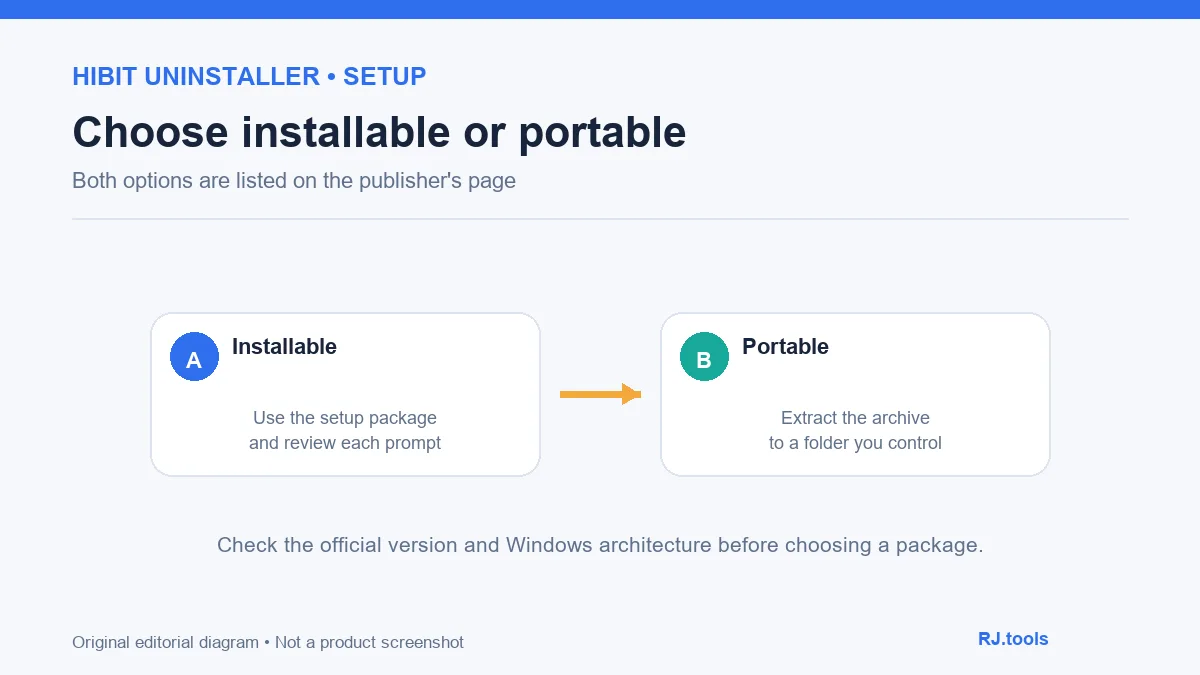
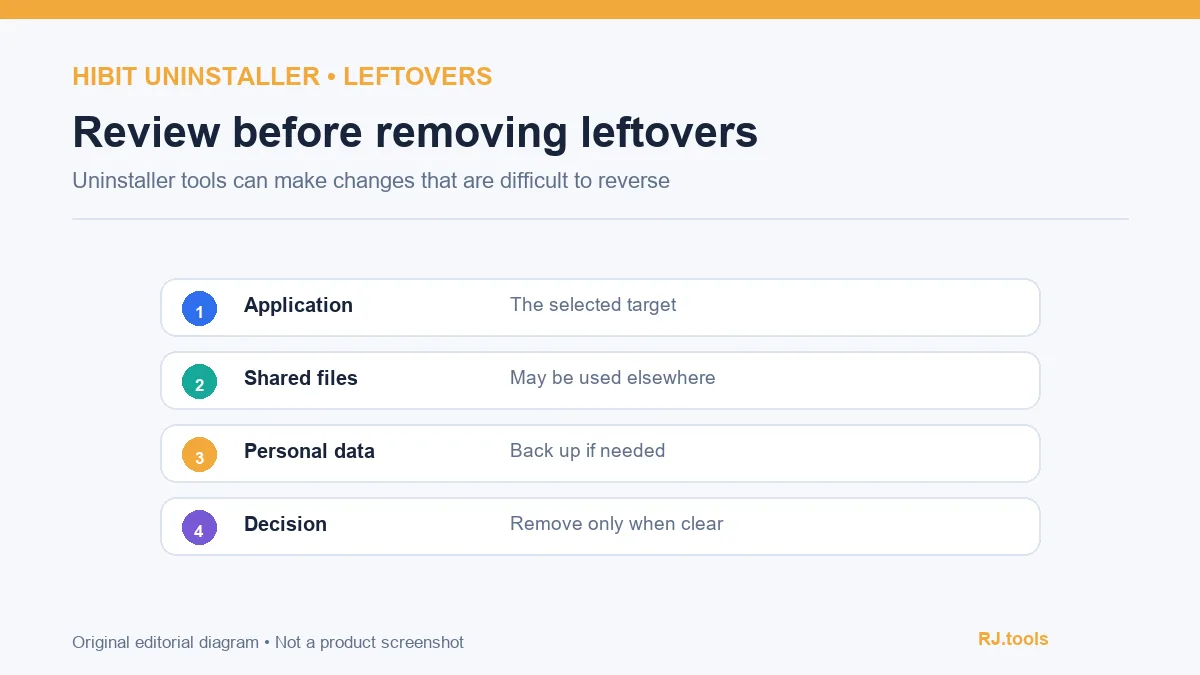
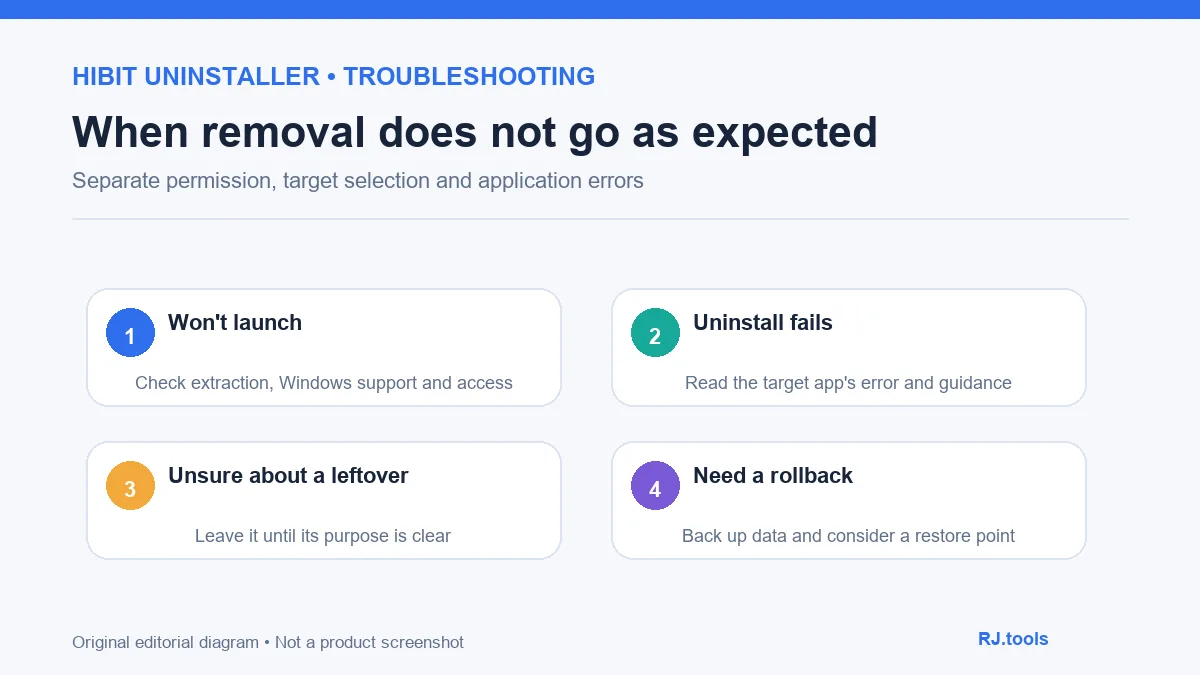
HiBitSoft 页面说明工具可扫描卸载残留并支持强制卸载。残留可能是目标程序的配置,也可能是共享组件、个人文件或其他应用正在使用的内容;名称相近本身不能证明归属。普通卸载失败时,记录错误信息、程序版本和安装位置,再查目标软件开发者的说明。
在使用强制卸载、注册表清理、文件粉碎或其他深度处理前,先备份重要文件并考虑创建系统还原点。对 Windows 组件、驱动或不熟悉的注册表项,不要仅凭清理器提示移除;如果不确定,停止操作并请熟悉系统维护的人协助。
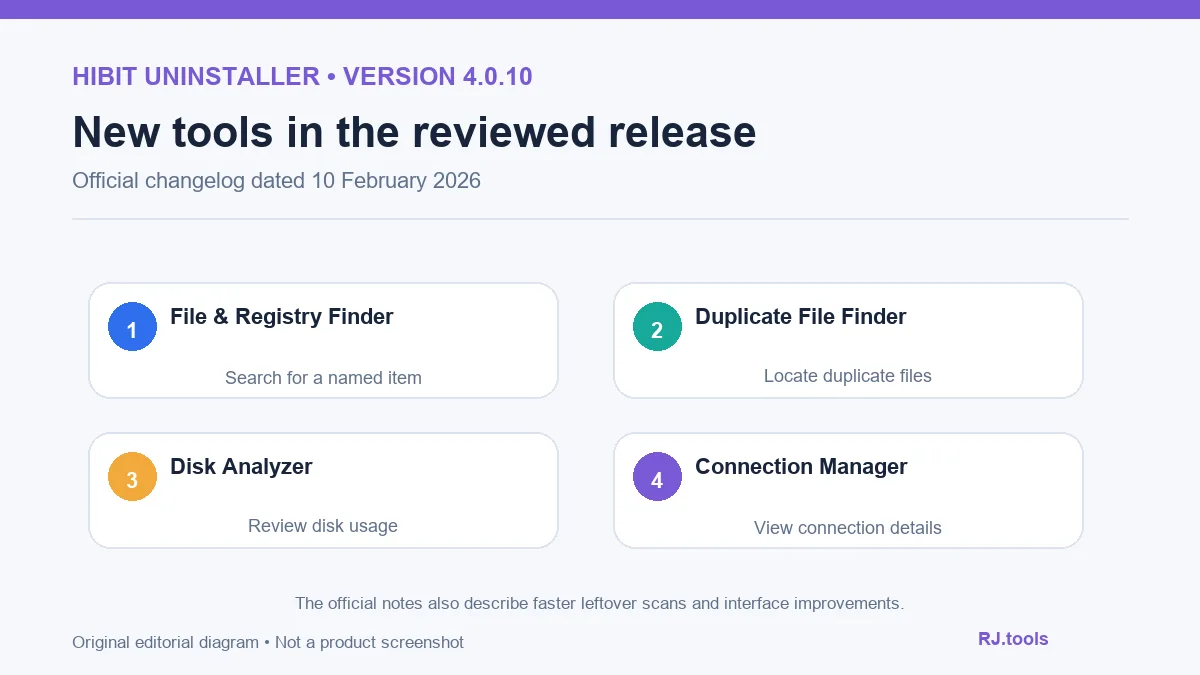
官网 changelog 将 4.0.10 标注为 2026-02-10。此版新增 File & Registry Finder、Duplicate File Finder、Disk Analyzer 和 Connection Manager;增加残留搜索结果树状视图以及清理工具的自定义文件夹支持;重新设计 Process Manager,并改进安装监控、Windows Store Apps Manager、Junk Files Cleaner 和残留扫描速度与准确度。发行方说明残留搜索算法提升约 30% 速度。
这些都是厂商更新说明,不能替代本站对功能表现的测试。官网产品页目前仍列出 4.0.10;安装或更新前可再次检查页面与 changelog 是否有新版本。榜单记录里的 3.2.40.100 是旧来源文件标识,不代表当前版本。
HiBit Uninstaller 是安装版还是便携版? 官网两种都提供。安装版运行 setup;便携版下载后需先完整解压。两者都可能执行系统更改。
强制卸载能解决所有失败吗? 不能保证。先记录目标软件错误并查看原厂卸载指引;强制移除前确认文件、设置和共享组件的归属。
残留列表中的项目可以全部删除吗? 不建议。检查路径、文件内容和应用归属;共享文件夹或个人资料不明确时先保留。
软件免费吗,是否有正式授权? 作者网站称分享部分程序供他人免费使用,并接受自愿捐赠;产品页未列出明确许可文本。企业部署或二次分发前应向作者核实许可。
本站扫描过下载文件吗? 没有。本文没有下载、运行、扫描、签名核验或哈希验证安装包,不能据此承诺文件安全。
下载 HiBit Uninstaller 前先核对 HiBitSoft 官网的 4.0.10 版本、系统支持和安装形式。卸载时从普通流程开始,检查每个残留项目和备份需求;只有确认目标、影响范围和恢复方式后,才考虑强制移除或清理操作。
HiBit Uninstaller offers Windows installable and portable builds. Check v4.0.10 notes, system support, setup and leftover advice before uninstalling software.
HiBit Uninstaller is a Windows utility from HiBitSoft. Its product page lists normal and forced removal, batch uninstall, Microsoft Store app and browser-extension management, installation monitoring, and startup and service managers. A long feature list does not mean every cleanup suggestion suits a particular PC. Confirm the target app, publisher and data you need to keep before acting.
HiBitSoft currently offers installable and portable packages. The product page lists Windows Vista, 7, 8, 10 and 11 in 32-bit and 64-bit editions. It displays 4.32 MB for the installer; that is the publisher's displayed size, not a measurement by this site. The About page says the author created the site to share some programs for free; the Donate page describes contributions as voluntary. The product page does not provide a formal software license text.
Portable use may avoid a conventional setup step, but it does not prevent changes to the system. Removal can affect user files, shared components or settings. Keep uncertain items until you have identified their purpose.
HiBitSoft says the utility can scan uninstall leftovers and perform forced removal. A leftover may be target-app configuration, a shared component, personal data or content another application uses. A similar filename does not establish ownership. If normal removal fails, record the error, app version and installation path, then consult the target publisher's instructions.
Before forced removal, registry cleanup, file shredding or other deeper actions, back up important files and consider creating a Windows restore point. Do not remove a Windows component, driver or unfamiliar registry entry solely because a cleaner lists it. If its purpose is unclear, stop and ask someone familiar with system maintenance.
The official changelog dates version 4.0.10 to 10 February 2026. It adds File & Registry Finder, Duplicate File Finder, Disk Analyzer and Connection Manager; a tree view for leftover results; and custom-folder support in two cleaner tools. It redesigns Process Manager and reports improvements to installation monitoring, Windows Store Apps Manager, Junk Files Cleaner and leftover-search speed and accuracy. The publisher states that the leftover algorithm is about 30% faster.
These are vendor notes, not results from testing by this site. The product page still lists 4.0.10 at review time; check the page and changelog again before installing or updating. The ranking record's 3.2.40.100 identifies an older source-file version and is not the current release.
Is HiBit Uninstaller installable or portable? The publisher offers both. Run setup for the installable build; fully extract the archive before using the portable build. Either can make system changes.
Will forced removal fix every uninstall problem? No guarantee. Record the target app's error and read its publisher's instructions. Identify files, settings and shared components before any forced removal.
Can I delete every item in the leftovers list? Do not assume so. Review the path, contents and application ownership. Keep shared folders or personal data when their purpose is unclear.
Is the software free and formally licensed? The author's site says some programs are shared for free and accepts voluntary donations, but the product page does not state a formal license. Contact the author before business deployment or redistribution.
Did RJ.tools scan the installer? No. No package was downloaded, run, scanned, signature-checked or hashed for this page; this is not a security guarantee.
Before a HiBit Uninstaller download, verify v4.0.10, Windows support and package type on HiBitSoft. Start with normal removal, review every leftover and consider backups. Use forced removal or cleanup only after confirming the target, impact and recovery options.
Información verificada: 18 oct 2026
Publicado por primera vez: 18 oct 2026· Revisión editorial: 18 oct 2026
HiBitSoft 官方页提供两种形式。安装版运行 setup;便携版需要先完整解压。两者都可能执行系统更改。
No. Check the path, contents and application ownership; keep shared or personal files when their purpose is unclear.
不能保证。先记录目标软件的错误并查阅其官方卸载说明,再谨慎考虑更强操作。
The author says some programs are shared for free and accepts voluntary donations, but the product page reviewed does not name a formal license. Contact the author before business deployment or redistribution.
No. No package was downloaded, run, scanned, signature-checked or hashed for this article.

Sideloadly 是 Windows/macOS 桌面 IPA 侧载工具,可将兼容 IPA 安装到 iPhone、iPad、Apple Silicon Mac 和 Apple TV;官网列出 Wi-Fi 侧载与自动刷新。 | Sideloadly is a Windows/macOS IPA sideloading utility for iPhone, iPad, Apple Silicon Mac and Apple TV, with Wi-Fi sideloading and automatic refresh features listed by the publisher.

DiskGenius 6.2:官方安装器与便携版、免费和专业版权限、当前更新及数据恢复位置检查。 / Official v6.2 package choices, Free/Professional differences, release notes and recovery-destination guidance.

读取DPC、ISR与硬缺页定位音频中断线索,区分7.31修复、家庭版许可与当前Windows驱动阻止限制。 / Interpret DPC, ISR and pagefault reports with v7.31 notes, Home Edition licensing and current Windows driver-policy limits.
PowerToys 是 Microsoft 提供的 Windows 实用工具集合,帮助用户自定义 Windows 并简化日常任务;资料列出的版本为 v0.102.3001。

Process Lasso 是 Bitsum 的 Windows 进程管理与自动化工具,提供 ProBalance、Performance Mode、进程规则和硬件监控。稳定版 18.4.0.48 支持 Windows 10、11 与 Windows Server;免费版可长期使用,部分高级功能需要 Pro。 / Process Lasso is Bitsum’s Windows process-management and automation utility, with ProBalance, Performance Mode, process rules and hardware monitoring. Stable version 18.4.0.48 supports Windows 10, 11 and Windows Server; some advanced features require Pro.

TrafficMonitor Windows 网速与资源监控:1.86 Lite 架构选择、任务栏设置、版本变更和零读数排查。 / TrafficMonitor v1.86 Lite package selection, taskbar setup, release changes and troubleshooting for network readings.