压缩包打开、解压与文件整理
在电脑和手机上查看压缩文件内容、解压资料并整理归档包。收录Bandizip、Double Commander、ZArchiver等站内已有工具,按实际用途选择适合自己的应用。
Bandizip 是 Bandisoft 提供的 Windows 压缩与解压工具。本页围绕 v7.47、常见归档格式、版本许可、安装检查和解压排查提供中英双语指南。 / Bandizip is a Windows archive utility from Bandisoft. This bilingual guide covers v7.47, common formats, edition terms, setup and extraction checks.
Alias : Bandizip、Bandizip Windows、Bandizip 7.47、Bandisoft ZIP工具
Auteur : RJ.tools Editorial
Contenu assisté par l’IA
Découvrez les informations essentielles et les sources du logiciel
Bandisoft says the Standard edition may be used in any scenario. Professional and Enterprise editions have separate license terms.
No installer was downloaded, run, scanned, hashed or signature-checked. Publisher release notes are not an independent safety assessment.
Bandizip 是 Bandisoft 提供的 Windows 压缩与解压工具。本页围绕 v7.47、常见归档格式、版本许可、安装检查和解压排查提供中英双语指南。 / Bandizip is a Windows archive utility from Bandisoft. This bilingual guide covers v7.47, common formats, edition terms, setup and extraction checks.
Bandizip 下载与安装指南:核对 v7.47、Windows 支持、版本授权和 ZIP/7Z 用途,并学习压缩、解压与故障排查。并核对官方版本。 Bandizip v7.47 guide for Windows archives, setup and troubleshooting tips.
Bandizip 是 Windows 压缩与解压工具,可处理 ZIP、7Z、TAR、ISO 等常见归档格式。本页依据开发者官网核对 v7.47 更新、Windows 版本与架构支持,说明免费标准版和付费版差异,并整理官方下载、安装、解压及故障排查步骤,方便你在处理文件前确认来源和目标目录和使用场景。
Bandizip 是 Bandisoft 提供的 Windows 归档工具,官网列出 ZIP、7Z、TAR、TGZ、ISO 等可创建格式,并支持读取更多归档类型。具体格式能力会随文件结构和版本而异;遇到压缩包打不开时,先核对扩展名、分卷是否齐全以及密码是否正确,而不是反复改名。
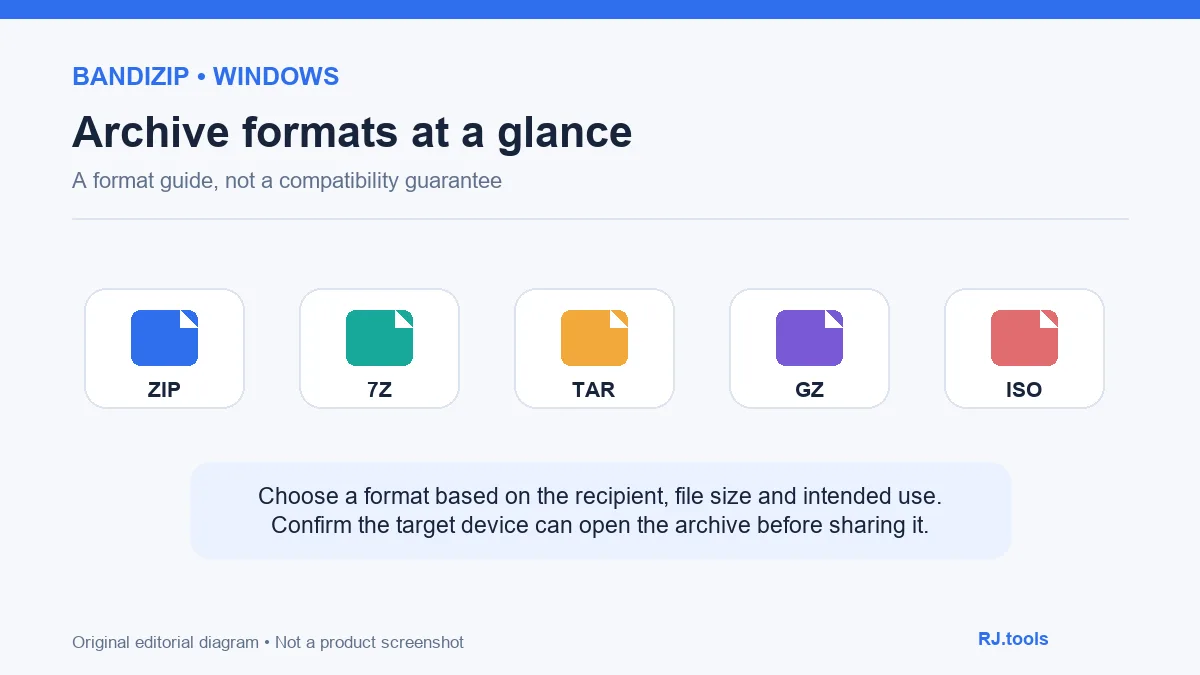
ZIP 便于跨设备交换,7Z 可用于按需设置较高压缩率,TAR 常用于归集文件,ISO 用于光盘映像场景。格式选择要考虑接收方的软件、压缩时间、体积和后续访问方式;没有一种格式能保证对所有设备都最合适。Bandizip 官网还列出分卷压缩、密码保护和 AES-256 等功能,使用加密压缩包时请把密码单独保存。
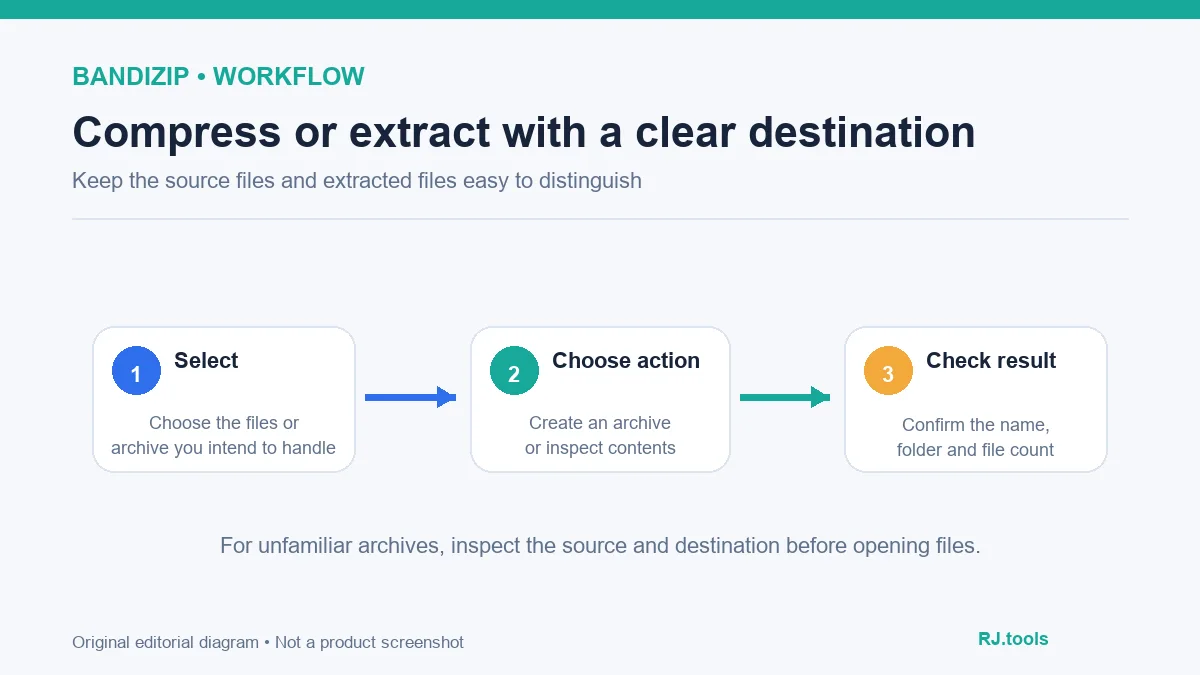
解压前检查来源、分卷和目标文件夹,尤其留意同名文件覆盖提示。来源不明的压缩包可能包含危险文件;归档工具的格式支持不等于内容已经安全扫描。解压后按文件类型和来源决定是否打开,不要直接运行陌生可执行文件。
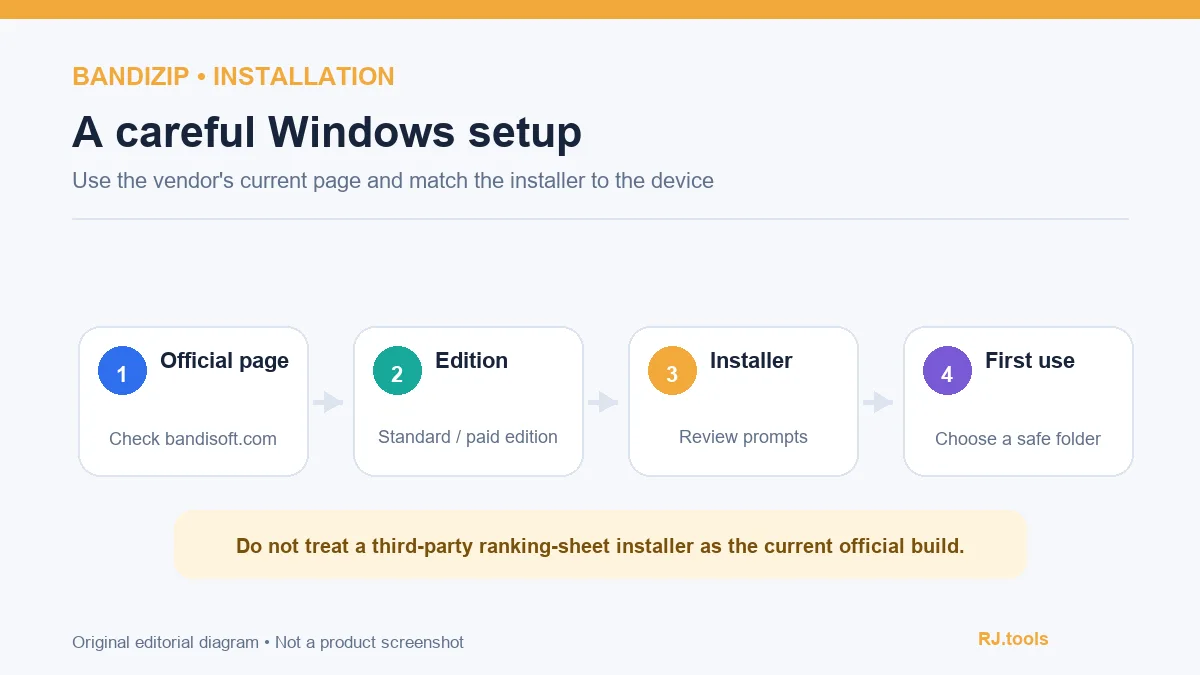
官网当前列出 Windows 7、8、8.1、10、11 的 32 位、x64 和 ARM64 支持,并提供标准版下载入口。榜单文件名对应旧版第三方 EXE,不应据此判断当前版本或下载来源。标准版许可页说明可用于任何场景;专业版和企业版面向额外功能或不同授权需求,下载前应按官网比较。
官网另提供便携版与 Microsoft Store 版本入口,发行方式和更新渠道可能不同。本文没有下载、运行、扫描或校验任何安装包,也没有复现本机安装器界面。
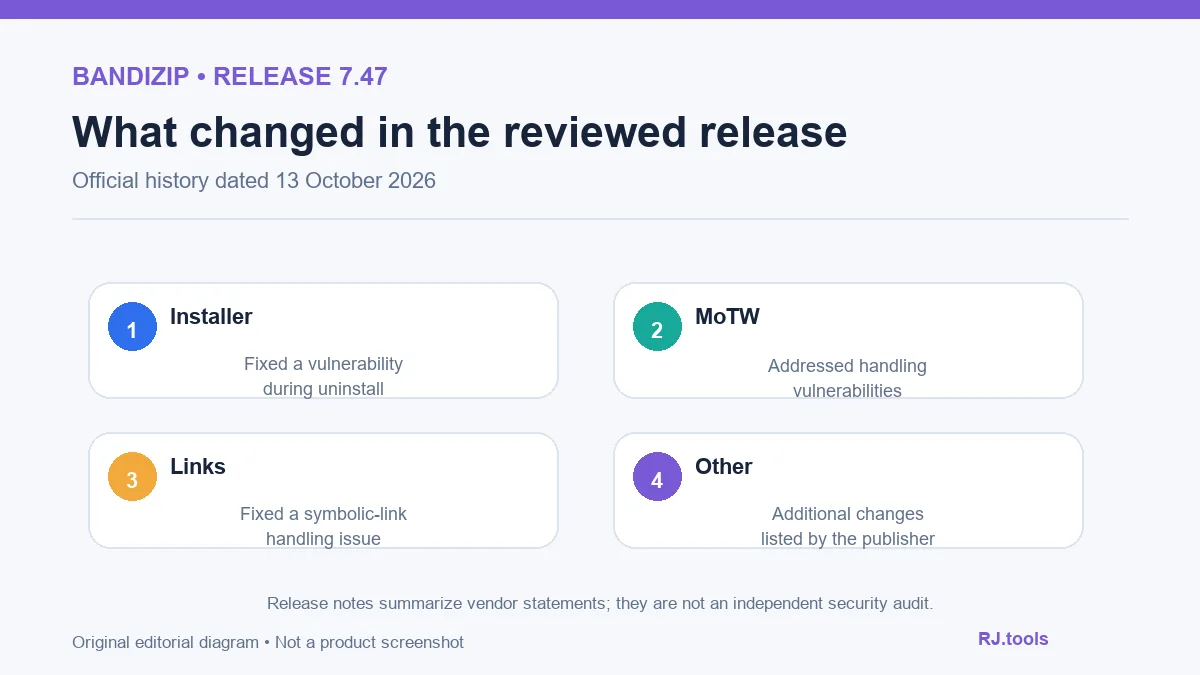
开发者更新记录把 v7.47 标为 2026-10-13 发布。该版本修复卸载流程中可能导致任意代码以当前用户权限执行的问题(KVE-2026-2462),修复两项 MoTW 处理相关漏洞(KVE-2026-2248、KVE-2026-2099),并修复符号链接处理漏洞(KVE-2026-2229);页面另列有“其他”变更但未展开细节。
以上是厂商发布说明的摘要,不是 RJ.tools 的安全审计结论。更新时从官网重新核对版本号和日期;避免将旧榜单版本 7.22.0.1 当作当前发行版。若你依赖特定的安装包或脚本行为,应先查阅相应发行说明和许可信息。
Bandizip 免费版可以用于商业场景吗? 官网许可证页表示标准版可用于盈利、非盈利或其他场景;专业版和企业版有各自的授权规则。以厂商当前许可页面为准。
ZIP 和 7Z 应该选哪一种? 优先考虑接收设备能否打开、归档大小和使用场景。若对方环境不明确,先确认兼容性,不要只按压缩率选择。
压缩包提示错误或解压失败怎么办? 检查下载是否完整、分卷是否缺失、密码是否正确以及磁盘空间是否足够。不要运行未知来源提供的“修复器”。
安装后没有右键菜单怎么办? 先确认安装期间是否启用了文件资源管理器集成,并查阅官网帮助中的上下文菜单排查说明;不同 Windows 菜单版本的显示方式可能不同。
本站验证过安装包安全吗? 没有。本页只核对公开厂商页面,没有下载、运行、扫描、哈希或数字签名验证安装文件。
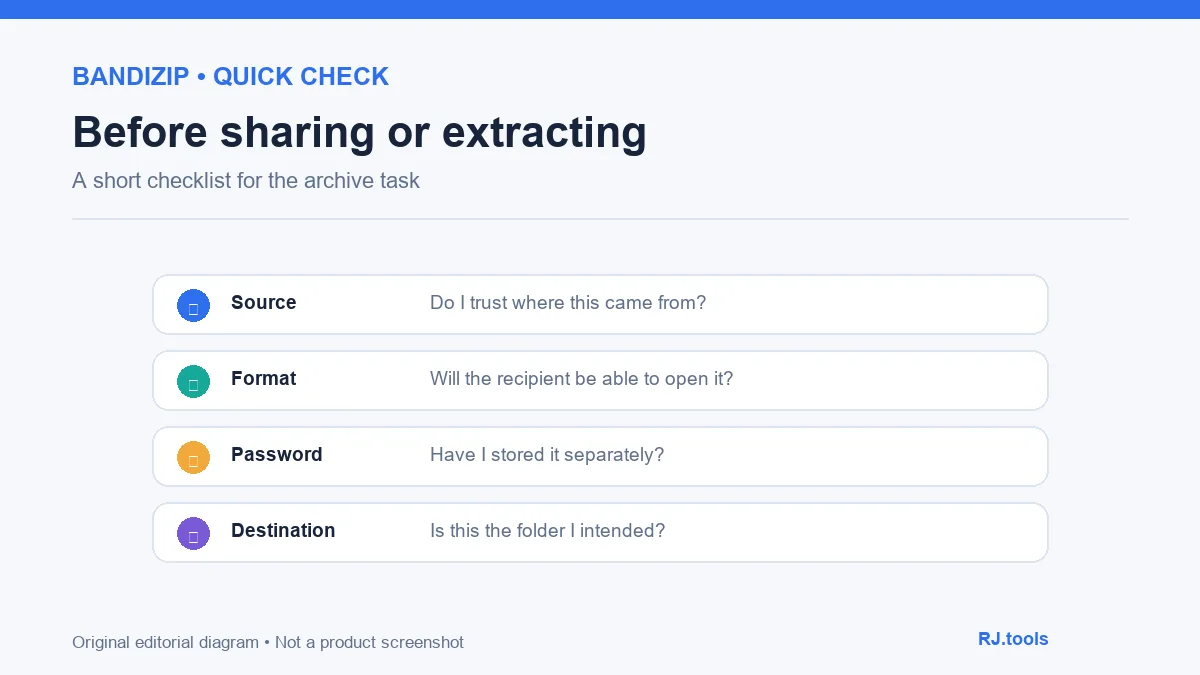
搜索 Bandizip 下载或安装时,请从 Bandisoft 产品页确认当前版本、系统架构和授权方式;压缩或解压前核对来源、文件完整性和目标目录。遇到错误时逐项检查密码、分卷、扩展名与存储空间,避免执行不明文件。
Bandizip opens ZIP, 7Z and other Windows archives. Check official v7.47 notes, edition terms, supported systems, setup and extraction advice before download.
Bandizip is a Windows archive utility from Bandisoft. The publisher lists creation support for ZIP, 7Z, TAR, TGZ and ISO, along with broader archive-reading support. Actual handling can depend on the archive structure and program version. If an archive fails to open, check its extension, whether every volume is present, and whether the password is correct before renaming files.
ZIP is convenient for exchange across devices; 7Z offers configurable compression; TAR groups files and ISO represents disc images. Choose based on the recipient's tools, processing time, size and how the files will be used. No format is ideal for every device. Bandisoft also lists split archives, password protection and AES-256. Keep an archive password somewhere separate from the archive itself.
Before extraction, check the source, all volumes and the destination folder, and read any overwrite prompt. An unknown archive may contain harmful files. Format support does not mean the contents have been scanned. Decide whether to open extracted files based on their type and source; do not run an unfamiliar executable automatically.
The official page lists Windows 7, 8, 8.1, 10 and 11 in 32-bit, x64 and ARM64 variants, and offers a Standard download. The ranking sheet points to an old third-party EXE; its filename does not establish the current version or a trusted source. Bandisoft's license page says Standard may be used in any scenario; Professional and Enterprise have separate terms and additional features. Compare the current vendor information before choosing an edition.
The publisher also links to a portable build and a Microsoft Store edition; their distribution and update channels may differ. This article did not download, run, scan or verify any installer, and did not inspect a local setup wizard.
Bandisoft's history dates v7.47 to 13 October 2026. The release fixes an issue that could allow arbitrary code to run with the current user's privileges during uninstall (KVE-2026-2462), two vulnerabilities related to Mark of the Web handling (KVE-2026-2248 and KVE-2026-2099), and a symbolic-link handling vulnerability (KVE-2026-2229). The page also lists “other” changes without further detail.
This is a summary of the publisher's notes, not an RJ.tools security audit. Recheck the version and date on the vendor page when updating. Do not treat the old ranking-sheet version 7.22.0.1 as the current release. If a workflow depends on installer behavior, consult the relevant release history and license information.
May I use the Standard edition commercially? Bandisoft's license page says Standard may be used for profit, non-profit or other scenarios. Professional and Enterprise follow their own terms. Check the vendor's current license page.
Should I choose ZIP or 7Z? Consider whether the recipient can open it, expected size and intended use. Confirm compatibility when the destination environment is unknown instead of choosing only by compression ratio.
What should I check if extraction fails? Check that the file is complete, all split volumes are present, the password is correct and sufficient disk space is available. Avoid unknown “repair” utilities.
Why is the File Explorer context menu missing? Check whether shell integration was selected during setup and follow the official help for context-menu issues. Windows menu behavior differs across versions.
Has RJ.tools verified the installer? No. This page reviews public vendor information only; no installer was downloaded, run, scanned, hashed or signature-checked.
For a Bandizip download or setup, verify the current build, architecture and edition on Bandisoft's site. Before compressing or extracting, check the source, file integrity and destination. If a task fails, review the password, split volumes, extension and available storage rather than running an unknown file.
Informations vérifiées le : 18 oct. 2026
Première publication : 18 oct. 2026· Révision éditoriale : 18 oct. 2026
Bandisoft 的许可页表示标准版可用于盈利、非盈利或其他场景;专业版和企业版另有授权规则。请以官网当前许可页为准。
Consider recipient compatibility, file size and intended use. Confirm what the receiving device can open before sharing.
检查文件完整性、分卷、密码和磁盘空间;不要运行来源不明的修复工具。
No. This page did not download, run, scan, hash or signature-check an installer.

Sideloadly 是 Windows/macOS 桌面 IPA 侧载工具,可将兼容 IPA 安装到 iPhone、iPad、Apple Silicon Mac 和 Apple TV;官网列出 Wi-Fi 侧载与自动刷新。 | Sideloadly is a Windows/macOS IPA sideloading utility for iPhone, iPad, Apple Silicon Mac and Apple TV, with Wi-Fi sideloading and automatic refresh features listed by the publisher.

DiskGenius 6.2:官方安装器与便携版、免费和专业版权限、当前更新及数据恢复位置检查。 / Official v6.2 package choices, Free/Professional differences, release notes and recovery-destination guidance.

读取DPC、ISR与硬缺页定位音频中断线索,区分7.31修复、家庭版许可与当前Windows驱动阻止限制。 / Interpret DPC, ISR and pagefault reports with v7.31 notes, Home Edition licensing and current Windows driver-policy limits.
PowerToys 是 Microsoft 提供的 Windows 实用工具集合,帮助用户自定义 Windows 并简化日常任务;资料列出的版本为 v0.102.3001。

Process Lasso 是 Bitsum 的 Windows 进程管理与自动化工具,提供 ProBalance、Performance Mode、进程规则和硬件监控。稳定版 18.4.0.48 支持 Windows 10、11 与 Windows Server;免费版可长期使用,部分高级功能需要 Pro。 / Process Lasso is Bitsum’s Windows process-management and automation utility, with ProBalance, Performance Mode, process rules and hardware monitoring. Stable version 18.4.0.48 supports Windows 10, 11 and Windows Server; some advanced features require Pro.

TrafficMonitor Windows 网速与资源监控:1.86 Lite 架构选择、任务栏设置、版本变更和零读数排查。 / TrafficMonitor v1.86 Lite package selection, taskbar setup, release changes and troubleshooting for network readings.