
系统镜像写入与光盘映像挂载
把系统镜像写入移动介质,或在电脑上挂载已有光盘映像。收录balenaEtcher(USB 与 SD 卡镜像写入工具)、DAEMON Tools Lite等站内已有工具,按实际用途选择适合自己的应用。

balenaEtcher 免费开源系统镜像写入工具:官方下载入口、USB 与 SD 卡写盘、备份与目标盘核对、安装步骤、Windows ISO 限制,以及 v2.1.7 macOS 作废公告。 / Official Etcher download and image-writing guide.
Aliasse: balenaEtcher、Etcher、balena Etcher
Autor: RJ.tools Editorial
KI-gestützte Inhalte
Erfahre mehr über die Software und ihre Quellen
Free and open source according to the official product page; a specific SPDX license was not established in this review.
balenaEtcher 免费开源系统镜像写入工具:官方下载入口、USB 与 SD 卡写盘、备份与目标盘核对、安装步骤、Windows ISO 限制,以及 v2.1.7 macOS 作废公告。 / Official Etcher download and image-writing guide.
balenaEtcher 下载指南,了解 USB、SD 卡写镜像、备份、Windows ISO 限制与版本公告。 Etcher download guide: setup, USB flashing, target checks, SD card images, release notices and FAQ.
balenaEtcher 是用于向 USB 闪存盘和 SD 卡写入系统镜像的开源工具。本文提供 balenaEtcher 下载入口、安装步骤、烧录 USB 的目标盘核对方法及 SD 卡写镜像指南,说明整盘覆盖、Windows ISO 的限制和官方版本公告,帮助你在备份数据后选择适合系统的安装包,理解校验与启动的区别。
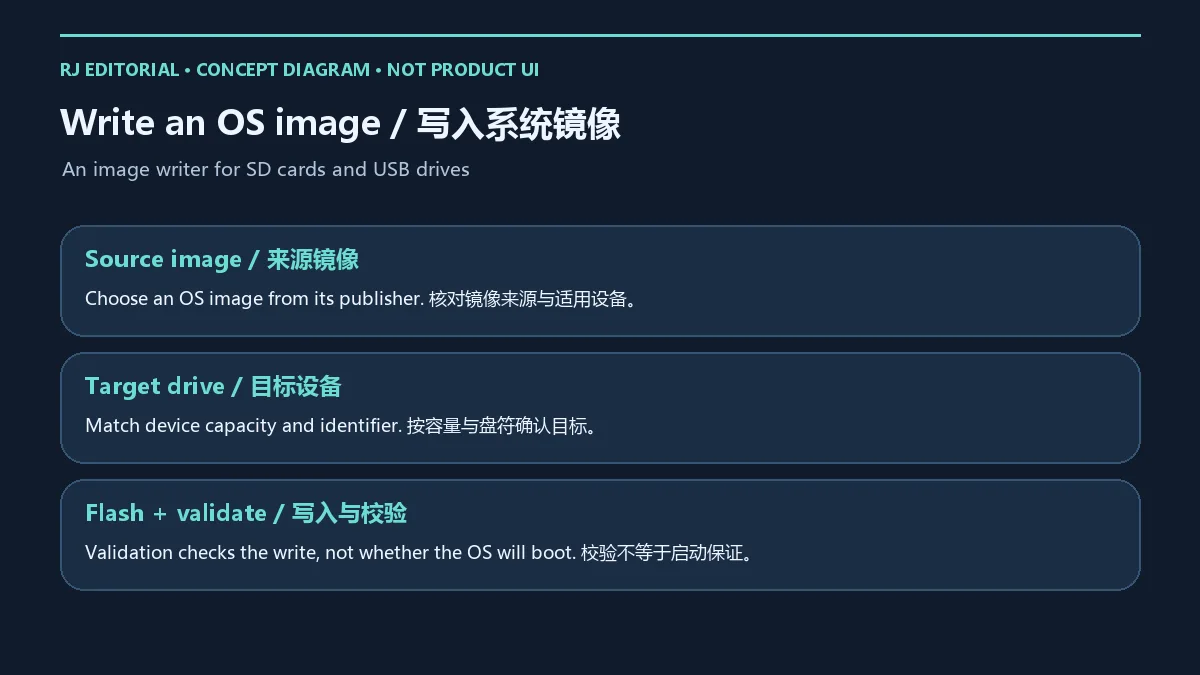
balena 的 Etcher 面向最终用户与开发者,将系统镜像写入 SD 卡或 USB 闪存盘。常见用途是为树莓派等设备准备系统卡,或为支持直接镜像写入的操作系统制作启动介质。镜像必须匹配目标设备的架构与启动方式;工具不会把任意文件变成可启动系统。
官网介绍三步写入流程、写入校验及默认隐藏系统盘的保护机制。校验关注写入结果,不能替代镜像来源核实,也不能证明介质一定能在某台电脑上启动。实际启动仍受固件设置、镜像格式、设备架构和存储介质状况影响。
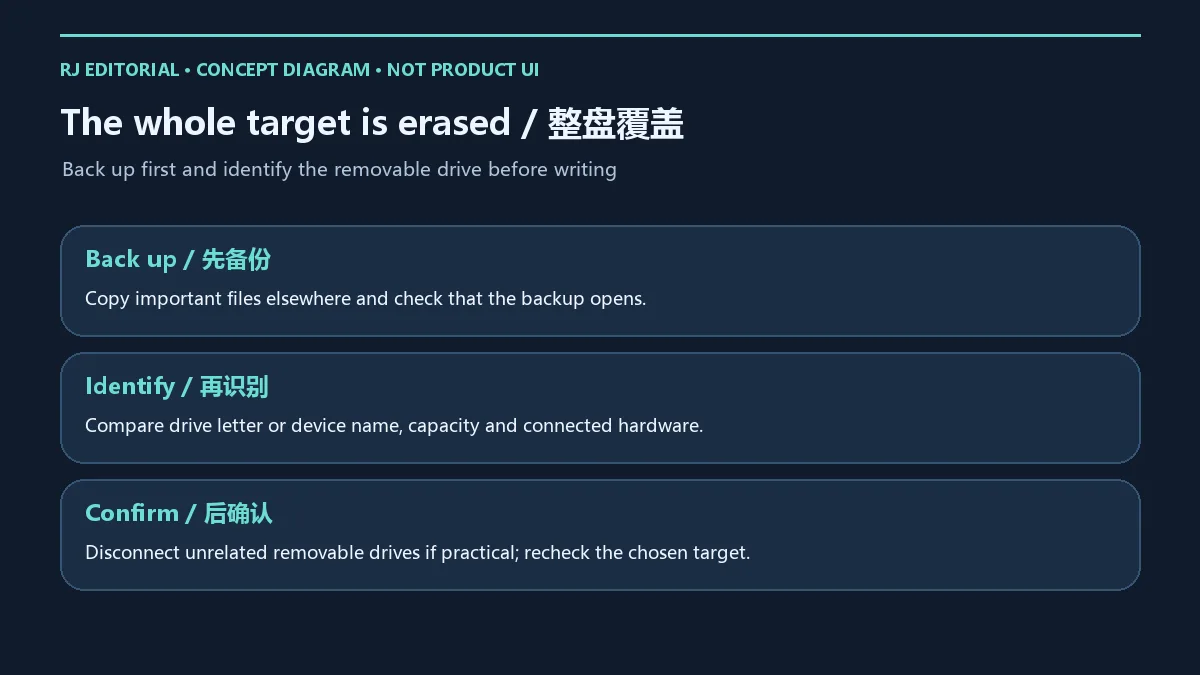
写盘会擦除整个目标设备上的内容。先将重要资料备份到另一块存储介质,抽样打开备份文件确认可用,再核对目标盘容量、盘符或设备名称。可以在操作前后比较设备列表,确认刚插入的 USB 盘或 SD 卡;条件允许时断开无关移动盘,减少选错机会。
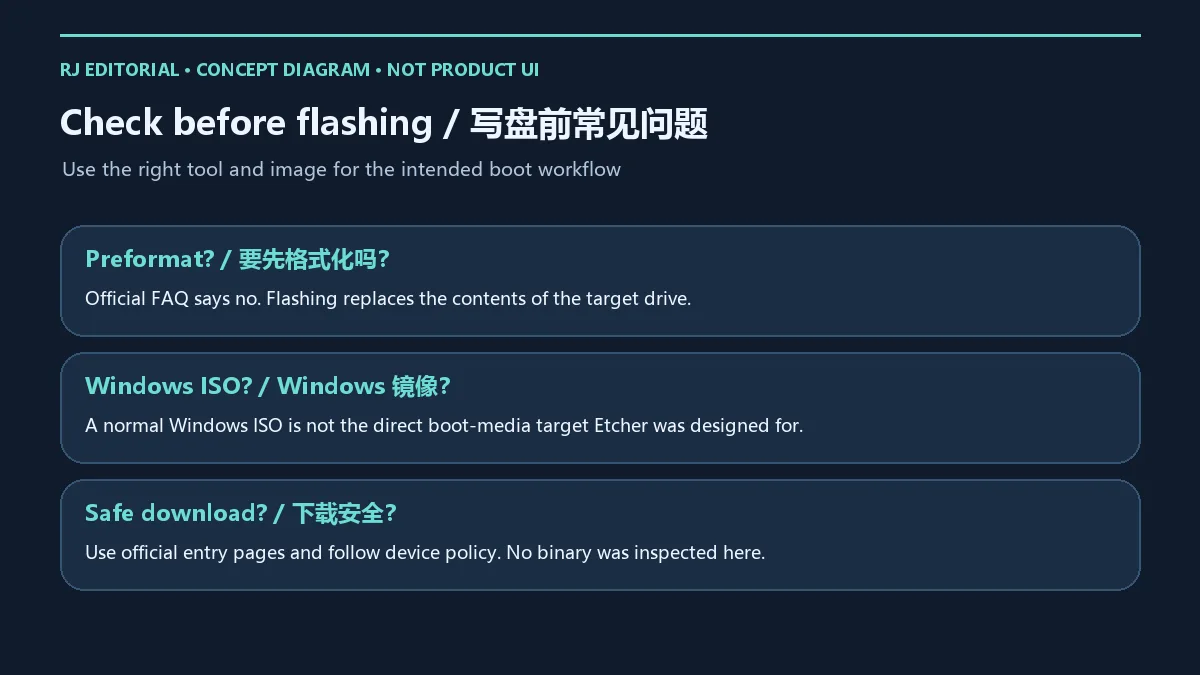
不要只凭“可移动磁盘”字样判断目标。读卡器可能暴露多个设备,容量相近的盘也容易混淆。官网称默认隐藏系统盘并提示风险,这些保护不能代替人工确认;发现目标信息与实物不符时,应退出选择并重新核对。官方 FAQ 表示不需要先格式化,因为镜像写入会替换目标盘内容。
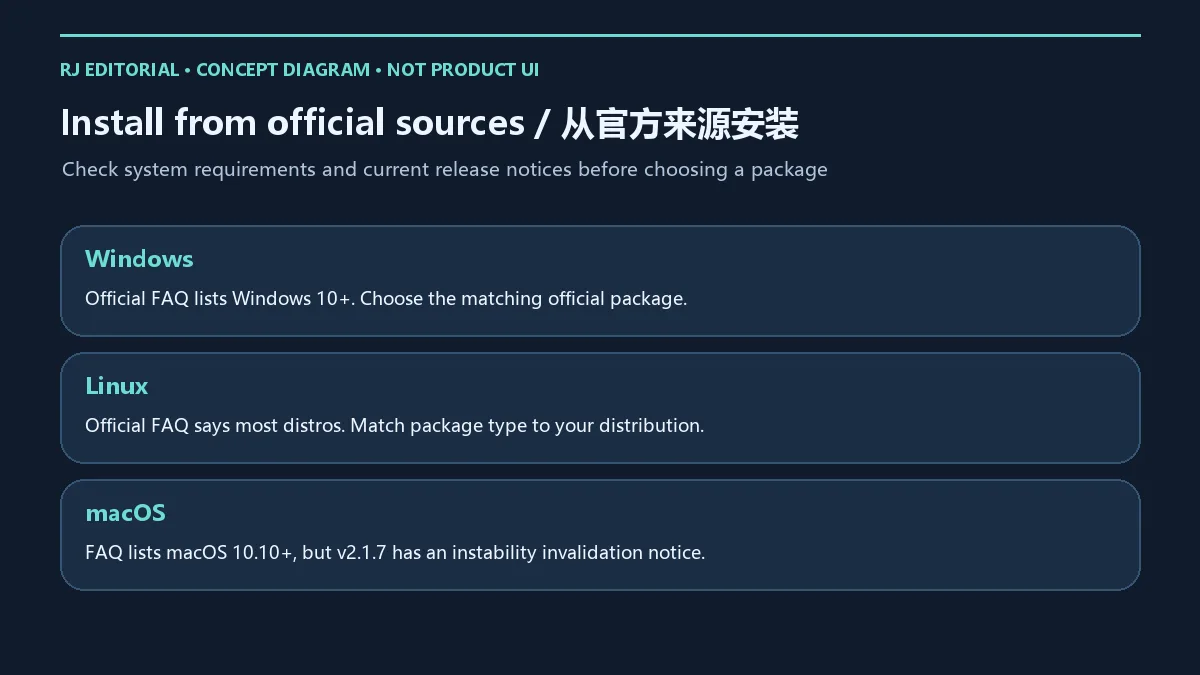
2026 年 10 月 18 日核验的官网 FAQ 列出 Windows 10 及以上、Linux 多数发行版和 macOS 10.10 及以上。这是产品页显示的支持范围;具体安装包还应以所选发行版的要求为准。官方页面有旧 Windows 的兼容提示,但本文不据此推荐旧版安装包。
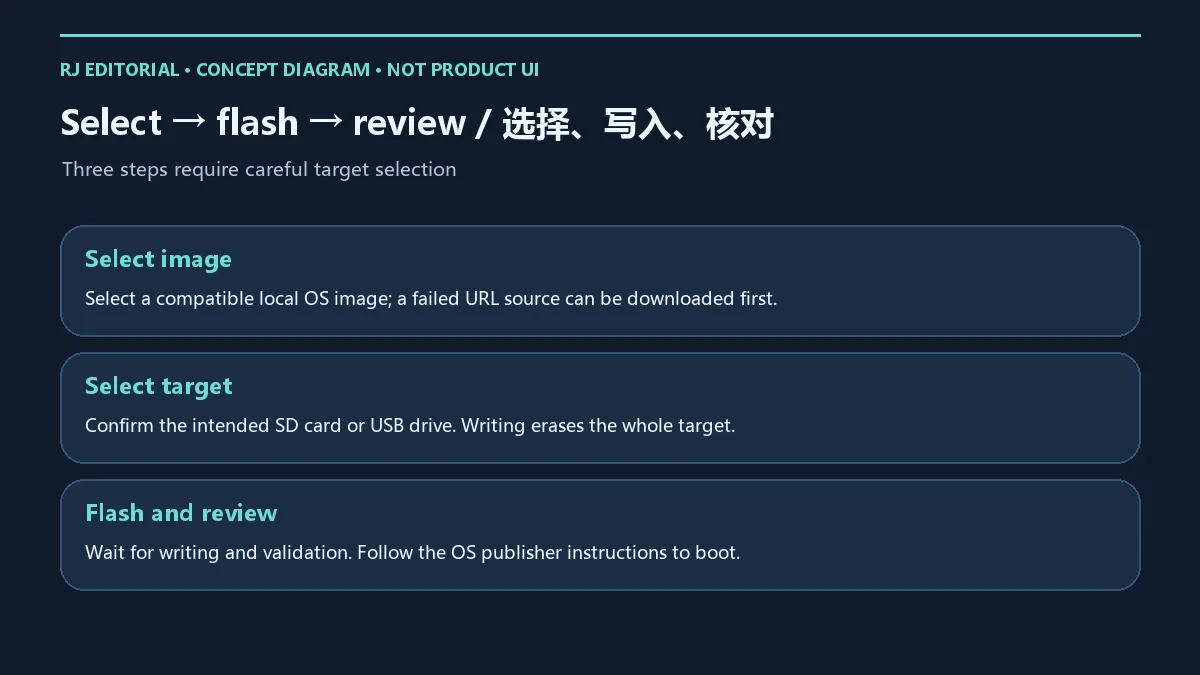
在 Etcher 中选择镜像,再选择目标盘,最后开始写入。确认按钮前再次比较目标容量与设备名称;过程中保持连接并等待写入和校验结束,然后按系统镜像发布者的说明移除介质和启动设备。官网 FAQ 建议:若从 URL 写入失败,可先把镜像下载到本地,再从本地文件选择。镜像下载与 Etcher 安装包获取是不同步骤。
普通 Windows ISO 并非 Etcher 设计为可直接制作启动盘的目标。官方 FAQ 说明其需要额外处理,不能把“能写入文件”理解为“写成可启动 Windows 安装盘”。需要 Windows 安装介质时,应按微软官方介质制作指引或相应官方流程操作;不要通过反复覆盖 USB 盘来猜测启动条件。
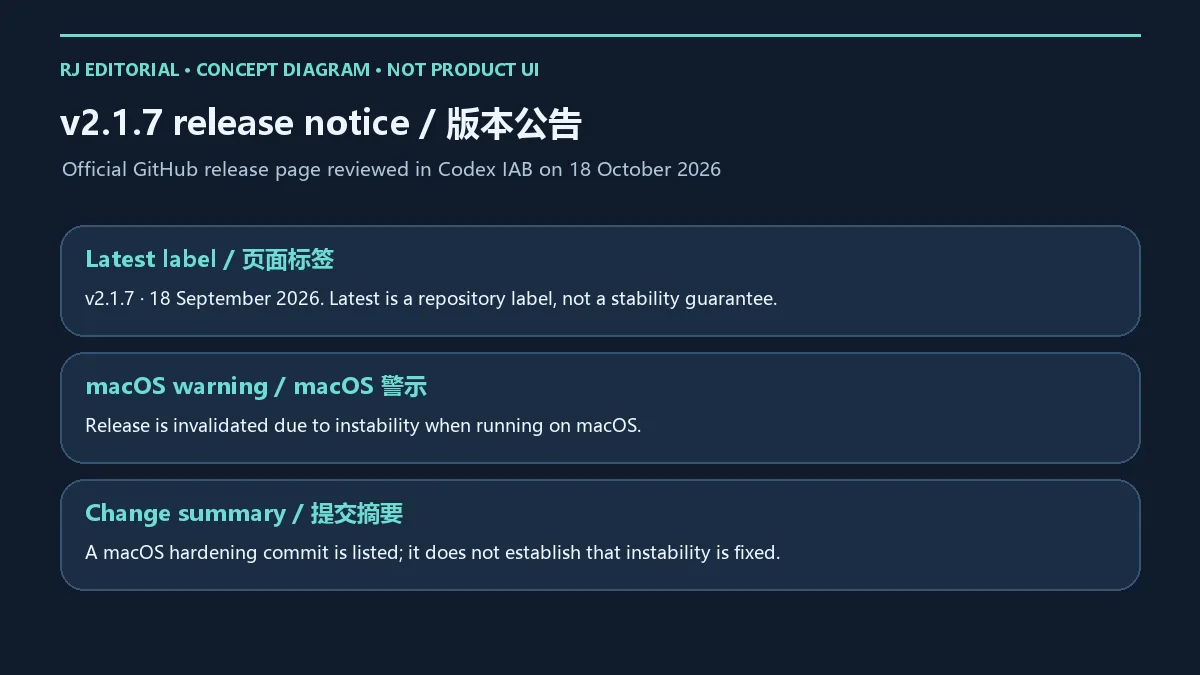
官方 GitHub releases 在核验时将 v2.1.7 标为 Latest,发布日期为 2026 年 9 月 18 日。同一条发行页醒目标注:“This version is invalidated due to instability when running on macos”。因此 Latest 标签不能被解释成所有平台均建议安装,也不能把该版描述为已解决 macOS 不稳定问题。
页面列有 2026 年 9 月 18 日的 macOS hardening 提交,这是仓库变更摘要,不是已验证的稳定性结论或完整逐项更新日志。v2.1.6 页面标示 2026 年 5 月 14 日,未见同样的作废提示;这项观察也不足以把它称为当前最新版或给出兼容保证。升级前重新阅读官方公告,并保留已有可用环境的恢复方案。
balenaEtcher 下载从哪里获取? 使用本文的官网或官方 GitHub releases 页面,核对平台和版本公告;旧榜单文件名不是当前版本证明。
Etcher 下载安全吗? 本文核实了官方入口和页面说明;没有下载、执行或扫描软件包。获取后按设备安全策略检查来源与文件,不能将写入校验当作安装包安全扫描。
为什么写入成功却不能启动? 先确认镜像面向目标设备、架构与启动模式,再按镜像作者说明检查启动设置。普通 Windows ISO 有前述限制,不能仅凭写入成功判断可启动。
要先格式化目标盘吗? 官方 FAQ 表示不需要。写盘仍会覆盖整个目标设备,先备份并核对容量和盘符。
macOS 能直接安装 v2.1.7 吗? 该版本页有因 macOS 不稳定而作废的公告,应先查官方后续维护说明,不把 Latest 标签作为推荐依据。
完成 balenaEtcher 下载后,将镜像来源、目标盘备份与版本公告一起核对,再开始烧录 USB 或 SD 卡写镜像,能让每一步都有清楚的选择依据。
Etcher download guide: flash ISO to USB or write an SD card image. Learn setup, target-drive checks, version notices, Windows ISO limits, and common fixes.
Etcher by balena writes operating-system images to SD cards and USB drives for end users and developers. Typical tasks include preparing a system card for a compatible single-board computer or boot media for an OS designed for direct image writing. Choose an image for the intended device architecture and boot method; a writer does not turn any file into a bootable operating system.
The official site describes three-step flashing, write validation and system drives hidden by default. Validation concerns the write result. It does not verify the trustworthiness of the source image or establish that a particular computer will boot it. Firmware settings, image format, architecture and storage condition still matter.
Flashing erases the whole target drive. Copy important data to separate storage and open sample backup files before proceeding. Match the selected drive capacity and drive letter or device name to the physical hardware. Comparing the device list before and after connecting the drive can help identify it; disconnect unrelated removable drives where practical.
A generic removable-drive label is insufficient when a reader exposes multiple devices or drives have similar capacities. The publisher describes default system-drive hiding and warnings, but you must still inspect the target. Stop and recheck if the device details do not match. The official FAQ says preformatting is unnecessary because flashing replaces the target contents.
The official FAQ reviewed on 18 October 2026 lists Windows 10 or later, most Linux distributions and macOS 10.10 or later. These are product-page statements; check the requirements of the specific release package too. The site also includes legacy Windows compatibility guidance, which is not a recommendation here to install an old package.
Select the image, select the target drive and start flashing. Recheck capacity and device identity immediately before confirming. Keep the drive connected through writing and validation, then follow the OS image publisher instructions for removal and booting. If flashing from a URL fails, the official FAQ suggests downloading the image locally and selecting that file instead. Downloading an OS image is separate from obtaining Etcher itself.
A standard Windows ISO is not the direct boot-media target Etcher was designed for. The official FAQ describes additional processing, so successful writing cannot be treated as proof of a bootable Windows installer. For Windows installation media, follow Microsoft official media-creation guidance or the corresponding documented workflow instead of repeatedly overwriting a drive to guess the boot requirements.
At review time, the official GitHub releases page labels v2.1.7 Latest and dates it 18 September 2026. The same release prominently states: “This version is invalidated due to instability when running on macos”. The repository Latest label therefore does not establish a recommendation for every platform or a fix for the reported macOS instability.
A macOS hardening commit dated 18 September 2026 appears in the repository change summary. That entry is not a validated stability result or a complete itemized release changelog. The v2.1.6 page is dated 14 May 2026 and did not show the same invalidation notice during review; this does not establish it as the current latest release or guarantee compatibility. Read current official notices before upgrading and retain a recovery route for an existing working environment.
Where should I get Etcher? Use the official website or balena GitHub releases linked here, matching platform and release notices. An old ranking filename does not prove the current version.
Is the download safe? The official entry pages and published statements were reviewed. No binary was downloaded, run or scanned here. Apply your device security policy after obtaining a file; write validation is not an installer malware scan.
Why does a successfully written drive fail to boot? Check image compatibility with the device, architecture and boot mode, then follow the image publisher instructions. Standard Windows ISOs have the limitation explained above. A completed write alone cannot establish bootability.
Must I format the target first? The official FAQ says no. Flashing still replaces the whole target drive, so back up and verify identity first.
Should I install v2.1.7 on macOS? That release carries an invalidation notice for macOS instability. Read subsequent official maintenance guidance rather than relying on the Latest label.
Before using the Etcher download to flash ISO to USB or write an SD card image, check the image source, target backup and current release notices together.
Informationen geprüft am: 18. Okt. 2026
Erstmals veröffentlicht: 18. Okt. 2026· Redaktionelle Überarbeitung: 18. Okt. 2026
会覆盖整个目标盘;先备份并核对设备容量、盘符或名称。 / It replaces the entire target contents. Back up and match capacity and device identifier first.
普通 Windows ISO 不是 Etcher 设计为可直接启动写入的目标;官方 FAQ 说明需要额外处理。 / Standard Windows ISOs require additional processing according to the official FAQ; a completed write alone is insufficient.
发行页标注因 macOS 不稳定而作废;选择安装包前查看当前官方说明。 / Its release is invalidated due to macOS instability. Read current official guidance before choosing a package.

Sideloadly 是 Windows/macOS 桌面 IPA 侧载工具,可将兼容 IPA 安装到 iPhone、iPad、Apple Silicon Mac 和 Apple TV;官网列出 Wi-Fi 侧载与自动刷新。 | Sideloadly is a Windows/macOS IPA sideloading utility for iPhone, iPad, Apple Silicon Mac and Apple TV, with Wi-Fi sideloading and automatic refresh features listed by the publisher.

DiskGenius 6.2:官方安装器与便携版、免费和专业版权限、当前更新及数据恢复位置检查。 / Official v6.2 package choices, Free/Professional differences, release notes and recovery-destination guidance.

读取DPC、ISR与硬缺页定位音频中断线索,区分7.31修复、家庭版许可与当前Windows驱动阻止限制。 / Interpret DPC, ISR and pagefault reports with v7.31 notes, Home Edition licensing and current Windows driver-policy limits.
PowerToys 是 Microsoft 提供的 Windows 实用工具集合,帮助用户自定义 Windows 并简化日常任务;资料列出的版本为 v0.102.3001。

Process Lasso 是 Bitsum 的 Windows 进程管理与自动化工具,提供 ProBalance、Performance Mode、进程规则和硬件监控。稳定版 18.4.0.48 支持 Windows 10、11 与 Windows Server;免费版可长期使用,部分高级功能需要 Pro。 / Process Lasso is Bitsum’s Windows process-management and automation utility, with ProBalance, Performance Mode, process rules and hardware monitoring. Stable version 18.4.0.48 supports Windows 10, 11 and Windows Server; some advanced features require Pro.

TrafficMonitor Windows 网速与资源监控:1.86 Lite 架构选择、任务栏设置、版本变更和零读数排查。 / TrafficMonitor v1.86 Lite package selection, taskbar setup, release changes and troubleshooting for network readings.