
TeamSpeak
TeamSpeak 是面向游戏、团队、商务和社群的语音通信平台,官方介绍包含消息交流与服务器管理。本条目对应官方列出的 Windows 64 位 TeamSpeak 3 3.6.2。

ARCHPR 是 Elcomsoft 面向 Windows 的压缩包密码恢复软件,支持 ZIP、7z、RAR 等存档格式。本页整理官网版本记录 v4.66.266、试用限制、Standard 与 Professional 差异、安装入口及授权边界。 ARCHPR is a Windows archive recovery tool; this guide covers vendor-listed v4.66.266 notes, trial limits, editions and setup.
Aliases: Advanced Archive Password Recovery、ARCHPR、Elcomsoft ARCHPR、ARCHPR v4.54、ARCHPR v4.55、ARCHPR 4.66.266.0
Author: RJ.tools Editorial
Learn about the software and its sources
Commercial proprietary software; a limited Windows trial is offered. See Elcomsoft's EULA.
ARCHPR 是 Elcomsoft 面向 Windows 的压缩包密码恢复软件,支持 ZIP、7z、RAR 等存档格式。本页整理官网版本记录 v4.66.266、试用限制、Standard 与 Professional 差异、安装入口及授权边界。 ARCHPR is a Windows archive recovery tool; this guide covers vendor-listed v4.66.266 notes, trial limits, editions and setup.
ARCHPR 下载与安装指南:核对 ZIP、7z、RAR 格式、试用限制和 v4.66.266 更新记录。 ARCHPR Windows guide to authorized archive recovery, trial limits, setup and release notes before use.
ARCHPR(Advanced Archive Password Recovery)面向有权访问文件的用户,可尝试恢复 ZIP、7z 与 RAR 压缩包密码。本文提供 ARCHPR 下载、Windows 安装、试用限制与 4.66.266 更新记录,并帮助核对格式与授权范围,列出常见故障排查建议和处理办法。
ARCHPR 是 Elcomsoft 面向 Windows 的压缩包密码恢复工具,适合处理自己创建、拥有或已获明确授权的 ZIP、7z、RAR 等存档。实际能否找回密码取决于压缩格式、加密方式和密码强度;厂商对某些特定旧格式描述了特殊恢复能力,但这不等于所有压缩包都能打开。请勿将其用于未经授权的数据访问。
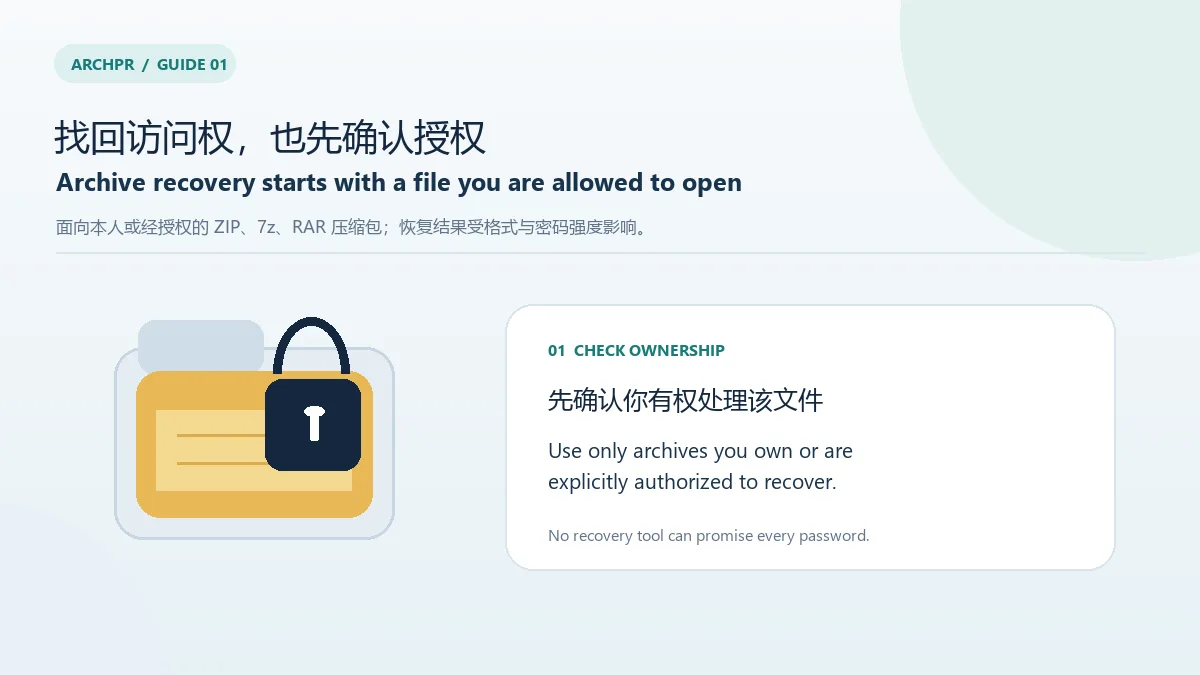
官网列出 ZIP/PKZip/WinZip、7-Zip、RAR/WinRAR、ARJ、ACE 1.x、自解压存档以及字典和暴力枚举等功能。兼容表区分 Standard 与 Professional:例如增强 AES 加密的 WinZip 存档只在 Pro 列中标为支持,且若干专用恢复功能也存在版本差异。选择 ARCHPR 版本前,先按存档格式查官网兼容表;无法确认时不要仅凭文件扩展名推断其加密方式。
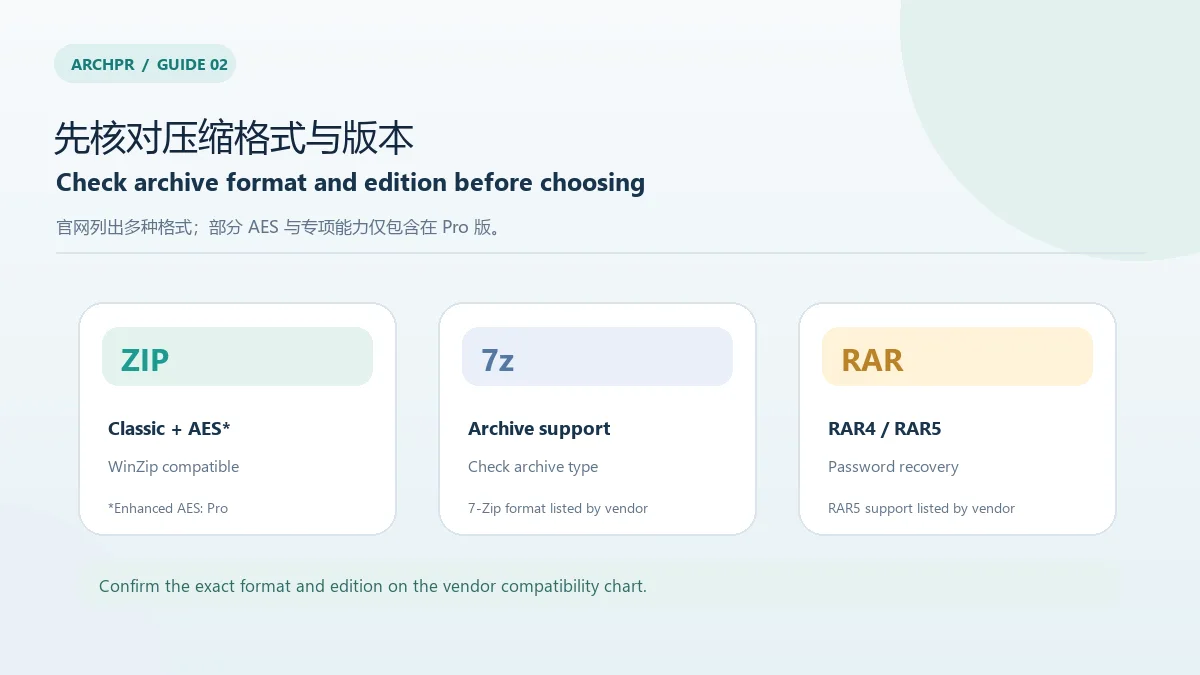
elcomsoft.com,目标文件名为 archpr_setup_en.msi。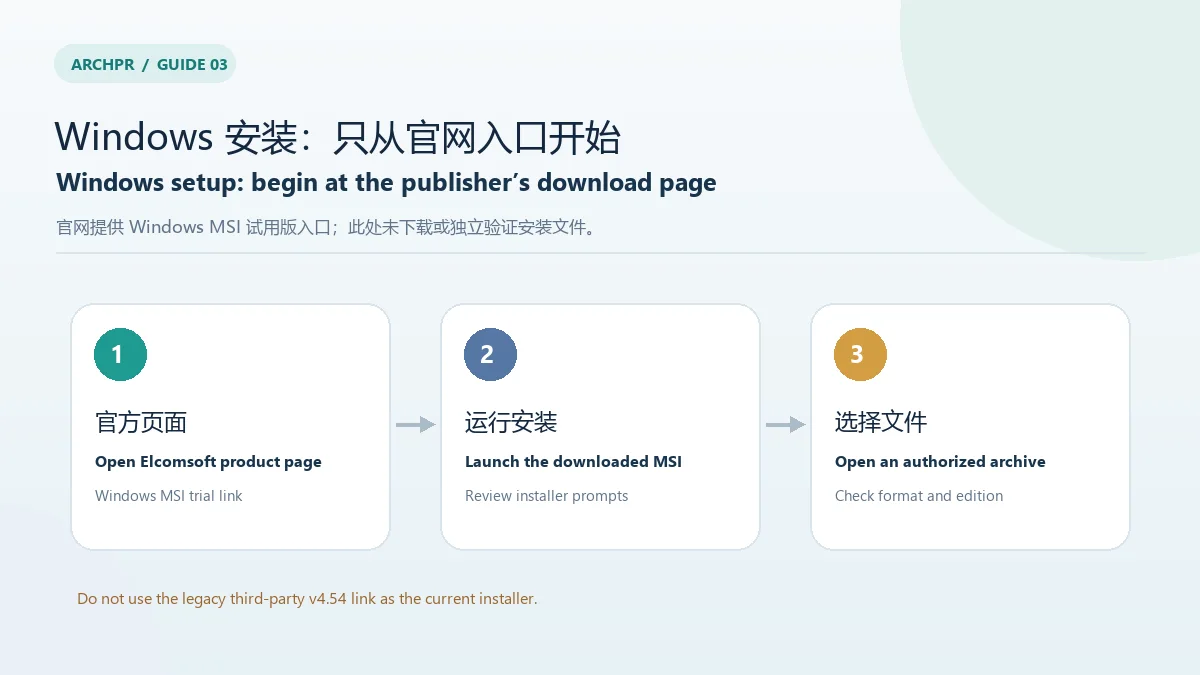
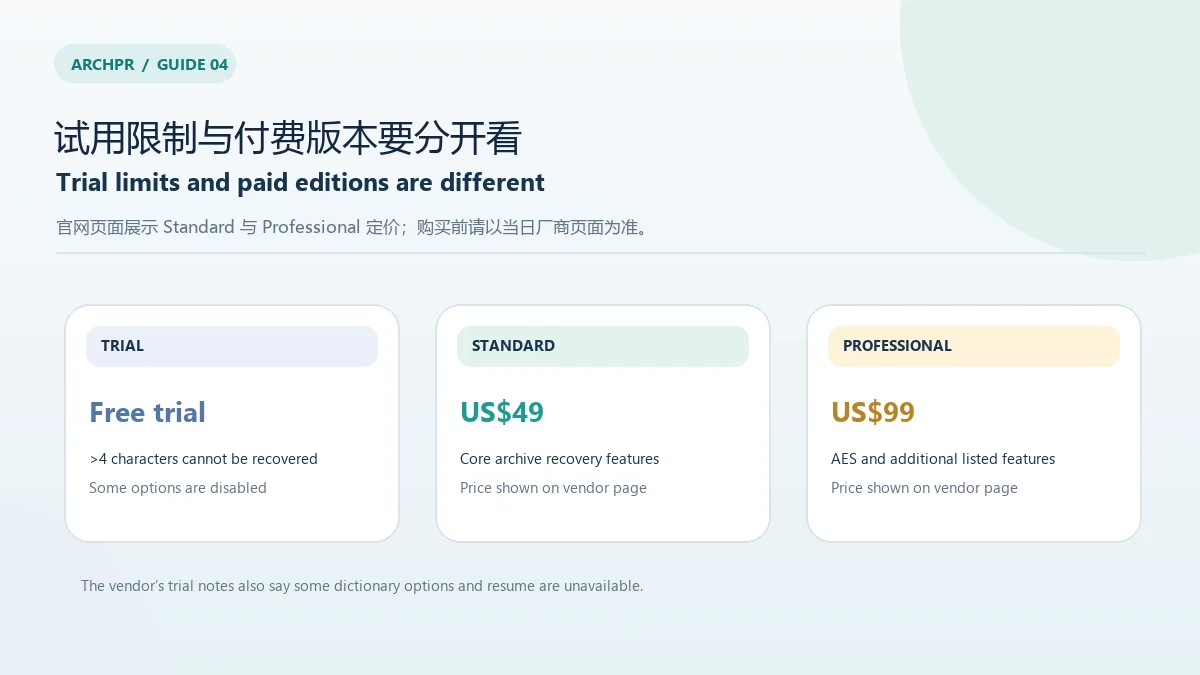
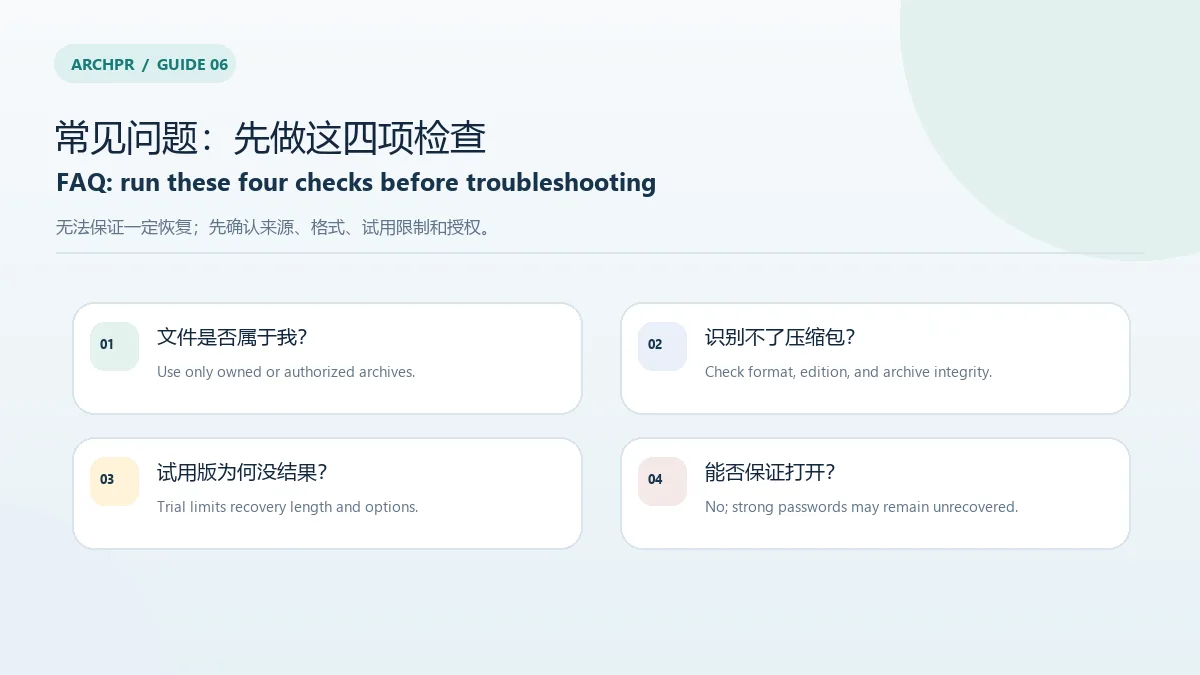
官网提供免费试用版,但试用说明列出多项限制:超过 4 个字符的密码不能在试用版中恢复,部分字典选项不可用,“Password from keys”和“Guaranteed WinZip Recovery”不可用,且攻击任务不能续跑。产品页展示 Standard Edition US$49、Professional Edition US$99;价格和授权条件可能调整,购买前请查看厂商页面及许可协议。不要把“可下载试用版”理解为功能完整的免费版本。
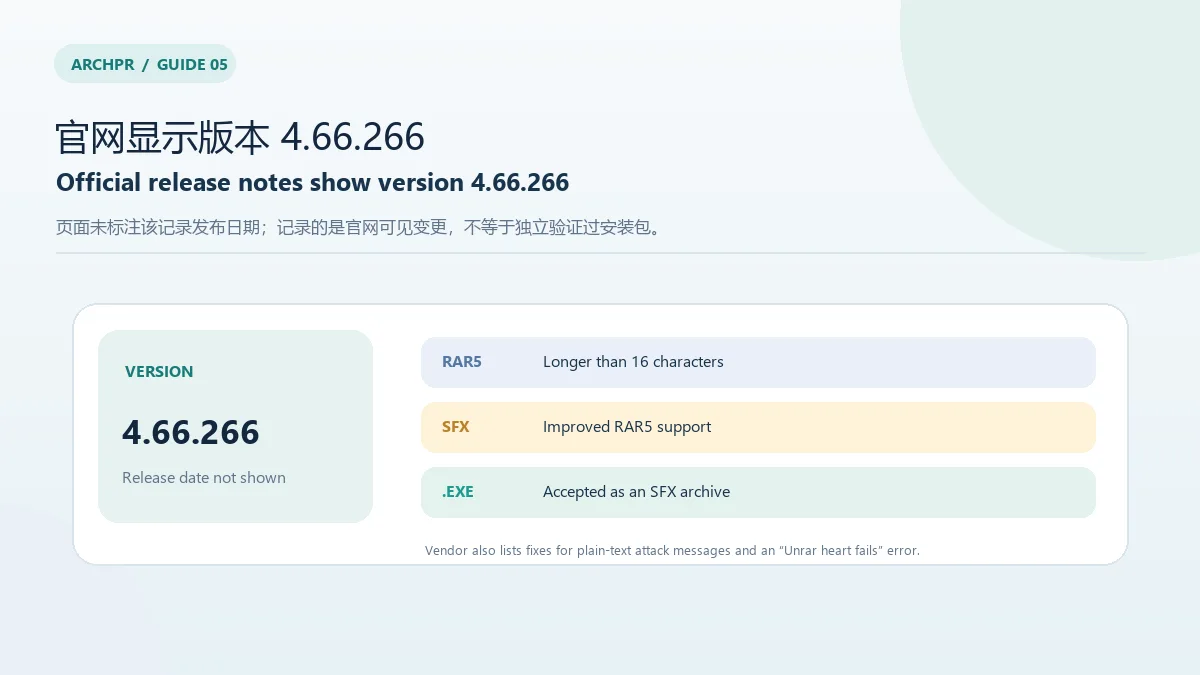
官网产品页的 Release notes 区域显示 Advanced Archive Password Recovery v.4.66.266,未标注发布日期。列出的变更包括:文件打开对话框支持以 .exe 扩展名选择自解压存档;支持超过 16 个字符的 RAR5 密码;改进 RAR5 自解压存档支持;修复 plain-text attack 错误消息和官网原文称为 “Unrar heart fails” 的错误(该错误标签未进一步解释)。官网当前安装器链接没有版本号,因此版本号与 MSI 文件之间的对应关系尚未通过下载或文件检查验证。
ARCHPR 能恢复任何 ZIP、7z 或 RAR 密码吗? 不能保证。格式、加密强度、密码长度和试用限制都会影响结果;强密码可能无法在合理时间内恢复。
试用版为什么无法恢复已知较长的密码? 官网明确说明试用版不能恢复超过 4 个字符的密码,并限制部分攻击选项。需要完整功能时,应先核对许可版本及其条件。
下载后无法识别存档怎么办? 先确认文件完整、扩展名与实际格式一致,再对照官网的兼容表和手册检查版本支持。不要把更换扩展名当作修复方法。
ARCHPR 可以处理别人的加密文件吗? 仅在获得所有者明确授权或依法履行职责时使用。工具的可用性不构成访问他人数据的许可。
ARCHPR download for Windows: check authorized ZIP, 7z, and RAR recovery support, trial limits, license options, and v4.66.266 notes before setting it up.
Advanced Archive Password Recovery (ARCHPR) is Elcomsoft’s Windows utility for recovering passwords to supported archives. It is relevant when you created the file, own it, or have explicit permission to recover it. Results depend on the archive format, encryption, and password strength. Vendor claims about special cases do not mean every archive can be opened. Do not use the software to access data without authorization.
Elcomsoft lists ZIP/PKZip/WinZip, 7-Zip, RAR/WinRAR, ARJ, ACE 1.x, self-extracting archives, and dictionary or brute-force options. Its compatibility chart separates Standard and Professional editions. For example, enhanced AES-encrypted WinZip archives are marked as supported only in the Pro column, and some specialized recovery features also differ by edition. Check the vendor chart for the exact archive type; a filename extension alone does not identify its encryption.
elcomsoft.com and points to archpr_setup_en.msi.
The vendor offers a free trial with stated restrictions: passwords longer than four characters cannot be recovered, some dictionary options are disabled, “Password from keys” and “Guaranteed WinZip Recovery” are unavailable, and an attack cannot be resumed. The product page displays Standard Edition at US$49 and Professional Edition at US$99. Prices or licensing terms may change, so check the current vendor page and license agreement before purchase. A trial download is not the same as a full-featured free edition.
The product page’s Release notes section lists Advanced Archive Password Recovery v.4.66.266 without a publication date. The listed changes are: the file-open dialog accepts .exe files for self-extracting archives; RAR5 passwords longer than 16 characters are supported; RAR5 self-extracting archive support is improved; plain-text attack error messages and an error labeled “Unrar heart fails” are fixed (the vendor does not explain that label further). The current installer URL is unversioned, so its exact relationship to this release has not been verified by downloading or inspecting the file.
Can ARCHPR recover every ZIP, 7z, or RAR password? No guarantee is possible. Format, encryption strength, password length, and trial restrictions affect the outcome; strong passwords may remain unrecovered.
Why does the trial not recover a longer password? Elcomsoft says the trial cannot recover passwords longer than four characters and disables some options. Check the license edition and terms if you need the full feature set.
What if ARCHPR does not recognize an archive? Confirm that the file is complete and that its extension matches its actual format, then consult the vendor’s compatibility chart and manual. Renaming an extension does not repair a damaged archive.
May I use ARCHPR on someone else’s encrypted files? Only with the owner’s explicit permission or as part of a lawful, authorized duty. Software availability does not grant permission to access another person’s data.
Information verified: Oct 18, 2026
First published: Oct 18, 2026· Editorial revision: Oct 18, 2026
TeamSpeak 是面向游戏、团队、商务和社群的语音通信平台,官方介绍包含消息交流与服务器管理。本条目对应官方列出的 Windows 64 位 TeamSpeak 3 3.6.2。
微软官方 Windows 10 下载页提供媒体创建工具入口和安装介质制作说明,页面将 22H2 标示为最终版本。Windows 10 Home 和 Pro 支持已于 2025 年 10 月 14 日结束;LTSC 版本按各自生命周期执行。

LX Music 洛雪音乐助手桌面版:官方Windows安装包、2.12.6更新、列表备份与播放排查。 / Official desktop packages, release notes, playlist preservation and playback troubleshooting.

EA app(原 EADesktop)Windows游戏客户端:官方安装、EA账号与游戏库、自动更新和故障帮助。 / EA client setup, game library, account checks, automatic updates and troubleshooting.

R2V 是 Able Software 的 Windows 地图与工程图栅格转矢量工具。查看官方 7.5 试用版、安装要求、GIS/CAD 输出与数据检查建议。 R2V converts scanned maps and drawings into GIS/CAD vectors; includes official trial and setup guidance.

Windows磁盘空间分析,解释MFT扫描、实际占用、重复候选限制、4.33更新与个人/商业许可。 / Windows disk space analysis with MFT scanning, allocated space, duplicate limits, v4.33 notes and licensing.
Sandboxie Windows 沙箱隔离工具双语指南:比较 Plus 与 Classic 的界面和许可,说明官方安装、文件恢复、隔离边界与 1.18.8 / 5.73.8 更新。 Bilingual guide to editions, installation, file recovery and sandbox limits.
Nmap 是安全扫描工具。官方页面列出稳定版 7.993,并提供 Windows、macOS、Linux 与源代码下载;本条登记 Windows edition。
uBlock Origin 是为浏览器提供的网络请求过滤扩展;Mozilla 官方条目说明其占用较低的 CPU 与内存。

OneKeePass 是支持 Windows、macOS 与 Linux 的 KeePass 兼容密码管理器,可管理 KDBX 4.x 数据库、密码、TOTP 与自定义条目;查看 v0.27.0 更新和官方安装来源。

Winticator 是一款开源桌面 TOTP 验证器,可离线生成动态验证码、扫描二维码添加条目,并导入 Google Authenticator 导出的迁移码。v1.0.6 提供 Windows x64、macOS Apple Silicon 与 Linux x64 构建;项目定位为技术演示,不面向生产或企业场景。