
装机后检查:硬件信息与基础诊断
在装机、升级或排查问题时核对硬件型号、传感器与基础健康信息。收录AIDA64 Extreme、CrystalDiskInfo、GPU-Z等站内已有工具,按实际用途选择适合自己的应用。
AIDA64 Extreme is a Windows system information, diagnostics, sensor monitoring, and benchmarking tool for personal PCs. / AIDA64 Extreme 是面向 Windows 个人电脑的系统信息、诊断、传感器监控与基准测试工具。
Autor: FinalWire Ltd.
Conheça as informações básicas do software e suas fontes
Commercial software; see FinalWire licensing terms. The vendor offers a 30-day trial, which may have limited functionality.
AIDA64 Extreme is a Windows system information, diagnostics, sensor monitoring, and benchmarking tool for personal PCs. / AIDA64 Extreme 是面向 Windows 个人电脑的系统信息、诊断、传感器监控与基准测试工具。
AIDA64 Extreme 下载面向需要 Windows 硬件检测与系统信息的用户,可查看处理器、内存、主板和存储设备详情,并读取受支持的温度、风扇与电压传感器。软件还提供电脑性能测试和稳定性测试;本文说明稳定版与测试版的区别、安装选择及读数排查,帮助你按检查目标找到合适入口。适合配置核对与故障排查。
AIDA64 Extreme 是 FinalWire 面向 Windows 个人电脑用户提供的系统信息与诊断工具。它把处理器、主板、内存、显示和存储等硬件资料,以及已安装软件、许可证和 Windows 设置整理为可浏览的页面。换件前核对识别信息、整理维护记录或查找传感器入口时,这种分项清单通常比只看一张系统摘要更实用;企业设备盘点则应先比较 Business 与 Network Audit 版本。
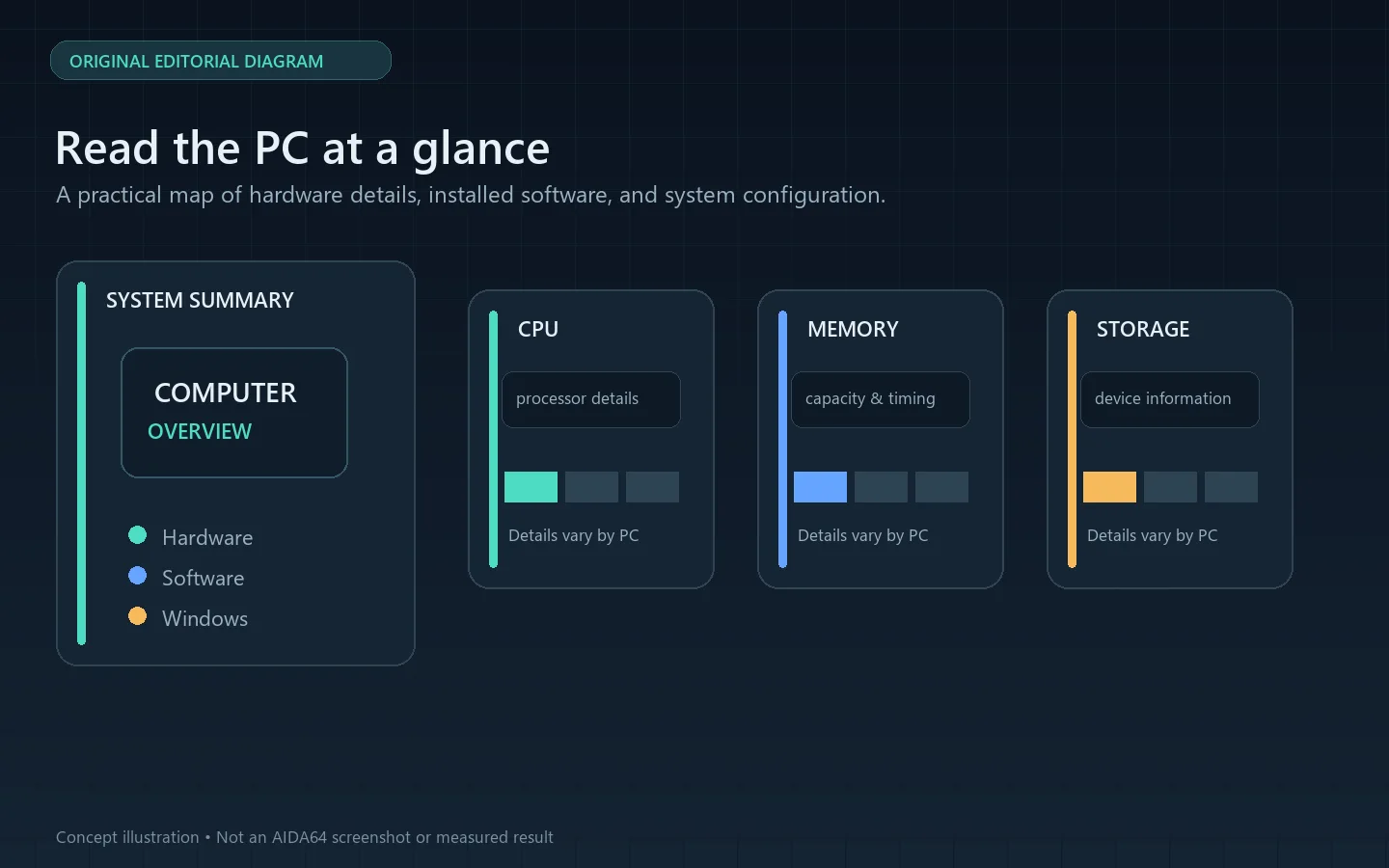
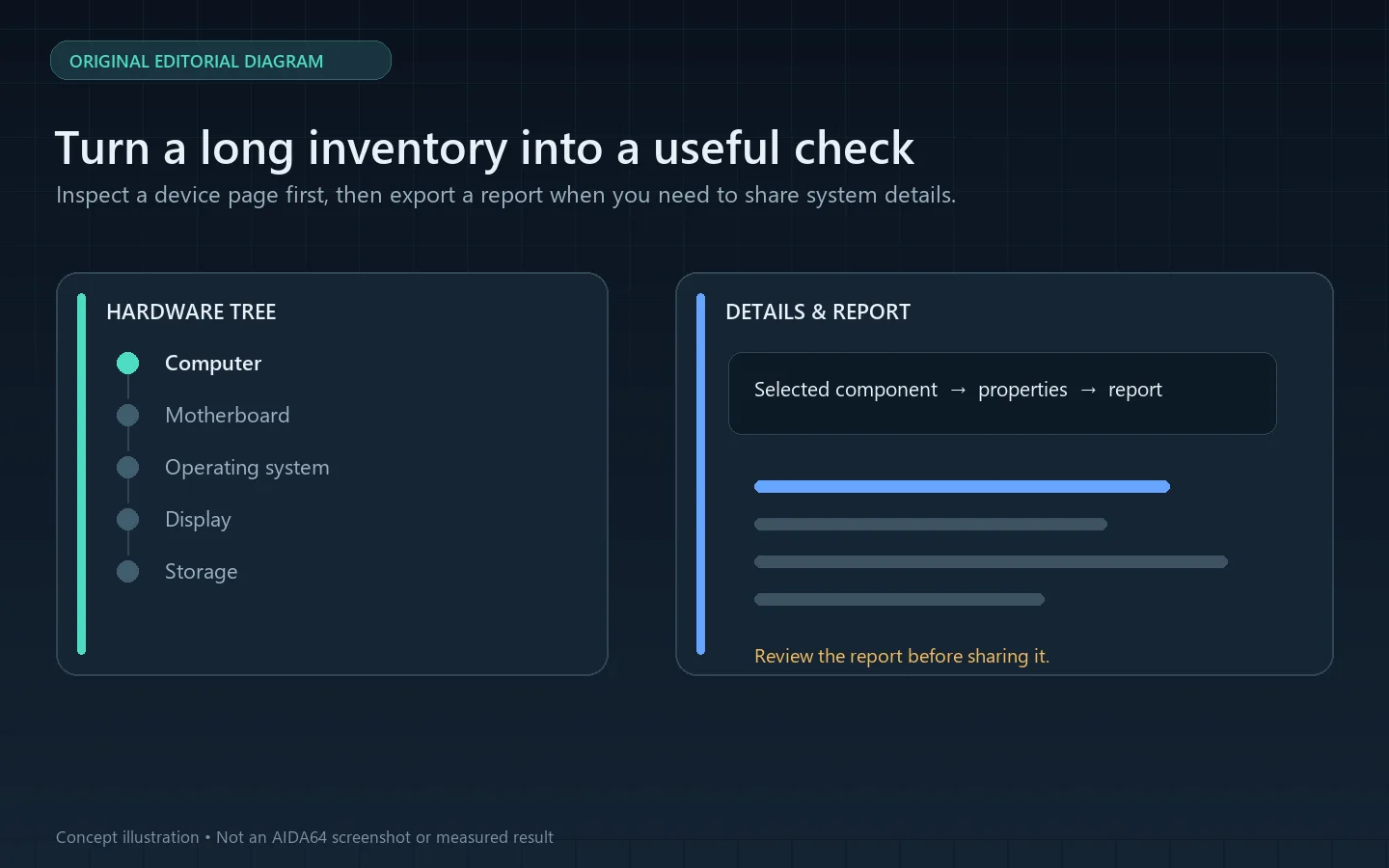
从左侧设备树选择具体部件,再核对对应的名称、属性和能力信息,能减少把整机型号误当成单一部件型号的情况。官方截图展示了主板芯片组、SMART、CPU 与内存基准等不同页面。需要交接时可整理报告,但分享前应检查其中是否包含设备名称、序列号或其他不想公开的系统信息。
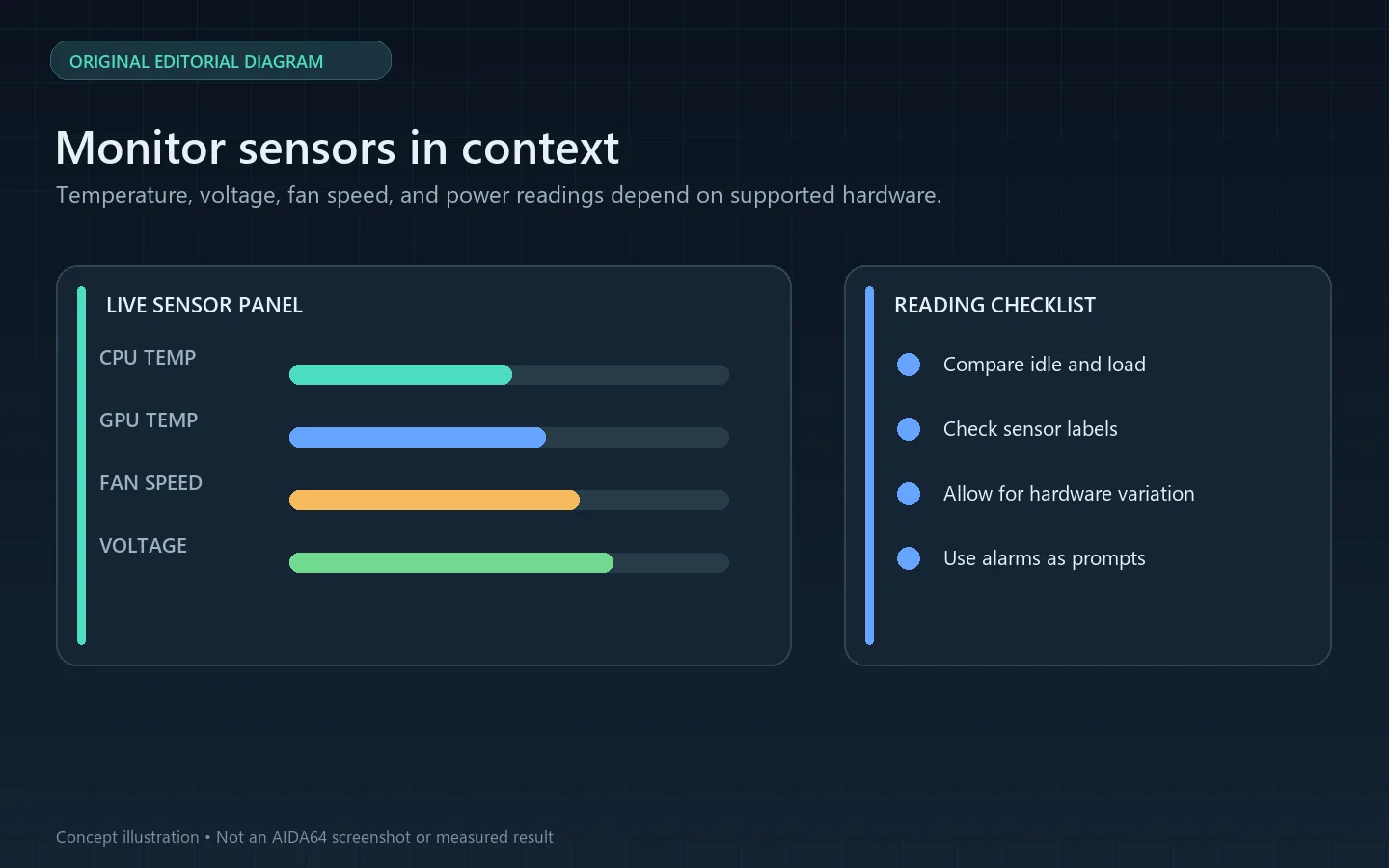
软件可读取其支持设备上的温度、电压、风扇转速与功耗等传感器值,官方资料列出 250 多种传感器设备。实际可见项目取决于主板、传感器芯片与驱动支持;列表缺少某项时,不应据此认定硬件损坏。排查温度告警时,先记录空闲状态与工作负载下的读数,再对照设备厂商给出的测量位置和限制。
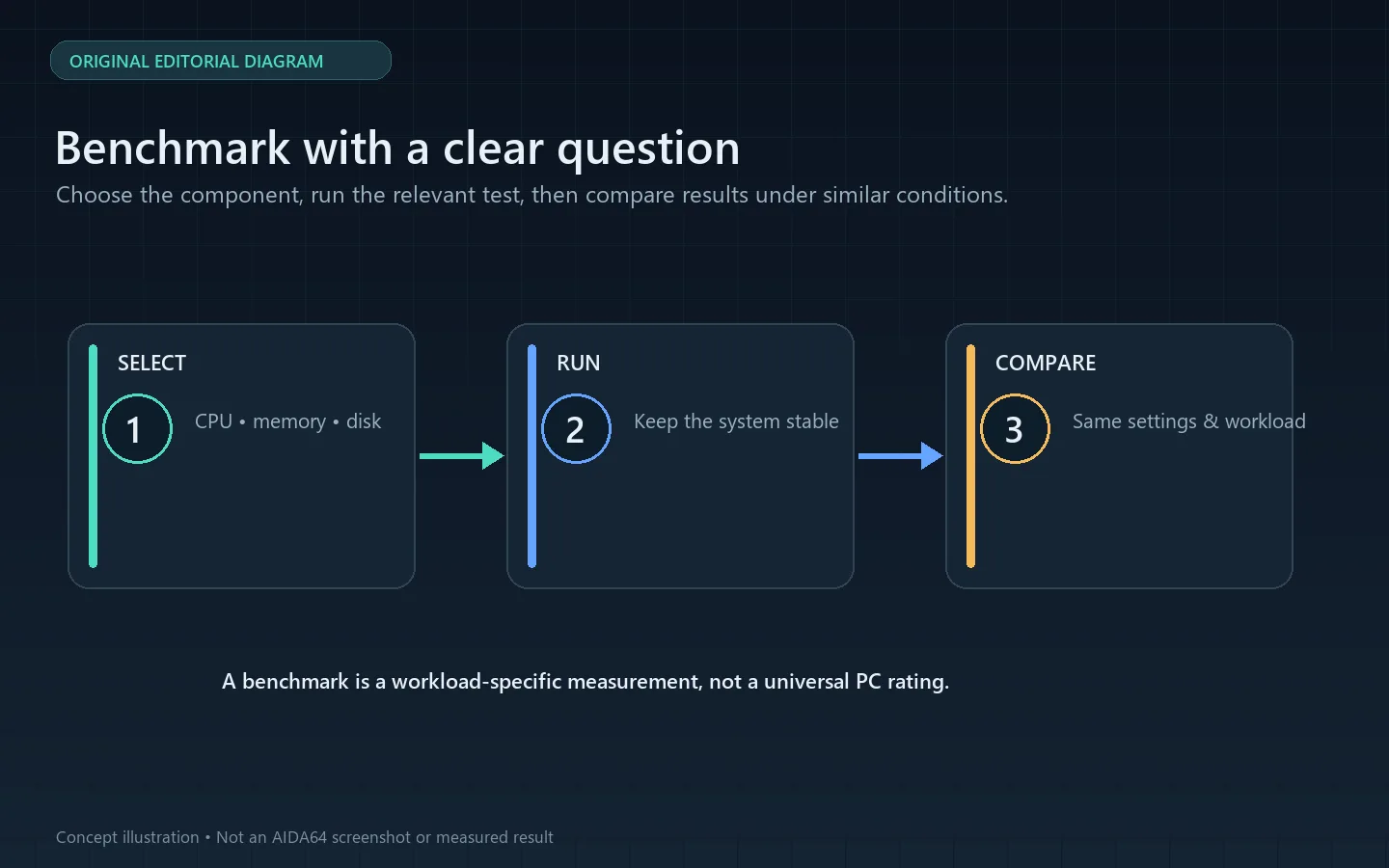
AIDA64 Extreme 提供 CPU、缓存、内存以及部分图形处理任务的基准测试,也提供系统稳定性压力测试。基准结果反映特定工作负载下的表现,不是整台电脑的通用分数;比较前应保持测试项目、系统状态和电源设置一致。稳定性测试会持续施加较重负载,运行时留意温度与风扇状态,出现异常升温或系统不稳定就应停止检查。
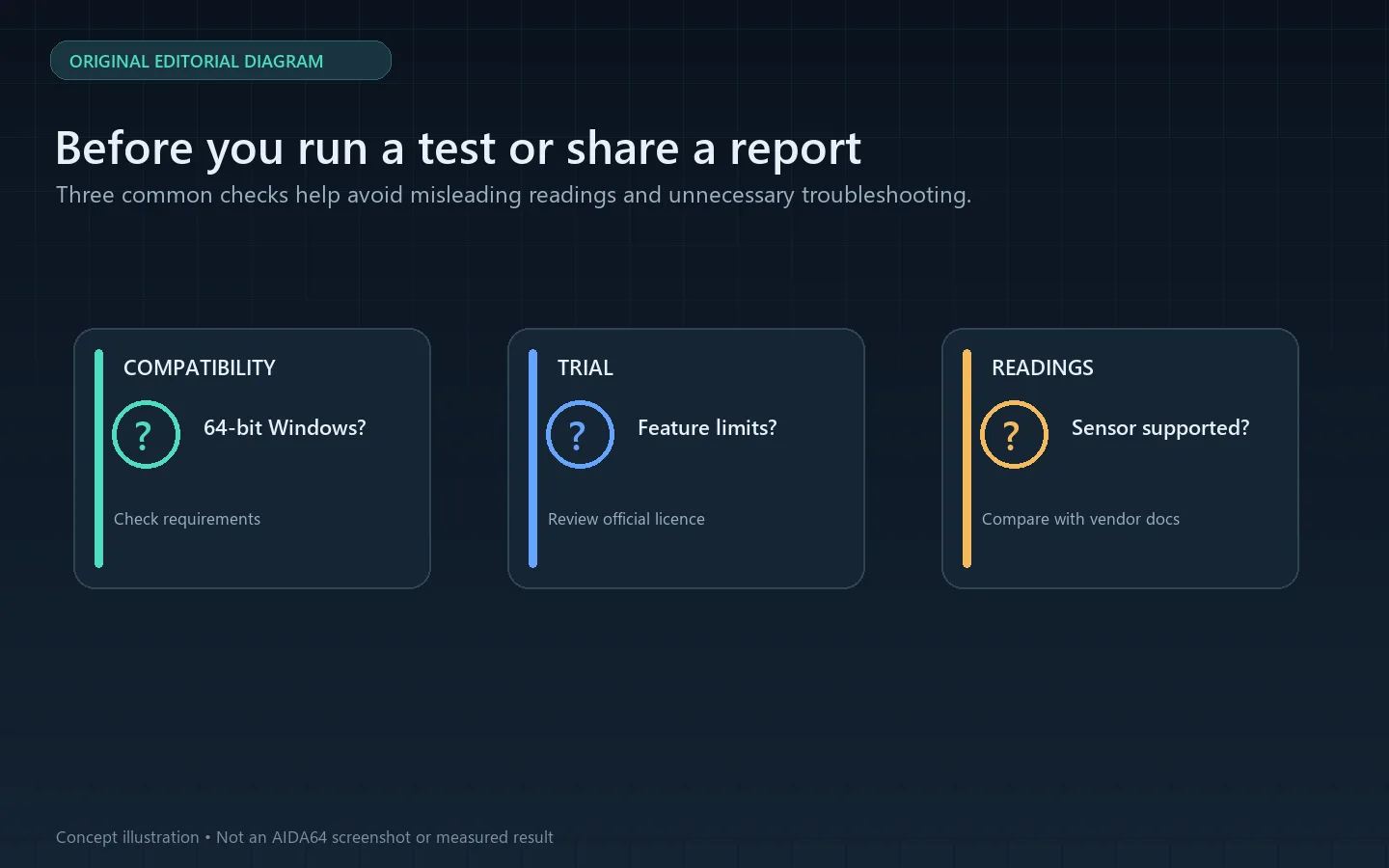
Extreme 提供内置 30 天试用,试用期内部分功能或结果页面可能受限;安装前请阅读当前授权说明。
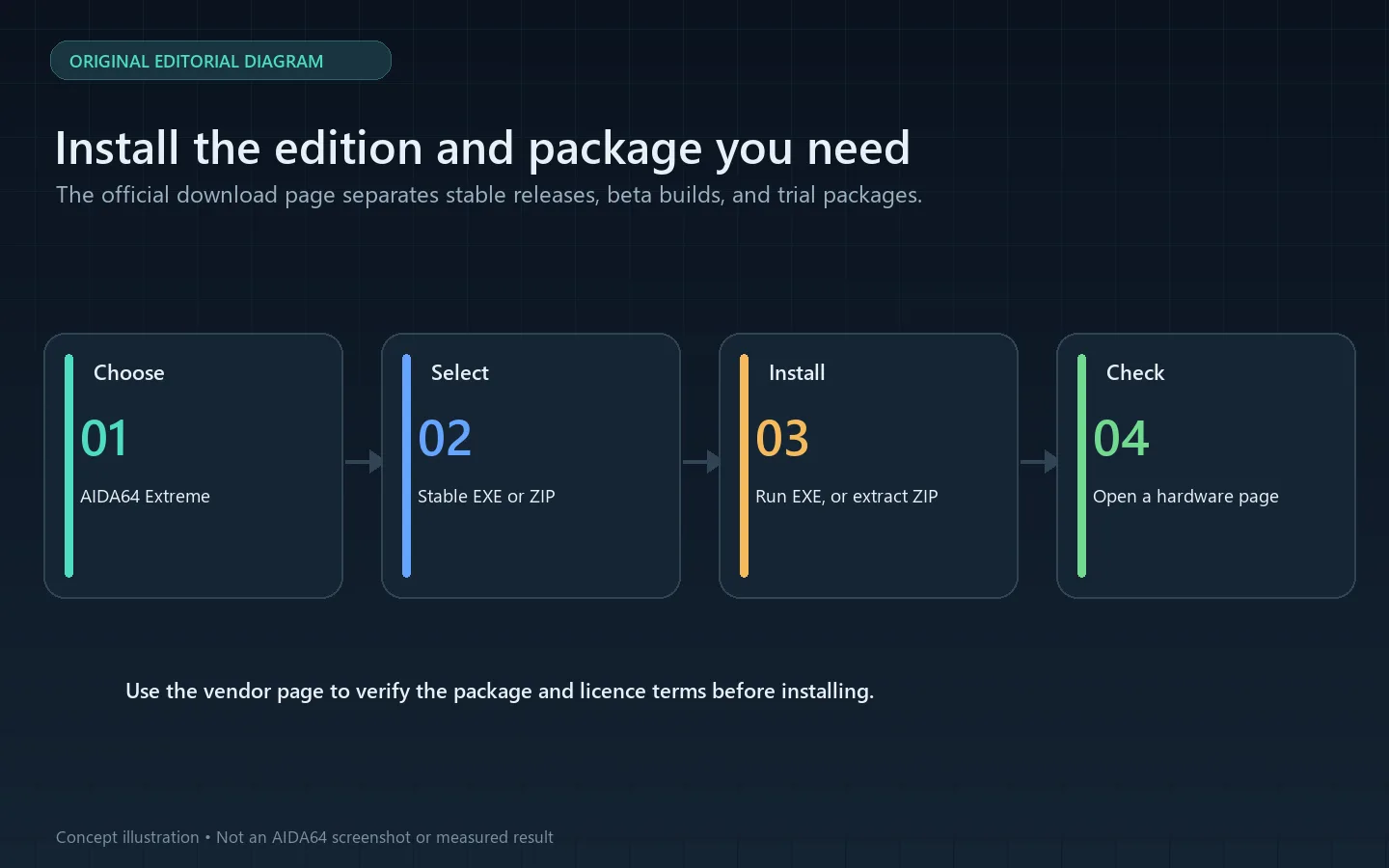
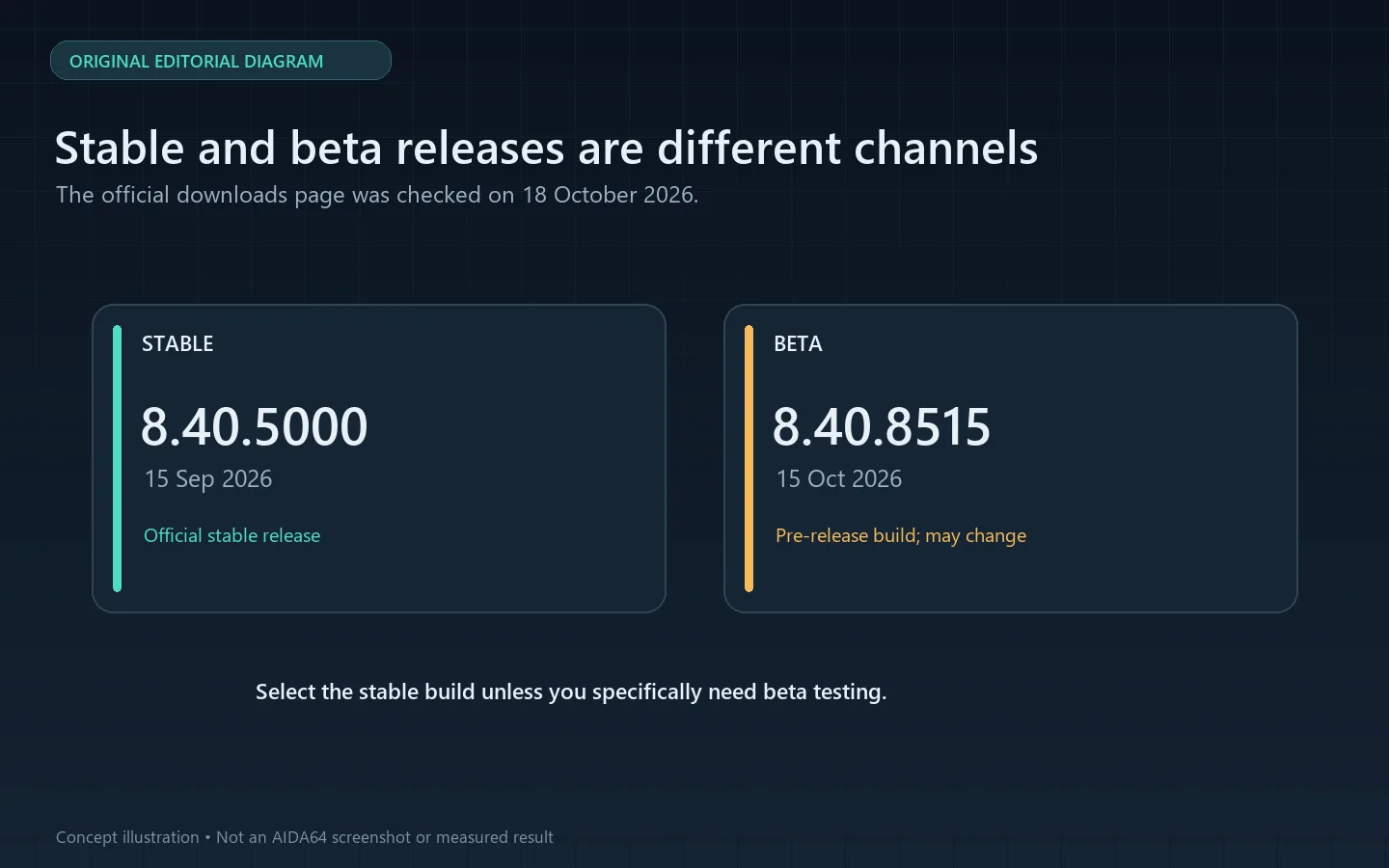
官方稳定下载页在 2026-10-18 显示 AIDA64 Extreme 8.40.5000,发布日期为 2026-09-15。v8.40 增加 AMD Verano 与 Verano-D 支持、AMD Zen 7 服务器处理器的初步支持、ATKACPI 传感器支持、更多 Matrix Orbital LCD 设备支持及 Radeon RX 9050 图形信息;Network Audit 和 Business 的 FTP 报告上传问题也已修复。下载页另列 8.40.8515 测试版(2026-10-15),它属于预发布渠道,不能当成稳定版。
问:为什么没有显示某个温度或风扇项目?
答:能否读取取决于硬件传感器和驱动支持。先确认主板与传感器型号,再对照厂商资料;不要把缺少读数直接当作故障结论。
问:基准测试分数能代表整台电脑快慢吗?
答:不能。它对应具体计算任务,适合在相同配置和相同测试项目之间比较。后台负载、温度或电源策略变化都会影响结果。
问:AIDA64 Extreme 完全免费吗?
答:官方提供 30 天试用,但试用可能限制部分功能;当前正式授权方式和价格请以 FinalWire 商店页面为准。
如果目标是确认配件、查看传感器或记录一次测试,按对应页面取数即可;如要排查问题,保留机器配置、测试条件和复现步骤,避免只凭单次基准分数下结论。AIDA64 Extreme 下载与更新应以 FinalWire 官方页面为准。
AIDA64 Extreme for Windows shows hardware details, supported sensors, and benchmarks. Learn to get the stable build, install the trial, and read results.
AIDA64 Extreme is FinalWire's Windows system information and diagnostics tool for personal PCs. It organizes processor, motherboard, memory, display, storage, installed software, licence, and Windows settings into browsable pages. This is useful when checking a component before an upgrade, recording a maintenance baseline, or locating a sensor reading. For auditing many company computers, compare the separate Business and Network Audit editions first.
Choose a component in the device tree, then review its own name and properties. This helps distinguish an individual part from the overall PC model. The vendor gallery identifies pages for chipset, SMART, CPU benchmarks, and memory information. If you export a report for a repair handoff, review it first for device names, serial numbers, or other system details you do not want to share.
The product reads supported sensor values such as temperature, voltage, fan speed, and power draw; FinalWire lists support for more than 250 sensor devices. The available readings depend on the motherboard, sensor chip, and driver support. A missing entry alone does not prove a hardware fault. When checking a temperature warning, record idle and loaded readings and compare the sensor location with the hardware vendor's documentation.
AIDA64 Extreme includes CPU, cache, memory, and selected graphics workloads, along with a System Stability Test. A benchmark describes performance on a particular workload; it is not a universal score for the entire PC. For a useful comparison, keep the test, system state, and power settings consistent. Stability testing deliberately creates heavy load, so watch temperature and fan behaviour and stop if the machine becomes unstable or heats abnormally.
Extreme includes a 30-day trial. Some features or result pages may be limited during the trial, so review the current licence terms before use.
On 18 October 2026, FinalWire's stable downloads page listed AIDA64 Extreme 8.40.5000, released on 15 September 2026. Version 8.40 adds AMD Verano and Verano-D support, preliminary support for AMD Zen 7 server processors, ATKACPI sensor support, additional Matrix Orbital LCD support, and GPU details for the Radeon RX 9050. It also fixes FTP report uploads in Network Audit and Business. The downloads page lists 8.40.8515 separately as a beta build released on 15 October; it is a pre-release channel, not the stable release.
Why is a temperature or fan reading missing?
Availability depends on the hardware sensor and driver support. Check the motherboard and sensor documentation; do not treat a missing value as proof of a fault.
Does a benchmark score represent the whole PC?
No. It measures a specific workload and is most useful when compared with the same test under similar conditions. Background work, temperature, and power settings can change the result.
Is AIDA64 Extreme fully free?
FinalWire offers a 30-day trial, which may limit some features. Check the official store for current licence options and pricing.
Use the relevant information page for a component check, sensor review, or recorded test. When troubleshooting, keep the PC configuration, test conditions, and reproduction steps with the result instead of relying on a single benchmark score. Use FinalWire's official pages for AIDA64 Extreme downloads and updates.
Informações verificadas em: 18 de out. de 2026
Publicado pela primeira vez: 18 de out. de 2026· Revisão editorial: 18 de out. de 2026

Sideloadly 是 Windows/macOS 桌面 IPA 侧载工具,可将兼容 IPA 安装到 iPhone、iPad、Apple Silicon Mac 和 Apple TV;官网列出 Wi-Fi 侧载与自动刷新。 | Sideloadly is a Windows/macOS IPA sideloading utility for iPhone, iPad, Apple Silicon Mac and Apple TV, with Wi-Fi sideloading and automatic refresh features listed by the publisher.

DiskGenius 6.2:官方安装器与便携版、免费和专业版权限、当前更新及数据恢复位置检查。 / Official v6.2 package choices, Free/Professional differences, release notes and recovery-destination guidance.

读取DPC、ISR与硬缺页定位音频中断线索,区分7.31修复、家庭版许可与当前Windows驱动阻止限制。 / Interpret DPC, ISR and pagefault reports with v7.31 notes, Home Edition licensing and current Windows driver-policy limits.
PowerToys 是 Microsoft 提供的 Windows 实用工具集合,帮助用户自定义 Windows 并简化日常任务;资料列出的版本为 v0.102.3001。

Process Lasso 是 Bitsum 的 Windows 进程管理与自动化工具,提供 ProBalance、Performance Mode、进程规则和硬件监控。稳定版 18.4.0.48 支持 Windows 10、11 与 Windows Server;免费版可长期使用,部分高级功能需要 Pro。 / Process Lasso is Bitsum’s Windows process-management and automation utility, with ProBalance, Performance Mode, process rules and hardware monitoring. Stable version 18.4.0.48 supports Windows 10, 11 and Windows Server; some advanced features require Pro.

TrafficMonitor Windows 网速与资源监控:1.86 Lite 架构选择、任务栏设置、版本变更和零读数排查。 / TrafficMonitor v1.86 Lite package selection, taskbar setup, release changes and troubleshooting for network readings.